













官方供应商
我们作为官方授权经销商,直接提供超过200家开发厂家所发行超过1000个的产品授权给您。
查看我们的所有品牌。
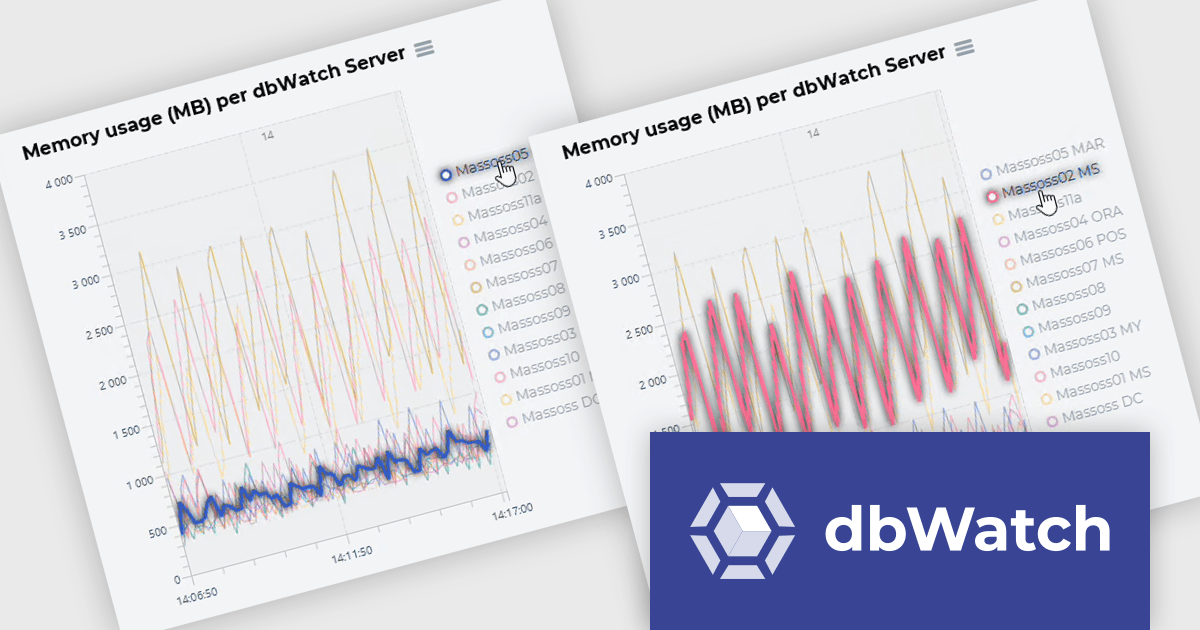
dbWatch is a comprehensive database monitoring and management solution designed to optimize the performance, reliability, and scalability of database environments. It provides features such as real-time monitoring, automated maintenance, detailed reporting, and robust authentication management. These capabilities help database administrators save time, ensure consistency, and enhance security across multiple database instances. dbWatch is ideal for organizations managing complex database infrastructures, supporting use cases such as proactive performance tuning, compliance monitoring, and database maintenance. With its user-friendly interface and automation tools, dbWatch empowers teams to efficiently manage their databases, reduce operational overhead, and focus on strategic initiatives.
The dbWatch Control Center Q2 2026 update introduces interactive memory usage highlighting, enabling developers to hover over a server and instantly highlight its memory usage within performance charts. This enhancement improves chart readability in environments with many monitored servers by reducing visual complexity and making it easier to focus on a single data series. As a result, developers and database administrators can more efficiently track memory utilization over time, compare server behavior, and identify unusual patterns or potential performance issues without losing context.
To see a full list of what's new in the latest update, see our release notes.
dbWatch Control Center is licensed per instance and is offered as a 12 month subscription license. Licenses are available for MS SQL Server, Oracle, MySQL, PostgreSQL, MariaDB, and Sybase. For further information see our dbWatch Control Center licensing page.
For more information, visit our dbWatch Control Center product page.
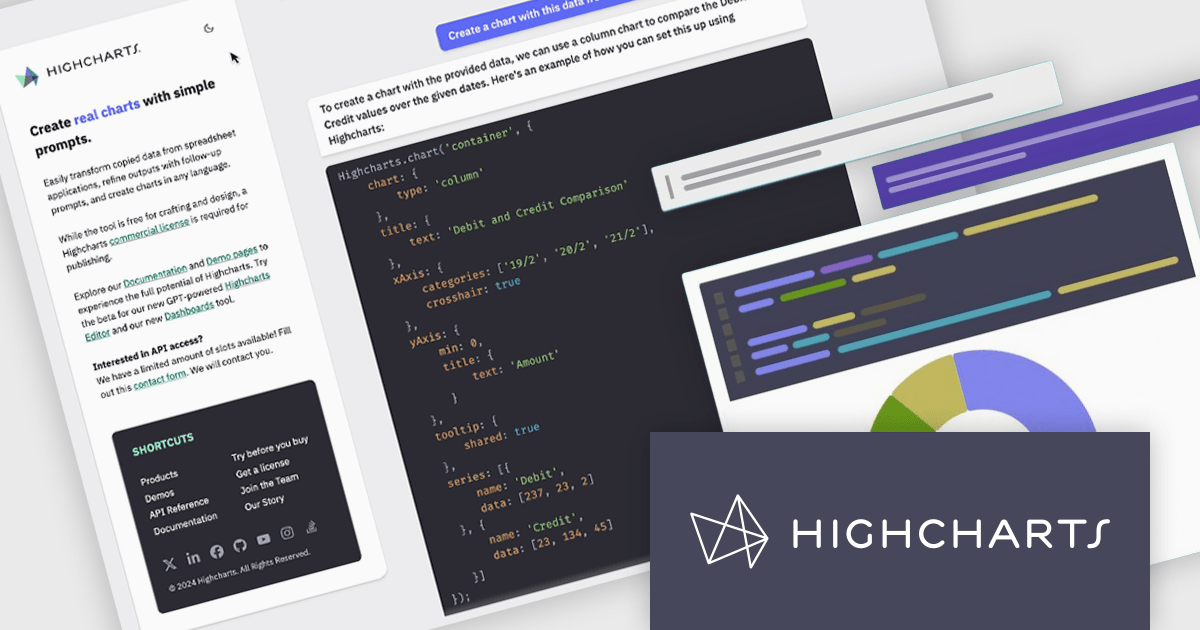
Highcharts is a JavaScript charting framework that allows web developers and data analysts to generate dynamic, visually appealing charts and graphs for websites and web applications. It can display a variety of chart types, including line, spline, area, column, bar, pie, scatter, and many more. Highcharts is well-known for its ease of use, rich documentation, and ability to handle huge datasets efficiently. Features include responsive design, accessibility support, and cross-browser compatibility. Its customization capabilities allow users to create bespoke data visualizations that increase engagement and provide insightful data presentations.
Highcharts GPT has been renamed Highcharts Assist to represent its evolution from an AI assistant associated with a single language model to a universal assistant for the Highcharts platform. Highcharts Assist provides software developers with support across implementation, debugging, licensing, product guidance, and best practices, while its model-agnostic approach allows the underlying AI technology to evolve over time without changing the user experience.
Highcharts Core is licensed on an annual or perpetual basis, OEM licenses, and Advantage Renewals. It is licensed per Developer and has several license options including Internal, SaaS, SaaS+, and Self Hosted. See our Highcharts Core licensing page for full details.
Learn more on our Highcharts Core product page.
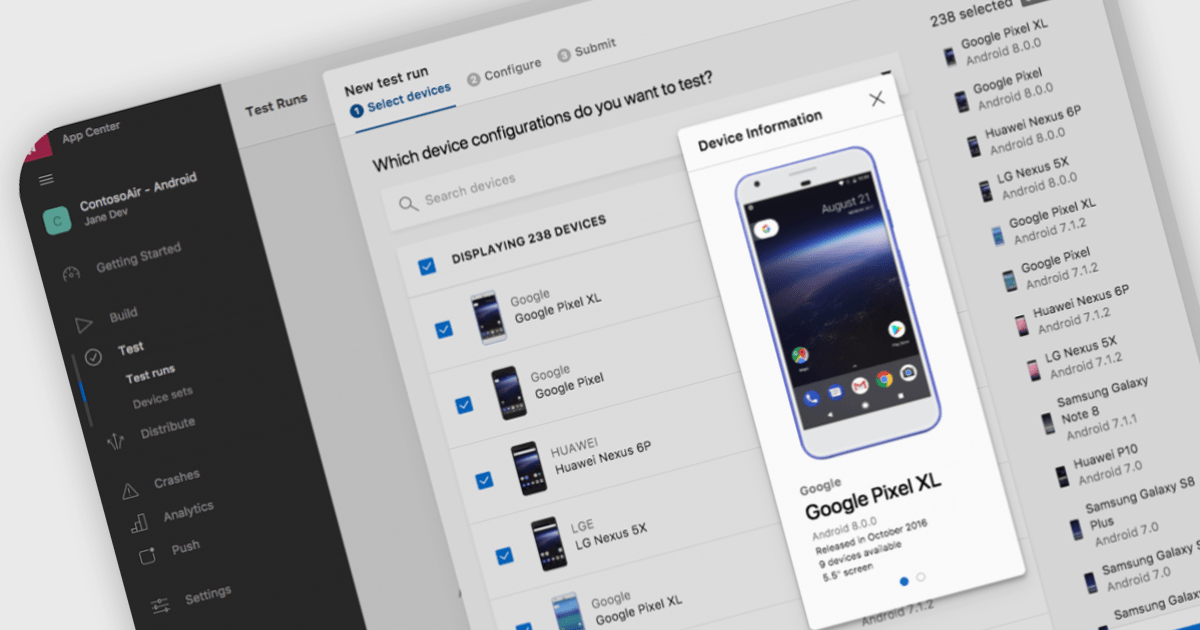
Integrated Development Environments (IDEs) that include support for the Android framework help developers build applications for phones, tablets and other Android-powered devices using a single, integrated workspace. By providing project templates, intelligent code editing, debugging tools and deployment options designed for Android development, these IDEs reduce the effort required to create and maintain mobile applications. Support for the Android Software Development Kit (SDK), emulators and modern programming languages helps development teams deliver reliable Android applications while working with the latest platform capabilities.
Several Integrated Development Environments (IDEs) contain support for the Android framework including:
For an in-depth analysis of features and price, visit our comparison of Integrated Development Environments (IDEs).
ActiveReportsJS is a powerful, lightweight reporting tool designed to integrate advanced reporting capabilities into any JavaScript application. ActiveReportsJS enables developers to create, view, export, and print richly formatted reports entirely on the client side - with zero server dependencies.
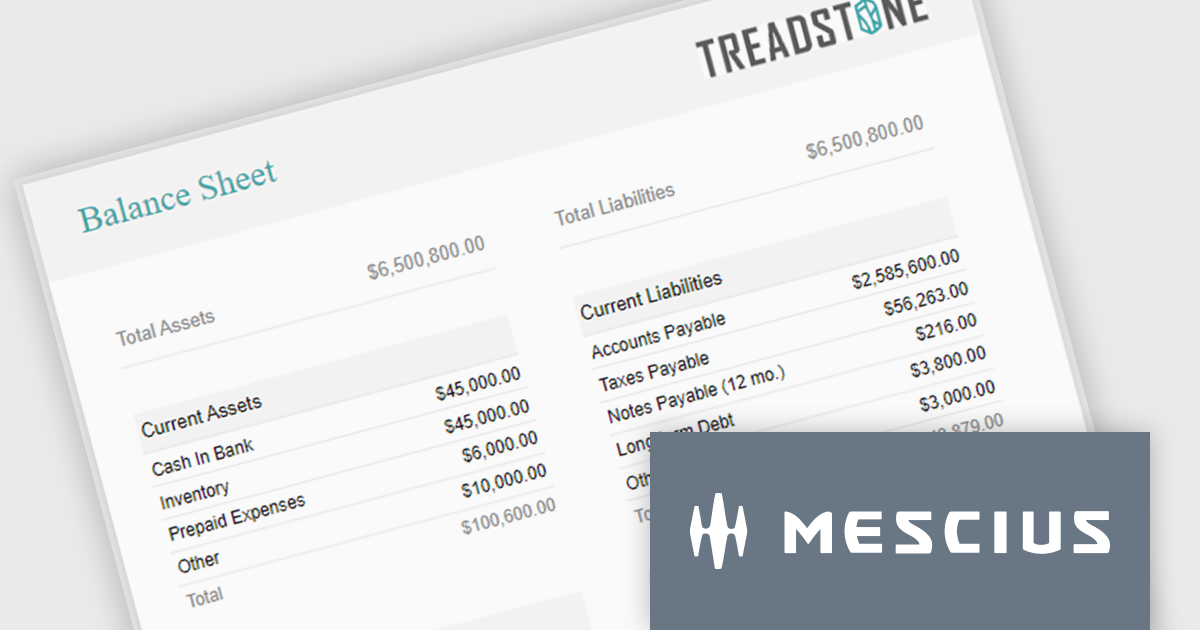
Balance sheets provide a snapshot of an organization's financial position at a specific point in time. By summarizing assets, liabilities, and equity, these reports help creditors, investors, and stakeholders evaluate a company's financial health. In this blog post, MESCIUS Product Manager Joel Parks demonstrates how to use the Angular Report Designer to give users the ability to design, view, and interact with reports directly from within your web application. Steps include:
Read the complete blog to get started creating polished, interactive balance sheets within your web applications.
ActiveReportsJS is licensed on an annual subscription or perpetual basis and is available as a Single Deployment License for non-commercial use, and as a Single Domain License or Unlimited Domain License for commercial and/or SaaS use. See our ActiveReportsJS licensing page for full details.
For more information, visit our ActiveReportsJS product page.
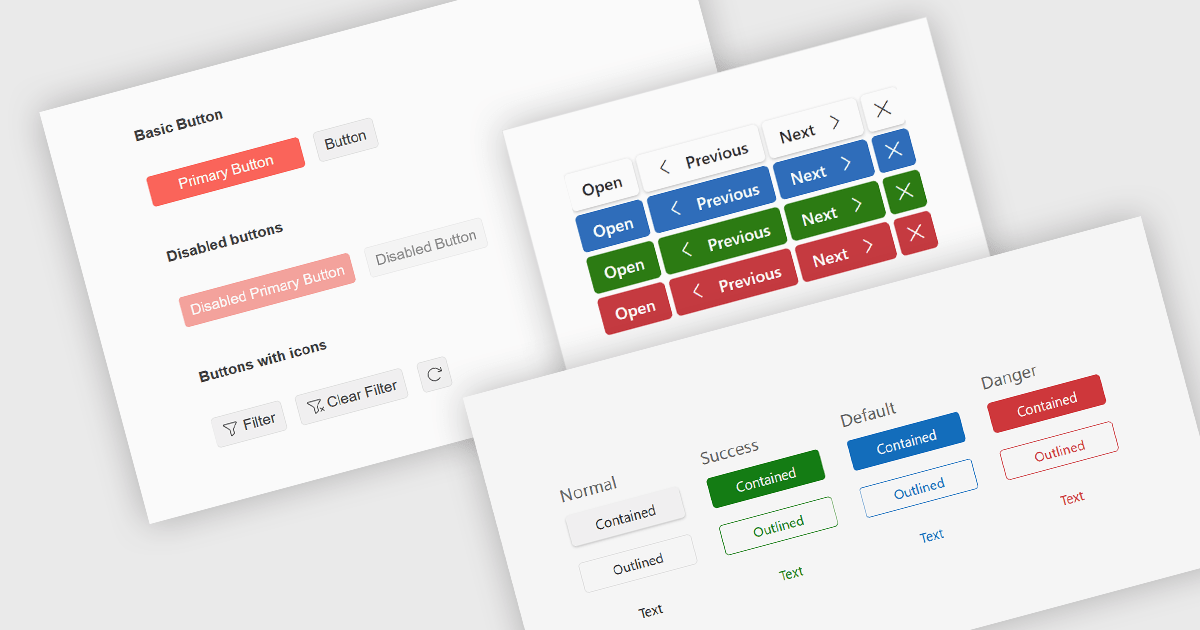
Button editors are user interface (UI) components that enable users to initiate actions within an application, such as submitting data, opening dialogs, clearing input, or executing custom commands. Modern button components often provide options for customizing appearance, icons, size, placement, and behavior, helping developers create consistent, accessible interfaces while supporting application-specific workflows and improving the overall user experience.
Several jQuery data editor collections provide you with button editor controls, including:
For an in-depth analysis of features and price, visit our comparison of jQuery data editors.
联系电话: (888) 850 9911
传真: +1 770 250 6199


