













官方供应商
我们作为官方授权经销商,直接提供超过200家开发厂家所发行超过1000个的产品授权给您。
查看我们的所有品牌。
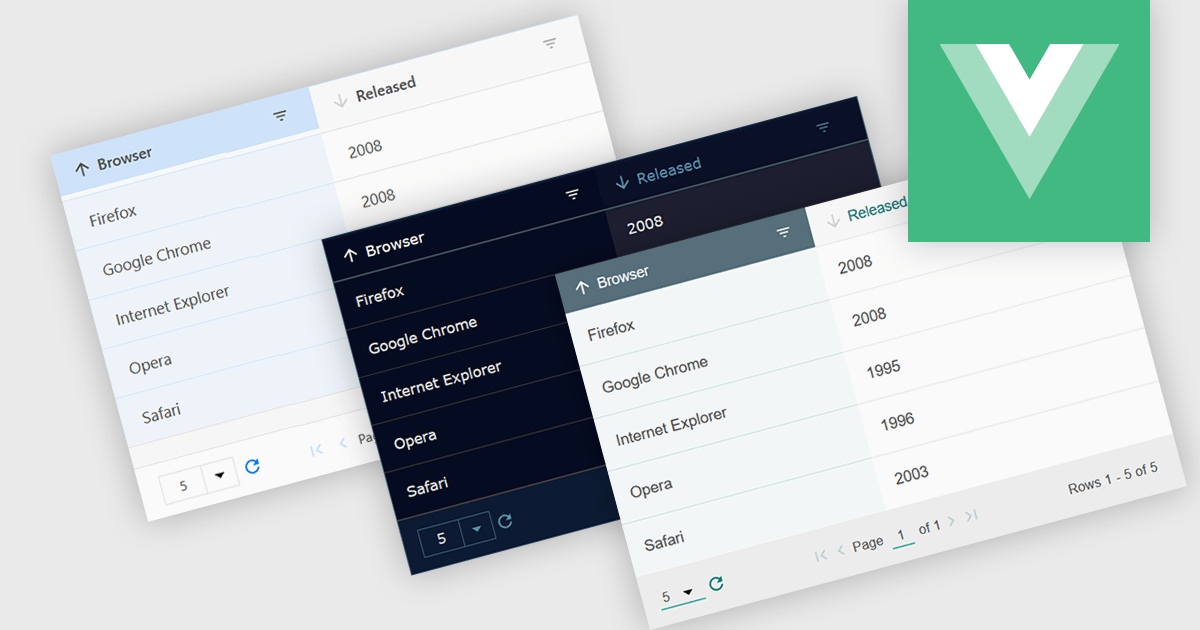
Customizable themes allow users to easily modify the visual appearance of a grid. This typically encompasses aspects like background colors, font styles, cell borders, and hover effects. These themes offer numerous benefits including improving the grid's readability and user experience by aligning it with the application's overall design aesthetic, enhancing data visualization by using color-coding or conditional formatting, and supporting accessibility needs by incorporating high-contrast themes.
Several Vue.js grid controls offer customizable theme support, including:
For an in-depth analysis of features and price, visit our comparison of Vue.js Grid controls.
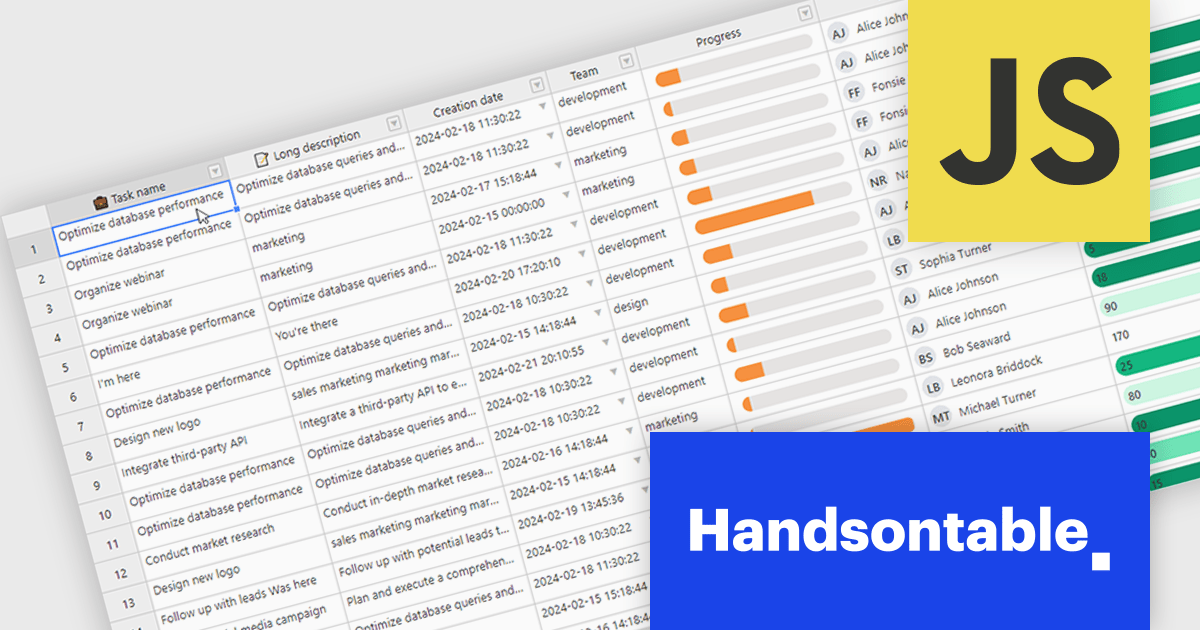
Handsontable is a JavaScript library designed to help developers build interactive data grids into their web applications. Offering a familiar spreadsheet-like interface, it allows users to edit, sort, and filter data with ease. Highly customizable and compatible with popular frameworks like React and Angular, Handsontable empowers developers to build robust data manipulation features into their web applications.
Handsontable 14.2.0 improves cell re-rendering using the React wrapper. The wrapper now uses memoization to optimize performance during user interactions like cell editing or scrolling in the grid, allowing the wrapper to remember the previous state and only update the elements that have actually changed. This smarter approach results in a smoother and more stable experience in your Handsontable apps, especially for complex custom cell types.
To see a full list of what's new in version 14.2.0, see our release notes.
Handsontable is licensed per developer and is available as an Annual or Perpetual license with 1 year support and maintenance. See our Handsontable licensing page for full details.
For more information, visit our Handsontable product page.

Conditional formatting in a grid allows you to dynamically alter the visual style of cells based on specific criteria within your data. This functionality enhances readability and user experience by highlighting important information. For instance, negative values can be displayed in red, exceeding values in bold, and empty cells with a light gray background, all within the grid itself. This reduces the need for users to manually scan through data and immediately draws attention to critical elements.
Several React grid controls offer conditional formatting, including:
For an in-depth analysis of features and price, visit our comparison of React Grid controls.
jQWidgets is a comprehensive JavaScript UI framework offering a robust collection of over 60 widgets, themes, and utilities for building professional-grade, cross-platform web applications. Built on jQuery, HTML5, and CSS, it provides extensive functionality including data grids, charts, navigation, input validation, and more. jQWidgets simplifies web development, ensuring your applications work seamlessly across desktop browsers, tablets, and smartphones.
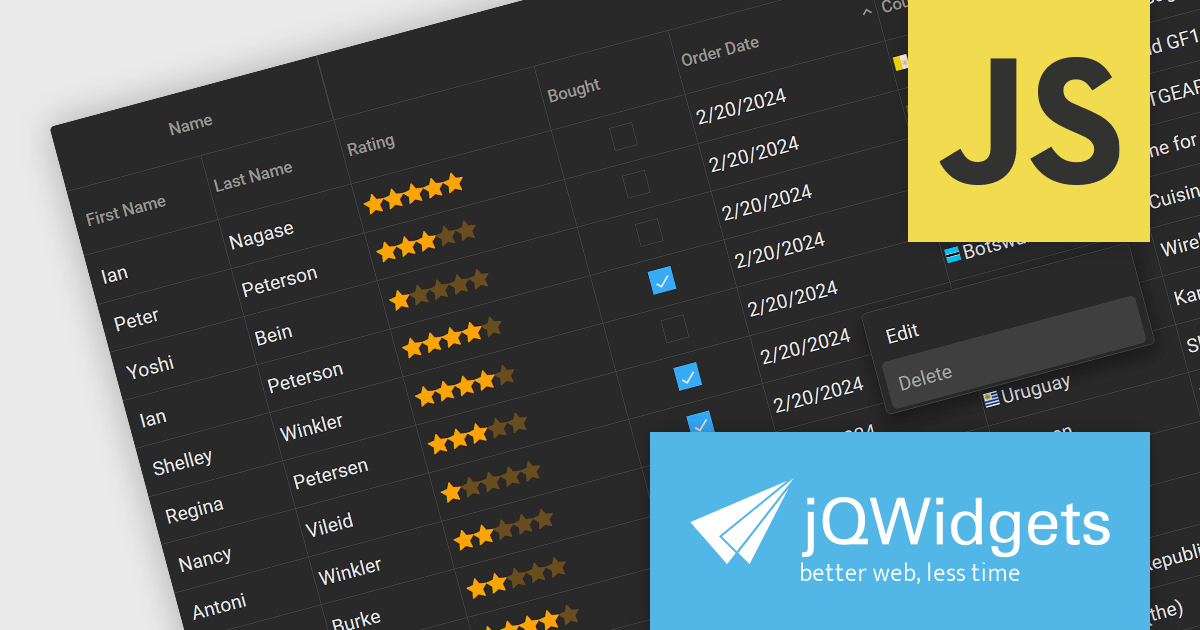
The jQWidgets v19 release introduces a built-in context menu. This menu appears upon right-clicking within the grid, offering users context-specific options relevant to their current selection or interaction. This eliminates the need to navigate to separate menus or tools, streamlining user interactions and significantly improving usability. By providing immediate access to relevant actions within the grid itself, users can work more efficiently and productively. This new addition enhances the overall user experience for anyone working with jqxGrid.
To see a full list of what's new in v19.0.0, see our release notes.
jQWidgets is licensed per developer and is available as a Perpetual license 1 year support and maintenance. See our jQWidgets licensing page for full details.
Learn more on our jQWidgets product page.
jQWidgets is a comprehensive JavaScript UI framework offering a robust collection of over 60 widgets, themes, and utilities for building professional-grade, cross-platform web applications. Built on jQuery, HTML5, and CSS, it provides extensive functionality including data grids, charts, navigation, input validation, and more. jQWidgets simplifies web development, ensuring your applications work seamlessly across desktop browsers, tablets, and smartphones.
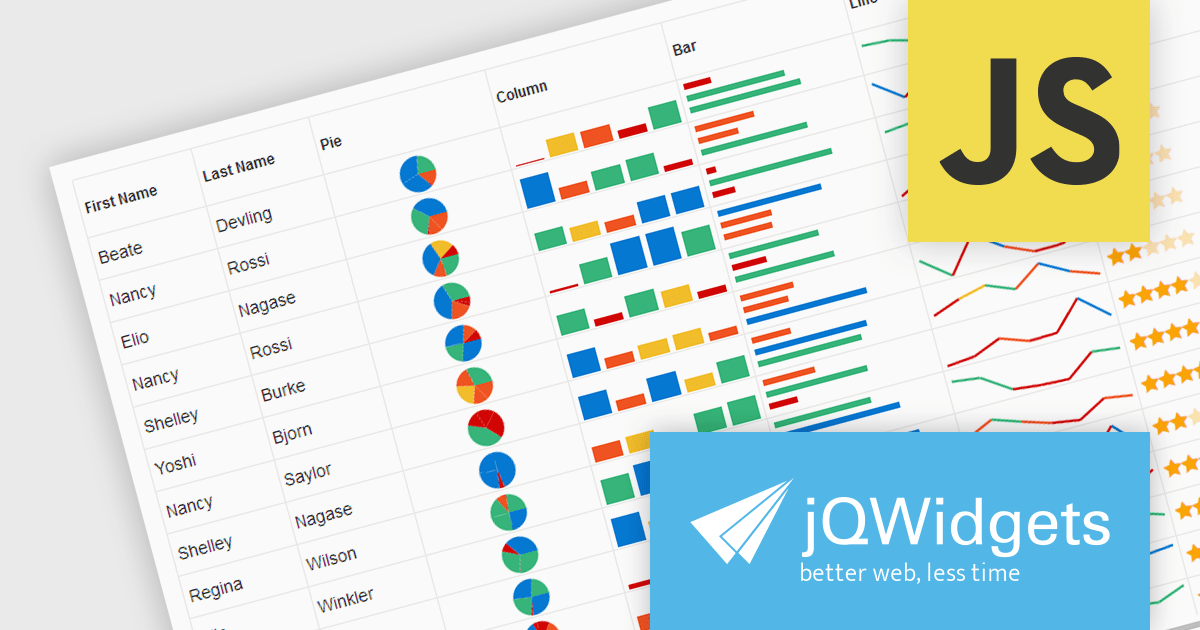
The jQWidgets v19 release introduces support for integrating sparklines directly into jqxGrid. These miniature charts, plotted directly within grid cells, provide a quick and insightful way to visualize trends and patterns in your data without requiring additional charting libraries. This enhancement significantly bolsters jqxGrid's data visualization capabilities, allowing you to create more informative and engaging data presentations.
To see a full list of what's new in v19.0.0, see our release notes.
jQWidgets is licensed per developer and is available as a Perpetual license 1 year support and maintenance. See our jQWidgets licensing page for full details.
Learn more on our jQWidgets product page.
联系电话: (888) 850 9911
传真: +1 770 250 6199


