













官方供应商
我们作为官方授权经销商,直接提供超过200家开发厂家所发行超过1000个的产品授权给您。
查看我们的所有品牌。
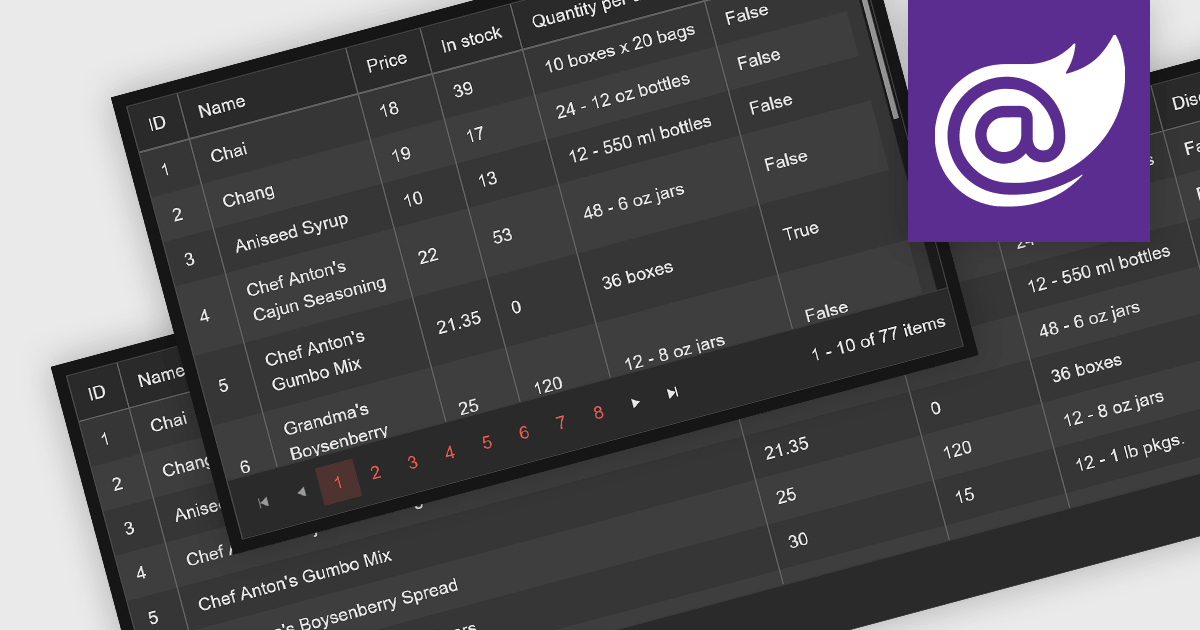
Leveraging a Blazor grid control with responsive layout empowers your application with optimal data visualization across diverse screen sizes and orientations. This enhances the user experience by ensuring seamless navigation, readability, and interaction with grid content, regardless of whether it's being accessed from a desktop computer, tablet, or mobile phone. This flexibility fosters wider accessibility, improves user engagement, and ultimately strengthens the overall value proposition of your Blazor application.
Several Blazor grid controls offer responsive layouts including:
For an in-depth analysis of features and price, visit our Blazor grid controls comparison.

ComponentOne Studio Enterprise is a comprehensive toolkit designed to streamline and accelerate .NET development across mobile, web, and desktop applications. It offers a vast library of performant and customizable UI controls, including data grids, charts, reporting tools, and input components, compatible with various platforms like WinForms, WPF, Blazor, ASP.NET MVC, and Xamarin. By leveraging pre-built components and functionalities, developers can save time and resources, focusing on core business logic and delivering high-quality applications faster. ComponentOne Studio Enterprise includes the FlexGrid for WinForms grid component.
In this blog post, MESCIUS Technical Engagement Engineer Hunter Haaf demonstrates how to integrate the FilterEditor with FlexGrid. Steps include:
Source code examples are included with each step.
Read the full blog post and add powerful runtime filtering to your FlexGrid data.
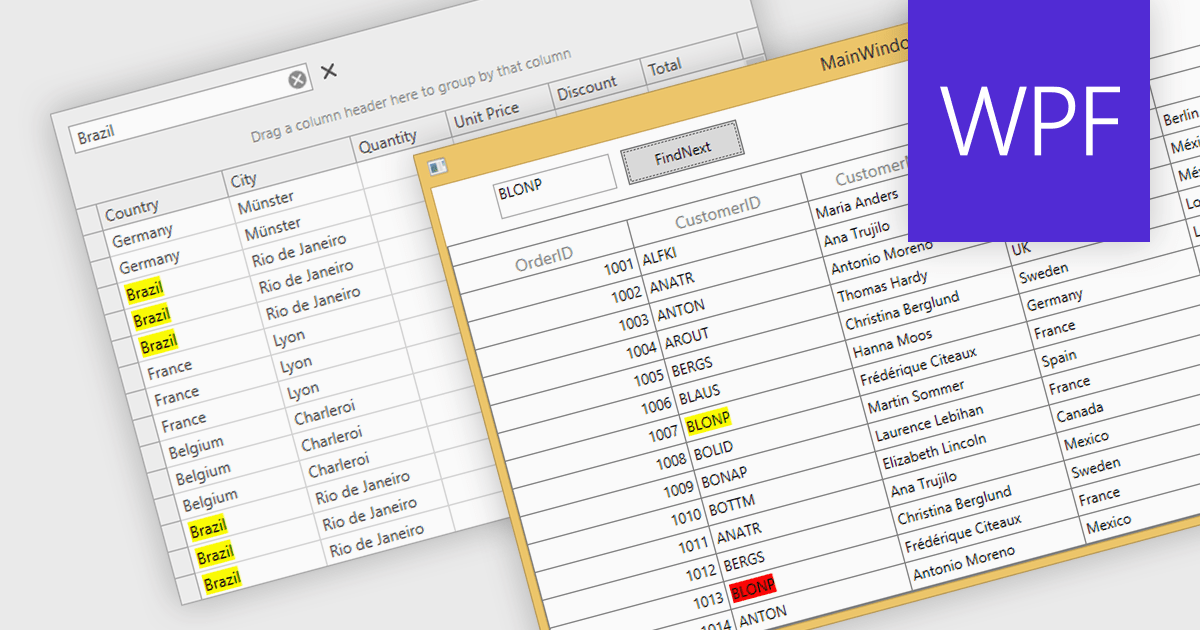
Searching within a grid enables users to quickly find specific data points by entering search criteria. For large datasets, navigating to specific data points can be a monumental task, often requiring time-consuming manual scrolling. Grid search allows users to pinpoint desired data within seconds, boosting productivity and streamlining analysis. This eliminates the need for tedious browsing and empowers users to quickly identify trends, patterns, and outliers, enabling deeper insights and informed decision-making.
Several WPF grids support searching including:
For an in-depth analysis of features and price, visit our WPF grids comparison.
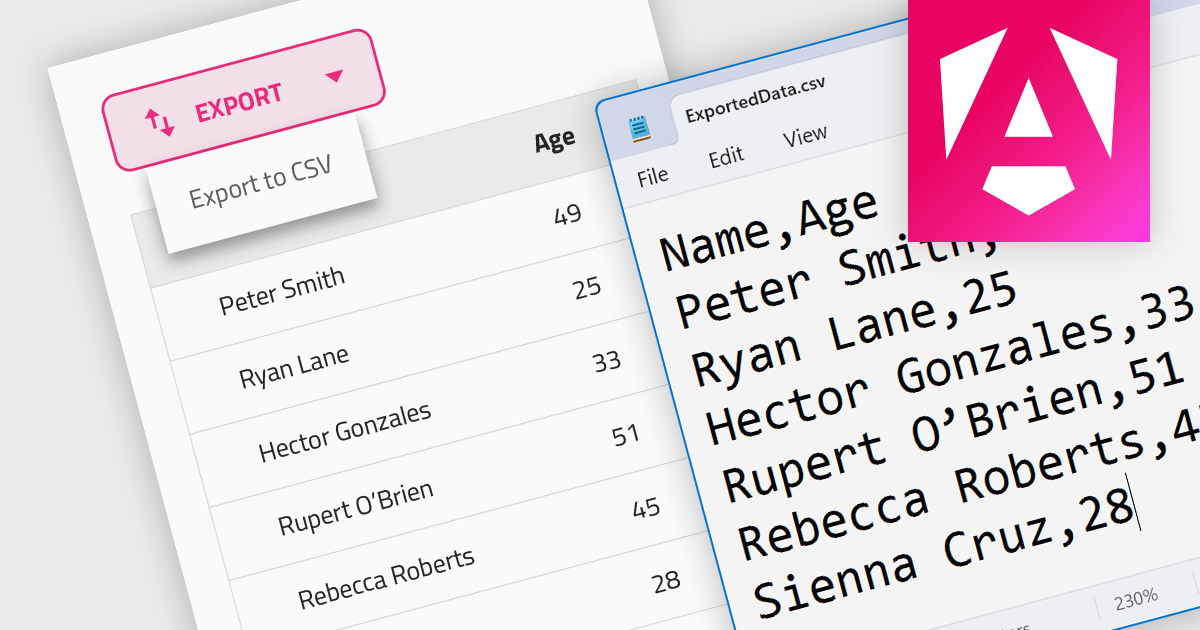
CSV export functionality in a grid control empowers users to seamlessly bridge the gap between interactive visualization and in-depth analysis. By exporting the displayed data as a readily importable CSV file, users gain immediate access to a familiar format compatible with diverse spreadsheet tools. This feature promotes efficient data extraction, facilitating further analysis, report generation, and data sharing, all directly from the convenience of the grid interface.
Several Angular grid controls support exporting to CSV, such as:
For an in-depth analysis of features and price, visit our Angular grid controls comparison.
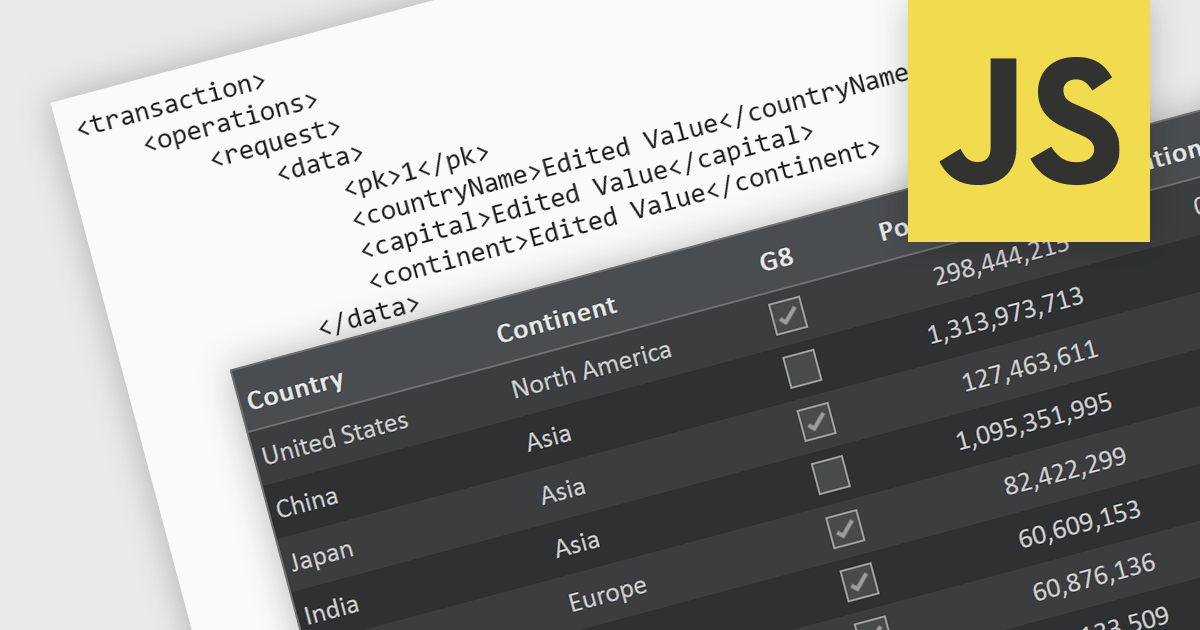
A RESTful API is a standardized interface that facilitates interaction between your application and remote data sources. Built on the principles of Representational State Transfer (REST), it leverages familiar HTTP verbs like GET, POST, PUT, and DELETE to perform CRUD operations (Create, Read, Update, Delete) on resources. This elegant and widely adopted approach ensures predictable communication, simplifies data access and manipulation, and empowers your applications to be dynamic, scalable, and efficient. In essence, RESTful APIs act as secure intermediaries, orchestrating a seamless flow of information between your application and the data it needs.
Several JavaScript grid controls support RESTful as a data source, such as:
For an in-depth analysis of features and price, visit our JavaScript grid comparison.
联系电话: (888) 850 9911
传真: +1 770 250 6199


