













官方供应商
我们作为官方授权经销商,直接提供超过200家开发厂家所发行超过1000个的产品授权给您。
查看我们的所有品牌。
Axosoft is a trusted provider of agile project management software that helps teams ship software on schedule and with confidence. With powerful features like the Release Planner, burndown charts, and Standup Mode, Axosoft makes it easy to visualize workflows, track team progress, and predict release dates. Supporting Scrum, Kanban, or fully customized agile methodologies, Axosoft combines dashboards, configurable notifications, and wiki pages to keep teams aligned and informed throughout the development lifecycle.
Over the past decade, ComponentSource and Axosoft have built a strong, trusted relationship rooted in a shared goal: supporting developers. By offering Axosoft’s tools through its global distribution platform, ComponentSource has enabled customers around the world to access reliable agile project management solutions. This partnership has not only broadened Axosoft’s reach but has also ensured that developers benefit from simplified licensing, dedicated support, and easy access to best-in-class agile tools.
The 10-year partnership between ComponentSource and Axosoft has brought clear value to the developer community: better project visibility, improved collaboration, and predictable, on-time releases. As this milestone is celebrated, ComponentSource looks forward to building on shared success, continuing to provide innovative solutions that help software teams deliver their very best.
Learn more about Axosoft.
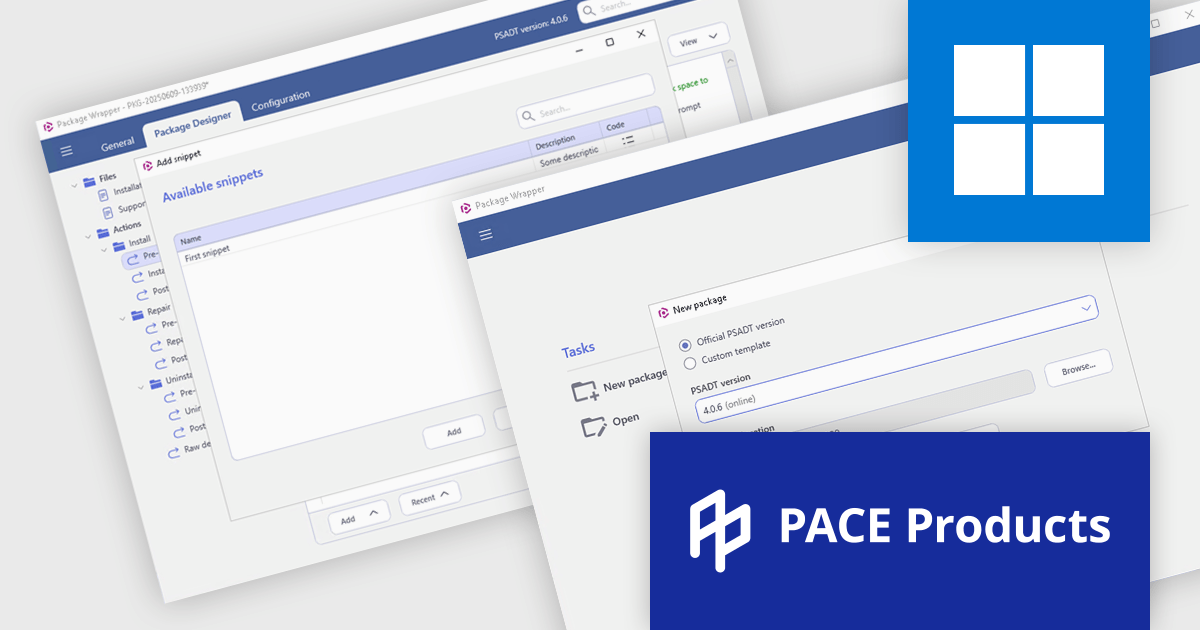
PACE Suite by Infopulse is an application packaging tool that streamlines the creation, editing, and deployment of software installers. It supports various formats like MSI, MSIX, and AppX, and allows for capturing installations, customizing packages, and automating quality checks. Additionally, PACE Packager Hub, a companion product, provides workflow management and team collaboration functionalities for efficient application packaging operations.
The PACE Suite 6.5 update introduces full support for PSAppDeployToolkit (PSADT) version 4, allowing users to work seamlessly with the toolkit's updated syntax and structural changes. PSADT v4 represents a significant shift in how deployment scripts are written and managed, and this update ensures that users can adopt those changes without disruptions. By aligning with the latest version, PACE Suite enables more reliable script execution, easier maintenance of deployment logic, and future-proof compatibility with evolving enterprise deployment standards. This is particularly valuable for IT teams managing complex software rollouts in Windows environments.
To see a full list of what's new in 6.5, see our release notes.
PACE Suite is licensed per user and is available as both subscription and perpetual licenses. See our PACE Suite licensing page for full details.
For more information, visit our PACE Suite product page.
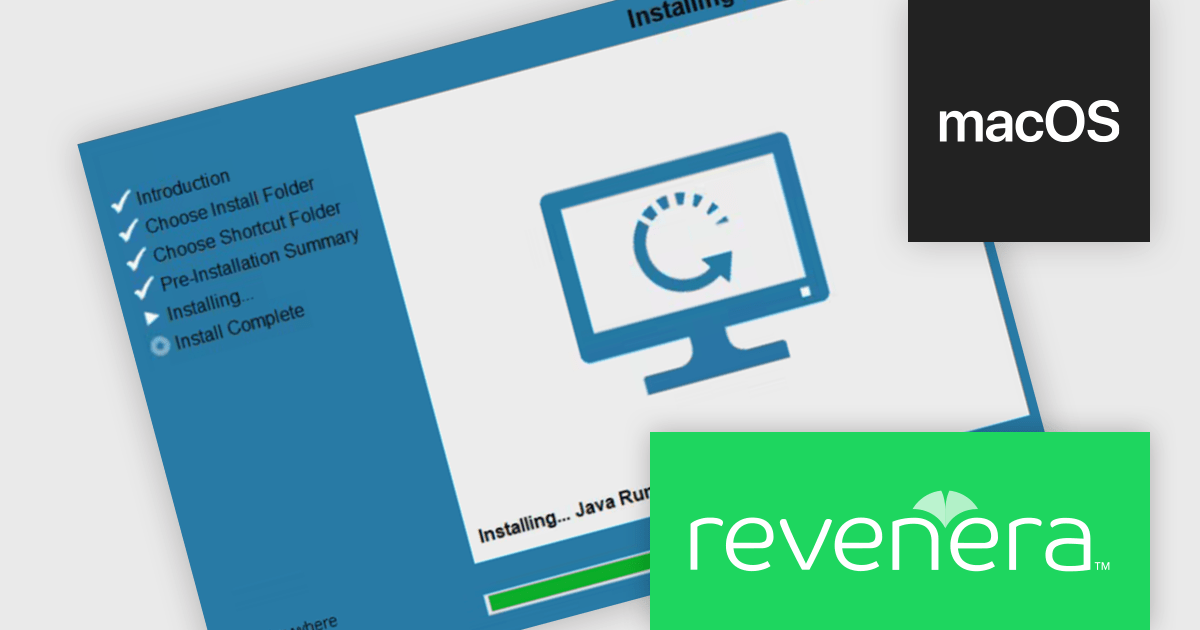
InstallAnywhere by Revenera simplifies the process of creating professional, multi-platform installers for diverse deployment environments. It enables developers to design reliable installation packages for on-premise platforms such as Windows, Linux, and macOS, as well as modern environments like Docker containers and cloud deployments. With its intuitive interface and robust customization options, InstallAnywhere helps deliver a consistent and polished user experience across all supported platforms.
The InstallAnywhere 2025 R1 release has been updated to support macOS Universal Binaries, allowing it to run natively on both Intel x64 and Apple Silicon (Arm64/AArch64) architectures. This update removes the previous dependency on Rosetta, Apple’s emulation layer, which often introduced performance bottlenecks and compatibility issues. With this release, macOS users can expect smoother, faster installations and consistent behavior across all modern Apple hardware, including those using the latest Apple Silicon chips.
To see a full list of what's new in version 2025 R1, see our release notes.
InstallAnywhere is licensed per user and is available as a three year timed subscription. See our InstallAnywhere licensing page for full details.
For more information, visit our InstallAnywhere product page.
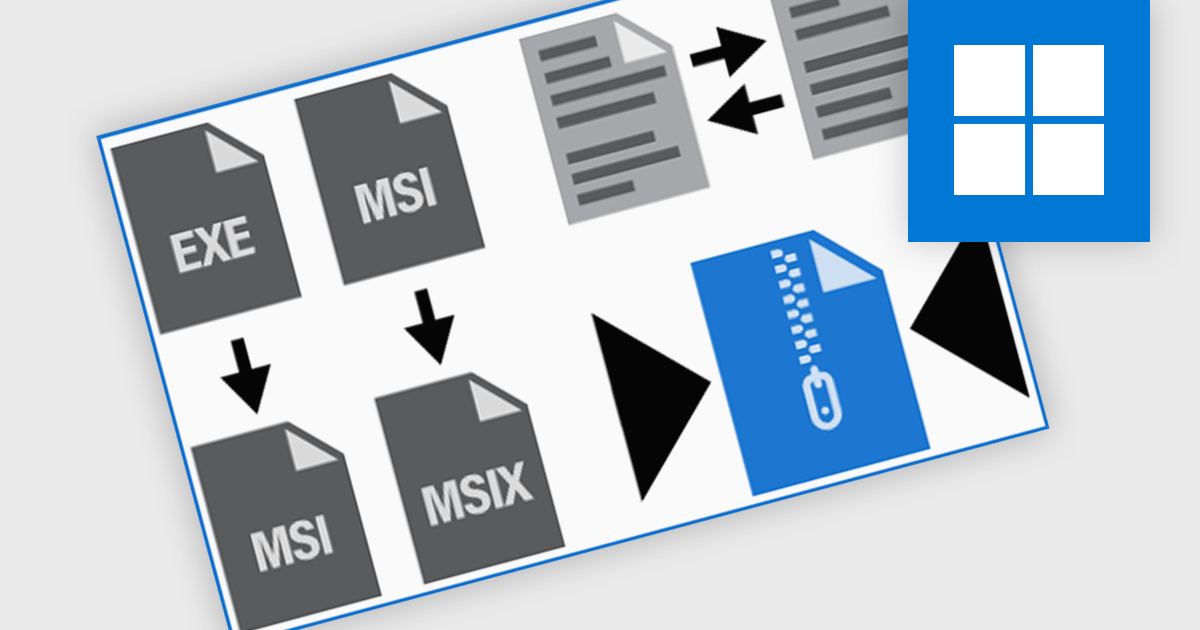
Installation tools with functionality for installer/setup manipulation enable teams to customize, analyze, convert, and repackage software installers—typically in MSI, MSIX, or EXE formats—to meet specific deployment needs. These tools are essential for IT administrators, software packagers, and DevOps professionals who must adapt vendor-provided installers by configuring defaults, removing unnecessary features, or ensuring compatibility with enterprise environments. By using such tools, organizations can streamline software deployments, enforce consistency across systems, and improve control over the entire installation lifecycle.
Common features include:
For an in-depth analysis of features and price, visit our installation tools comparison.
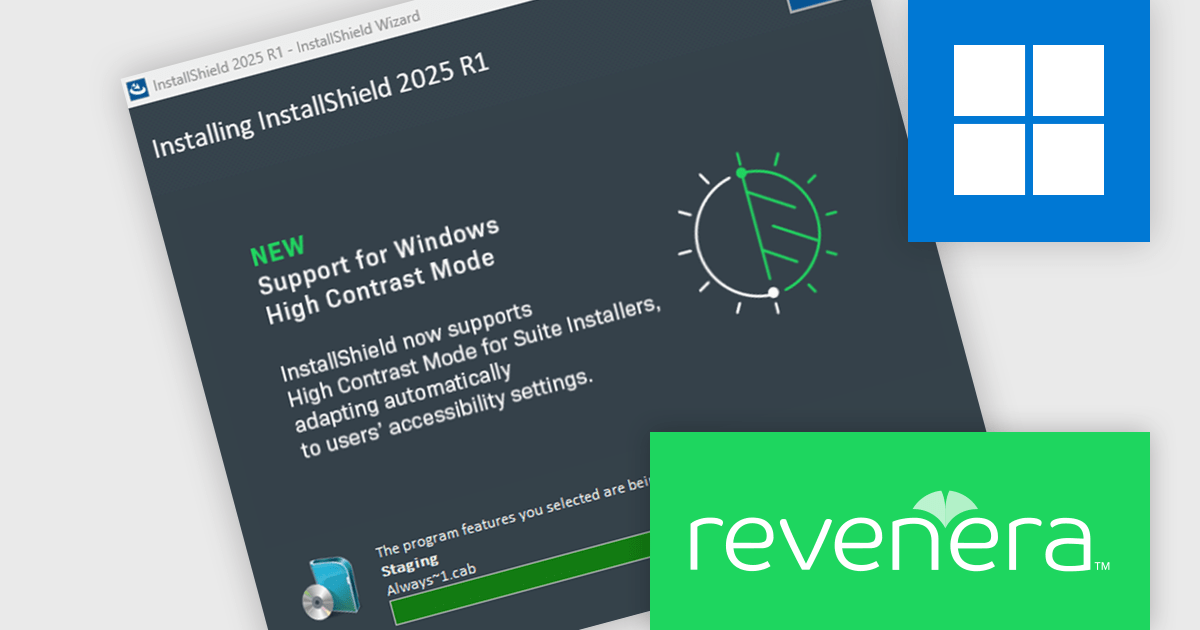
InstallShield by Revenera is a leading Windows installation development solution that specializes in building installers and managing software packages. InstallShield offers a streamlined interface and comprehensive features, enabling developers to efficiently create professional installers, configure prerequisites, manage updates, and customize the installation experience for diverse user needs.
The InstallShield 2025 R1 release improves accessibility by enhancing support for high contrast mode in Advanced UI and Suite/Advanced UI installations. In previous versions, essential elements like body and header text, as well as navigation buttons, could become unreadable when high contrast mode was active, creating barriers for visually impaired users. The updated installer ensures that all text and button labels remain clearly legible, aligning with modern accessibility standards and offering a more inclusive experience during software installation.
To see a full list of what's new in version 2025 R1, see our release notes.
InstallShield is licensed per user and is available as a 3 Year Timed Subscription. See our InstallShield Professional licensing page or InstallShield Premier licensing page for full details.
For more information, visit our InstallShield Professional or InstallShield Premier product pages.
联系电话: (888) 850 9911
传真: +1 770 250 6199


