













官方供应商
我们作为官方授权经销商,直接提供超过200家开发厂家所发行超过1000个的产品授权给您。
查看我们的所有品牌。
SpreadJS is a high-performance JavaScript spreadsheet and data presentation component designed for enterprise web applications. It enables developers to deliver Excel-like functionality directly within their web solutions, providing advanced features such as data binding, complex calculations, pivot tables, charts, and extensive formatting options. Fully compatible with modern JavaScript frameworks like React, Angular, and Vue, SpreadJS allows seamless integration and customization, empowering development teams to create interactive, data-driven user experiences without relying on external spreadsheet applications.
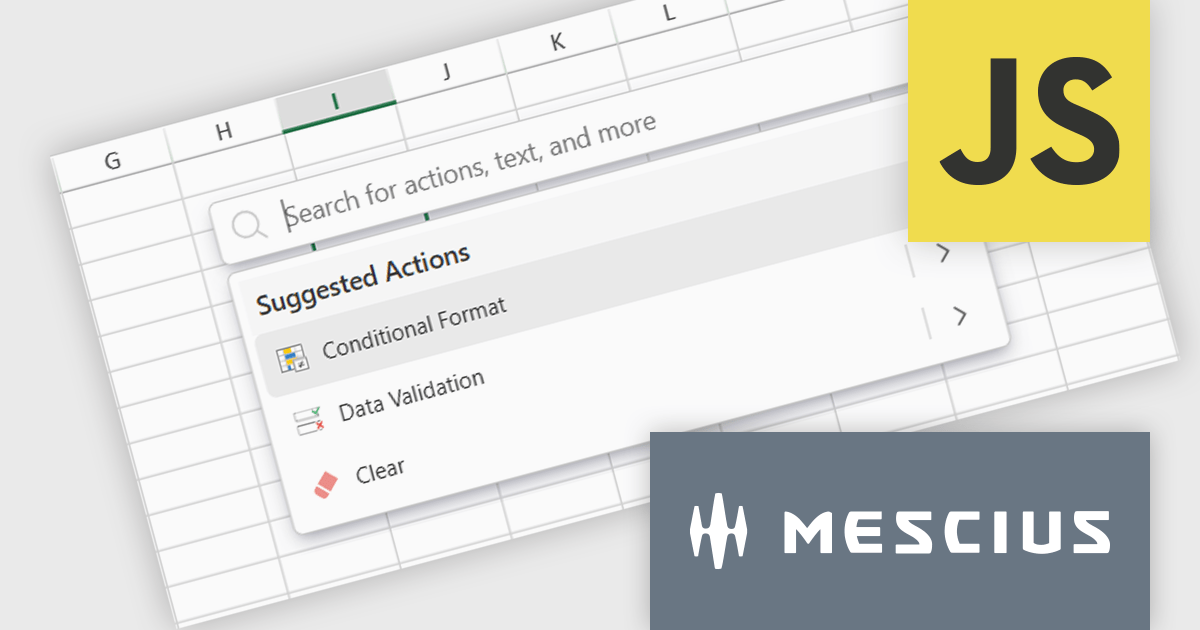
The SpreadJS 18.1.0 update introduces the new Command Palette, providing developers with a centralized interface to quickly access and execute a wide range of spreadsheet commands without navigating through complex menus. This enhancement improves productivity by reducing the time required to locate functions, allowing developers to apply formatting, manage data, and configure worksheet settings directly through intuitive search and selection capabilities. The Command Palette can be instantly triggered using the familiar Ctrl/Cmd + P keyboard shortcuts, offering quick access to commands and further accelerating common development and data manipulation tasks within the application.
To see a full list of what's new in 18.1.0, see our release notes.
SpreadJS is licensed per developer and includes 1 Year Maintenance (major and minor version releases and unlimited support phone calls). SpreadJS requires an Annual or Perpetual Deployment License. The optional Add-ons are available at an additional cost, and require a SpreadJS license. See our SpreadJS licensing page for full details.
For more information, visit our SpreadJS product page.
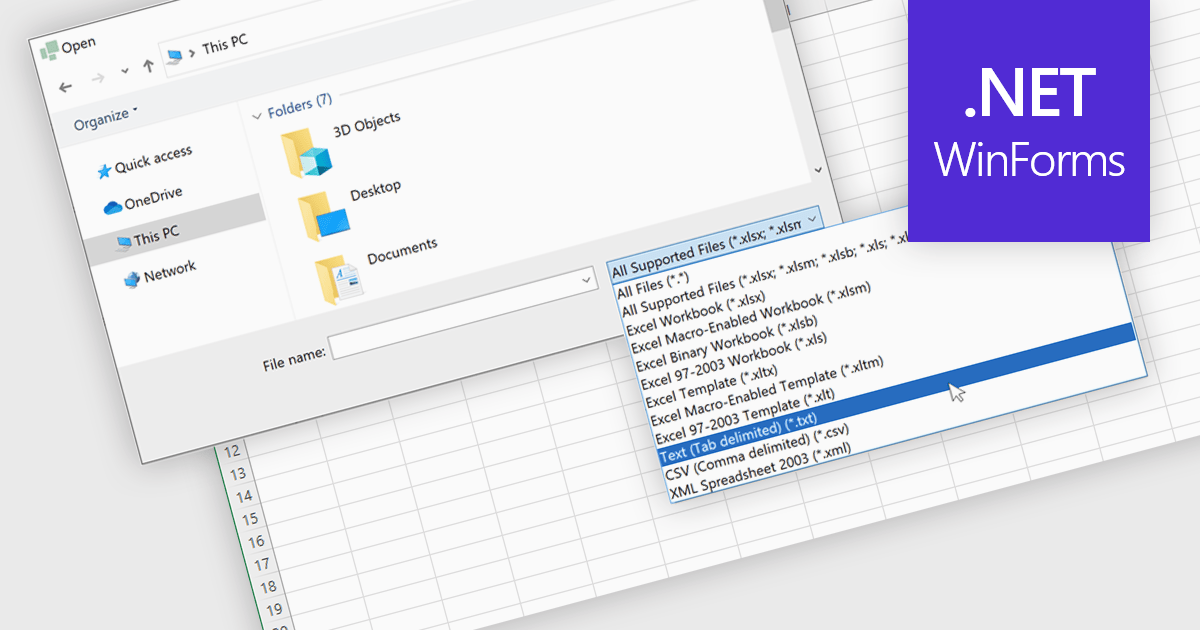
Importing TXT files into spreadsheet applications allows developers and users to load in plain text data, typically delimited by characters such as commas or tabs, and transform it into structured, editable tables within a spreadsheet-like environment. This process enables users to work with externally sourced or manually created text data using the familiar tools and features of a spreadsheet, such as sorting, filtering, and formula calculations. Loading a text file into an Excel-like format removes the need for manual data entry and simplifies data processing. Support for TXT file imports makes spreadsheet applications more versatile by improving the integration of external data and helping users process information more efficiently. It reduces the workload associated with data processing and ensures that data is quickly available in a usable format for analysis or reporting.
Several WinForms spreadsheet controls allow you to import files in TXT format:
For an in-depth analysis of features and price, visit our comparison of WinForms spreadsheet controls.
Spread.NET by MESCIUS is a powerful tool for building Excel-like applications in your .NET projects. It lets you create interactive spreadsheets, grids, dashboards, and even forms within WinForms, ASP.NET, and WPF applications. With its rich feature set, including a robust calculation engine, formula support, and Excel compatibility, Spread.NET empowers developers to build data analysis tools, budgeting apps, scientific dashboards, and more, all within the familiar .NET environment.
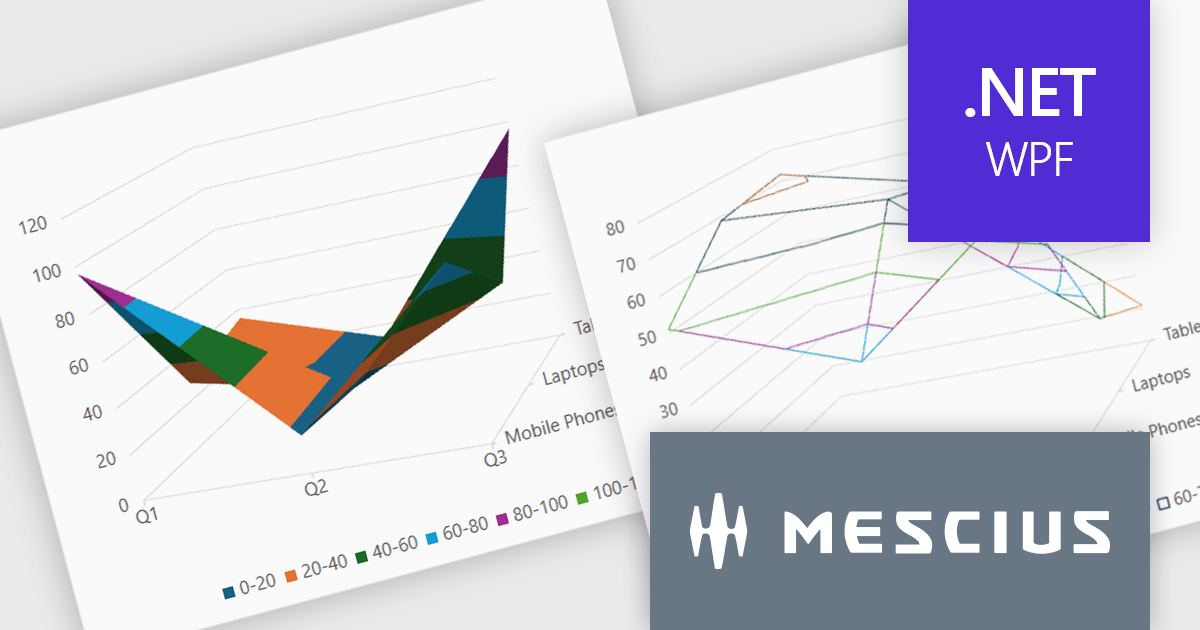
The Spread.NET v18.1 update introduces a new surface chart feature for WPF, providing developers with the capability to render spreadsheet data on a three-dimensional plane. By offering this advanced charting functionality, developers can create more sophisticated data visualization solutions within their WPF applications, allowing end-users to gain deeper insights into complex data and identify key correlations that may not be evident in two-dimensional representations. This feature expands the analytical tools available within Spread.NET, allowing for more nuanced and comprehensive data exploration.
To see a full list of what's new in v18.1, see our release notes.
Spread.NET is licensed per developer and is available as a Perpetual License with a 12 month support and maintenance subscription. We can supply any Spread.NET license including new licenses, maintenance renewals, and upgrade licenses. See our Spread.NET licensing page for full details.
For more information, visit our Spread.NET product page.
Syncfusion Essential Studio WinUI (available as part of Syncfusion Essential Studio Enterprise) is a comprehensive toolkit for building high performance native Windows desktop applications. It offers tools for crafting modern UI elements like charts, data grids, and ribbon interfaces, alongside powerful editing tools for Word, Excel, and PDF documents.
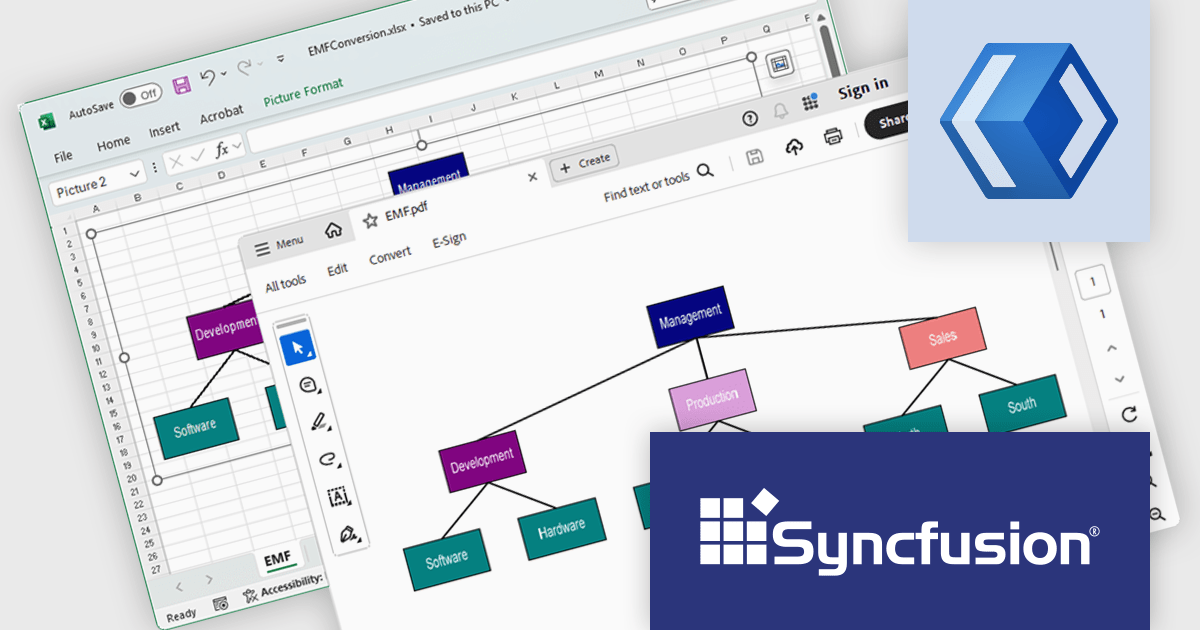
The Syncfusion Essential Studio WinUI 2025 Volume 1 release improves the Excel Library by adding the ability to accurately preserve EMF+ (Enhanced Metafile Format Plus) and EMF Dual images during Excel-to-PDF and image conversion processes. This improvement ensures that vector-based images maintain their clarity and quality in the resulting PDFs, which is particularly beneficial for producing professional documentation such as manuals and reports. By retaining the integrity of these images, developers can deliver high-quality outputs that effectively communicate complex information through detailed visuals.
To see a full list of what's new in 2025 Volume 1, see our release notes.
Syncfusion Essential Studio WinUI is available as part of Syncfusion Essential Studio Enterprise which is licensed per developer starting with a Team License of up to five developers. It is available as a 12 Month Timed Subscription License which includes support and maintenance. See our Syncfusion Essential Studio Enterprise licensing page for full details.
Learn more on our Syncfusion Essential Studio WinUI product page.
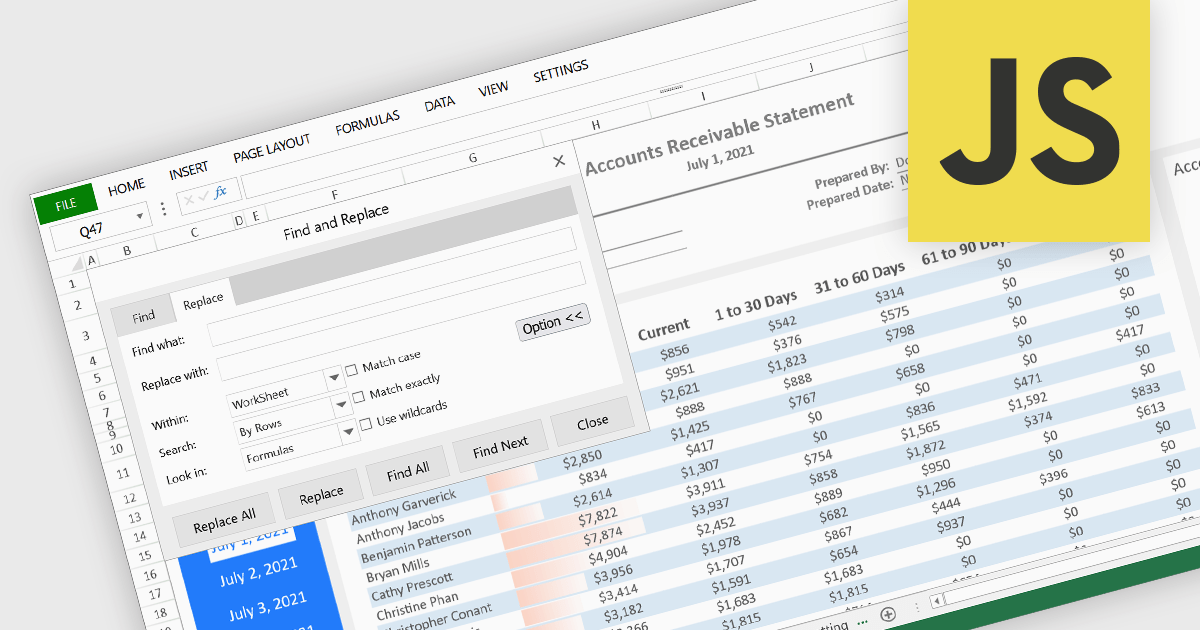
Find and replace functionality in a spreadsheet application enables users to quickly search for specific text, numbers, or characters within a worksheet and substitute them with alternative content. Often including advanced options such as case sensitivity, regular expressions, and the ability to target specific sheets or cell ranges, this feature lets users make consistent updates across large datasets without manually editing each cell. By automating these repetitive tasks, it reduces the risk of human error and significantly enhances productivity and accuracy in data processing. It is particularly useful for correcting errors, updating outdated information, or standardizing entries, such as changing all instances of an old product name to a new one.
Several JavaScript spreadsheet controls offer find and replace functionality, including:
For an in-depth analysis of features and price, visit our comparison of JavaScript spreadsheet controls.
联系电话: (888) 850 9911
传真: +1 770 250 6199


