













官方供应商
我们作为官方授权经销商,直接提供超过200家开发厂家所发行超过1000个的产品授权给您。
查看我们的所有品牌。
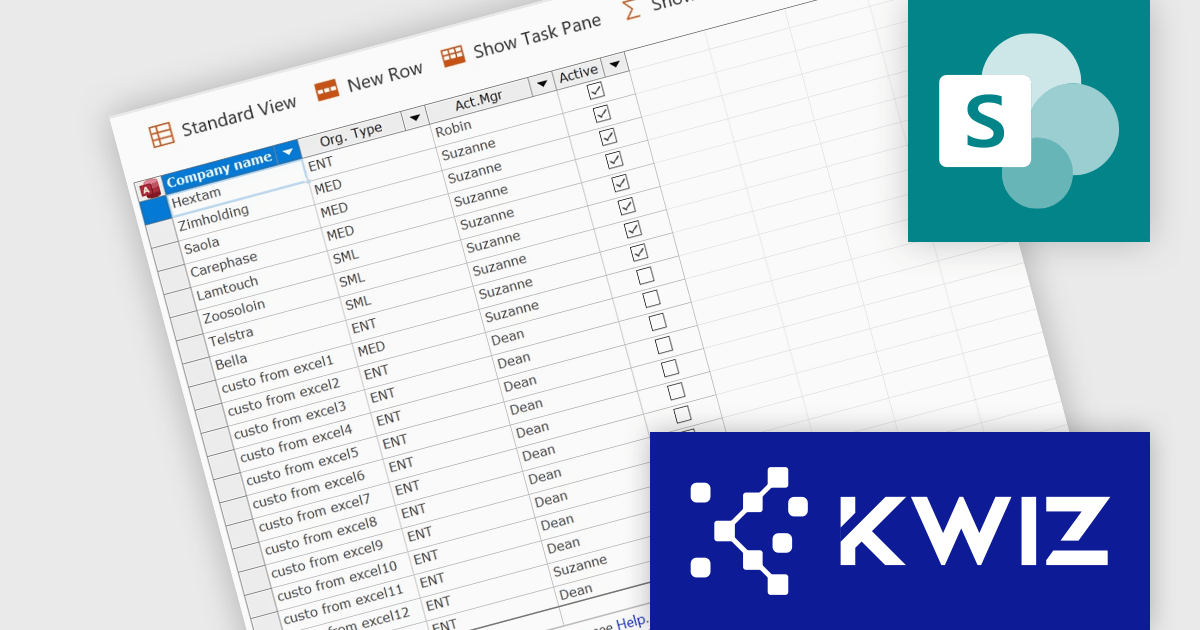
KWIZ has introduced KWIZ Datasheet View, a new product designed to streamline the way users interact with structured data in a collaborative environment. It brings an Excel-like editing experience to SharePoint, enabling fast bulk updates for modern and classic lists. It integrates seamlessly with SharePoint, adding a toolbar button for easy access and supporting Chrome, Edge, and Internet Explorer. With an option to auto-open lists in Datasheet mode, it streamlines data management for teams handling large datasets, inventory, or projects, enhancing efficiency and productivity.
KWIZ Datasheet View enhances SharePoint integration by providing a seamless, Excel-like bulk editing experience directly within SharePoint lists and libraries. This integration ensures compatibility with both modern and classic lists, allowing developers to maintain a consistent user experience across different SharePoint environments without additional configuration. By embedding directly into the SharePoint interface, it eliminates the need for external tools or complex workarounds, improving data management efficiency. The integration also supports multiple browsers, ensuring accessibility across different platforms. Developers can leverage this functionality to optimize workflows, streamline bulk data updates, and enhance usability for end users working with large datasets in SharePoint.
KWIZ Datasheet View is licensed on an annual basis, requiring each user in your organization to be covered by an Annual Subscription license. Different levels are available to cater for different numbers of users. See our KWIZ Datasheet View licensing page for full details.
For more information, visit our KWIZ Datasheet View product page.
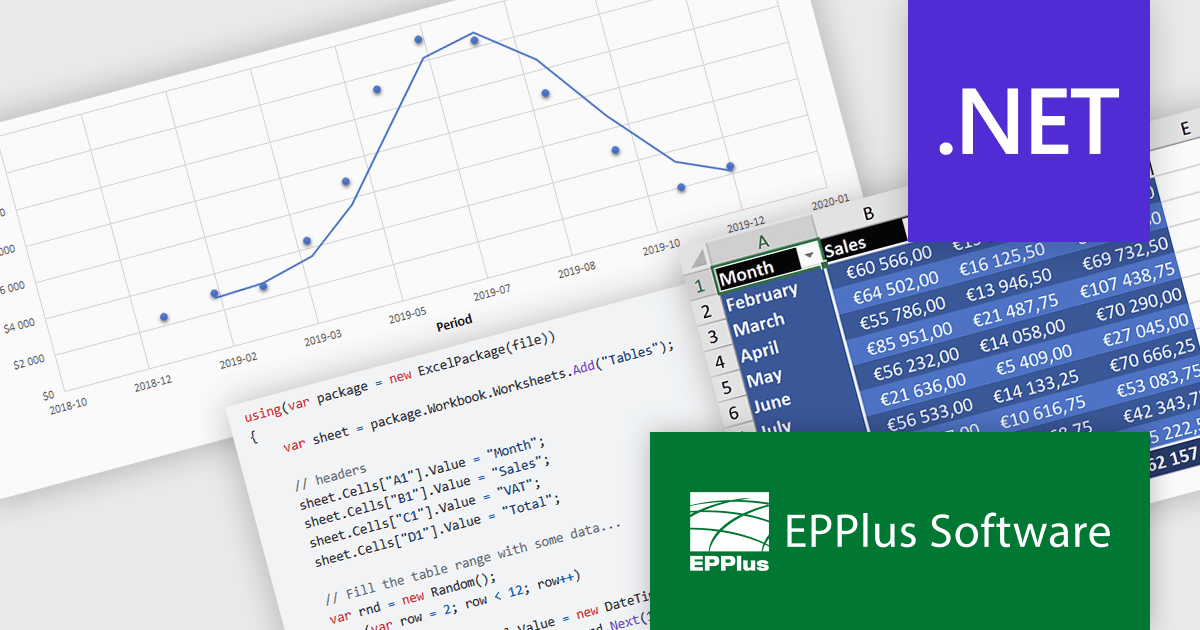
EPPlus is a powerful and versatile .NET library for managing and manipulating Microsoft Excel files using the Office Open XML (OOXML) format. It is a lightweight and efficient library that is easy to use and can be integrated into a wide range of applications. It allows developers to create, read and modify spreadsheets without dependencies on any other library. Features include pivot tables, styling, VBA/Form controls, conditional formatting, charts, tables, formula calculation, data validation, pictures/shapes, and more.
EPPlus v7.6.0 update introduces full support for .NET 9, ensuring compatibility with the latest framework advancements while enhancing performance, security, and long-term maintainability for spreadsheet processing in .NET applications. This update benefits developers by enabling seamless integration with modern .NET projects, improving efficiency in generating, reading, and manipulating Excel files. Ideal for enterprise applications, data analytics, and financial reporting, EPPlus with .NET 9 support ensures optimized performance and future-proofed development for handling large datasets and complex spreadsheet operations.
To see a full list of what's new in v7.6.0, see our release notes.
EPPlus is licensed per developer and is available as both perpetual licenses and subscription based licenses with periods of 1 year and 2 years, which include support and upgrades. See our EPPlus licensing page for full details.
For more information, see our EPPlus product page.
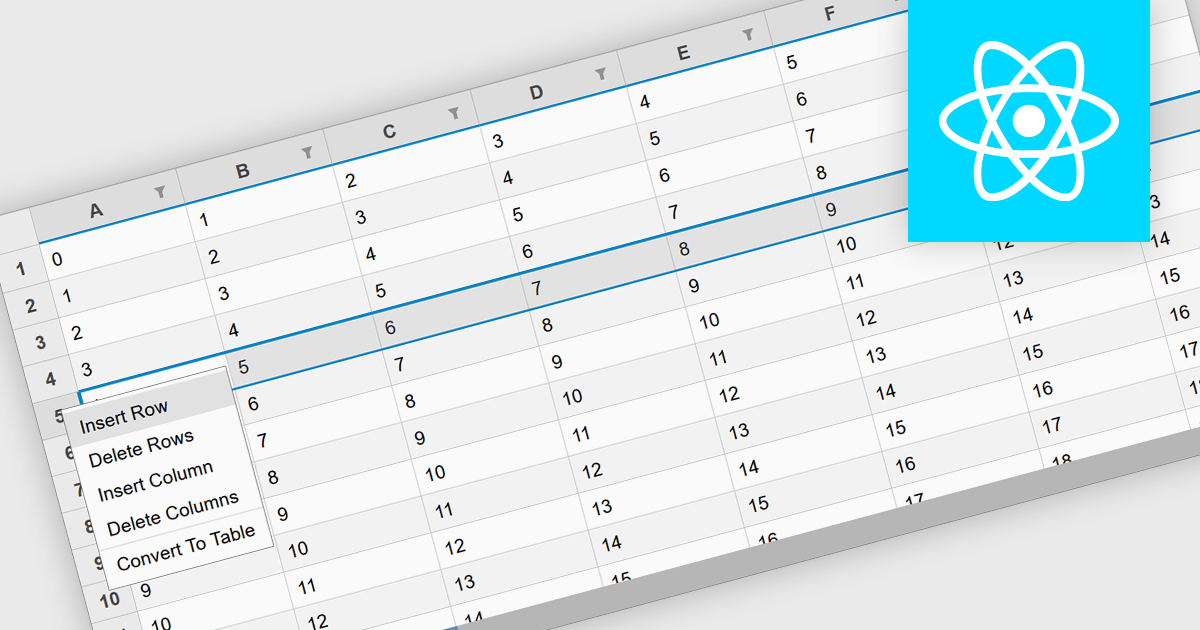
Inserting rows in spreadsheet components is a fundamental feature that allows users to dynamically expand their data sets while maintaining structure and organization. This capability is essential for applications that handle tabular data, enabling seamless modifications without disrupting existing content. Whether used for financial calculations, data analysis, or collaborative editing, the ability to add rows programmatically or through user interaction enhances flexibility and efficiency in spreadsheet-based applications.
Several React spreadsheet controls offer support for inserting rows including:
For an in-depth analysis of features and price, visit our React spreadsheet controls comparison.
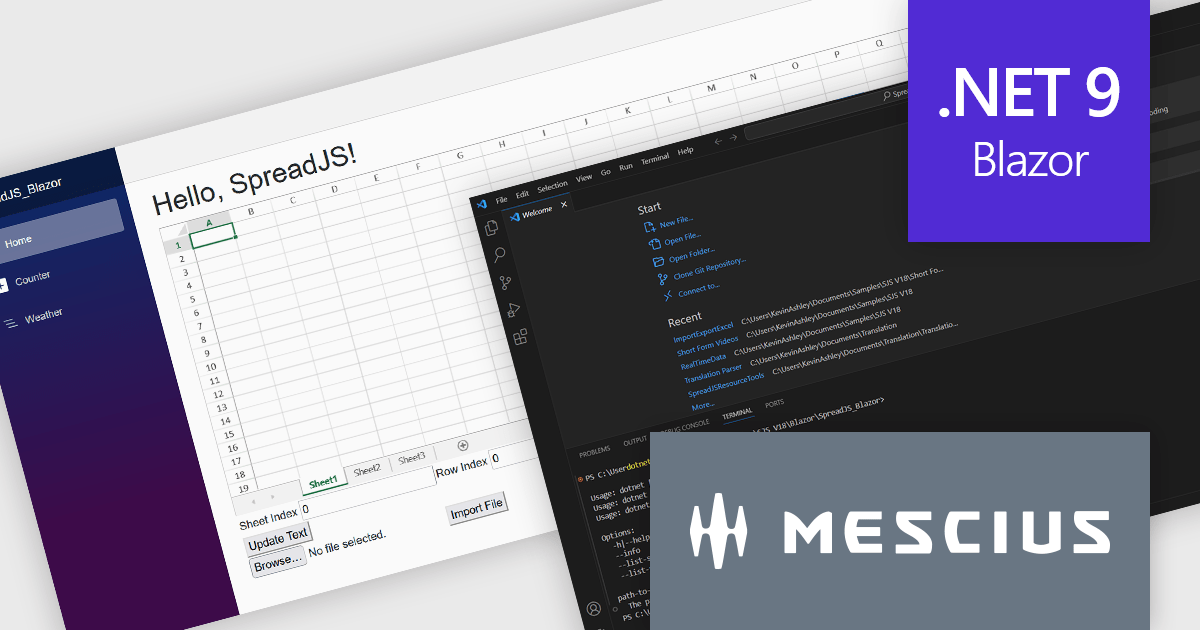
SpreadJS by MESCIUS is a high-performance JavaScript spreadsheet component designed to seamlessly integrate Excel-like functionality into web applications. It empowers developers to deliver robust spreadsheet experiences within their applications, complete with features like data import/export, complex formulas, conditional formatting, and extensive customization options. SpreadJS caters to a wide range of use cases, from financial modeling and data analysis to project management and interactive dashboards, ultimately allowing developers to build feature-rich and user-friendly web applications.
In this blog post, MESCIUS Product Manager Kevin Ashley shows you how to use the powerful and extensible SpreadJS component to import and export Excel files. Steps include:
Detailed source code is included and you can also download the sample app.
Read the full blog to get starting working directly with Excel files in your Blazor applications.
SpreadJS is licensed per developer and includes 1 Year Maintenance (major and minor version releases and unlimited support phone calls). SpreadJS requires an Annual or Perpetual Deployment License. The optional Add-ons are available at an additional cost, and require a SpreadJS license. See our SpreadJS licensing page for full details.
For more information, visit our SpreadJS product page.
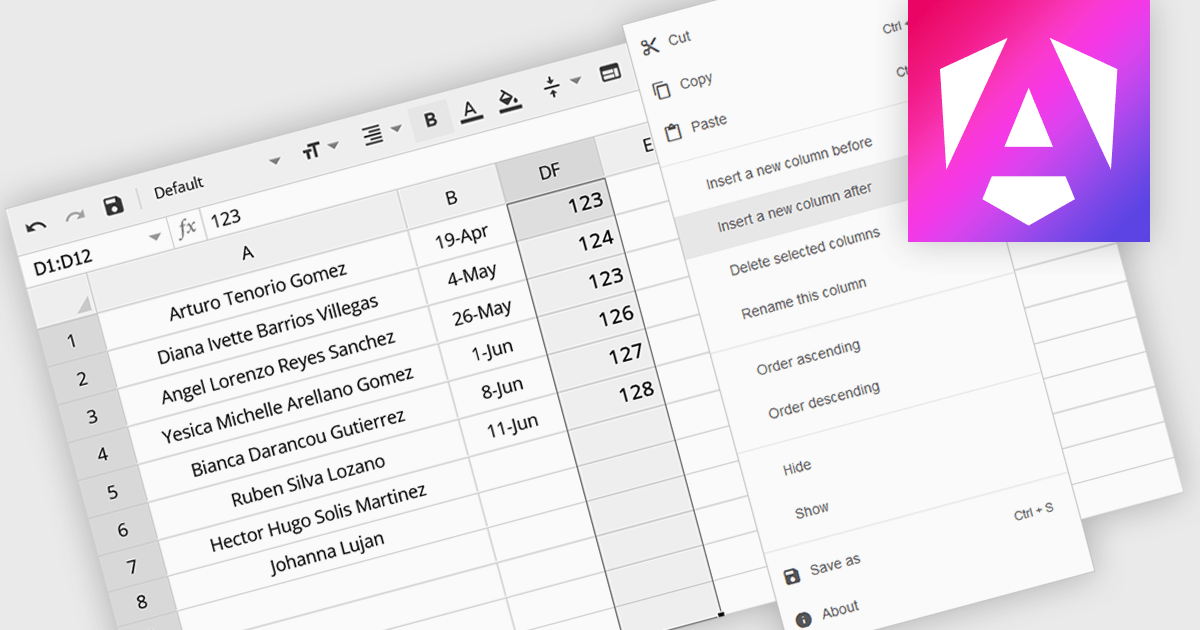
The option to insert columns in a spreadsheet gives users the flexibility to expand or reorganize their data as needed. This functionality allows for seamless adjustments, making it easier to add new data fields or restructure existing information. By enabling column insertion, users can customize their data views for more effective analysis and manipulation. This not only enhances productivity but also delivers a more responsive and adaptable interface that evolves with their data requirements, improving the overall user experience.
Several Angular spreadsheet controls offer the ability to insert columns including:
For an in-depth analysis of features and price, visit our Angular spreadsheet controls comparison.
联系电话: (888) 850 9911
传真: +1 770 250 6199


