













官方供应商
我们作为官方授权经销商,直接提供超过200家开发厂家所发行超过1000个的产品授权给您。
查看我们的所有品牌。
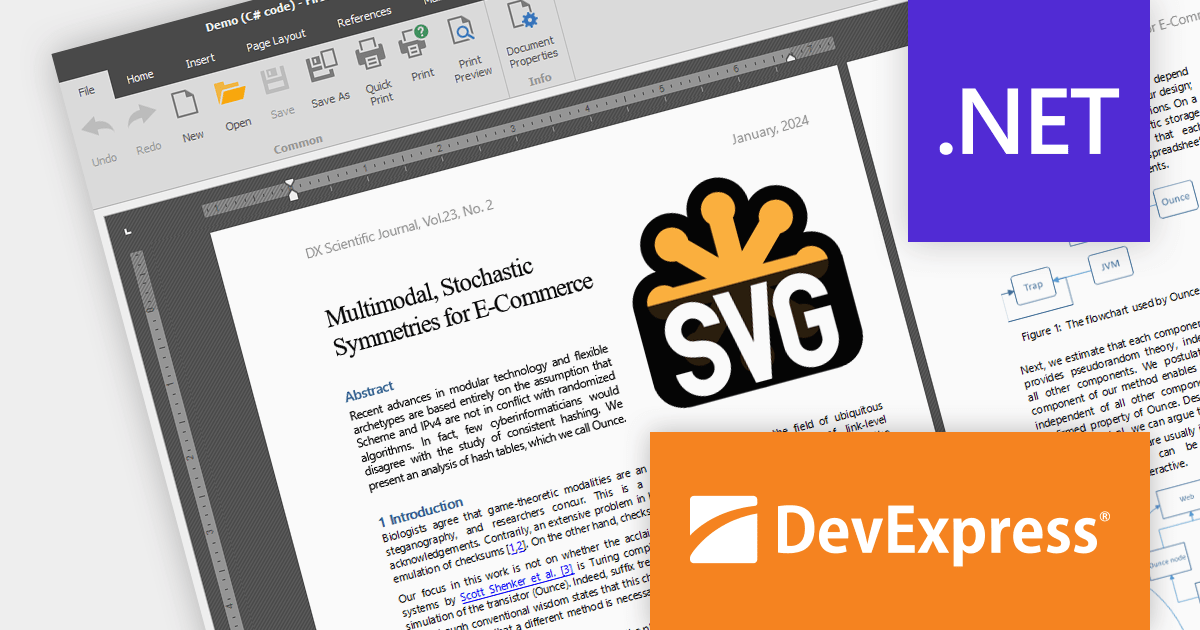
The DevExpress Office File API is a powerful .NET library designed to automate work with Microsoft Word documents, Excel spreadsheets, and PDF files without relying on any UI components. It empowers developers to programmatically create, read, edit, export, and print these crucial office files across various platforms, including Windows, Linux, macOS, and even Azure. Its feature set covers a wide range of tasks, from formatting text and inserting images in Word documents to manipulating data and generating charts in Excel workbooks, and even filling interactive forms or extracting text from PDFs. This comprehensive functionality allows developers to integrate seamless document handling directly into their applications, eliminating the need for external software and streamlining workflows.
The DevExpress Office File API 23.2 release adds SVG support, allowing you to seamlessly import, save, export (PDF), and edit your Word, Excel, and PDF documents with scalable vector graphics. It provides full control with features like resizing, moving, and aligning your SVGs.
To see a full list of what's new in version 23.2, see our release notes.
DevExpress Office File API is licensed per developer and is available as a Perpetual License with a 12 month support and maintenance subscription. See our DevExpress Office File API licensing page for full details.
DevExpress Office File API is available to buy in the following products:
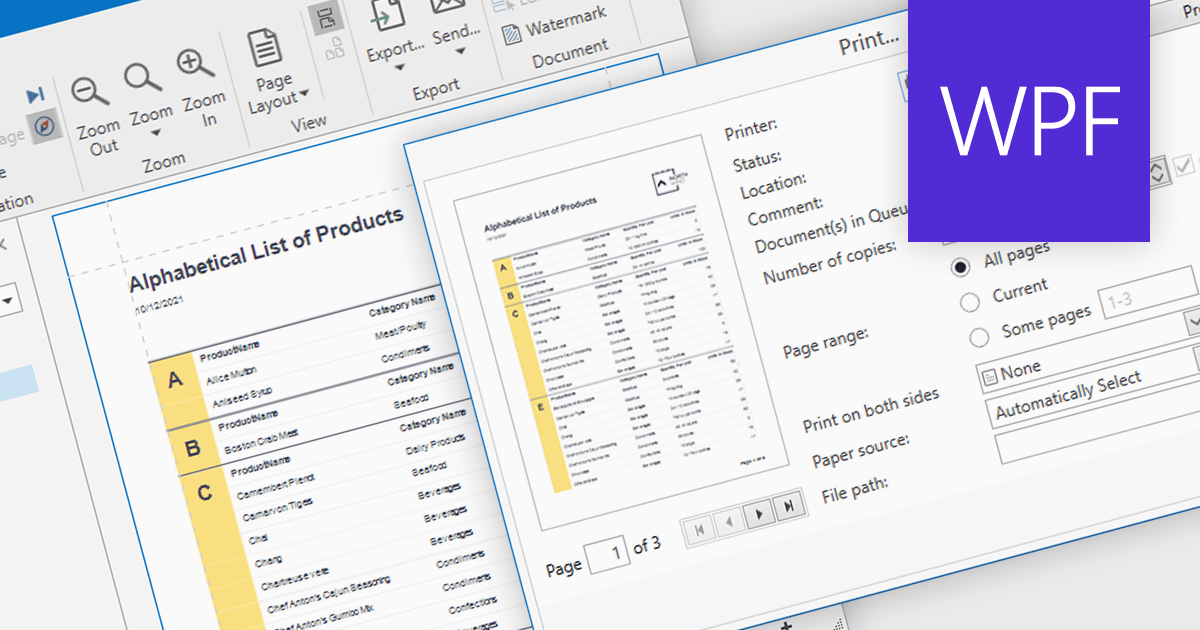
Turning data into tangible insights is critical for businesses, and reporting tools can bridge the gap with robust printing capabilities. These tools support various paper sizes, orientations, and quality settings, ensuring accurate and professional representation of reports in physical form. Additional features like printer selection and print preview streamline the process, further enhancing efficiency.
Several WPF reporting components support printing including:
For an in-depth analysis of features and price, visit our WPF reporting comparison.
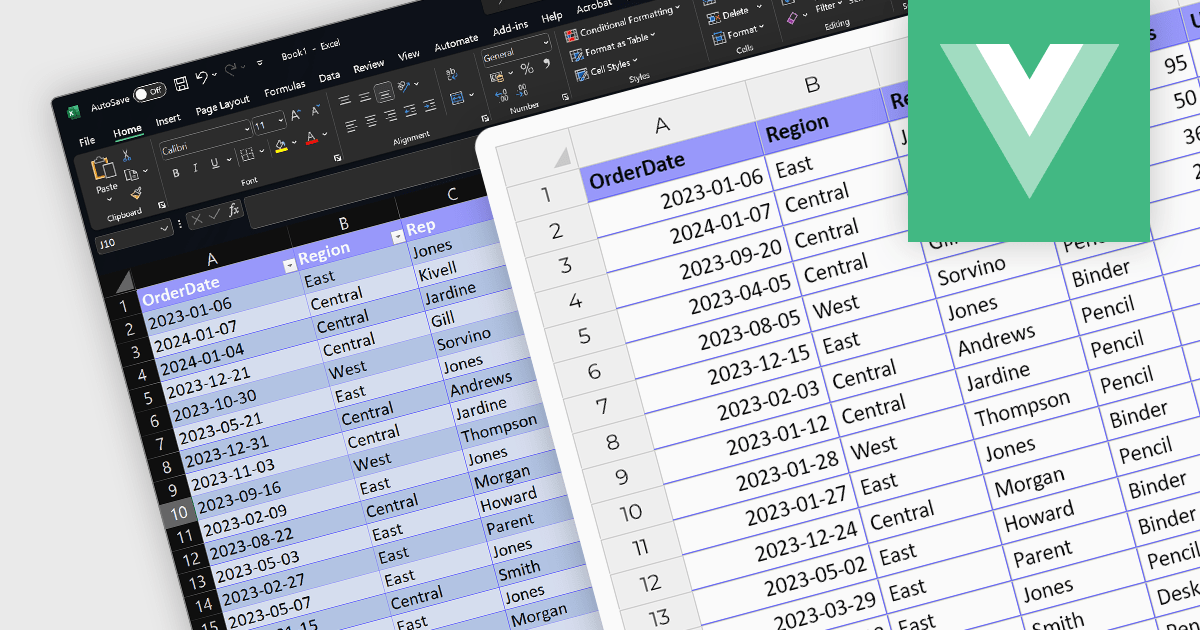
The ability to import XLSX files is a common feature in spreadsheet software, allowing users to open and work with files created in other applications like Microsoft Excel. These versatile controls streamline data integration and boost efficiency by effortlessly populating spreadsheets with pre-existing data, saving valuable time and eliminating error-prone manual entry. This ensures compatibility and ease of data transfer, enabling users to bring in complex datasets with various formatting and formulas intact, which is essential for interoperability and collaboration. Vue.js spreadsheet components eliminate the drudgery of manual data entry and revolutionize the way you manage information within your applications.
Several Vue.js spreadsheet controls support XLSX file import, including:
For an in-depth analysis of features and price, visit our Vue.js Spreadsheet Controls comparison.

DataSpell by JetBrains is an Integrated Development Environment (IDE) specifically designed for data analysts and engineers. It allows you to write Python scripts, run SQL queries, analyze data in Jupyter notebooks, manage dbt workflows, and connect to various databases, all within one seamless interface. DataSpell empowers you to stay focused on exploring insights and delivering high-quality results by combining rich data analysis tools with features like real-time error checking, code quality analysis, and built-in support for best practices like testing and documentation.
The DataSpell 2023.3 release elevates data transformation with its seamless support for dbt Core, a rising star in the data modeling world. This integration simplifies data workflows, champions best practices like modularity and testing, and fosters well-documented workflows. SQL enthusiasts will appreciate the intuitive interface, while everyone benefits from straightforward project initiation, streamlined run configurations, and intelligent code completion for both SQL and YAML. DataSpell empowers you to build robust, reliable data pipelines with unprecedented ease and confidence.
To see a full list of what's new in version 2023.3, see our release notes.
DataSpell is licensed per user as a commercial annual subscription. See our DataSpell licensing page for full details.
For more information, visit our DataSpell product page.
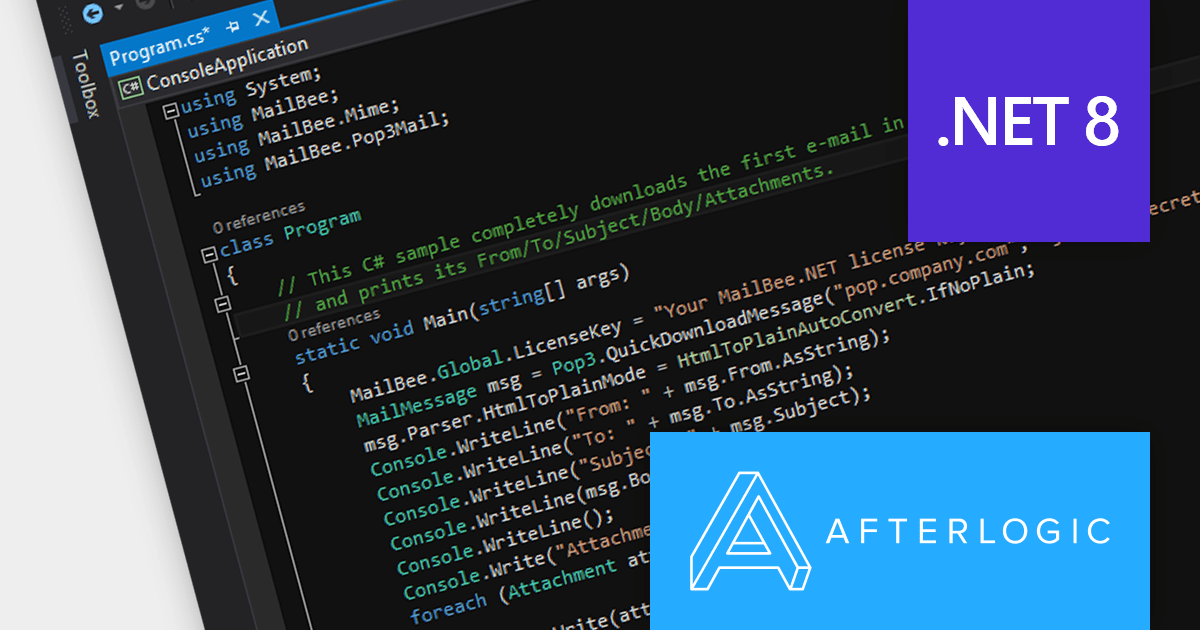
MailBee.NET Objects is a comprehensive suite of .NET components designed to empower developers with robust tools for integrating email functionality into their applications. It offers a wide array of features covering email creation, sending, receiving, processing, and management, ensuring flexibility and control over various email-related tasks.
The MailBee.NET Objects v12.4 release adds support for Microsoft .NET 8, allowing developers to enjoy the performance boosts, enhanced cross-platform compatibility, and new APIs in the latest version of Microsoft's popular development framework. It has also been fully tested with Visual Studio 2022, empowering developers to build robust, efficient, and adaptable email solutions that stand the test of time.
To see a full list of what's new in version 12.4, see our release notes.
MailBee.NET Objects is licensed per developer and is run-time royalty free. All licenses include a 12 month maintenance plan which provides all major and minor product updates and standard technical support. Extended (Priority) Support and Source Code options are also available. See our MailBee.NET Objects licensing page for full details.
For more information, visit our MailBee.NET Objects product page.
联系电话: (888) 850 9911
传真: +1 770 250 6199


