













官方供应商
我们作为官方授权经销商,直接提供超过200家开发厂家所发行超过1000个的产品授权给您。
查看我们的所有品牌。
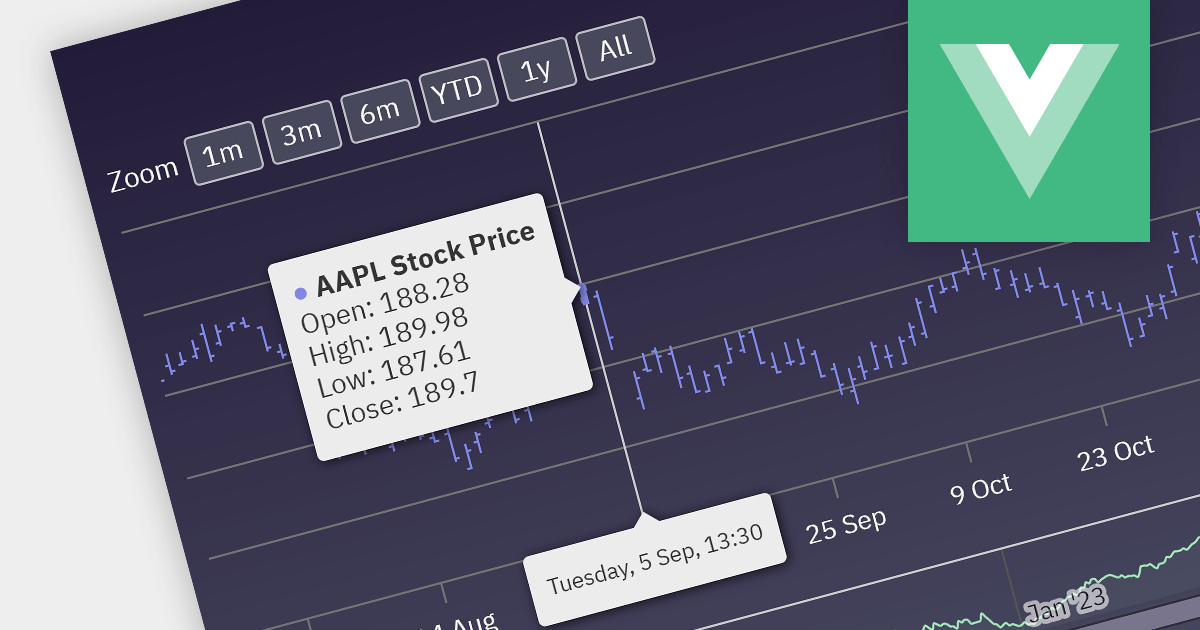
Financial apps can be significantly enriched by integrating open-high-low-close charts. These versatile visualizations condense price movement data into clear, concise bars, empowering users to rapidly grasp market trends and identify potential trading opportunities. With a quick glance, users can assess open, high, low, and closing prices within a chosen timeframe, gaining valuable insights into market sentiment and volatility. This immediate understanding fosters informed decision-making, transforming your Vue.js app into a dynamic platform for financial analysis and informed action.
Several Vue.js chart controls offer OHLC charts including:
For an in-depth analysis of features and price, visit our Vue.js chart controls comparison.
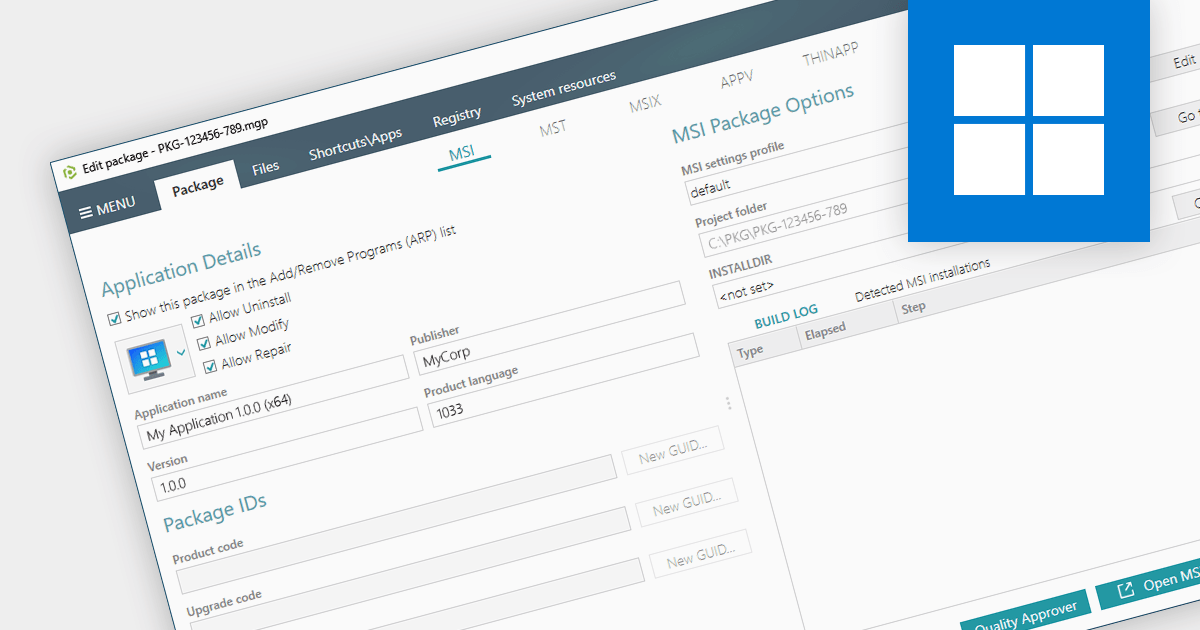
Converting an EXE to an MSI provides a wealth of benefits for system administrators. Forget manual installations across countless devices - MSIs integrate seamlessly with management tools, automating deployment and silent installs. MSIs also track every change, allowing you to easily roll back or uninstall with a single click. Security gets a boost too, with granular permissions and dependency checks ensuring only authorized components are allowed onto your systems. Centralized management means you can store and manage all your MSIs in one place, making software updates and license distribution easier than ever.
Several installation tools provide EXE to MSI conversion including:
For an in-depth analysis of features and price, visit our Windows Installation Tools comparison.
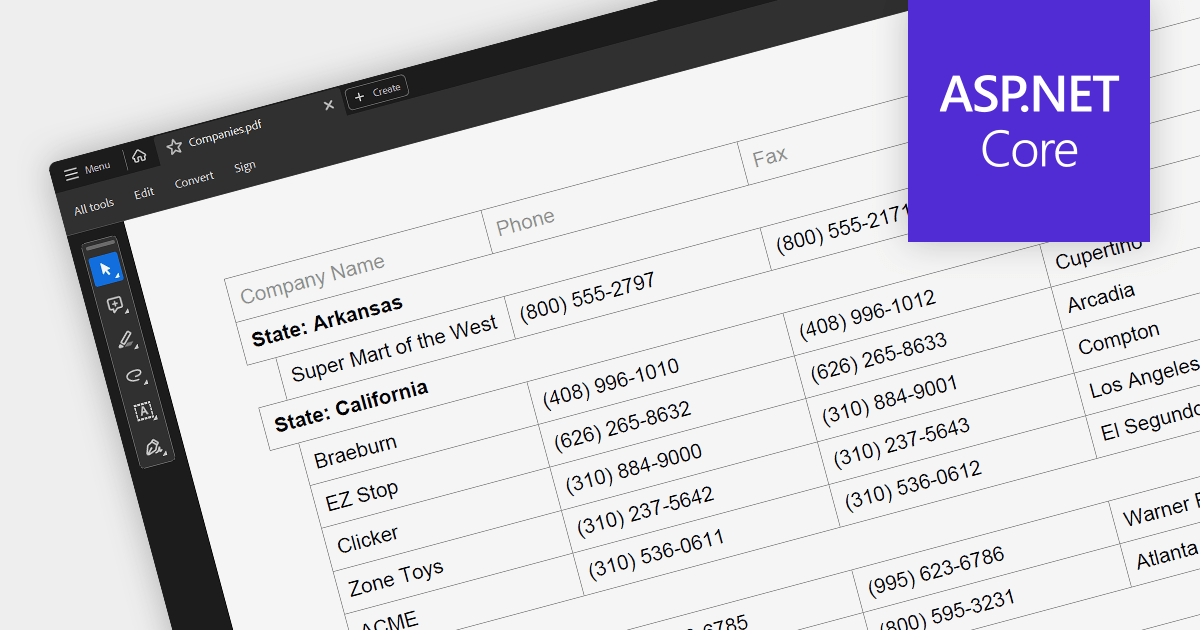
PDF export is a powerful feature in grid controls, allowing users to capture and share data presented in a readily accessible format. This functionality typically involves dedicated methods or settings within the grid, enabling seamless transformation of the displayed data into a structured PDF document. Users often have control over what sections and columns to export, along with formatting options like headers, fonts, and page layout. This flexibility makes PDF export ideal for generating printable reports, archiving snapshots of grid data, and distributing information beyond the confines of the application.
Several ASP.NET Core grids support exporting to PDF including:
For an in-depth analysis of features and price, visit our ASP.NET Core grids comparison.

SpreadJS by MESCIUS is a powerful JavaScript library that lets you build Excel-like spreadsheets within your web applications. It offers tables, charts, formulas, pivot tables, and more, all running within the browser. It works with major frameworks like Angular, React, and Vue, and offers Excel file import and export. SpreadJS empowers developers to create interactive dashboards, analyze data, and streamline workflows, all within the familiar spreadsheet interface.
The SpreadJS 17 release introduces the optional GanttSheet Add-On, a full Gantt implementation that works inside of SpreadJS. It seamlessly integrates with your existing spreadsheets, transforming them into clear and concise Gantt charts. This allows you to visualize tasks, dependencies, and progress at a glance, identifying potential bottlenecks and adjust schedules proactively. GanttSheet offers a flexible and intuitive may to manage tasks, sort data, customize calendar settings, and even import/export plans for smooth collaboration.
To see a full list of what's new in version 17, see our release notes.
SpreadJS is licensed per developer and includes 1 Year Maintenance (major and minor version releases and unlimited support phone calls). SpreadJS requires an Annual or Perpetual Deployment License. The GanttSheet Add-On is available at an additional cost, and requires a SpreadJS license. See our SpreadJS licensing page for full details.
For more information, visit our SpreadJS product page.
Aspose.Font for .NET is a professional-grade .NET library designed to empower developers with comprehensive font manipulation capabilities. It offers robust functionalities for loading, saving, and converting various font formats, including TrueType, OpenType, and CFF. Its rich API enables detailed analysis of font data structures, including glyph information and encoding schemes. Additionally, Aspose.Font for .NET provides a powerful rendering subsystem for drawing text with accurate font representations.
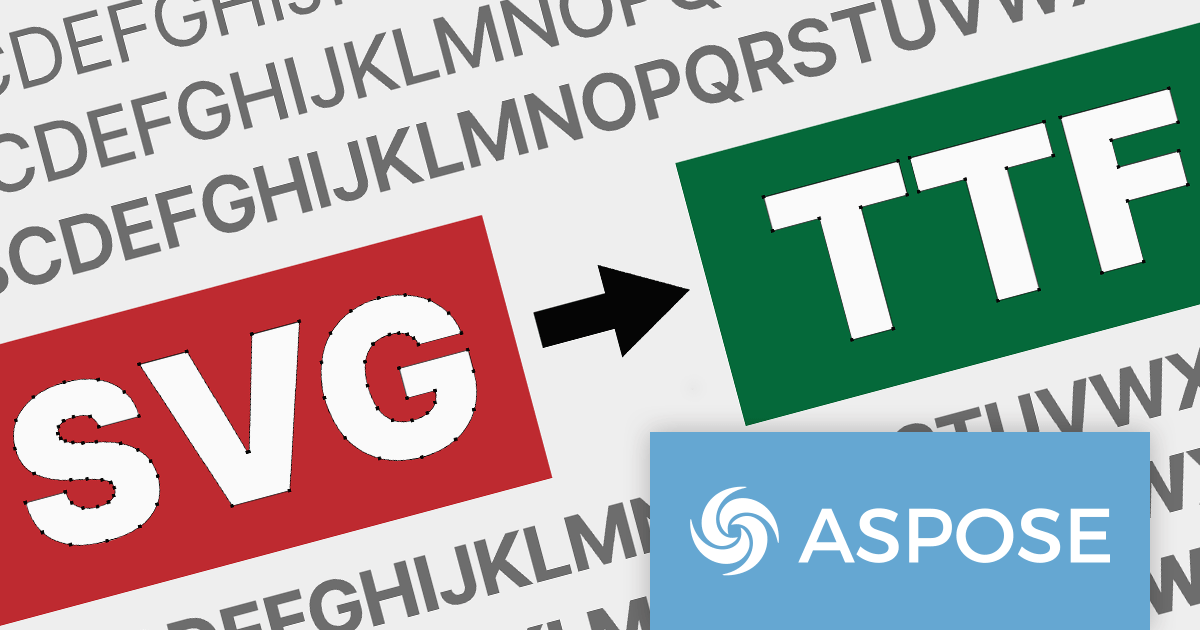
The 23.12 release of Aspose.Font for .NET and Aspose.Font for C++ adds support for converting SVG fonts to TrueType (TTF) format. This allows developers to readily convert modern, scalable SVG fonts into the widely used TTF format, ensuring compatibility with diverse platforms and applications that don't natively support SVG fonts. The conversion process helps to streamline font integration workflows, removing the need for manual workarounds or reliance on specialized third-party tools.
Aspose.Font for .NET and Aspose.Font for C++ are offered as Developer Small Business, Developer OEM, Site Small Business, and Site OEM licenses, catering to a range of business needs. Licenses are perpetual, and include 1 year of support and maintenance. Subscription renewals are also available. For full details see our Aspose.Font for .NET licensing page.
Aspose.Font for .NET and Aspose.Font for C++ are available to buy in the following products:
联系电话: (888) 850 9911
传真: +1 770 250 6199


