













官方供应商
我们作为官方授权经销商,直接提供超过200家开发厂家所发行超过1000个的产品授权给您。
查看我们的所有品牌。
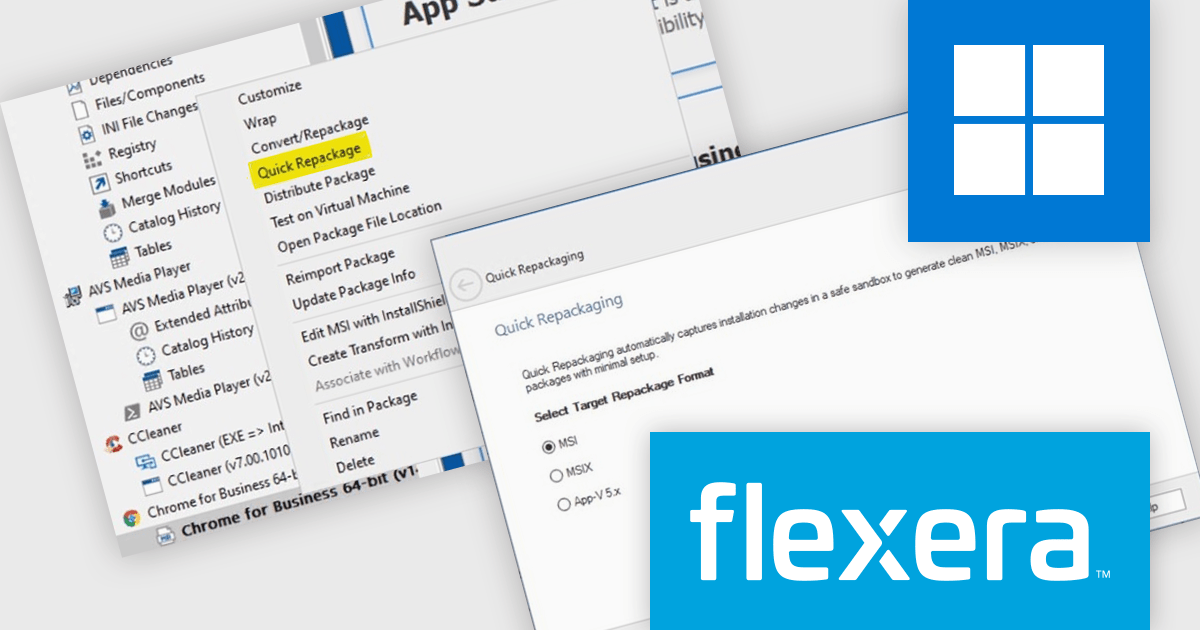
AdminStudio, by Flexera, helps teams securely package and deploy applications across various platforms. This comprehensive suite automates key processes, from building new packages to testing compatibility and mitigating risks, ensuring efficient and reliable software distribution within your organization. Whether managing physical or virtual applications, AdminStudio simplifies the entire journey, from initial packaging to endpoint delivery, ultimately driving greater efficiency and minimizing deployment risks.
The AdminStudio 2026 R2 release makes it easier to modernize application deployment by enabling the rapid conversion of existing MSI and EXE installers into MSI, MSIX, or App-V5 packages. Using Quick Repackage at the package level, IT teams can repackage applications without rebuilding installers from scratch, helping to create consistent deployment packages that are easier to manage, distribute, and maintain across enterprise environments.
To see a full list of what's new in version 2026 R2, see our release notes.
AdminStudio is licensed per user and is available as a 3 Year Timed Subscription. See our AdminStudio Professional or AdminStudio Enterprise licensing pages for full details.
For more information, visit our product pages:
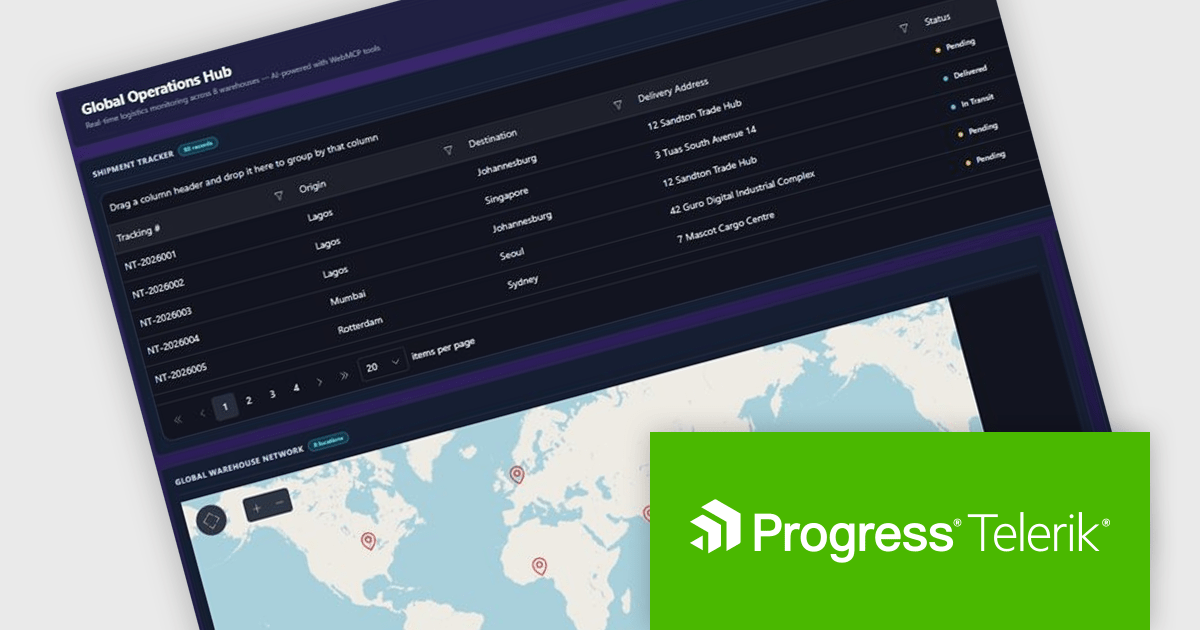
DevCraft by Telerik is a comprehensive suite of more than 1,250 UI components and development tools designed for building modern web, desktop, and mobile applications using .NET and JavaScript frameworks. It includes reporting and report management solutions, automated testing and mocking tools, and document processing libraries, as well as a wide range of professionally designed user interface controls from the Telerik and Kendo UI suites. DevCraft enables developers to create feature-rich, high-performance applications with consistent design and user experience, delivering enterprise-level, scalable, and maintainable software solutions.
The Telerik DevCraft 2026 Q2 update introduces WebMCP integration as a preview feature, enabling developers to explore applications that work directly with AI agents through structured interactions. By exposing application functionality as actionable tools, it allows AI agents to perform tasks such as filtering data, navigating views, and updating values without relying on DOM scraping or simulated user actions. This preview helps developers evaluate more reliable AI driven workflows, simplify the implementation of intelligent application experiences, and prepare their applications for emerging AI standards and use cases.
To see a full list of what's new in DevCraft 2026 Q2, see our release notes.
Telerik DevCraft is licensed per developer and has two licensing models: an annual Subscription License and a Perpetual License. The Subscription license provides access to the latest product updates, technical support, and exclusive benefits for a flat annual fee, and must be renewed to continue using the software. The Perpetual license is a one-time purchase granting access to the current released version and includes one-year Maintenance and Support. After this initial period, users can choose to renew Maintenance & Support to continue receiving updates and support; otherwise, they may continue using the installed version available during their active maintenance period but will forgo future updates and support. See our Telerik DevCraft Ultimate licensing page for full details.
For more information, see our product pages:
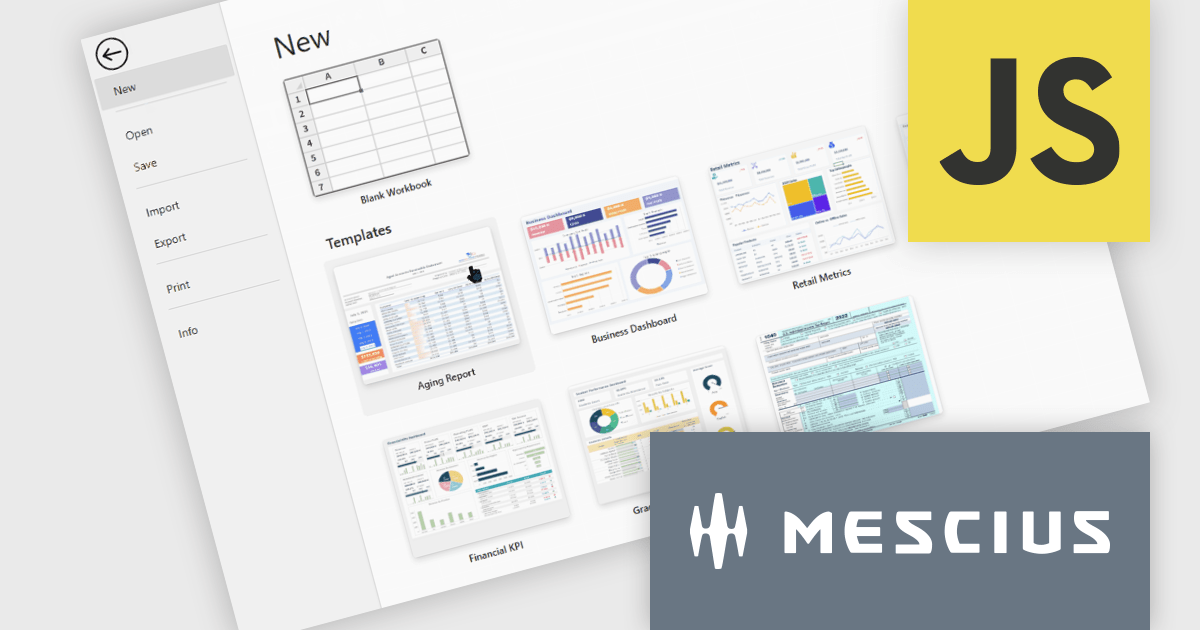
SpreadJS is a JavaScript spreadsheet and data visualization component built to deliver Excel-compatible functionality within web applications. It provides a flexible, high-performance interface for displaying and manipulating tabular data, supporting advanced features such as formulas, pivot tables, charts, conditional formatting, and data binding. SpreadJS integrates smoothly with popular frameworks like React, Angular, and Vue, and includes robust import and export capabilities for Microsoft Excel files. It is commonly used in enterprise applications where users need a responsive, interactive spreadsheet experience directly in the browser.
The SpreadJS 19.1.0 update enhances the designer with a new templatesConfig option, allowing developers to define template configurations for new workbooks. By loading templates from remote sources or preloaded data, applications can apply consistent styles and formats during initialization or reset operations, helping teams standardize workbook creation and simplify spreadsheet setup.
To see a full list of what's new in 19.1.0, see our release notes.
SpreadJS is licensed per developer and includes 1 Year Maintenance (major and minor version releases and unlimited support phone calls). SpreadJS requires an Annual or Perpetual Deployment License. The optional Add-ons are available at an additional cost, and require a SpreadJS license. See our SpreadJS licensing page for full details.
For more information, visit our SpreadJS product page.
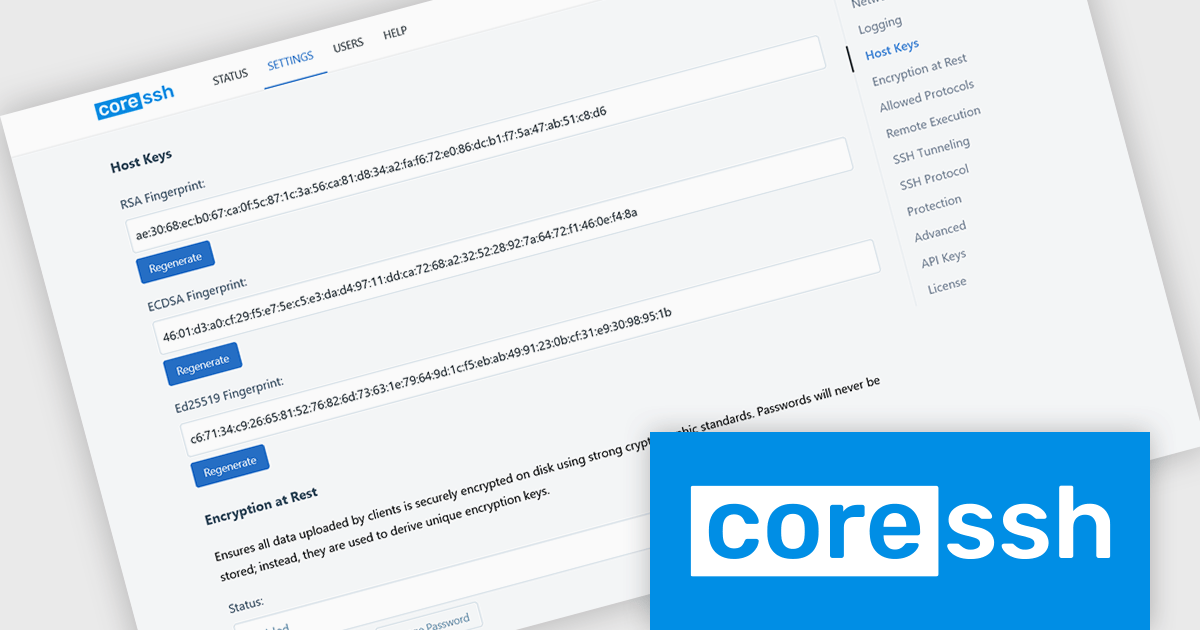
CoreSSH Server is a secure shell (SSH) and file transfer server designed to enable encrypted remote access and data movement without requiring extensive initial setup. It implements secure protocols such as SSH and the SSH File Transfer Protocol (SFTP) to protect data in transit and provides support for common authentication methods like passwords, public keys, and multi‑factor authentication. Its architecture is built in managed code on the .NET framework with modern cryptographic standards to address performance and security needs without relying on external open‑source libraries.
CoreSSH Server brings secure SSH and SFTP capabilities to Windows, Linux, and macOS through a lightweight, cross-platform design focused on simplicity and fast deployment. Built to run natively on each operating system, it delivers the same setup experience, security-focused defaults, and high-performance connectivity whether it’s used for development, testing, or production workloads. Teams working across mixed environments can deploy and manage secure file transfer services consistently without changing workflows between platforms.
CoreSSH Server is licensed per server and is available as both perpetual and annual subscription based licenses. See our CoreSSH Server licensing page for full details.
For more information, see our CoreSSH Server product page.
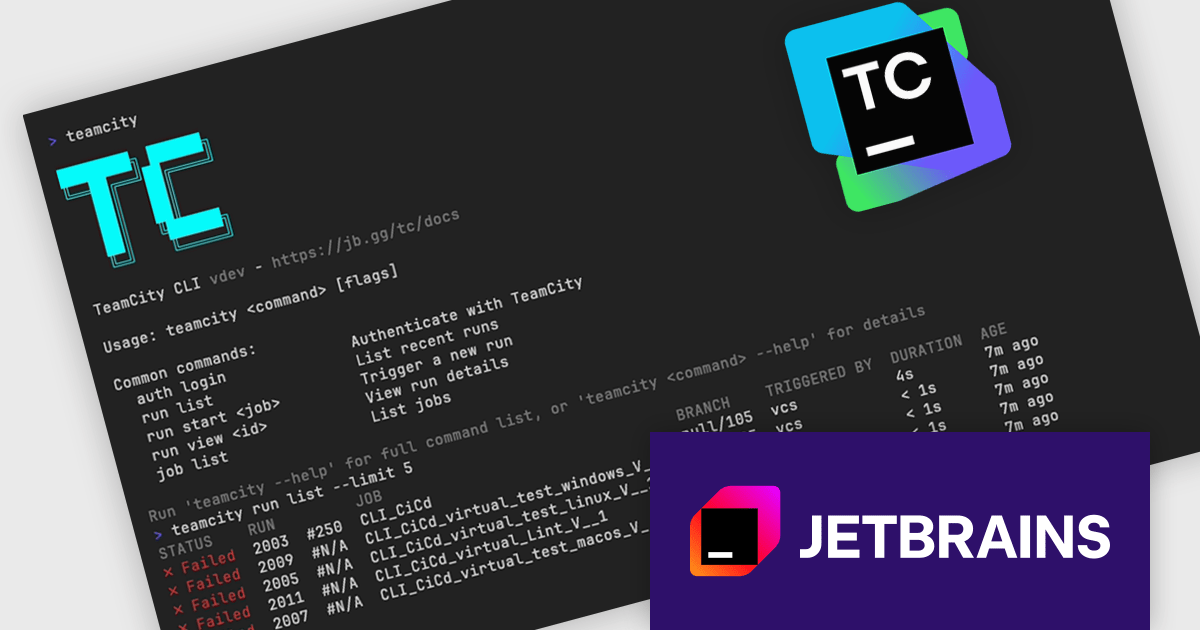
TeamCity by JetBrains is a robust continuous integration and deployment (CI/CD) server that simplifies building, testing, and deploying software. It supports diverse workflows with features like real-time build monitoring, customizable pipelines, and integrations with tools like Git and Mercurial. TeamCity’s intelligent build management, including parallel builds and automated testing, optimizes resources and accelerates delivery. With its user-friendly interface and extensive language and framework support, TeamCity is ideal for teams aiming to improve development and maintain high-quality code efficiently.
The TeamCity 2026.1 introduces TeamCity CLI, a new command-line interface that provides direct access to TeamCity instances from the terminal. Alongside the existing browser-based UI and REST API, the CLI gives developers and DevOps teams another way to manage everyday tasks such as checking build statuses, triggering new builds, and investigating failures. Designed for use on any machine, it brings faster access to routine workflows without requiring users to leave the command line.
To see a full list of what's new in version 2026.1, see our release notes.
TeamCity On-Premises is licensed per server and per build agent, and is available as a commercial perpetual license. See our TeamCity On-Premises licensing page for full details.
For more information, visit our TeamCity On-Premises product page.
联系电话: (888) 850 9911
传真: +1 770 250 6199


