













공식 공급 업체
200 이상의 소프트웨어 개발처와 판매 계약을 맺은 공인 디스트리뷰터로서 합법적인 라이선스를 제공합니다.
모든 브랜드 보기.
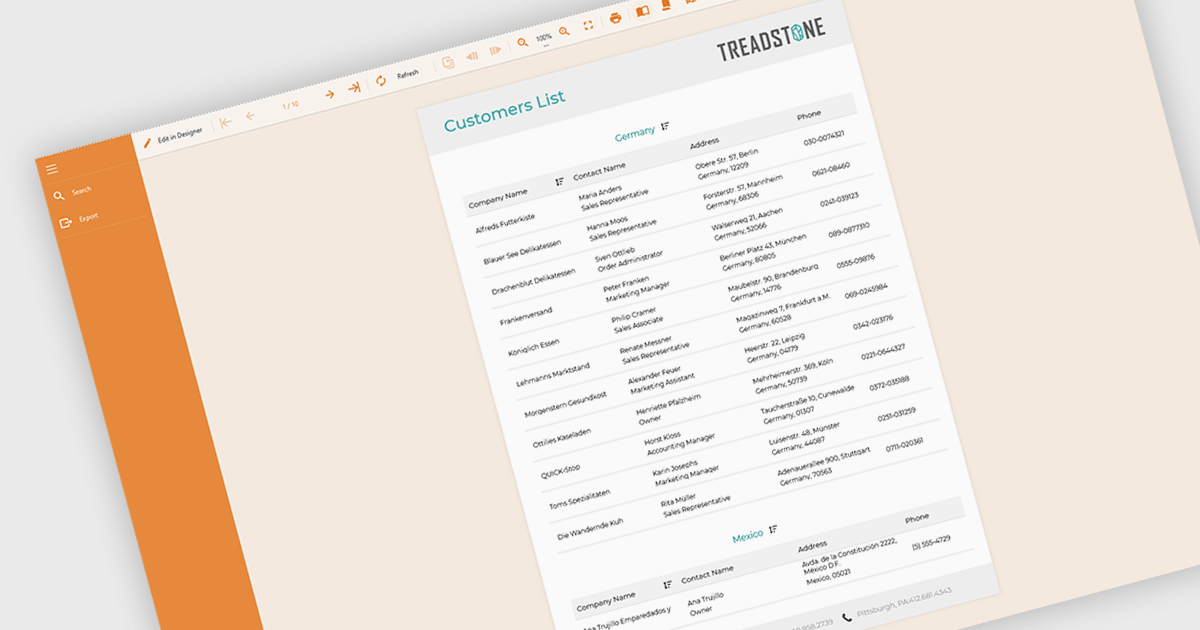
Filtering and grouping report data empowers users to drill down into specific details and identify trends. By filtering data based on relevant criteria, users can isolate subsets of information, while grouping organizes data points based on shared characteristics, allowing for comparisons and pattern recognition within the larger dataset. This combined functionality fosters a deeper understanding of the information being presented.
Several Angular reporting controls offer the ability to filter and group data including:
For an in-depth analysis of features and price, visit our Angular reporting controls comparison.
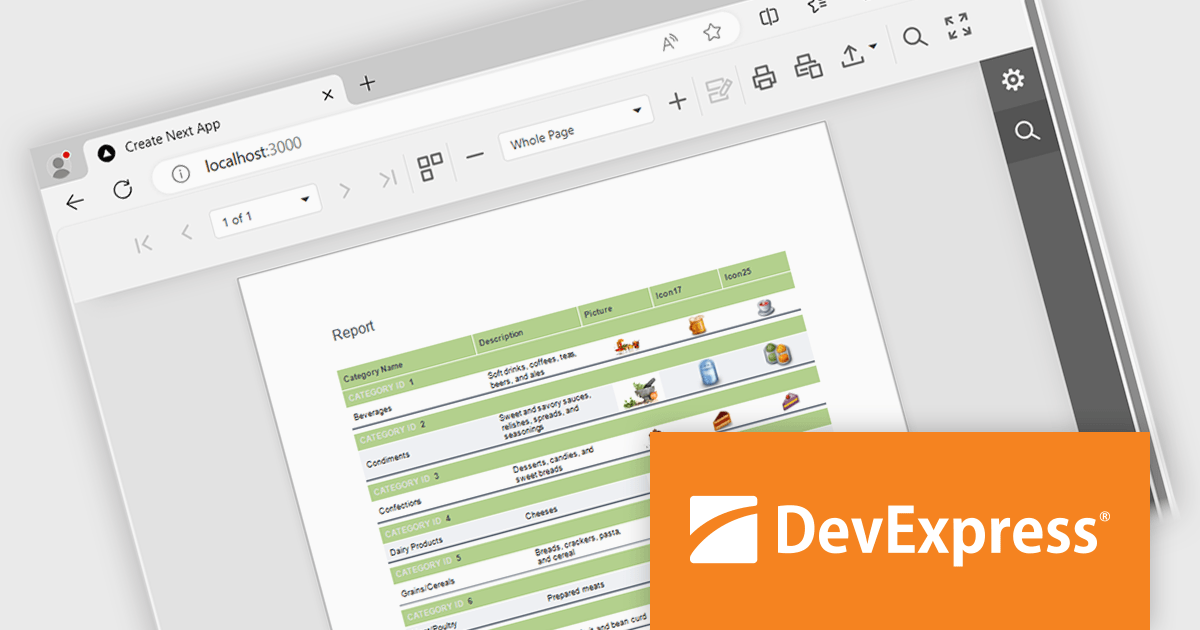
DevExpress Reporting is a powerful, versatile tool for building reports in the .NET ecosystem. It lets you design professional-looking reports with a visual editor, connect to various data sources, and customize them with charts, graphs, and interactive elements. Whether you're creating invoices, sales summaries, or complex dashboards, DevExpress Reporting offers the flexibility and features to bring your data to life in a clear and insightful way. It integrates seamlessly with WinForms, WPF, Web, and Blazor applications, making it a popular choice for developers who need a robust reporting solution.
The DevExpress Reporting 24.1 release introduces a native React Report Viewer component that streamlines the integration of reporting into React applications. This new component leverages the proven architecture of the DevExpress Angular Report Viewer, eliminating the need for JavaScript wrappers and ensuring a more responsive and performant user experience. This translates to benefits like faster rendering and a more intuitive user interface for interacting with reports within React applications, making it ideal for scenarios requiring seamless report viewing and interaction within complex React dashboards or data analysis tools.
To see a full list of what's new in version 24.1, see our release notes.
DevExpress Reporting is licensed per developer and is available as a Perpetual License with a 12 month support and maintenance subscription. See our DevExpress Reporting licensing page for full details.
DevExpress Reporting is available to buy in the following products:
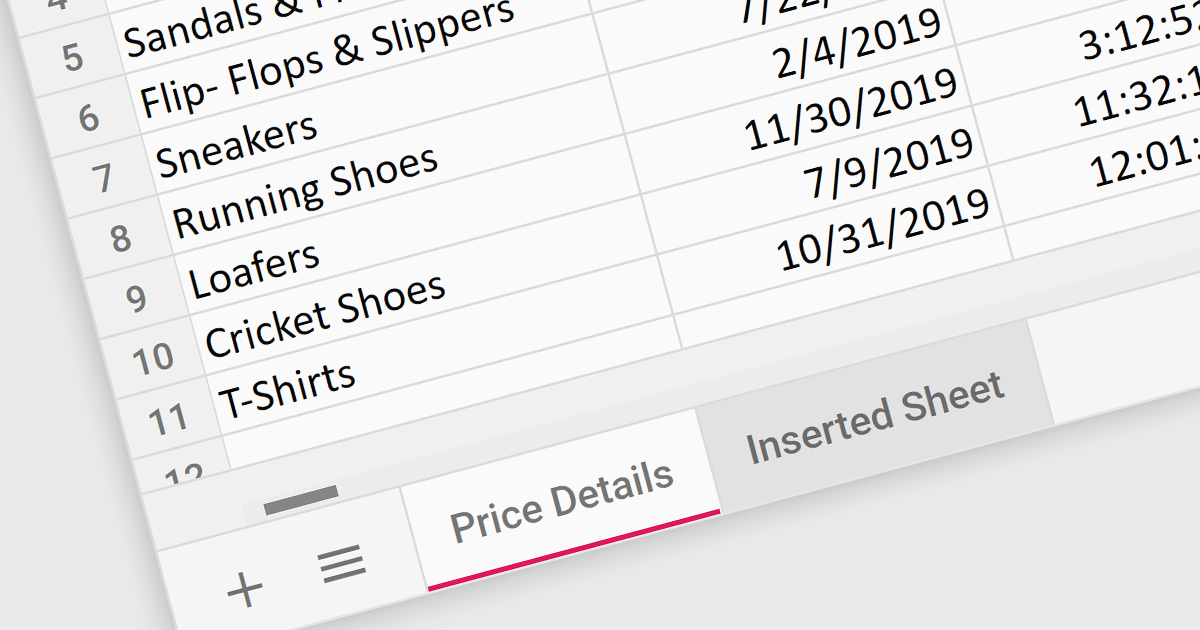
Worksheet tabs act as a visual and interactive index, enabling users to seamlessly navigate between distinct sections within a single workbook. This efficient organization facilitates data comparison and analysis. The clear visual distinction between tabs reduces cognitive load and enhances comprehension, making it easier for users to grasp the overall structure and navigate the information within the workbook.
Several React Spreadsheet controls offer support for tabs including:
For an in-depth analysis of features and price, visit our React Spreadsheet controls comparison.
SpreadJS by MESCIUS is a JavaScript library offering a comprehensive spreadsheet solution for enterprise web applications. It delivers an Excel-like user experience with features like data tables, extensive charting, formatting options, and a powerful formula engine supporting over 500 functions. SpreadJS integrates with popular frameworks like React, Angular, and Vue.js, enabling developers to build high-performance, customizable spreadsheet functionalities within their web applications.
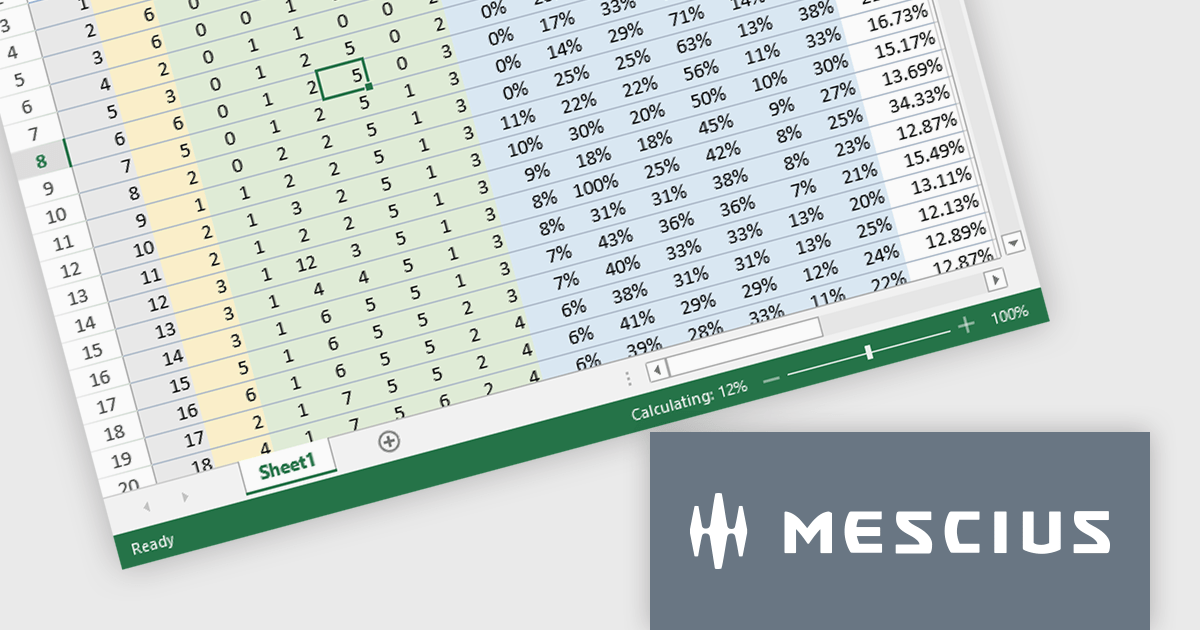
The SpreadJS v17.1 release enables incremental computation, which breaks down the entire calculation into pieces during execution. This enables responsiveness to user actions when the calculation task is large, preventing the UI from being unresponsive when a workbook has many formulas. Developers will only need to set the incrementalCalculation attribute of the Workbook class to true. This computation procedure is also displayed in the status bar.
To see a full list of what's new in 17.1.0, see our release notes.
SpreadJS is licensed per developer and includes 1 Year Maintenance (major and minor version releases and unlimited support phone calls). SpreadJS requires an Annual or Perpetual Deployment License. The optional Add-ons are available at an additional cost, and require a SpreadJS license. See our SpreadJS licensing page for full details.
Learn more on our SpreadJS product page.
Syncfusion Essential Studio JavaScript, available as part of Syncfusion Essential Studio Enterprise, is a comprehensive UI library offering over 80 high-performance, lightweight, and responsive components to transform your web apps. Built from scratch with TypeScript, it boasts modularity and touch-friendliness, letting you pick and choose specific features while ensuring smooth mobile interaction. With rich themes, global accessibility features, and extensive documentation, it powers everything from basic buttons to interactive charts and data grids, simplifying front-end development across JavaScript, Angular, React, and Vue.
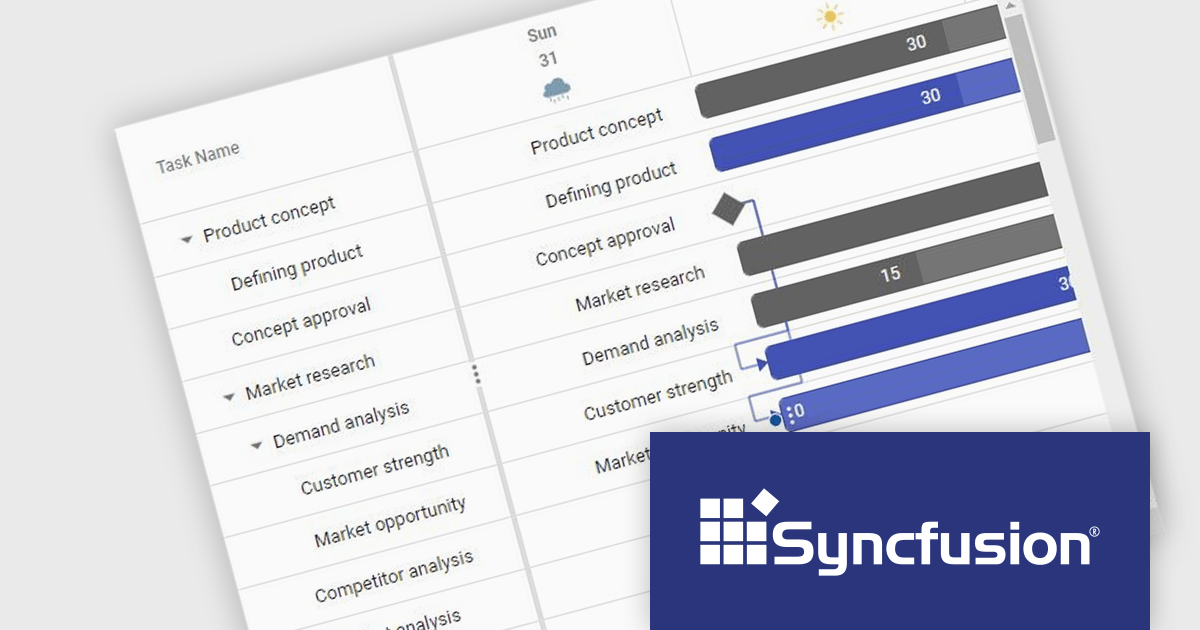
The Syncfusion Essential Studio JavaScript 2024 Volume 2 (26.1.35) release adds a new Timeline template feature to the Gantt control. This feature allows you to customize the appearance of timeline cells by using templates. You can now display images, buttons, or other custom content within timeline cells, making your Gantt chart more informative and visually appealing.
To see a full list of what's new in 2024 Volume 2 (26.1.35), see our release notes.
Syncfusion Essential Studio JavaScript is available as part of Syncfusion Essential Studio Enterprise which is licensed per developer starting with a Team License of up to five developers. It is available as a 12 Month Timed Subscription License which includes support and maintenance. See our Syncfusion Essential Studio Enterprise licensing page for full details.
Learn more on our Syncfusion Essential Studio JavaScript product page.
전화 : 00798 14 800 6332
팩스 : +1 770 250 6199


