JavaScript / HTML5 뉴스

하이퍼링크로 스프레드시트 탐색을 단순화하세요

5월 13, 2024
하이퍼링크를 지원하는 React 스프레드시트 구성요소를 선택하면 링크를 셀 내에서 클릭할 수 있어 효율적인 탐색이 가능하므로 사용자 경험을 향상할 수 있습니다.

Hyperlink support in a spreadsheet control allows developers to integrate clickable links within cells. This functionality offers several advantages: users can seamlessly navigate to external web pages, reference internal documents within the spreadsheet itself (including across worksheets), and launch email compositions directly from specific cells. Hyperlink support enhances user experience by streamlining information access and promoting efficient data exploration within the spreadsheet.

Several React Spreadsheet controls offer Hyperlink support including:

  • SpreadJS by MESCIUS supports hyperlinks in cells, allowing users to link to webpages, email addresses, or other ranges within the spreadsheet.
  • Jspreadsheet Pro allows you to integrate hyperlinks into cells, connecting users to webpages, local files, and other spreadsheet locations.
  • Infragistics Spreadsheet React (part of Infragistics Ignite UI) enables the creation of interactive spreadsheets with clickable links to external resources and internal data.
  • Syncfusion Spreadsheet JavaScript (part of Syncfusion Essential Studio Enterprise) facilitates embedding hyperlinks within cells for seamless navigation.

For an in-depth analysis of features and price, visit our comparison of React Spreadsheet controls.

Compare React Spreadsheet Controls

XML 내보내기를 통해 앱에서 프레젠테이션을 공유하세요

5월 10, 2024
Aspose.Slides 24.4는 PPTX를 XML로 내보낼 수 있도록 지원하여 데이터 접근성을 개선하며, 프레젠테이션 콘텐츠 추출 프로세스를 간소화합니다.

Aspose.Slides is a software development library that empowers applications to create, edit, and convert presentations without requiring Microsoft PowerPoint. Developers can leverage this API to programmatically manage text, shapes, tables, animations, and more within presentations, while also offering conversion capabilities to various formats like PDF, HTML, and image files.

Aspose.Slides 24.4 adds support for exporting PPTX to XML. XML offers a well-defined, text-based format that can be easily parsed and manipulated by various applications and programming languages. This allows developers to extract specific data or elements from presentations for further processing or integration with other systems.

To see a full list of what's new in Aspose.Slides version 24.4, see our .NET, Android via Java, Java, Node.js via Java, and PHP via Java release notes.

Aspose.Slides is offered as Developer Small Business, Developer OEM, Site Small Business, and Site OEM licenses catering to a range of business needs. Licenses are perpetual, and include 1 year of support and maintenance. Subscription renewals are also available. See our Aspose.Words licensing pages for .NET, Android via Java, Java, Node.js via Java, and PHP via Java for full details.

The ability to export PPTX to XML is available in the following Aspose.Slides platforms:

Alfresco Share에서 문서 보안을 강화하세요

5월 9, 2024
무단 액세스를 방지하기 위해 보다 세분화된 제어 기능을 관리자에게 제공하는 고급 보안 옵션이 ONLYOFFICE Alfresco Connector 7.0에 추가됩니다.

ONLYOFFICE Docs Enterprise Edition with Alfresco Connector combines an online document editor with a seamless integration for Alfresco Share, which is a content management platform that allows users to store, organize, and collaborate on documents and other digital assets. This integration allows teams to create, view, edit, and collaborate on spreadsheets, presentations, and text files online, directly within Alfresco Share using ONLYOFFICE editors, boosting efficiency and eliminating the need for file switching.

The ONLYOFFICE Alfresco Connector 7.0 update (available as part of ONLYOFFICE Docs Enterprise Edition with Alfresco Connector v8.0.1) adds advanced security options. It now uses JSON Web Token Secret and JSON Web Token Header to safeguard against unauthorized access, providing a higher level of protection. This release also gives administrators the flexibility to configure their own authorization headers directly on the editor's settings page, thereby offering a more tailored and secure document management experience.

To see a full list of what's new in ONLYOFFICE Docs Enterprise Edition v8.0.1 with Alfresco Connector 7.0, see our release notes.

ONLYOFFICE Docs Enterprise Edition with Alfresco Connector is licensed per server and is available as an annual license with 1 year of support and updates, or as a perpetual license with 3 years of support and updates. See our ONLYOFFICE Alfresco connector licensing page for full details.

For more information, see our ONLYOFFICE Alfresco connector product page.

Vue.js 애플리케이션에서 바코드 기능을 활용합니다

5월 9, 2024
바코드 구성요소가 있는 Vue.js UI 제품군은 정확성과 일관성을 개선하는 사전 구축된 솔루션을 제공하여 데이터 관리를 간소화합니다.

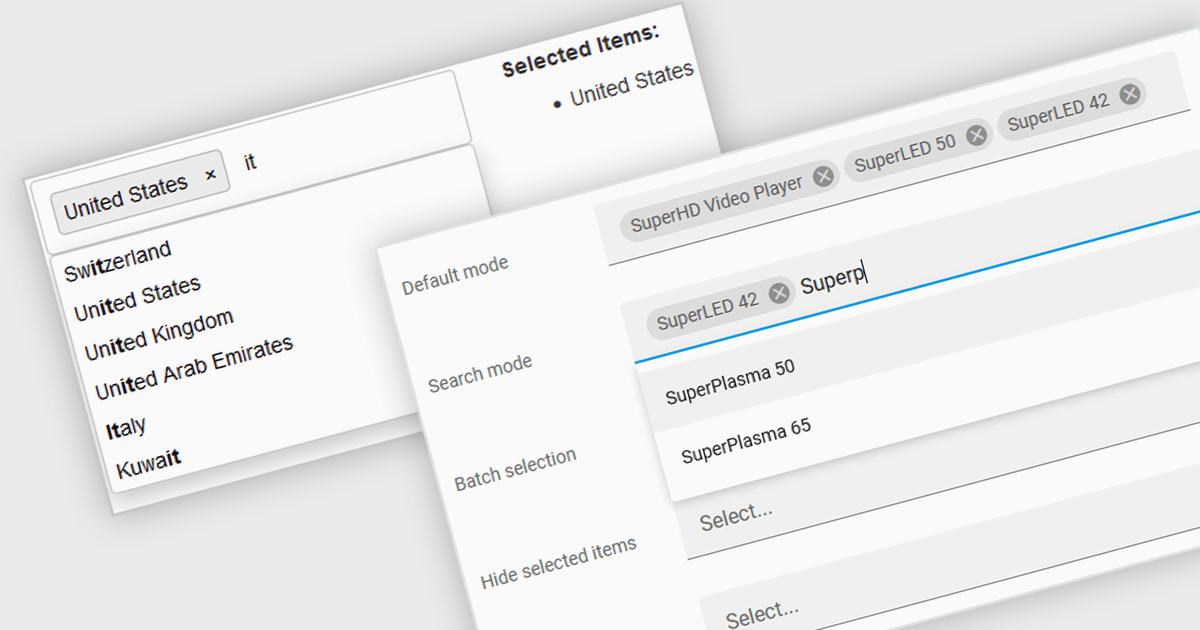
Barcode functionality in Vue.js UI suites offers software developers an easy way to integrate barcode generation and scanning capabilities into their Vue.js applications. By leveraging barcode components, developers can quickly implement features like product lookups, inventory management, and asset tracking, without needing to delve into the complexities of low-level barcode processing. This ensures consistent data accuracy and integrity, as barcodes minimize human errors common in manual data entry. It also simplifies data management and boosts operational efficiency by facilitating rapid data processing and access.

Several Vue.js UI suites offer barcode functionality, including:

  • Wijmo by MESCIUS enables Vue.js developers to integrate lightweight, machine-readable barcode components to their applications for streamlined data entry.
  • Syncfusion Essential Studio Enterprise allows Vue.js developers to easily integrate and manage barcode capabilities, enhancing productivity in data handling processes.
  • Smart HTML Elements is a library of web components compatible with Vue.js that enables developers to leverage reliable barcode functionality for simplifying data input validation.

For an in-depth analysis of features and price, visit our comparison of Vue.js UI suites.

Compare Vue.js UI Suites

WordPress에 업로드된 PDF의 양식 작성 및 주석 추가

5월 8, 2024
ONLYOFFICE WordPress Connector 2.0.0을 사용하면 관리자 대시보드를 통해 WordPress에 업로드된 PDF를 열어 양식을 작성하고 주석을 추가할 수 있습니다.

ONLYOFFICE Docs Enterprise Edition with WordPress Connector combines an online document editor with a seamless integration for WordPress, which is a content management system for creating and managing websites. This allows teams to create, view, edit, and collaborate on spreadsheets, presentations, and text files online, directly within WordPress, boosting efficiency and eliminating the need for file switching.

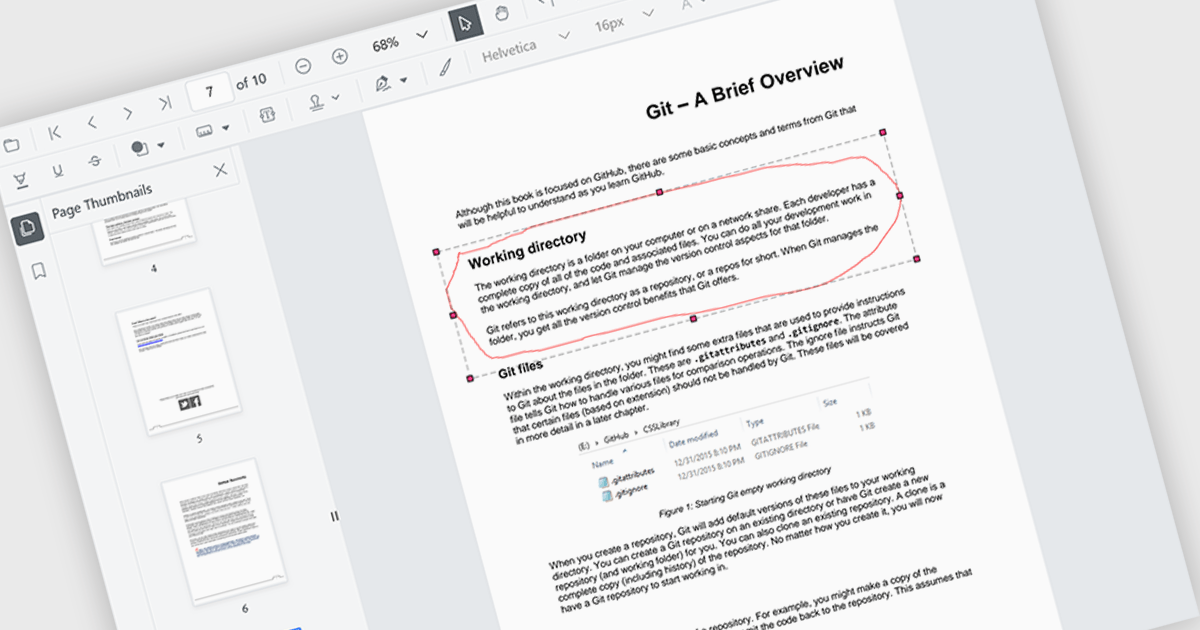
The ONLYOFFICE WordPress Connector 2.0.0 release (available as part of ONLYOFFICE Docs Enterprise Edition with WordPress Connector v8.0.1) brings the ability to open PDF files uploaded to your WordPress site directly within the admin dashboard for form filling and annotating using ONLYOFFICE Docs. You can fill out interactive fields, highlight, underline and strikethrough text, leave comments, and draw different objects and lines with the built-in drawing tools. By enabling seamless interactions with PDF documents directly within the platform and reducing the steps needed to edit or comment on PDF files, this capability streamlines document management workflows, optimizes productivity and eliminates the need for external software solutions.

To see a full list of what's new in ONLYOFFICE Docs Enterprise Edition v8.0.1 with WordPress Connector 2.0.0, see our release notes.

ONLYOFFICE Docs Enterprise Edition with WordPress Connector is licensed per server and is available as an annual license with 1 year of support and updates, or as a perpetual license with 3 years of support and updates. See our ONLYOFFICE WordPress connector licensing page for full details.

For more information, see our ONLYOFFICE WordPress connector product page.