













官方供应商
我们作为官方授权经销商,直接提供超过200家开发厂家所发行超过1000个的产品授权给您。
查看我们的所有品牌。
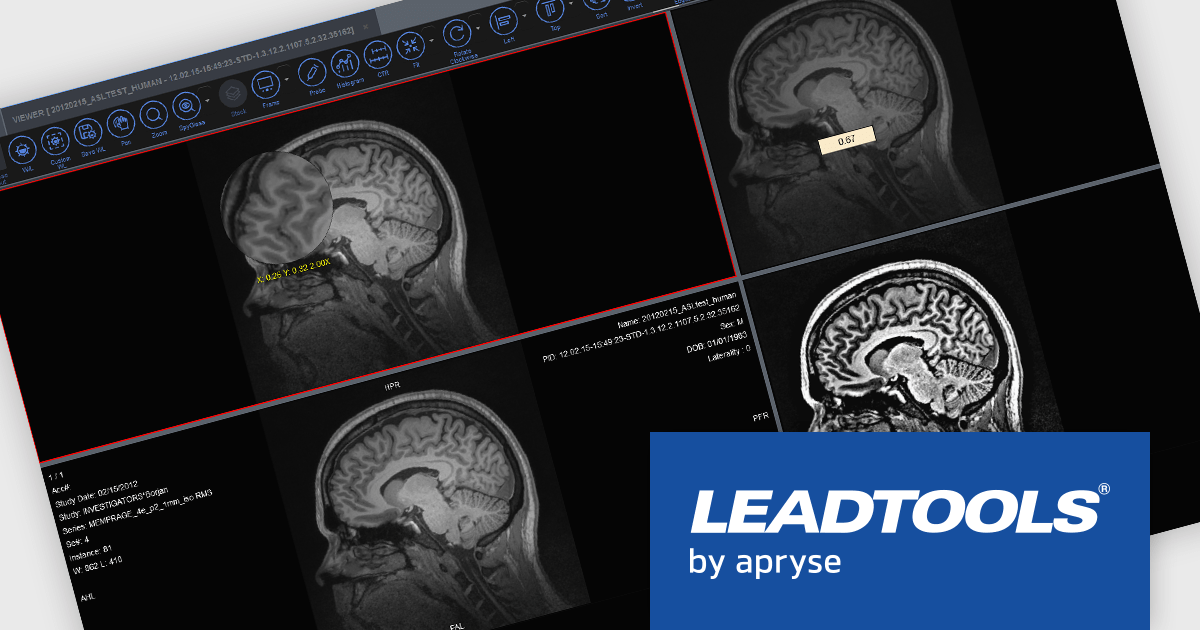
LEADTOOLS Medical SDK is designed to streamline the development of medical applications, offering support for DICOM datasets, 8-16 bit extended grayscale images, and advanced image annotation capabilities. It also includes specialized tools for displaying images, such as window leveling and LUT (Look-Up Table) processing, as well as medical-specific image processing. Additional features include lossless JPEG compression and the ability to process both signed and unsigned image data. The Medical Imaging Suite expands on this functionality with enhanced features, including HTML/JavaScript viewing for web-based medical image access.
LEADTOOLS Medical 3D Volume Rendering libraries enable developers to visualize medical data using techniques like VRT, MIP, MPR, and SSD. These tools provide interactive controls for window levels, zoom, and density adjustments, along with customizable settings for appearance, such as borders and resolution. The libraries enhance performance with cached 3D volumes for faster load times and include advanced features like 3D reference lines and synchronized stack navigation with a 3D cursor, making it a valuable tool for precise and efficient medical imaging applications.
LEADTOOLS Medical SDK is licensed as Development Licenses, for developers to use the SDKs, and Deployment Licenses, for the right to distribute end user solutions. See our LEADTOOLS Medical SDK licensing page for full details.
Learn more on our LEADTOOLS Medical SDK product page and LEADTOOLS Medical Suite SDK product page.
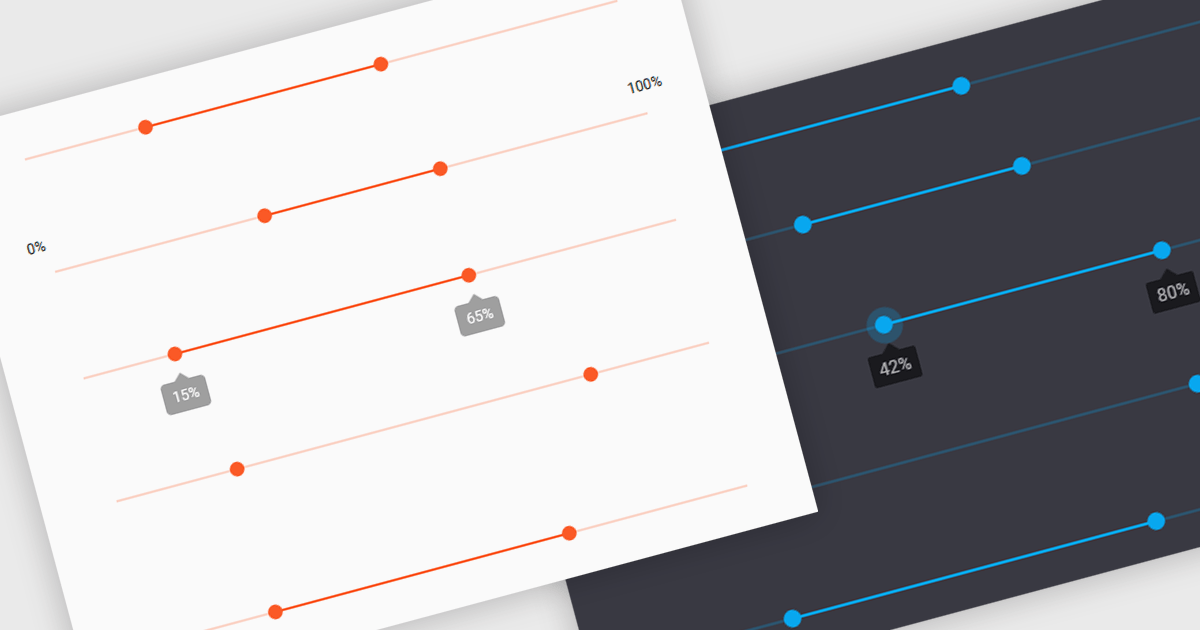
A range trackbar is a UI control that allows users to select a numeric value or a range of values within a predefined minimum and maximum. The range trackbar offers a user-friendly way to adjust values dynamically by dragging a slider, and it can be bound to data using Angular's two-way data binding. This component is particularly beneficial for scenarios where precision control over numeric input is needed, such as setting thresholds, adjusting parameters, or configuring settings, enhancing user interaction and simplifying input collection.
Several Angular Data Editor controls support range trackbars including:
For an in-depth analysis of features and price, visit our comparison of Angular Dada Editor components.
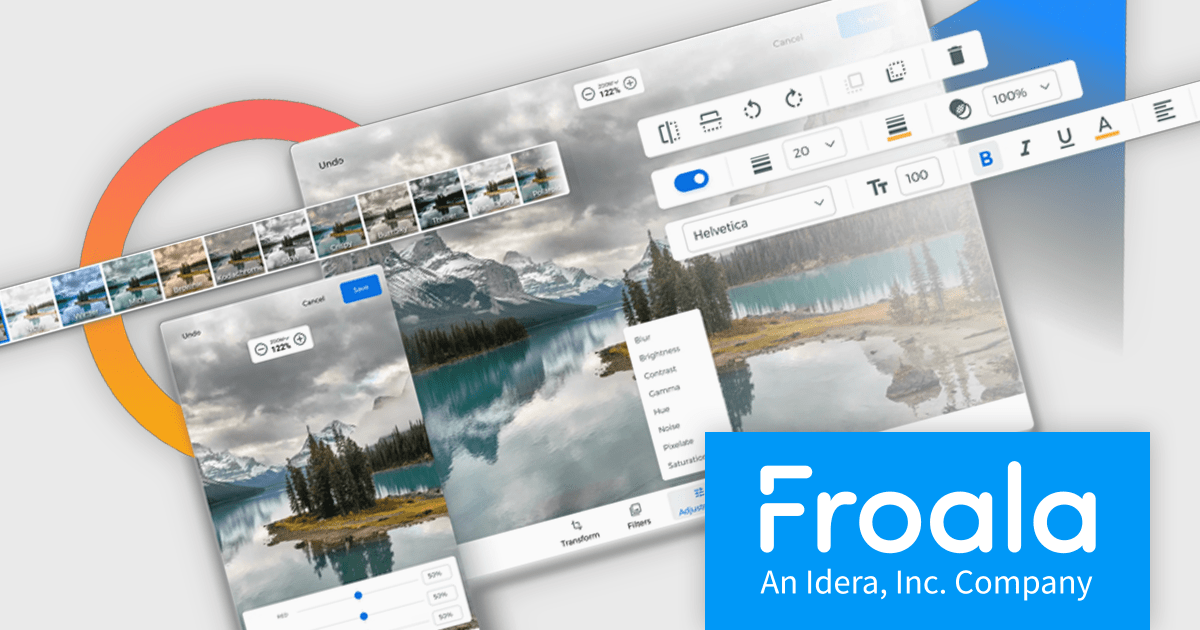
Froala Editor is a JavaScript-based WYSIWYG HTML editor that empowers developers to seamlessly integrate rich text editing functionalities into their applications.
The Froala Editor 4.3 release offers a new "Transform" button in the image editing popup, allowing users to enhance images directly within the editor. This feature allows users to apply filters, resize images, and make various other adjustments with ease. Once changes are made, the image is instantly replaced with the transformed version. This integration streamlines the editing process, offering users greater control and flexibility over their visual content without needing to leave the editor.
To see a full list of what's new in 4.3, see our release notes.
Froala Editor is licensed per product and domain. It is available as an annual or perpetual license with version upgrades and support. See our Froala Editor licensing page for full details.
For more information, visit our Froala Editor product page.
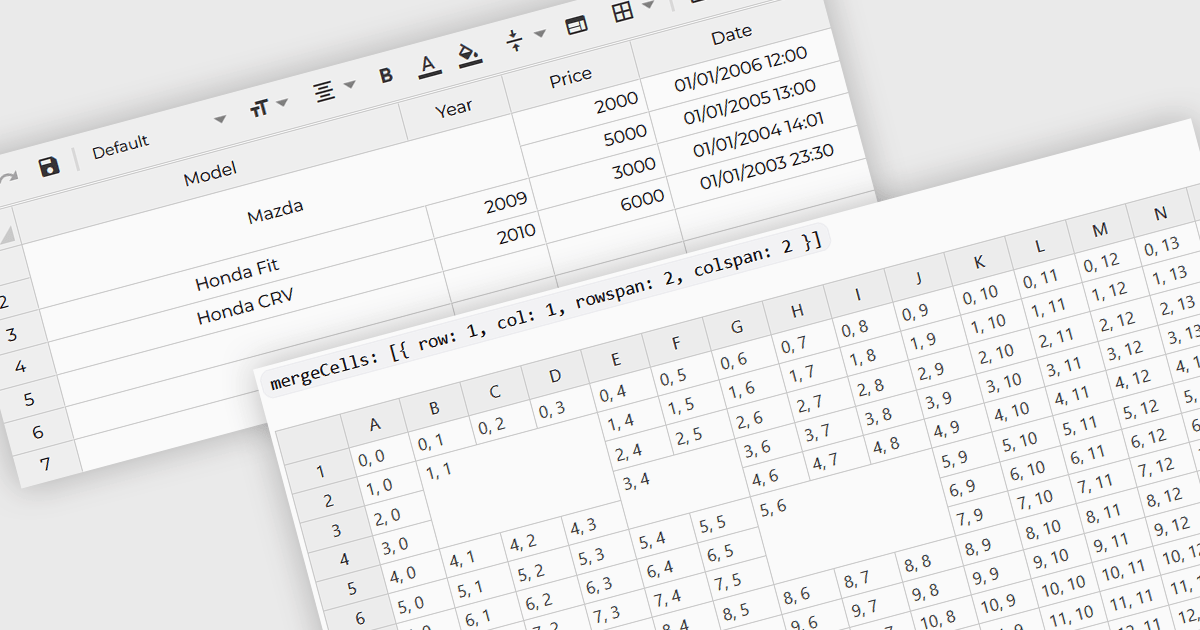
Cell merging refers to a grid component's ability to combine adjacent cells, either horizontally or vertically, to create a single unified cell. This is often used to display related data more efficiently by avoiding redundancy and improving the visual organization of complex datasets. For software developers, the benefit of cell merging lies in enhancing readability and clarity when representing hierarchical or grouped information. By merging cells, developers can present data in a more structured way, reducing clutter and allowing users to focus on key information without the distraction of repeated values.
Several Angular grid controls offer support for merging cells including:
For an in-depth analysis of features and price, visit our Angular grid controls comparison.
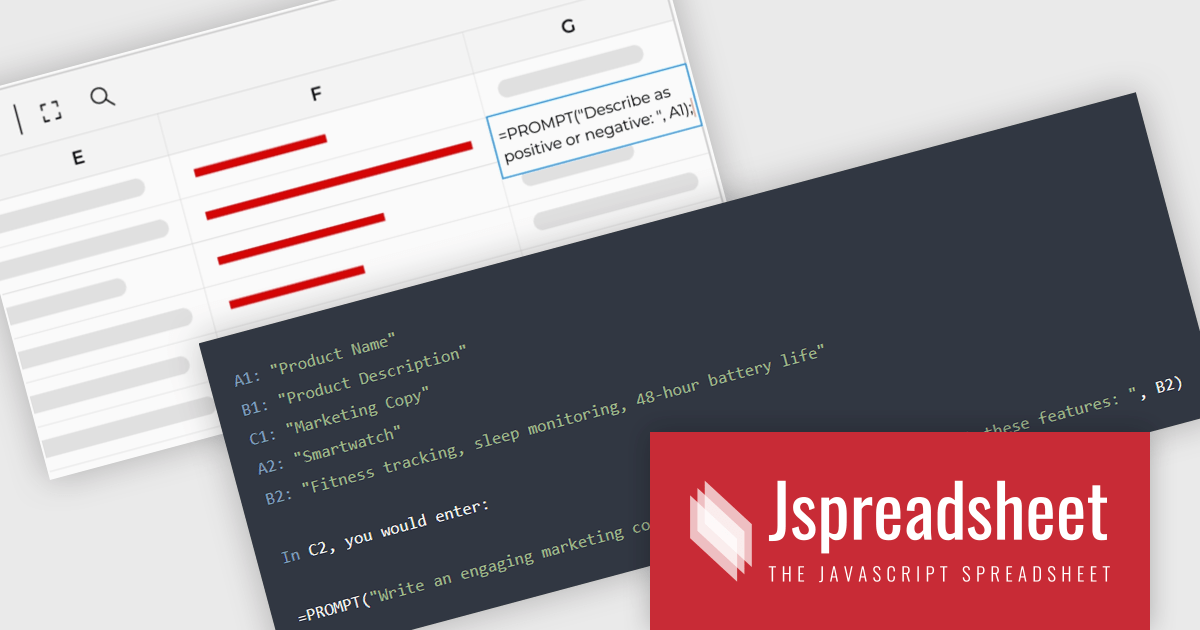
Jspreadsheet Pro is a flexible JavaScript-based spreadsheet solution that enables developers to create customizable, feature-rich data grids for web applications. It offers advanced formulas, data validation, and API integrations. Ideal for tasks like financial modeling, inventory management, and project tracking, it helps businesses efficiently manage and analyze data. Its backend server integration supports real-time data processing, enhancing workflows and boosting productivity across various industries.
Jspreadsheet Pro seamlessly incorporates ChatGPT API into data grids. This integration facilitates automated content generation, efficient response management, and comprehensive data analysis. For full functionality it requires the Jspreadsheet Server extension which enables front-end queries to communicate with the API via your back-end, delivering real-time data and insights to users.
Jspreadsheet Pro is licensed as an Annual or a Perpetual License with support and maintenance. We can supply any Jspreadsheet Pro license including new licenses, maintenance renewals, and upgrade licenses. See our Jspreadsheet Pro for full details.
For more information, visit our Jspreadsheet Pro product page.
联系电话: (888) 850 9911
传真: +1 770 250 6199


