













官方供应商
我们作为官方授权经销商,直接提供超过200家开发厂家所发行超过1000个的产品授权给您。
查看我们的所有品牌。
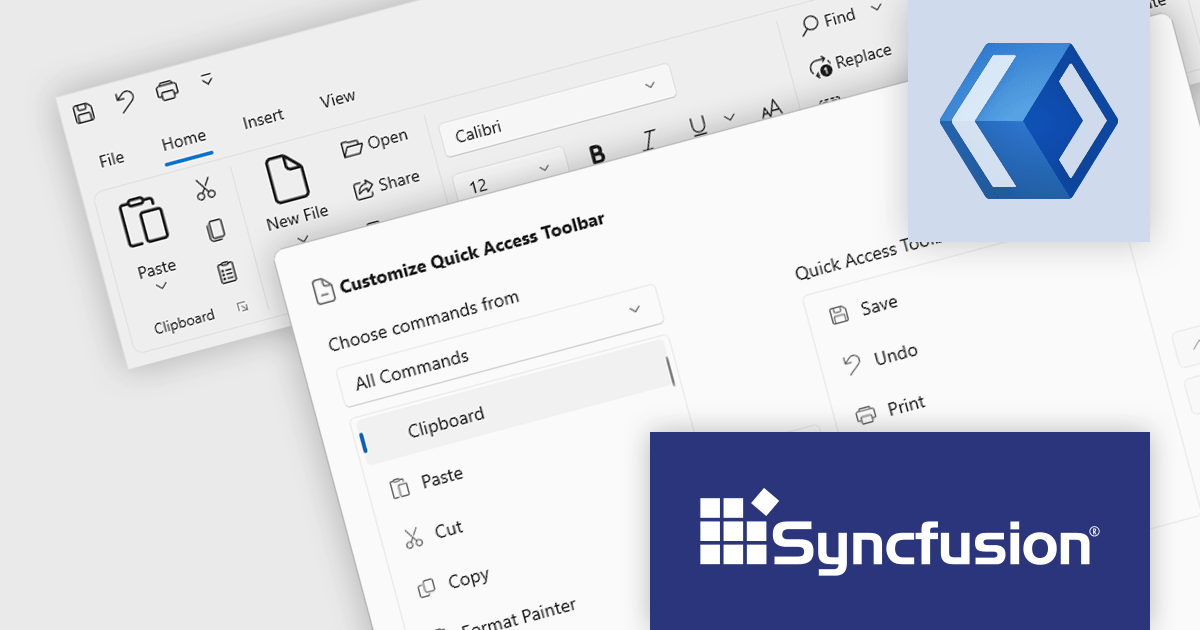
Syncfusion Essential Studio WinUI, available as part of Syncfusion Essential Studio Enterprise, is a comprehensive toolkit for building high performance native Windows desktop applications. It offers tools for crafting modern UI elements like charts, data grids, and ribbon interfaces, alongside powerful editing tools for Word, Excel, and PDF documents.
Version 2023 Volume 4 (24.1.41) adds the ability to for end users to customize the quick access toolbar by adding or removing commands through a dialog window. Adding frequently used commands from across the application grants instant access, reducing navigation fatigue and clicks. Removal of rarely used functions declutters the interface, minimizing distractions and simplifying the user experience. This personalized workspace fosters ownership and engagement, ultimately making users more productive and adept.
To see a full list of what's new in version 2023 Volume 4 (24.1.41), see our release notes.
Syncfusion Essential Studio WinUI is available as part of Syncfusion Essential Studio Enterprise which is licensed per developer starting with a Team License of up to five developers. It is available as a 12 Month Timed Subscription License which includes support and maintenance. See our Syncfusion Essential Studio Enterprise licensing page for full details.
For more information, visit our Syncfusion Essential Studio WinUI product page.
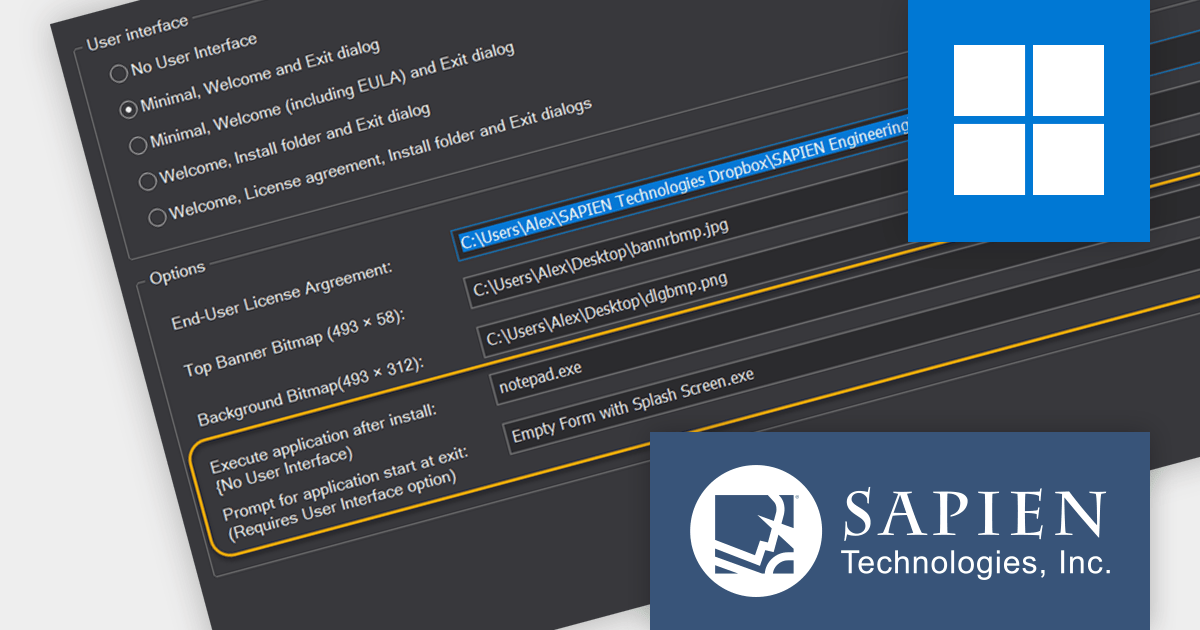
PrimalScript by SAPIEN Technologies is a comprehensive integrated development environment (IDE) designed for scripting and automation tasks. Offering a powerful platform for various scripting languages, PrimalScript streamlines the development process by providing robust editing, debugging, and deployment tools. Its user-friendly interface caters to both novice and experienced developers, fostering efficient script creation. With features like script packagers and advanced debugging capabilities, PrimalScript empowers users to enhance productivity in tasks ranging from small automation scripts to complex software development projects.
The PrimalScript 2024 update answers a frequently asked question from users: "How do I run an application or command after install?". It introduces innovative features to streamline application launch and post-install actions:
To see a full list of what’s new in version 2024, see our release notes.
PrimalScript is licensed per user and includes 1 year of product updates and support. Annual Premium Support is available and provides 1 Year of access to SAPIEN Technologies direct technical support ticketing system and a guaranteed response within 24 hours. The premium support package must be purchased at the same time as the initial software purchase, subscription renewal, or upgrade, and can be renewed on an annual basis. See our PrimalScript licensing page for full details.
For more information, visit our PrimalScript product page.

In spreadsheet controls, localization refers to adapting the user interface and functionality to different languages and cultural contexts. This involves translating static text like menu labels and buttons, formatting dates and numbers according to regional conventions, and even adjusting features like formula syntax to match users' expectations. Effective localization ensures intuitive interaction for global audiences, boosting user adoption and enhancing the overall spreadsheet experience.
Several Angular spreadsheet controls support localization including:
For an in-depth analysis of features and price, visit our Angular Spreadsheet Controls comparison.
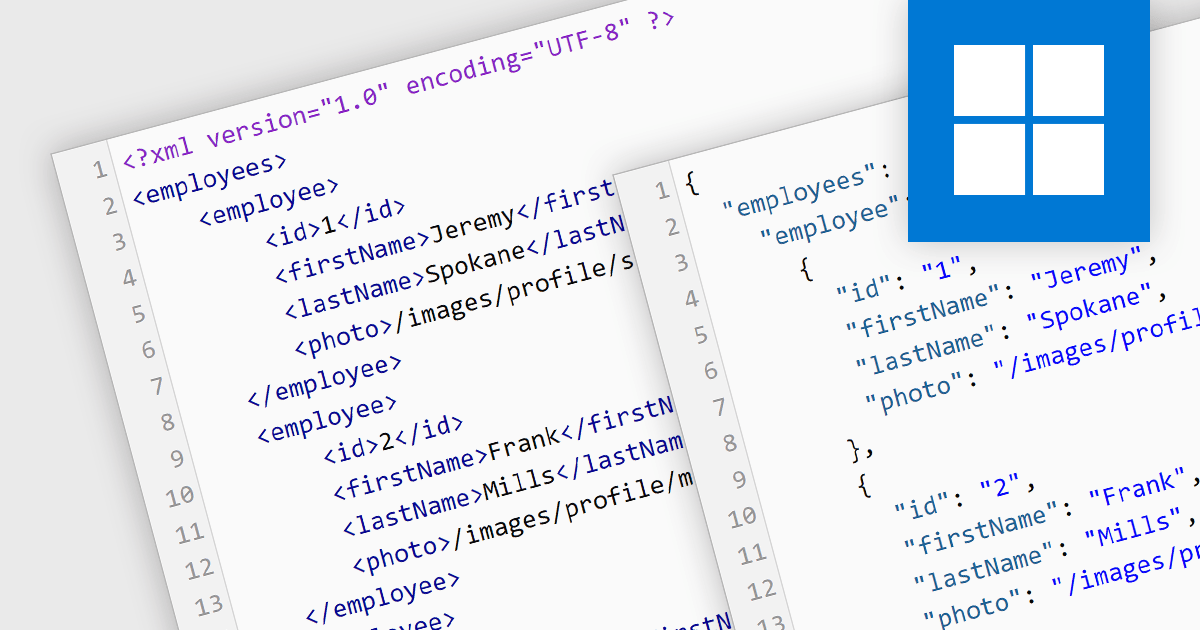
Converting XML (Extensible Markup Language) to JSON (JavaScript Object Notation) unlocks a wealth of benefits for web applications and data exchange. JSON's inherent simplicity translates to smaller file sizes, faster parsing, and broader language support, leading to improved communication speed and performance. Its flexible key-value structure seamlessly integrates with modern development frameworks, simplifying data manipulation and ultimately creating a more agile and efficient data ecosystem. This conversion is important for modernizing the data exchange process, particularly when migrating systems from XML-based backends to JSON-based frontends. By embracing JSON, you empower your applications to flourish in today's dynamic data landscape.
Several structured document tools offer XML to JSON conversion, including:
For an in-depth analysis of features and price, visit our Structured Document Tools comparison.

MDBootstrap Pro Angular (MDB Pro Angular) is a UI component library that combines Material Design aesthetics with the Bootstrap and Angular frameworks. It empowers developers to craft visually appealing and interactive web applications with ease, offering an extensive collection of pre-built components like modals, charts, carousels, and data tables. Tailored for professional projects, it unlocks advanced features like dark mode theming, advanced form controls, and integrated charting libraries, all while adhering to industry-leading coding standards and comprehensive documentation for a smooth development experience.
MDB Pro Angular v6.0.0 adds support for Angular 17, which boasts a game-changing application builder for dramatically faster build times, a streamlined control flow syntax for enhanced developer productivity, and an optimized lazy loading system with Deferrable views that enable both declarative and deferred loading for improved initial rendering speeds. This powerful combination empowers developers to craft even more robust and performant web applications with greater ease.
To see a full list of what's new in version 6.0.0, see our release notes.
MDB Pro Angular is licensed per developer, per project/domain with packages for individual developers, development teams and Enterprises. See our MDB Pro Angular licensing page for full details.
For more information, visit our MDB Pro Angular product page.
联系电话: (888) 850 9911
传真: +1 770 250 6199


