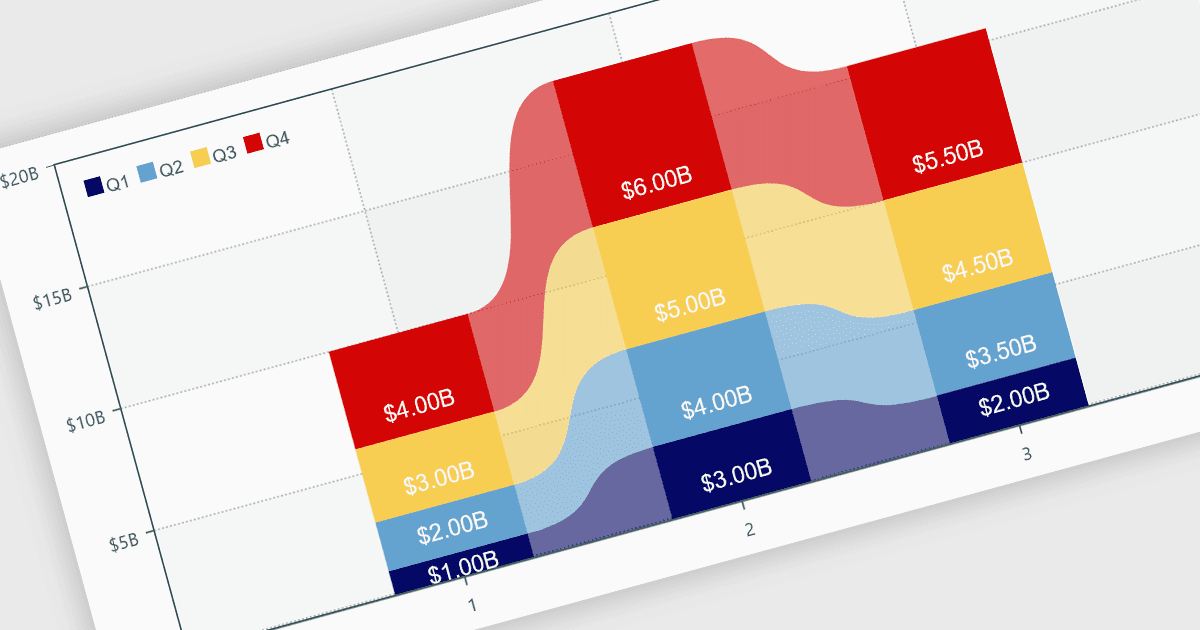
用互動式圖表增強報表清晰度

9月 26, 2024
讓使用者能夠輕鬆地視覺化複雜資料,從而透過動態、即時的圖表集成來促進洞察和決策。

繼續用英語閱讀:

Charts within reports are graphical representations of data that allow users to visually interpret trends, comparisons, and patterns. They can take various forms, such as bar charts, line charts, or pie charts, and are typically integrated into dashboards or reporting tools to provide clear insights at a glance. By simplifying data visualization, charts enhance user experience and make it less taxing for users to understand complex information. Charts can be dynamically updated with real-time data, allowing for more responsive and insightful reporting in applications.

Several .NET WPF reporting controls offer support for charts including:

  • DevExpress Reports lets you create visually engaging reports with customizable charts, offering real-time data visualization and enhanced decision-making capabilities.
  • ActiveReports.NET allows you to design dynamic reports with a wide variety of chart options, simplifying complex data into actionable insights.
  • Stimulsoft Reports facilitates the generation of interactive reports with flexible charting features, helping users make data-driven decisions more efficiently.
  • MindFusion.Reporting enables you to craft detailed reports with integrated charts, providing clear, concise visual representations of complex datasets.

For an in-depth analysis of features and price, visit our comparison of .NET WPF Reporting controls.

Compare .NET WPF reporting controls