













官方供應商
我們作為官方授權經銷商,直接提供超過200家開發廠家所發行超過1000個的產品授權給您。
請參閱我們所有的品牌。
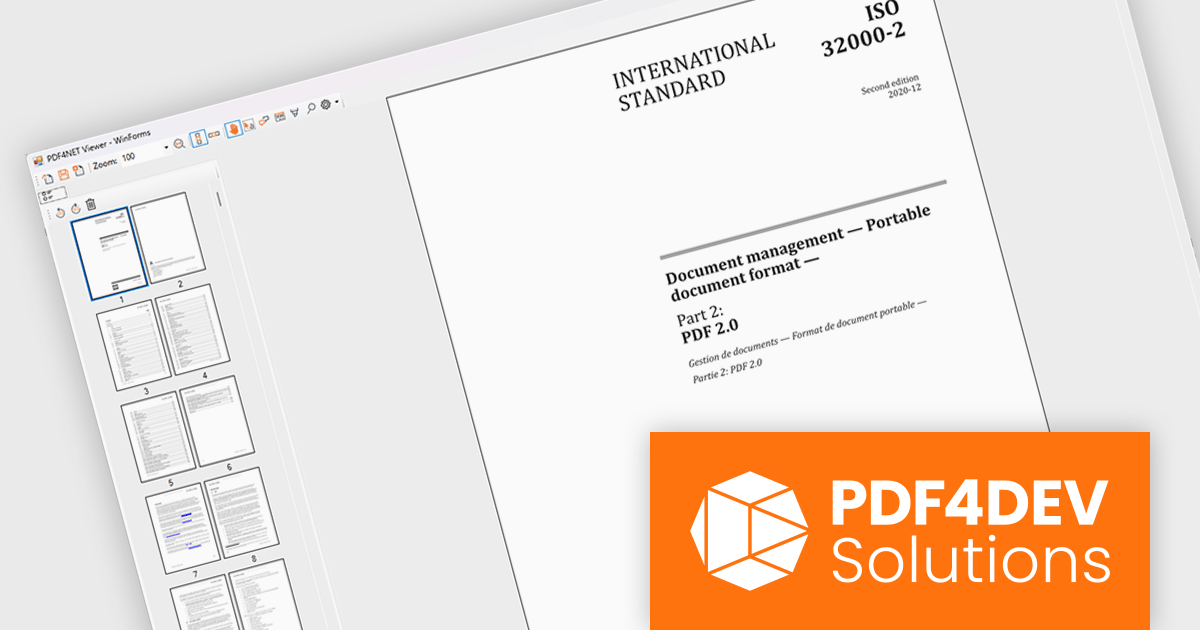
PDF4NET is a .NET library for generating, importing, and manipulating PDF documents on the fly from any .NET application. It does not rely on any Adobe products for creating or importing PDF files. PDF4NET hides the complex structure of PDF files behind a simple object model that allows creation of complex PDF files with a few lines of code.
PDF4NET now includes a PDF page thumbnails viewer control, providing a visual way to browse and navigate PDF documents. By displaying page previews in a dedicated panel, the control helps users move between pages more efficiently, especially in large or complex documents. It can be integrated into desktop applications to deliver a more familiar and user-friendly PDF viewing experience, making document exploration faster and more intuitive.
PDF4NET is licensed per developer. All licenses include a 12 month subscription which provides all major and minor product updates and technical support. See our PDF4NET licensing page for full details.
PDF4NET is available individually or as part of PDFBundle4NET.
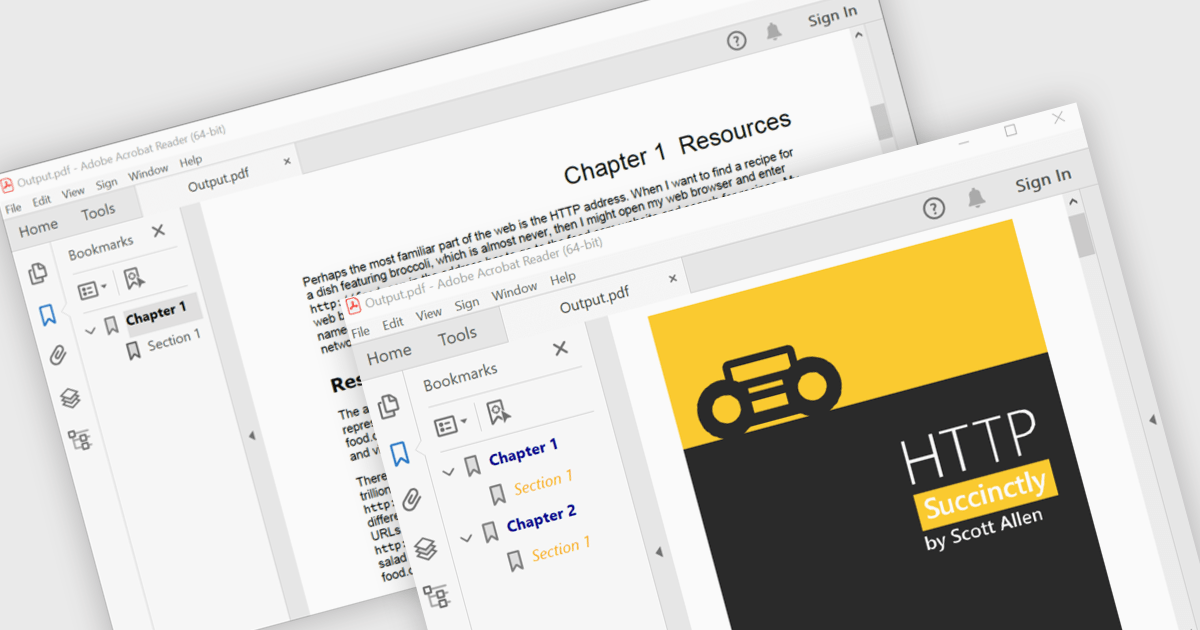
PDF bookmark navigation allows documents to include a structured list of bookmarks that link directly to specific chapters, sections, or pages, making it easier for users to move through content without extensive scrolling or searching. This improves navigation, saves time, and enhances the overall reading experience, particularly for large or information-rich documents. Common use cases include technical documentation, user manuals, contracts, reports, eBooks, training materials, and reference guides where users need quick access to specific topics or frequently referenced sections.
Several .NET WPF PDF components offer bookmark navigation including:
For an in-depth analysis of features and price, visit our comparison of .NET WPF PDF components.
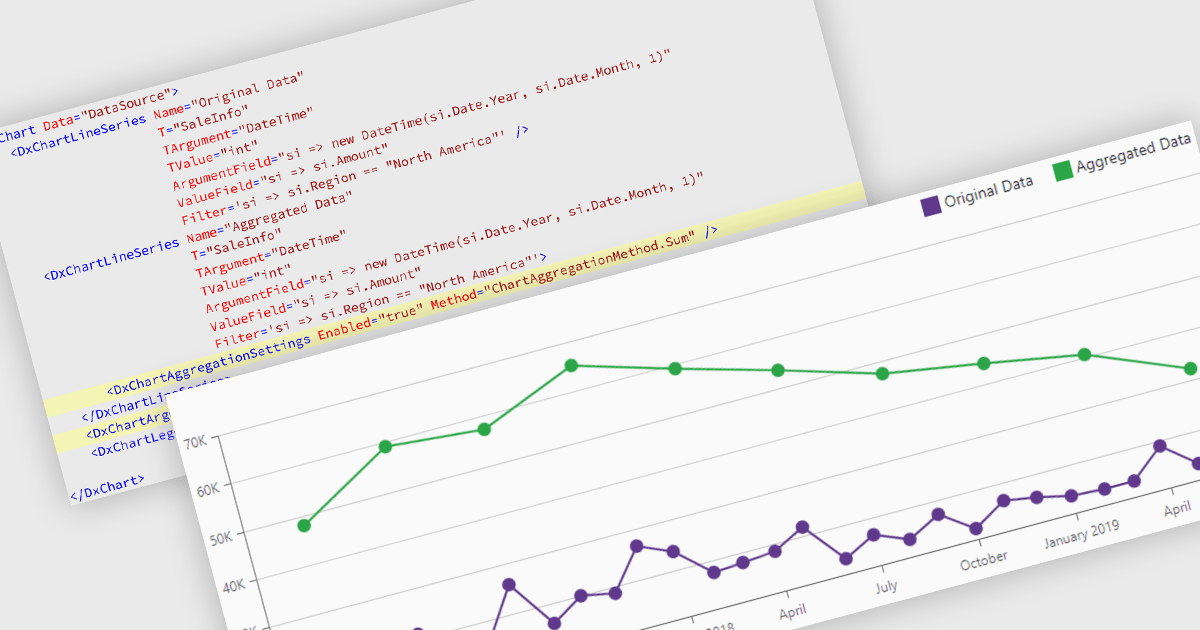
Data aggregation in chart components improves the readability and performance of data visualizations by combining multiple data points into larger, meaningful groups. This enables applications to present large or high-frequency datasets more effectively, reducing visual clutter while preserving overall trends and patterns. Aggregation can be applied dynamically based on the displayed range or selected interval, allowing users to explore data at different levels of detail without compromising responsiveness.
Several Blazor charting controls support data aggregation including:
For an in-depth analysis of features and price, visit our Blazor charting controls comparison.
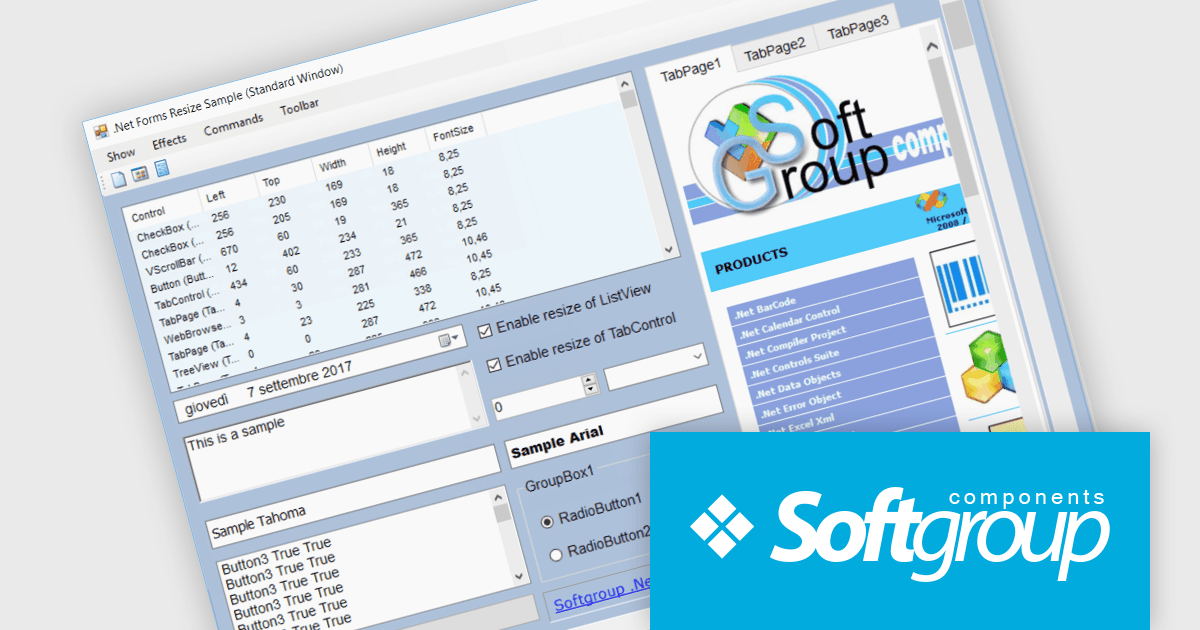
.Net Forms Resize by Softgroup is a Windows Forms component for Microsoft .NET that enables applications to automatically resize controls, fonts and layouts as forms change size or display resolution. Designed for rapid integration with existing projects, it helps developers create resolution-independent desktop applications with minimal code, while supporting nested controls, MDI (Multiple Document Interface) forms, docked controls and a wide range of third-party UI components.
.Net Forms Resize V13.0 adds support for .NET 10 allowing developers to keep Windows Forms applications aligned with Microsoft's latest long-term platform while continuing to use a proven resizing solution. By targeting .NET 10, development teams can take advantage of the latest runtime, tooling and platform improvements without changing their approach to responsive form layouts. The addition of a dedicated .NET 10 library, together with NuGet package installation and new form positioning capabilities, helps organizations modernize existing desktop applications, simplify deployment and prepare projects for future platform updates.
To see a full list of what's new in V13.0, see our release notes.
.Net Forms Resize is licensed per developer and is available as a Perpetual license. It includes a subscription for all major and minor updates for 1 year, plus 90 days of email support. See our .Net Forms Resize licensing page for full details.
Learn more on our .Net Forms Resize product page.
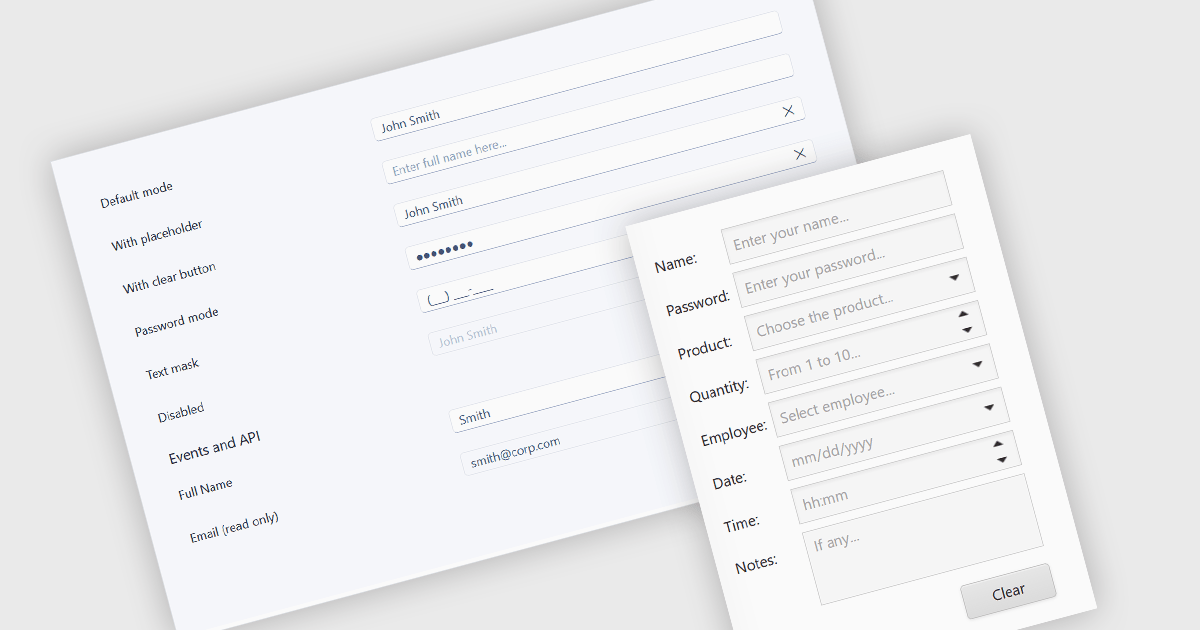
Text box components are user interface controls that allow users to enter and edit text within an application. They are commonly used for tasks such as data entry, search, and form completion, and often provide features including validation, formatting, placeholder text, and accessibility support. By helping developers create consistent user experiences, improve data quality, and reduce implementation effort through reusable functionality, text box components are a fundamental part of modern web and desktop applications.
Several ASP.NET MVC data editor collections provide a text box component, including:
For an in-depth analysis of features and price, visit our comparison of ASP.NET MVC data editor collections.
聯繫電話: (888) 850 9911
傳真: +1 770 250 6199


