













官方供應商
我們作為官方授權經銷商,直接提供超過200家開發廠家所發行超過1000個的產品授權給您。
請參閱我們所有的品牌。
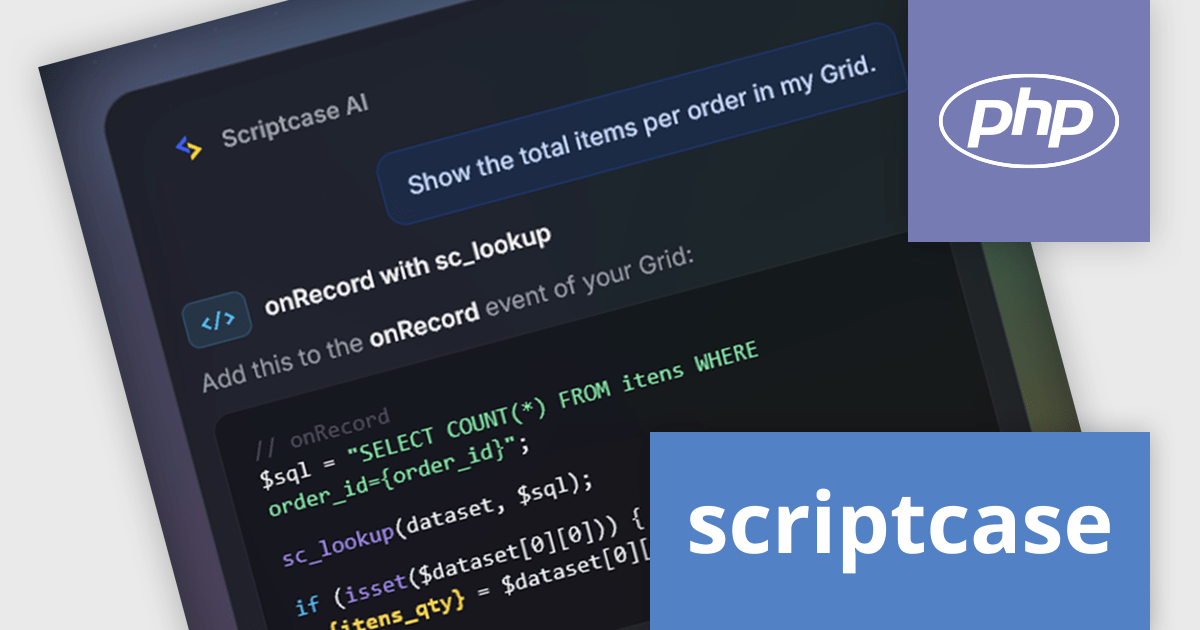
Scriptcase is a RAD platform that simplifies PHP web application development. Its drag-and-drop interface, code generation capabilities, and database integration make it a user-friendly tool for both experienced programmers and non-technical users. By streamlining the development process, Scriptcase accelerates the time to market, reduces coding effort, enhances productivity, lowers costs, and improves user experience.
The Scriptcase 10 update introduces artificial intelligence (AI) to its low-code development platform with project-aware assistance. By reading your database structure, application events, and libraries, Scriptcase AI understands the context of your project before generating suggestions. It can help correct SQL queries, generate application logic, and translate an entire application into another language, covering everything from the data dictionary to interface labels.
To see a full list of what's new in version 10, see our release notes.
Scriptcase is licensed per developer and is available as an Annual or Perpetual license with 1 year support and maintenance. See our Scriptcase licensing page for full details.
For more information, visit our Scriptcase product page.
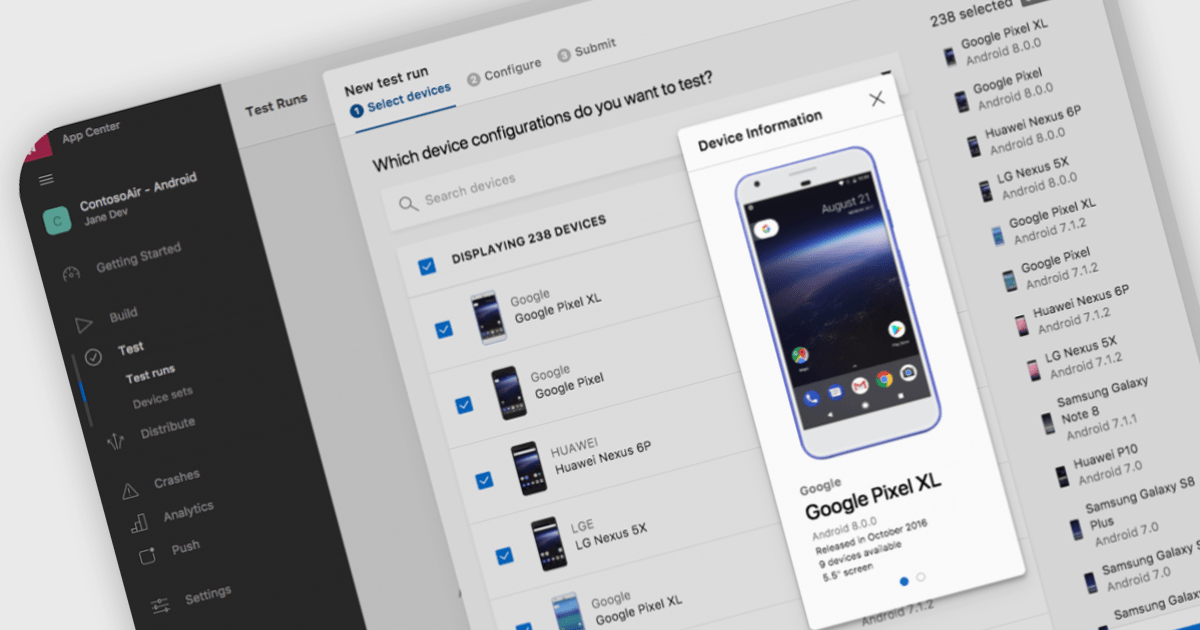
Integrated Development Environments (IDEs) that include support for the Android framework help developers build applications for phones, tablets and other Android-powered devices using a single, integrated workspace. By providing project templates, intelligent code editing, debugging tools and deployment options designed for Android development, these IDEs reduce the effort required to create and maintain mobile applications. Support for the Android Software Development Kit (SDK), emulators and modern programming languages helps development teams deliver reliable Android applications while working with the latest platform capabilities.
Several Integrated Development Environments (IDEs) contain support for the Android framework including:
For an in-depth analysis of features and price, visit our comparison of Integrated Development Environments (IDEs).
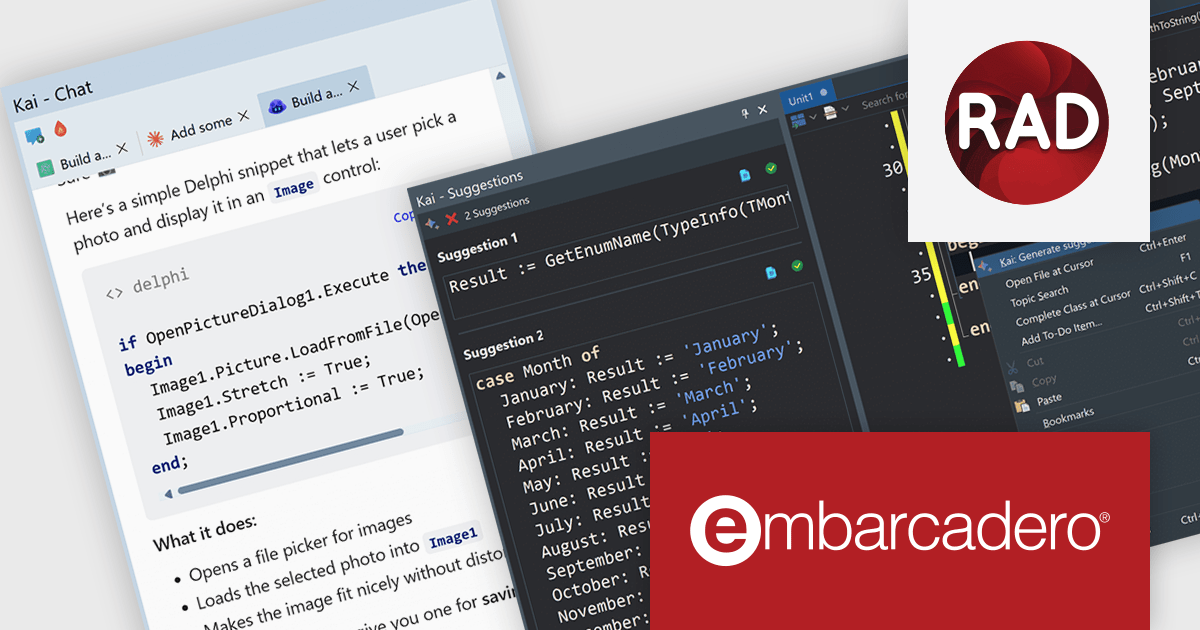
Kai is an add-on for RAD Studio that brings agentic AI directly into the Delphi and C++Builder development experience. Rather than acting as a standalone chatbot or code assistant, Kai is deeply integrated into the IDE, giving developers access to AI-powered code suggestions, project-aware assistance, and automated workflows without leaving their existing environment. It combines inline code completion, intelligent suggestions, and an integrated AI agent capable of understanding project context, helping developers move from idea to implementation more efficiently.
Beyond code generation, Kai can compile projects, analyze compiler output, help resolve errors and warnings, generate user interfaces, and assist with refactoring and modernizing existing applications. Through support for the Model Context Protocol (MCP), it can orchestrate multi-step development tasks and integrate with a range of AI providers, including OpenAI, Anthropic Claude, Google Gemini, GitHub Copilot, and local models. This flexibility allows organizations to choose the models that best fit their requirements while keeping development workflows centered within RAD Studio.
Kai is available as a timed subscription license. At the end of the subscription period you must renew your subscription license to continue using the software. Kai is an add-on and requires an active license for RAD Studio, Delphi, or C++Builder to operate. Your Kai subscription is tied to the support and maintenance dates of your RAD Studio, Delphi, or C++Builder license. If your base product support or maintenance expires, Kai will no longer function. You would need to renew your base product support before Kai can be used again. See our Kai licensing page for full details.
For more information, visit our Kai product page.
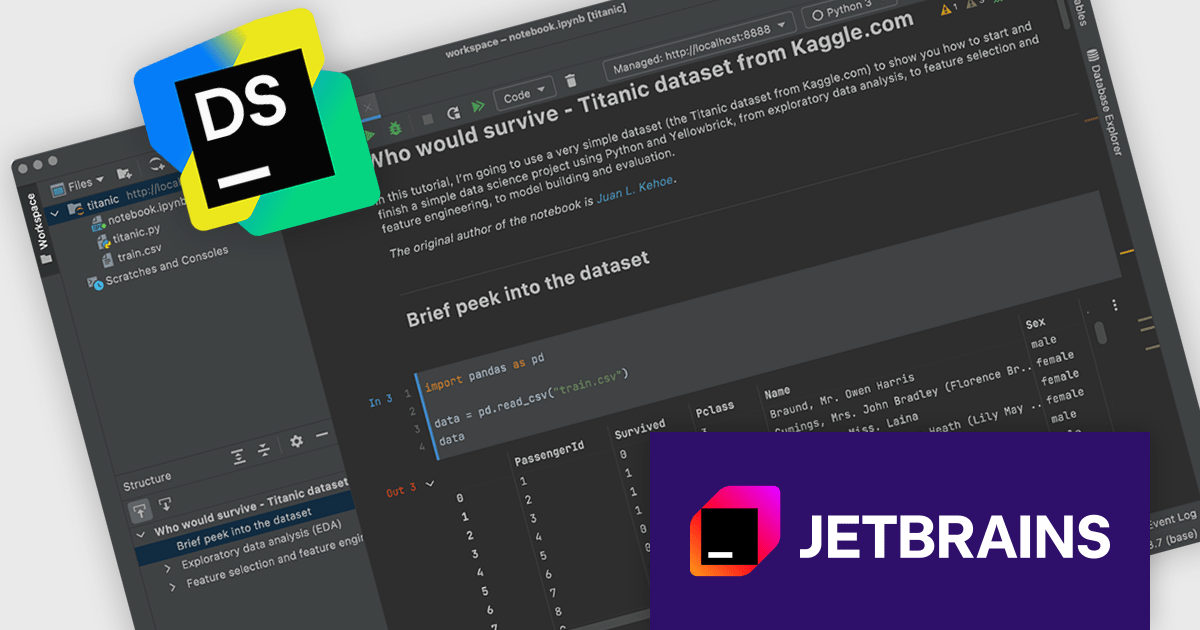
DataSpell was created by JetBrains to focus on the needs of data science and analytics professionals within the JetBrains ecosystem. It provided a dedicated experience for working with Jupyter notebooks, data exploration, and analytical workflows. These improvements have been successfully integrated into PyCharm, where they can benefit a much broader audience. As such, DataSpell is no longer available for purchase effective 28-May-2026
Starting from 1-Sep-2026, JetBrains will help existing DataSpell users transition to PyCharm. To make this transition as smooth as possible, eligible DataSpell customers will be able to transition to PyCharm at no additional cost. Current DataSpell users also maintain access through a fallback license.
This transition will happen in stages:
Read the complete JetBrains blog to get all of the necessary information regarding this transition.
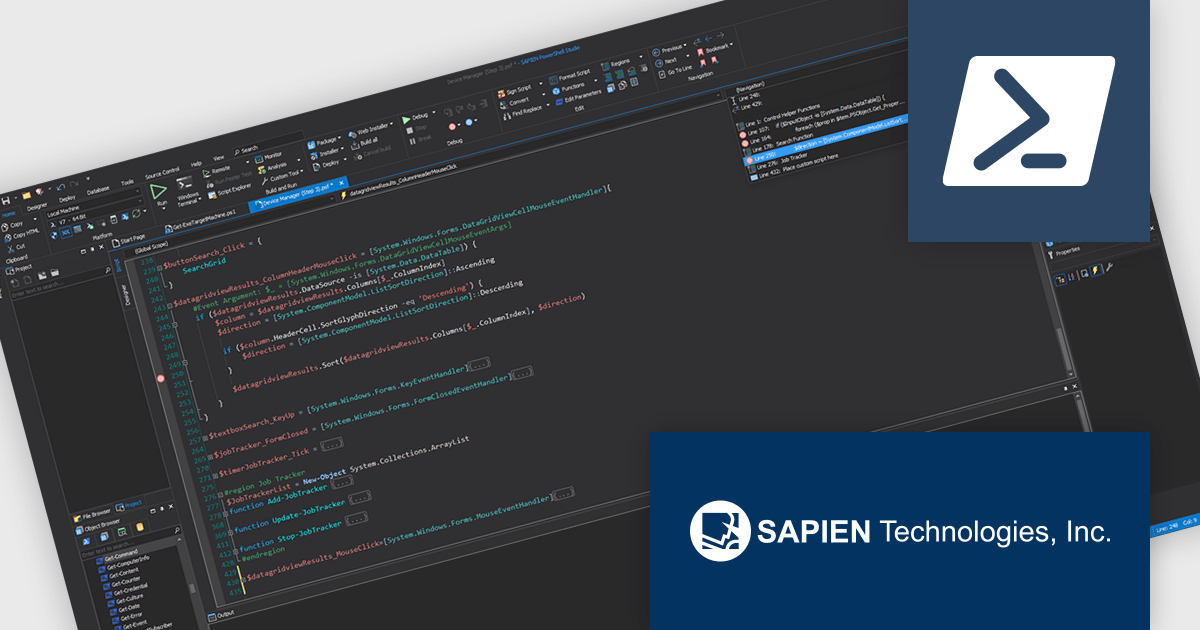
PowerShell Studio by SAPIEN Technologies is an Integrated Scripting Environment (ISE) designed specifically for PowerShell development. It offers a comprehensive editing experience with features like syntax coloring, code completion, and debugging. Beyond editing, PowerShell Studio allows you to visually design GUIs for your scripts, convert them into executables, and create modules and Windows services. This comprehensive toolset caters to developers who want to streamline PowerShell scripting and extend its functionality.
The PowerShell Studio 2026 (5.10.269) update introduces support for PowerShell 7.4.15, 7.5.6, and 7.6.1, enabling developers to utilize the latest language features, performance improvements, and security updates while maintaining compatibility with modern development environments. This support allows more efficient script development and testing across different platforms, improves reliability through ongoing fixes, and provides greater flexibility when targeting multiple PowerShell runtimes in professional workflows.
To see a full list of what's new in 2026 (5.10.269), see our release notes.
PowerShell Studio is licensed per user and includes 1 year of product maintenance which may be renewed each year thereafter to continue to receive the latest updates. See our PowerShell Studio licensing page for full details.
Learn more on our PowerShell Studio product page.
聯繫電話: (888) 850 9911
傳真: +1 770 250 6199


