













官方供應商
我們作為官方授權經銷商,直接提供超過200家開發廠家所發行超過1000個的產品授權給您。
請參閱我們所有的品牌。
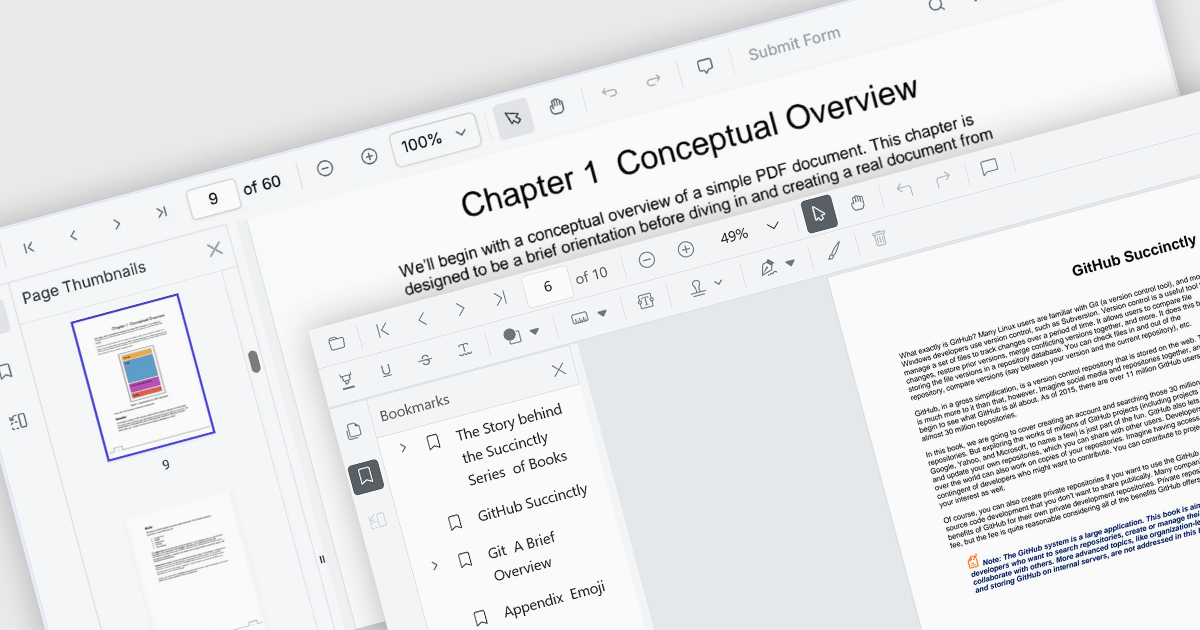
ASP.NET Core PDF viewer components provide several features for the seamless and efficient navigation of complex documents, enhancing the user experience in web applications. These viewers allow users to move through PDFs using intuitive controls that support structured document exploration. By leveraging advanced navigation features, developers can integrate smooth, user-friendly access to content, whether through previews in the form of thumbnail images, internal links, or predefined document structures i.e. a table of contents.
Common features include:
For an in-depth analysis of features and price, visit our ASP.NET Core PDF viewer components comparison.
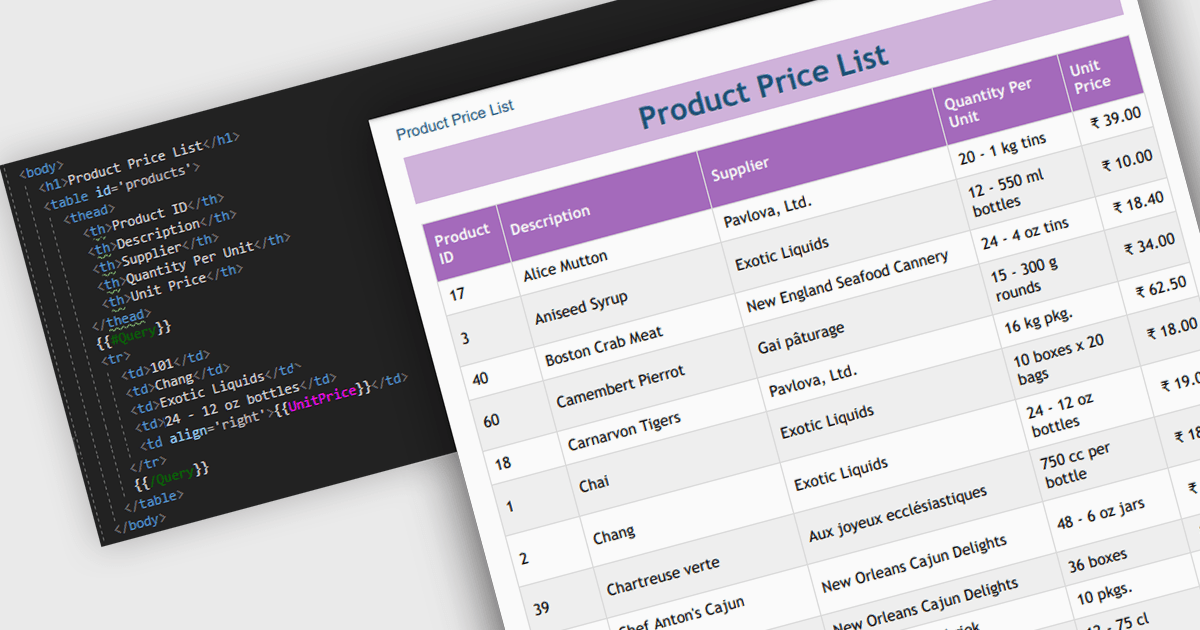
Convert HTML to PDF is a feature in a .NET PDF Viewer component that enables developers to generate PDF documents from HTML content, including text, images, styles, and web-based layouts, while preserving the original formatting. It is commonly used for creating reports, invoices, forms, and archived web content directly within .NET applications. The capability helps maintain consistent document presentation across platforms, supports automated document generation workflows, reduces the need for manual formatting, and allows existing HTML and CSS assets to be reused when producing professional-quality PDF output.
Several .NET PDF components offer convert HTML to PDF including:
For an in-depth analysis of features and price, visit our comparison of .NET PDF components.
Document Solutions for Excel by MESCIUS is designed to enable developers to create and manipulate Microsoft Excel documents programmatically. It provides a robust API for interacting with Excel spreadsheets, allowing developers to automate tasks such as data extraction, formatting, and generation of reports. The framework offers comprehensive support for various Excel features, including formulas, charts, conditional formatting, and data validation. It also provides tools for handling large datasets and optimizing performance, making it suitable for both small-scale and enterprise-level applications.
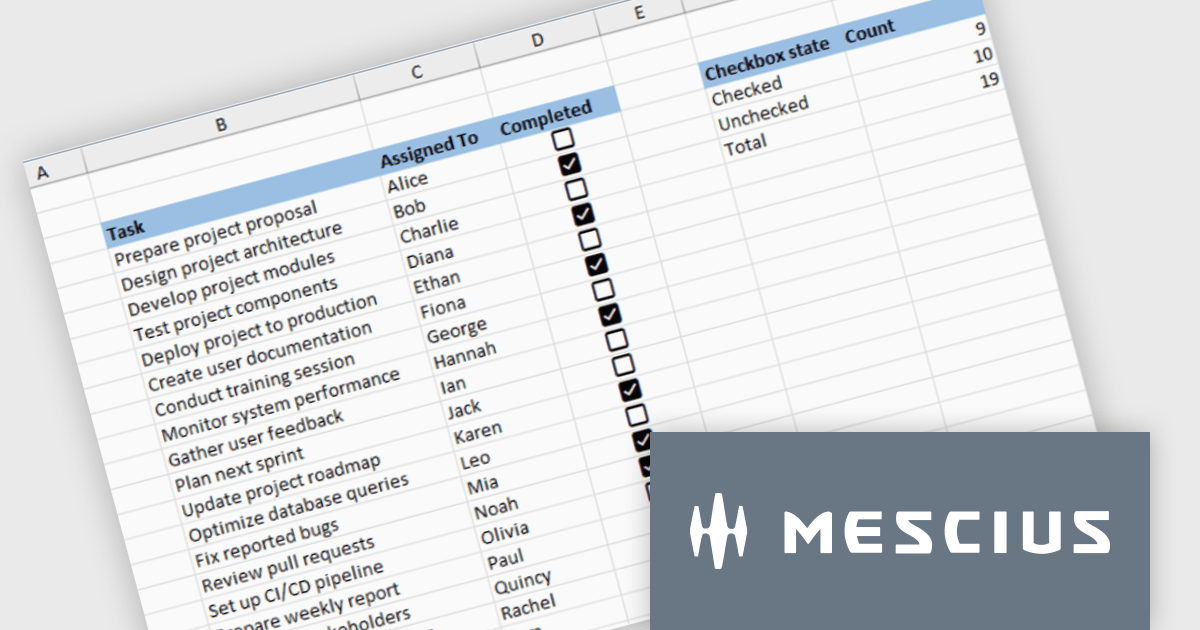
Document Solutions for Excel enables developers to add interactive checkboxes directly within worksheet cells, ensuring they remain synchronized with the underlying data during sorting, filtering, and row operations. By embedding checkbox controls into cells rather than using separate form elements, developers can create more reliable Excel style checklist experiences with less complexity, while maintaining compatibility across exports and supported file formats.
Document Solutions for Excel is licensed per developer and is available in several license options for differing distribution needs. Team licenses are also available for multiple developers within the same organization. See our Document Solutions for Excel, .NET Edition licensing page for full details.
Document Solutions for Excel Editions are available to buy in the following products:
FastReport .NET Ultimate is a comprehensive reporting solution for developers working within the Microsoft .NET ecosystem. It supports the creation, design, and delivery of rich, interactive reports across Windows Forms, ASP.NET, MVC, and .NET Core applications. The Ultimate edition includes server deployment capabilities and extensive export options, such as PDF, Excel, Word, and HTML. It connects to various data sources, including SQL databases and business objects, providing flexibility for enterprise-level reporting. With the integrated FastReport Online Designer, users can edit reports directly in their browsers, enabling efficient collaboration and modern, full-featured report design across both desktop and web platforms.
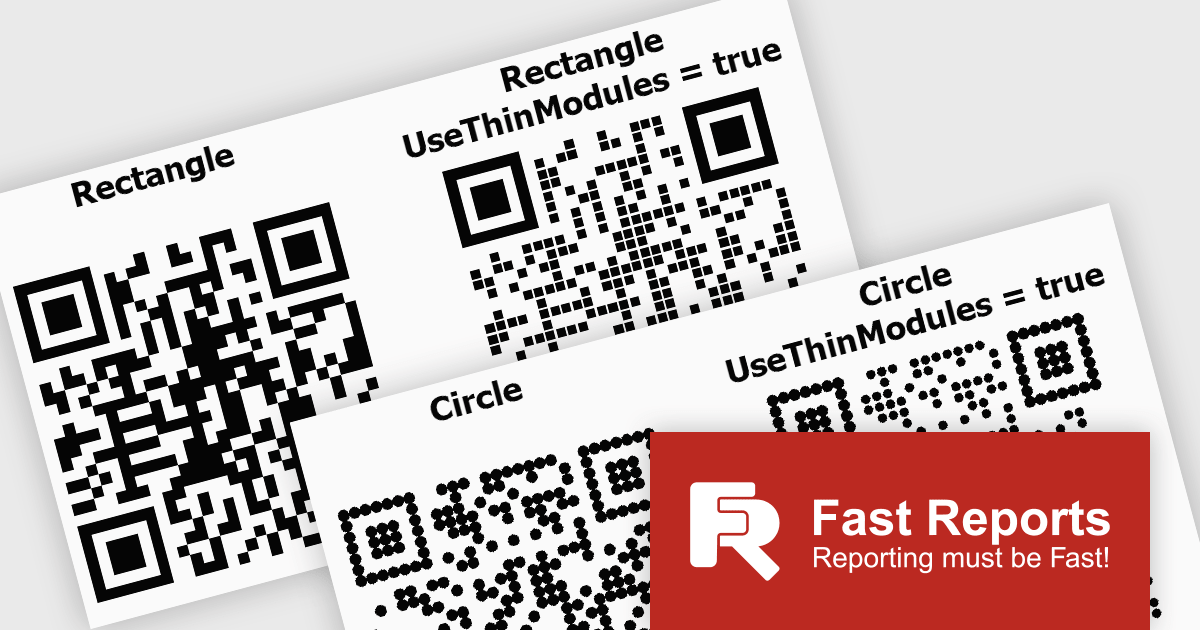
FastReport .NET Ultimate offers developers flexibility when generating QR codes, making it easier to adapt their appearance to different applications, reports, and branding requirements. By supporting a wider range of visual styles directly within the reporting engine, it enables teams to create QR codes that integrate more naturally into user interfaces, printed documents, dashboards, and customer facing materials. This helps produce more polished and professional output while maintaining compatibility, readability, and reliable scanning across standard QR code readers and devices.
FastReport .NET Ultimate is licensed per named user and is available as a perpetual license with a one-year subscription for updates and support. See our FastReport .NET Ultimate licensing page for full details.
For more information, visit our FastReport .NET Ultimate product page.
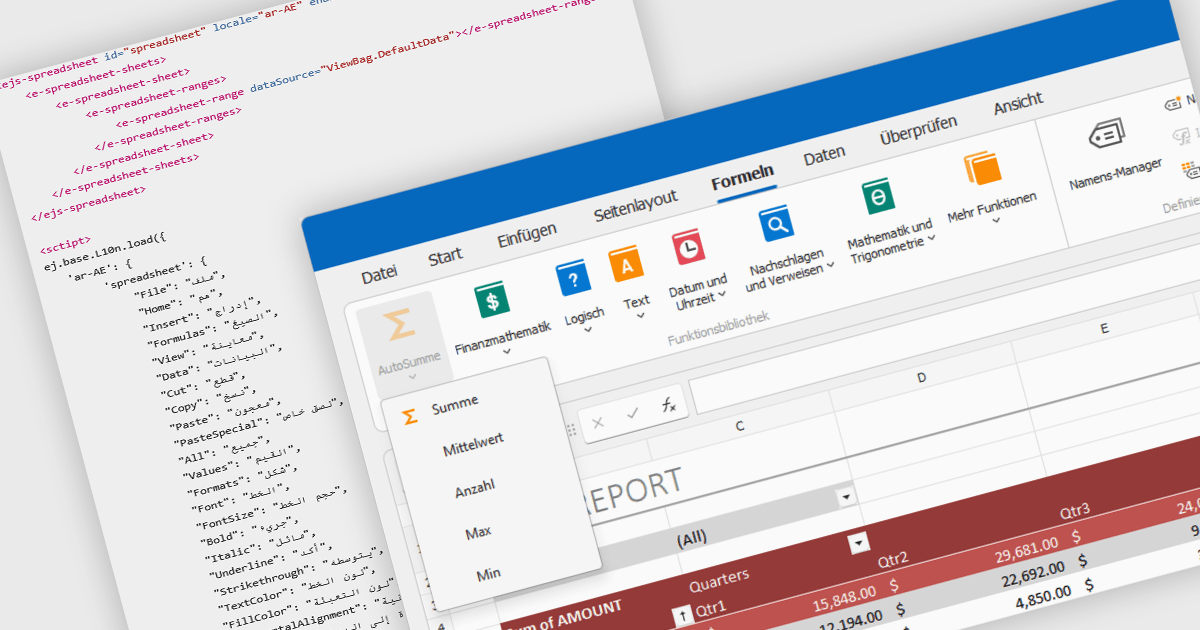
Localization in spreadsheet components enables applications to present spreadsheet interfaces, menus, dialogs, functions, and user-facing messages in the user's preferred language and regional format. This helps organizations deliver a more familiar and accessible experience to global audiences while supporting regional conventions such as date formats, number formatting, currencies, and translated interface elements. By adapting the spreadsheet environment to different languages and cultures, localization can improve usability, reduce training requirements, and help applications meet the expectations of international users.
Several ASP.NET Core spreadsheet controls offer support for localization including:
For an in-depth analysis of features and price, visit our ASP.NET Core spreadsheet controls comparison.
聯繫電話: (888) 850 9911
傳真: +1 770 250 6199


