













官方供應商
我們作為官方授權經銷商,直接提供超過200家開發廠家所發行超過1000個的產品授權給您。
請參閱我們所有的品牌。
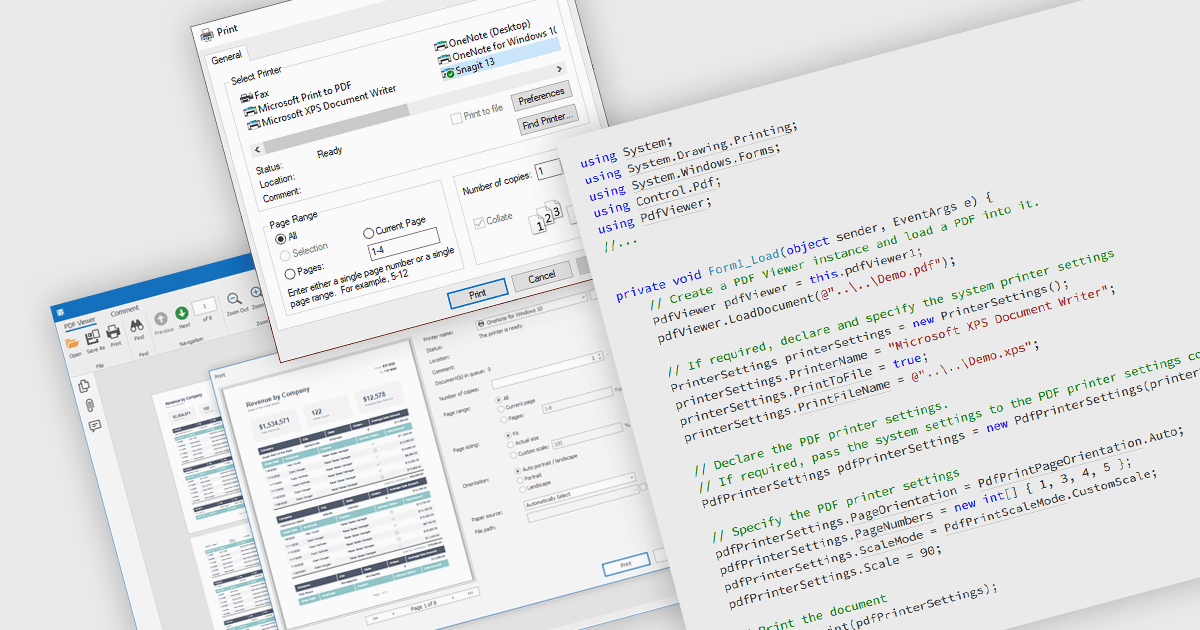
Printing PDFs to a printer is the process of sending a Portable Document Format (PDF) file from an application to a physical or virtual printer while preserving its layout, fonts, and graphical fidelity. A PDF viewer control typically handles rendering and pagination, ensuring consistent output across devices and print environments. The main benefit is predictable, high-quality output, which is especially important for documents that require precise formatting. Modern PDF viewer components support printing either directly through built-in user interface elements such as a toolbar or print dialog, or programmatically through application code using API methods, giving developers flexibility in how printing capabilities are exposed and controlled within an application.
Several WinForms PDF Viewer components allow you to print PDFs to a printer, including:
For an in-depth analysis of features and price, visit our comparison of WinForms PDF Viewer components.
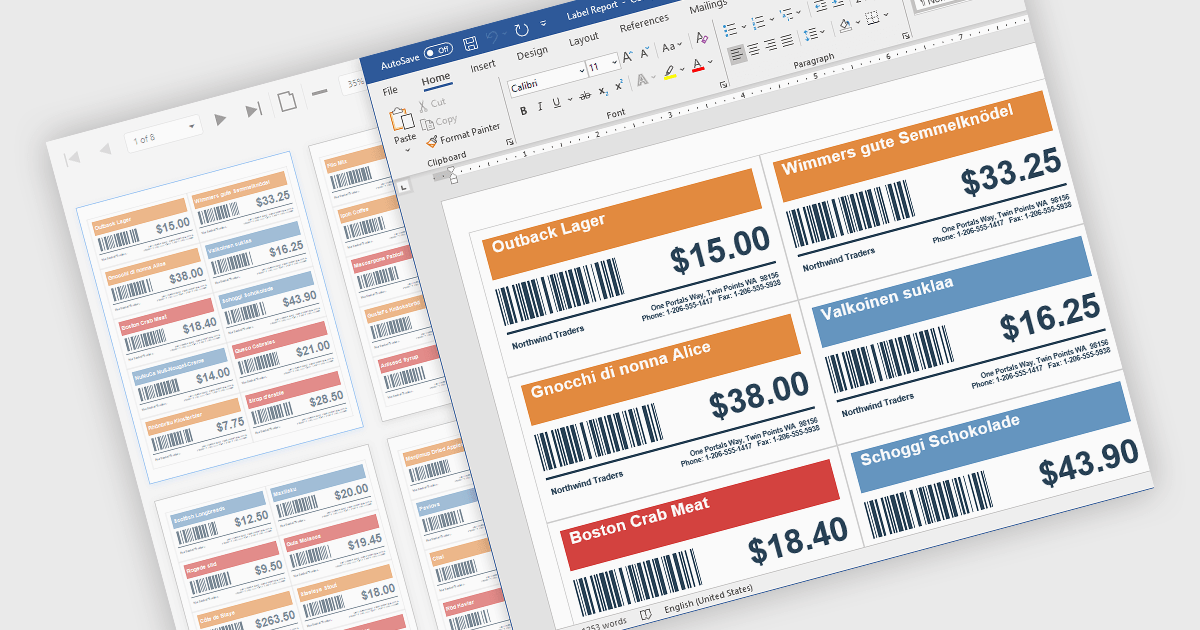
Barcodes in reports involve adding machine readable codes, such as QR codes or linear barcodes, into printed or digital reports to enable quick scanning and automated data capture. This improves accuracy by reducing manual entry, increases efficiency through faster access to information, and supports integration with systems like inventory, CRM, or ERP platforms. It also enhances traceability for tracking items, documents, or transactions. Common use cases include inventory management, order processing, healthcare records, and invoice or ticket verification where speed and reliability are essential.
Several .NET WinForms Reporting controls include Barcodes including:
For an in-depth analysis of features and price, visit our comparison of .NET WinForms Reporting Controls.
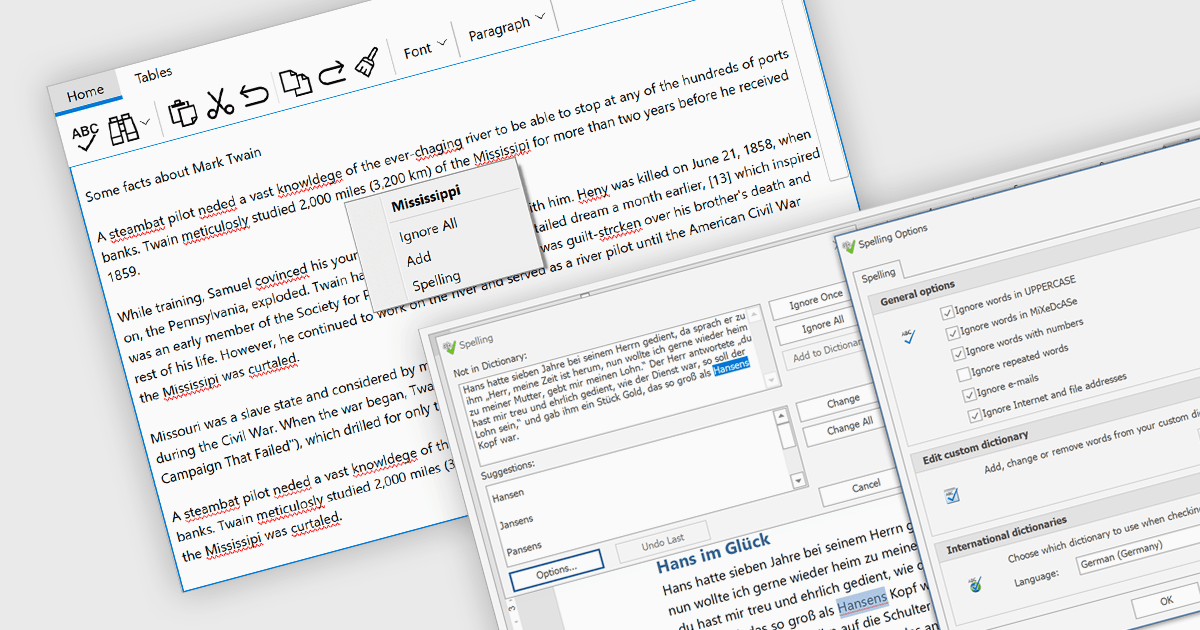
Spell checker components are reusable software modules that provide automated spelling validation within applications, typically integrated into text editors, data entry forms, or rich text controls. They use dictionaries and optional user-defined vocabularies to identify and suggest corrections for misspelled words, either in real time or during batch processing, with some implementations also incorporating language-specific rules. The primary benefits include improved data accuracy, enhanced user experience, and reduced manual proofreading effort, particularly in applications that rely heavily on text input such as document management systems, messaging tools, and reporting interfaces.
Several WinForms UI suites provide you with spell checker components, including:
For an in-depth analysis of features and price, visit our comparison of WinForms UI suites.
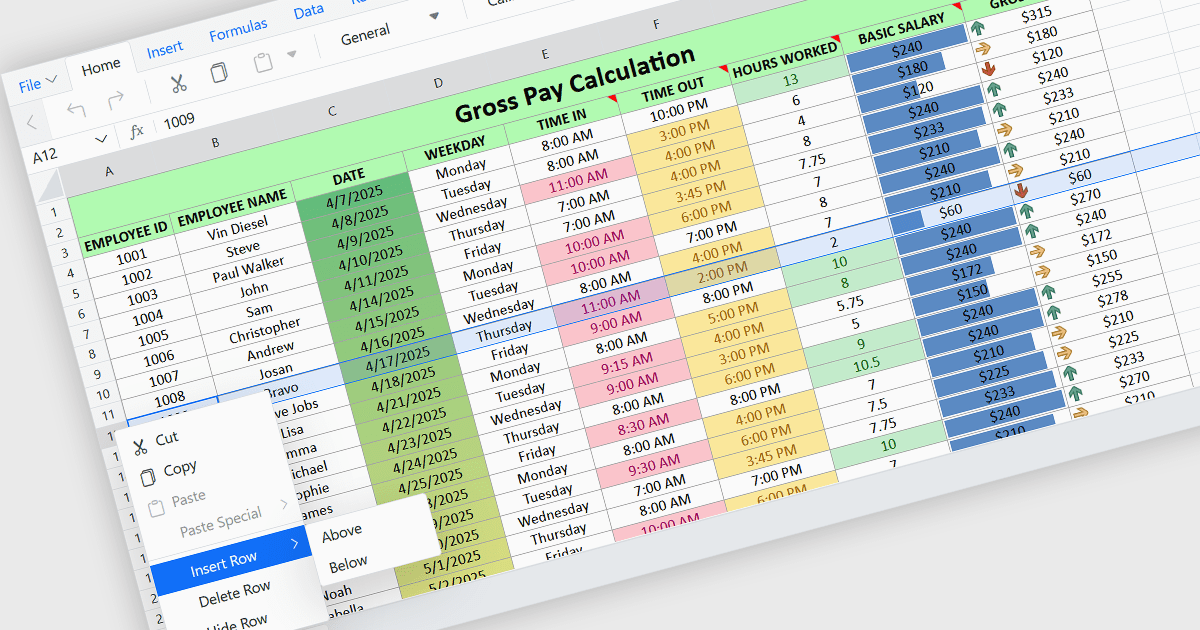
Inserting rows in spreadsheet components enables users to expand and reorganize data dynamically within a worksheet. It supports common data management tasks such as adding new records, adjusting layouts, and maintaining structured datasets without disrupting existing content. By integrating row insertion directly through APIs, applications can offer a familiar and efficient spreadsheet experience for users working with tabular data.
Several ASP.NET Core spreadsheet controls offer support for inserting rows including:
For an in-depth analysis of features and price, visit our ASP.NET Core spreadsheet controls comparison.
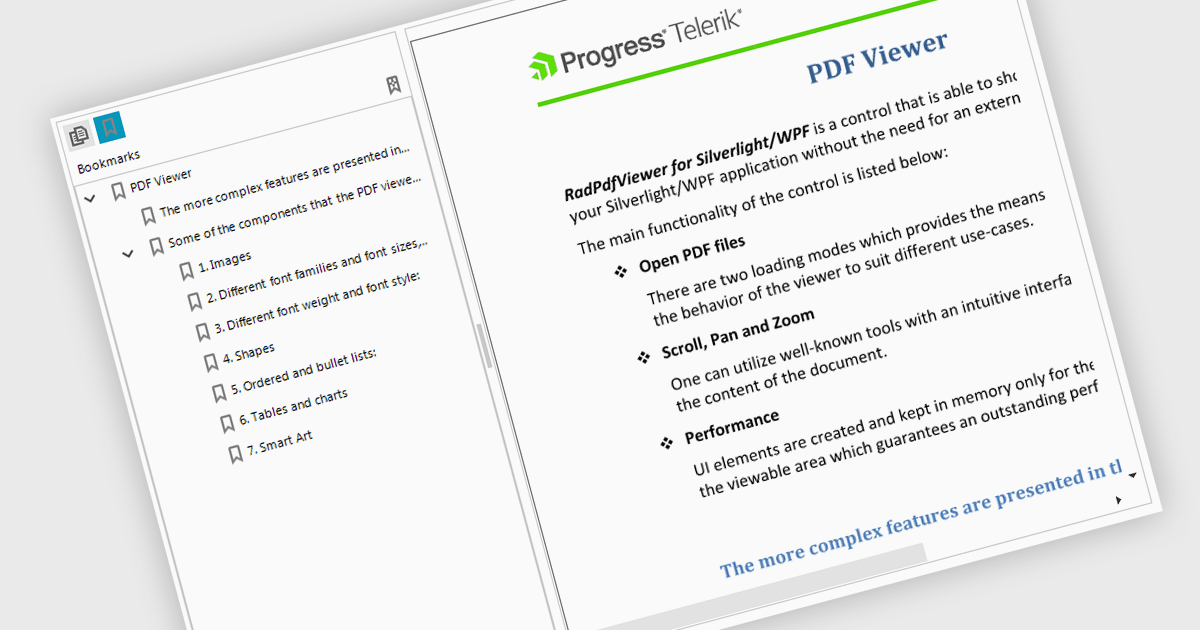
Bookmark navigation in a PDF Viewer enables developers to expose the hierarchical bookmark structure embedded within a PDF so users can quickly jump to specific sections or pages. It typically presents bookmarks in a tree view synchronized with the document, allowing programmatic control and event handling for selection changes. This capability improves usability in applications that handle large or structured documents by reducing manual scrolling, supporting faster content discovery, and providing a more organized reading experience.
Several WinForms PDF Viewer components support bookmark navigation, including:
For an in-depth analysis of features and price, visit our comparison of WinForms PDF Viewer components.
聯繫電話: (888) 850 9911
傳真: +1 770 250 6199


