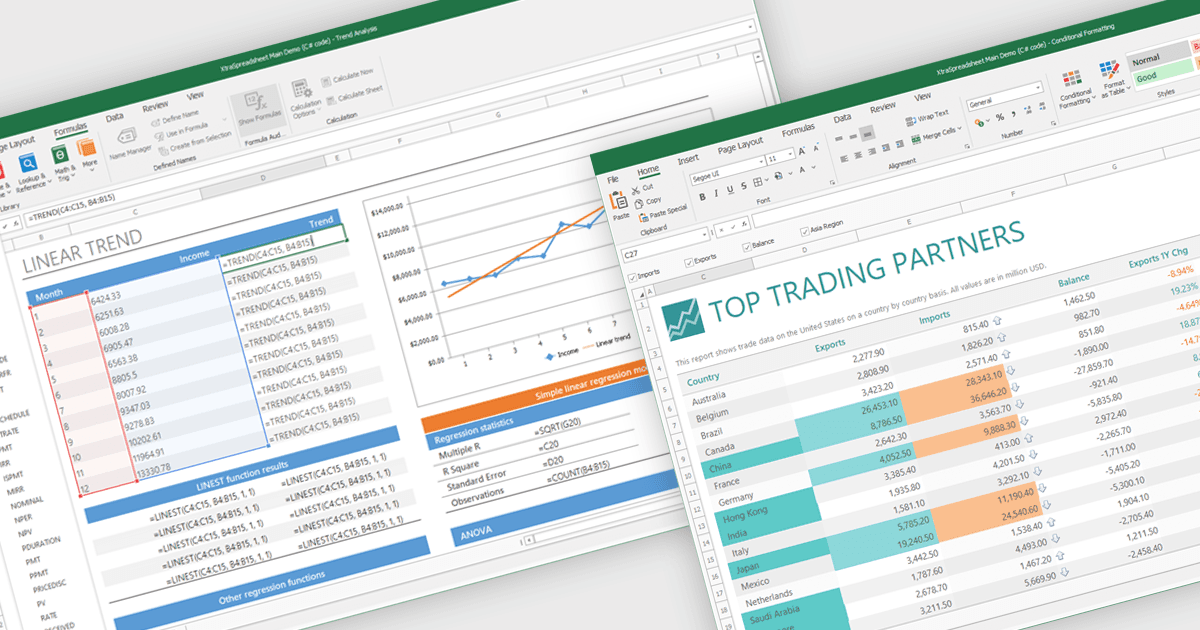
立即在試算表中視覺化資料

5月 12, 2025
直接在您的 .NET 試算表應用程式中將原始資料轉換為互動式圖表,以便更快地獲得見解和更清晰的報表。

繼續用英語閱讀:

Chart support in a spreadsheet component refers to the ability to create, render, and manipulate various types of charts - such as line, bar, pie, and area charts - all within the spreadsheet environment. This functionality allows spreadsheet developers to present data visually and dynamically, without needing to rely on external charting libraries. The integration of charting capabilities enhances the end-user experience by making complex data more understandable. For developers, this reduces the need for separate visualization components, improves performance through tighter integration, and simplifies the deployment of data-centric applications.

Several .NET Winforms spreadsheet controls offer chart support, including:

  • MindFusion.Spreadsheet for WinForms empowers users with interactive charts directly within cells, enhancing data visualization and making analysis readily understandable.
  • Infragistics WinForms Spreadsheet (part of Infragistics Ultimate UI for Windows Forms) can embed rich charts, facilitating interpretation of trends and performance metrics.
  • Spread.NET WinForms by MESCIUS facilitates dynamic data visualization through customizable charts and conditional formatting, enabling users to highlight key insights.
  • DevExpress WinForms Spreadsheet (part of DevExpress WinForms) lets developers integrate interactive charts, offering visually compelling representations for analysis.

For an in-depth analysis of features and price, visit our .NET Winforms spreadsheet controls comparison.

Compare .NET Winforms spreadsheet Controls