在 .NET 中使用回應式視覺輸入控制項

7月 18, 2025
透過為其應用程式配備評級和跟蹤欄資料編輯器控制項,.NET 開發人員可以為最終使用者提供直觀高效的資料輸入。

繼續用英語閱讀:

In .NET applications that require data editing, visual UI elements play a vital role in improving how users input and adjust data. For data entry such data visualization components as trackbars, range sliders, zoom controls, and rating elements offer an interactive alternative to text fields or dropdowns, making data input and feedback mechanisms more intuitive and precise. Whether it's setting numerical thresholds or filtering data sets based on user-defined limits, adjusting the view scale of charts, timelines, or graphical data displays, or quickly capturing feedback, these controls contribute to a more responsive and user-friendly interface. These components are especially valuable in scenarios that require fine-tuned input or subjective scoring, helping users make quick adjustments without disrupting the end-user's workflow.

Common features include:

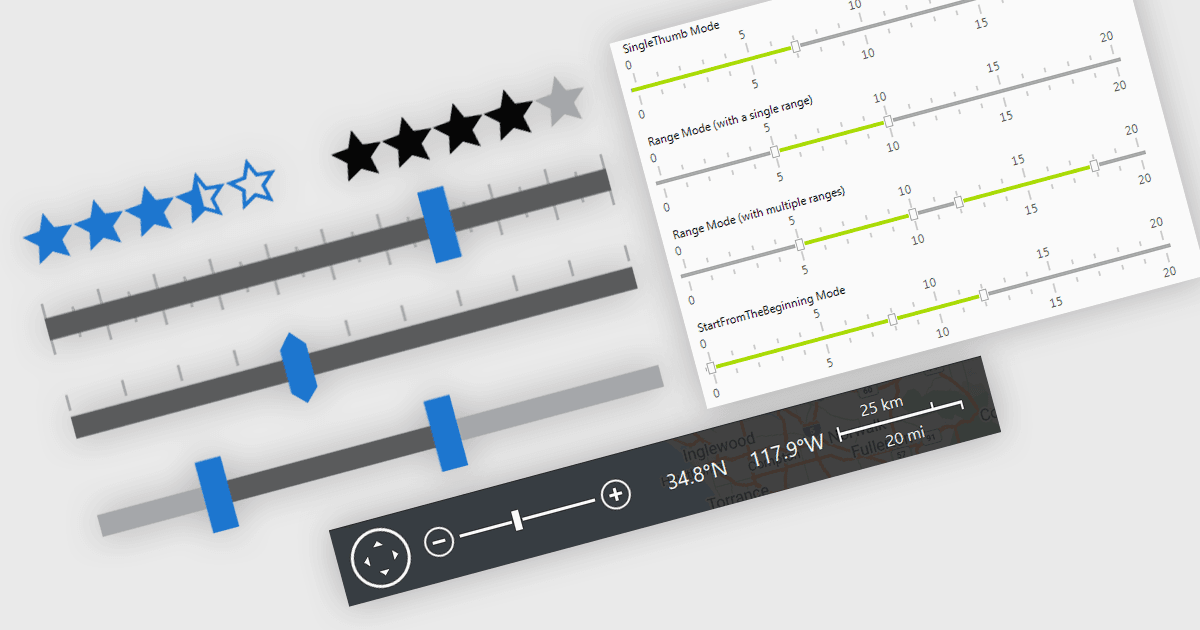
  • Range Trackbars enable the selection of a continuous value range via two draggable handles, allowing end-users to select a range of values.
  • Rating controls offer a graphical interface, typically with stars or bars, for users to provide qualitative feedback or evaluations.
  • Trackbars allow users to select a single value within a set range using a draggable slider, often used for numerical or percentage input.
  • Zoom Trackbars provide a way to zoom in and out interactively using zoom bars similar to those found in Microsoft Office applications.

For an in-depth analysis of features and price, visit our .NET data editors comparison.

Explore Data Visualization and Trackbars