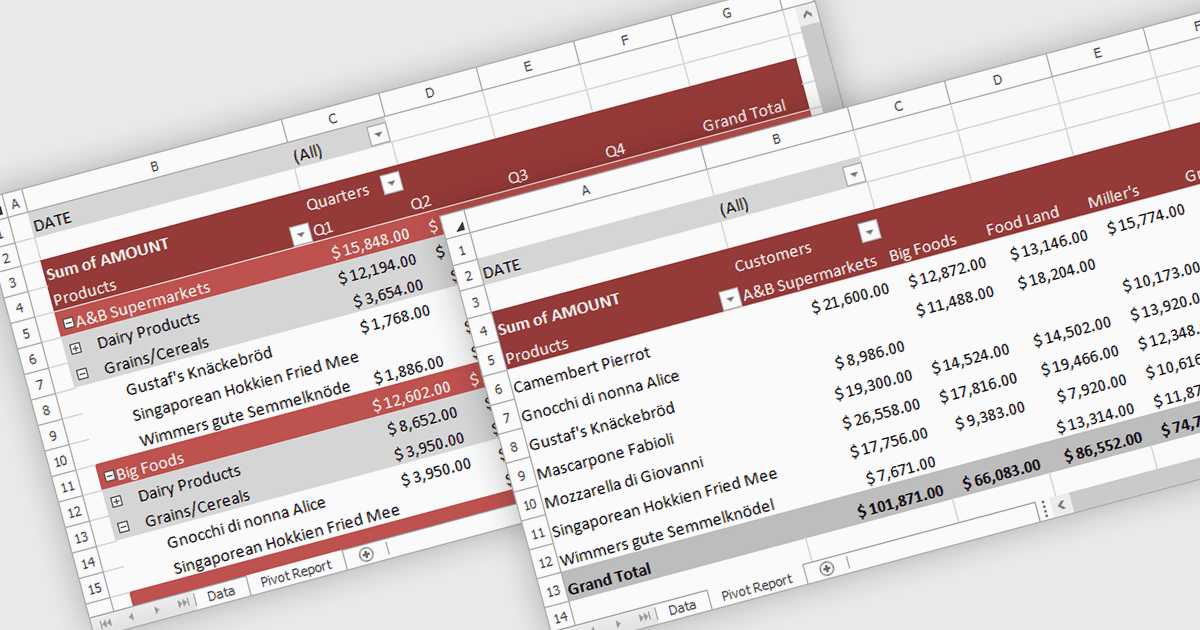
用樞紐分析表總結大型資料集

12月 4, 2025
用試算表中的樞紐分析表發現模式,從而實現從每個角度揭示趨勢和績效的互動式分析。

繼續用英語閱讀:

A pivot table in a spreadsheet lets you quickly summarize and explore large datasets by dynamically grouping, filtering, and aggregating data. It automatically calculates totals, averages, counts, and other metrics, reducing the need for complex formulas. This makes it easier to uncover trends, patterns, and outliers, such as comparing sales by region and product, analyzing costs by department, or tracking performance over time. By turning raw data into clear, interactive summaries, pivot tables help users make faster, more informed decisions.

Several .NET Core spreadsheet controls support pivot tables including:

  • DevExpress WinForms Spreadsheet (part of DevExpress WinForms) lets you create pivot tables that summarize, filter, and analyze large datasets with insightful data exploration.
  • Document Solutions for Excel, .NET Edition by MESCIUS enables advanced pivot table creation for fast data summarization and multi-dimensional analysis.
  • EPPlus by EPPlus Software allows you to build powerful pivot tables programmatically, enabling flexible data grouping, aggregation, and customizable reporting in Excel files.
  • IronXL for .NET by Iron Software facilitates generating pivot tables in code, helping you transform raw spreadsheet data into clear summaries, comparisons and insights.

For an in-depth analysis of features and price, visit our .NET Core spreadsheet controls comparison.

Compare .NET Core Spreadsheet Controls