













官方供應商
我們作為官方授權經銷商,直接提供超過200家開發廠家所發行超過1000個的產品授權給您。
請參閱我們所有的品牌。
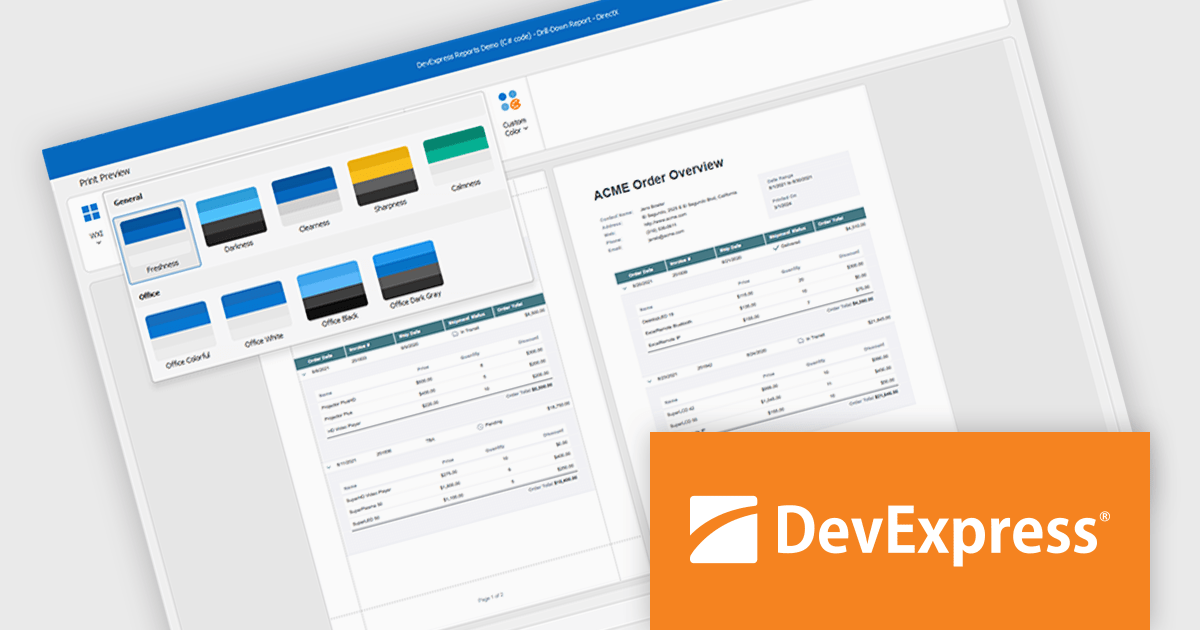
DevExpress DXperience is a comprehensive development suite that enables developers to build high-performance applications for Windows, Web, mobile, and tablet platforms using a unified set of controls and tools. It includes hundreds of desktop UI controls for WinForms, WPF, and reporting, as well as web UI controls for Blazor, ASP.NET, MVC, Core, Bootstrap Web Forms, JavaScript, Angular, React, Vue, and web reporting, plus productivity tools like XPO ORM and CodeRush for Visual Studio. With its extensive component library, DXperience accelerates development, ensures visually consistent and responsive interfaces, and is ideal for creating enterprise applications, data-driven web apps, dashboards, and reporting solutions.
DevExpress DXperience enhances application development with new app-wide themes and skins, allowing developers to apply a consistent, modern visual style across entire projects with minimal configuration. By providing professionally designed themes that align with Microsoft Office and Windows 11 aesthetics, along with built-in tools for customizing these designs, it improves the UI design process and reduces the need for manual styling. This enables developers to focus on functionality while delivering polished, cohesive user interfaces that improve usability and maintain a professional appearance across all application modules.
DevExpress DXperience is licensed per developer and is available as a Perpetual License with a 12 month support and maintenance subscription. See our DevExpress DXperience licensing page for full details.
For more information, visit our DevExpress DXperience product page.
Aspose.3D for Node.js via Java is a cross-platform, server-side JavaScript (Node.js) library implemented over Java, designed for handling 3D content without needing external modeling or rendering software installed on the host. It supports reading, writing, converting, building, and modifying a wide variety of widely used 3D file formats, such as FBX, OBJ, STL, glTF/glb, Collada, Universal3D, Google Draco, and many more. The library offers a rich 3D Document Object Model (DOM) with mesh geometry, materials, textures, lighting, animation channels, scene graphs, primitives (boxes, spheres, toruses, etc.), and more. It runs on Windows, Linux, and macOS environments (with Java support) and exposes APIs for programmers to control all aspects of 3D scenes.
Aspose.3D for Node.js via Java enables automated conversion of 3D files from one format to another, useful in pipelines that produce assets for web, games, AR/VR, or 3D printing, without needing external tools or manual intervention. Its ability to alter meshes, share geometry, define animations, and manipulate scene hierarchy means it can be used in custom 3D authoring, asset pipelines, or anywhere dynamic generation of 3D content is required. Also, because it is self-contained and works purely via code, it supports integration into CI/CD, cloud environments, or headless servers for processing 3D assets (for example, rendering previews, generating thumbnails, or applying watermarking). Finally, its support for many formats and robust DOM model reduce development overhead and risks when working with diverse 3D content sources.
Aspose.3D for Node.js via Java is offered as Developer Small Business, Developer OEM, Developer SDK, Site Small Business, Site OEM and Site SDK licenses catering to a range of business needs. Licenses are perpetual, and include 1 year of support and maintenance. Subscription renewals are also available. See our Aspose.3D for Node.js via Java licensing page for full details.
Aspose.3D for Node.js via Java is available individually or as part of the following products:
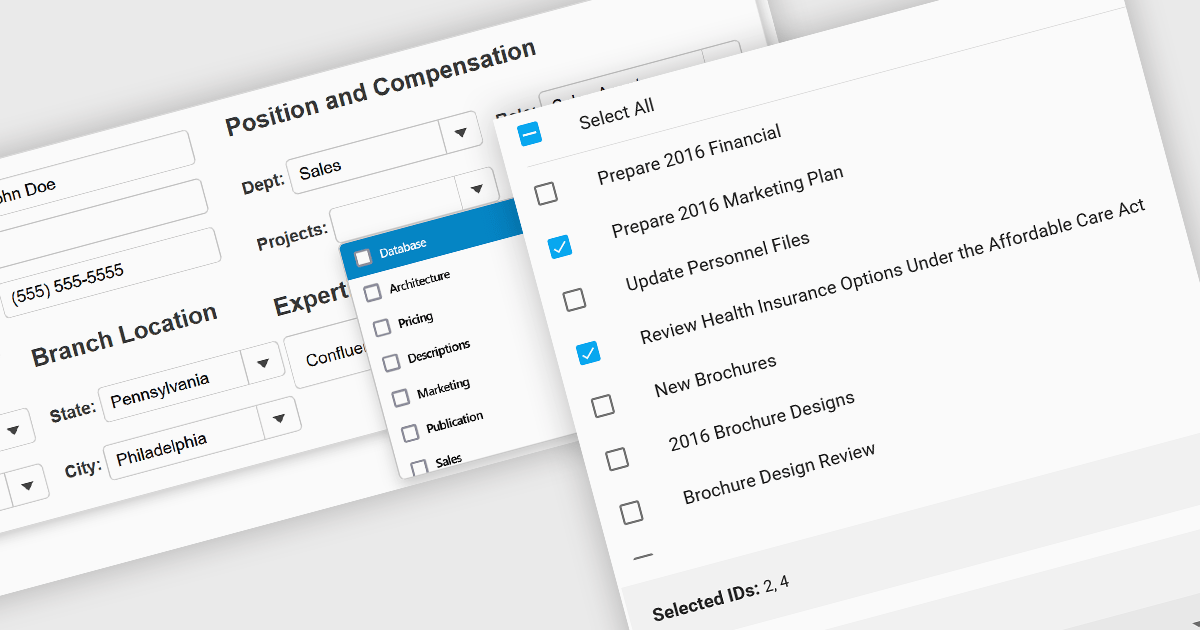
Checked listboxes provide users with a convenient interface for selecting multiple items within data editor controls. They enhance user workflows by combining the visual clarity of list presentations with the functionality of checkboxes, enabling intuitive multi-selection capabilities. Typically data-bound, these controls support both manual and programmatic manipulation of items, including checking, unchecking, and layout customization, facilitating dynamic and interactive list management in enterprise-grade applications.
Several Vue.js data editor collections include a checked listbox, including:
For an in-depth analysis of features and price, visit our Vue.js data editors comparison.
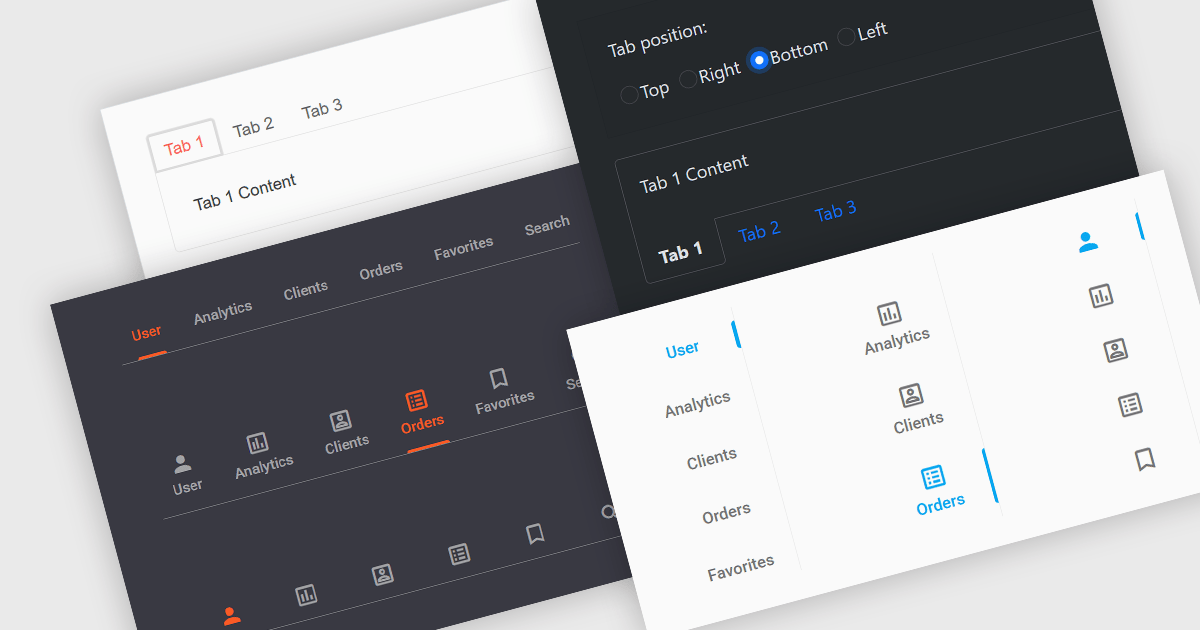
Tabs are a common user interface element that allows users to navigate between multiple sections or views within the same window by clicking on labeled tabs, typically displayed in a row. Each tab presents a different set of information or controls, helping to organize content in a way that reduces clutter and makes it easier to find relevant features without switching between multiple windows or pages. Creating a tabbed UI to switch between sections provides faster access to key areas, and improves usability by maintaining context. This approach is especially useful in applications with layered data or multiple tool sets, where managing space and context is critical.
Several Angular UI suites provide you with tab functionality, including:
For an in-depth analysis of features and price, visit our comparison of Angular UI suites.
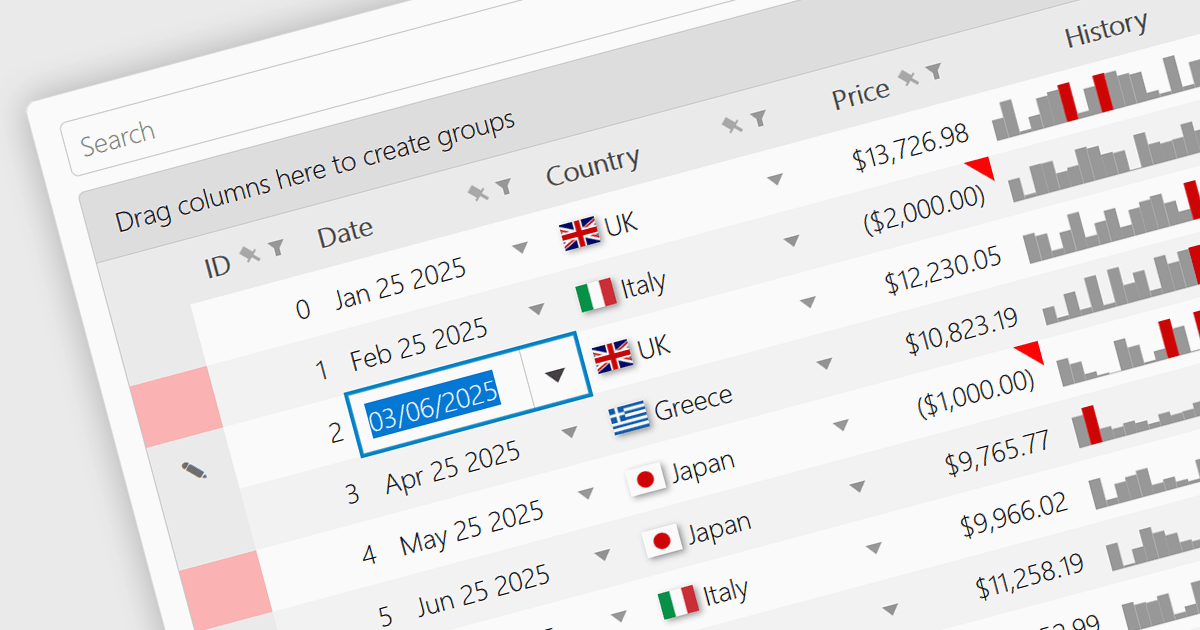
A date/time cell type in a JavaScript Grid control lets developers manage temporal data more effectively by treating input as actual JavaScript Date objects rather than plain text. This enables built-in features like calendar popups, time pickers, and structured output formats such as "09/09/2025" or "Sep 9 2025", making it easier for users to interact with the data accurately. It's especially useful in applications that rely on scheduling, activity logs, or time-driven reports. Most modern grid libraries also support localization, formatting, and input validation to ensure the cell behavior fits seamlessly with the application's design and data standards.
Several JavaScript Grid controls offer support for Date/Time cell types including:
For an in-depth analysis of features and price, visit our comparison of JavaScript Grid controls.
聯繫電話: (888) 850 9911
傳真: +1 770 250 6199


