













官方供應商
我們作為官方授權經銷商,直接提供超過200家開發廠家所發行超過1000個的產品授權給您。
請參閱我們所有的品牌。

Rich text editors for WinForms let users create and format content in a familiar, word processor-like environment. These editors support advanced text styling, media embedding, and customizable toolbars, giving developers flexibility to build feature-rich desktop applications. With features like document import/export, content validation, and extensive formatting controls, they enhance the user experience while ensuring consistency across applications. Designed for accessibility and optimized for desktop performance, they integrate seamlessly into Windows-based workflows.
Several .NET WinForms UI suites offer rich text editors including:
For an in-depth analysis of features and price, visit our comparison of .NET WinForms UI Suites:

Syncfusion Essential Studio Windows Forms (available as part of Syncfusion Essential Studio Enterprise) is a powerful UI component suite designed to enhance your WinForms development. It boasts over 100 high-performance controls, ranging from essential grids and charts to advanced schedulers and diagrams, enabling you to craft visually appealing and feature-rich applications with ease. Its extensive customization options and built-in themes allow for tailored user experiences, while touch-friendly design ensures seamless interaction across devices.
The Syncfusion Essential Studio Windows Forms 2024 Volume 4 update introduces advanced JavaScript integration capabilities within its PDF Library, empowering developers to add, retrieve, modify, and remove JavaScript actions at the document level. This enhancement enables the creation of dynamic and interactive PDF experiences, such as automated form handling, custom behaviors, and real-time content updates, directly within the application. By supporting ECMAScript, this feature ensures compatibility with industry-standard scripting practices, streamlining workflows and offering greater flexibility for tailoring PDFs to meet specific user and business requirements.
To see a full list of what's new in 2024 Volume 4, see our release notes.
Syncfusion Essential Studio Windows Forms is available as part of Syncfusion Essential Studio Enterprise which is licensed per developer starting with a Team License of up to five developers. It is available as a 12 Month Timed Subscription License which includes support and maintenance. See our Syncfusion Essential Studio Enterprise licensing page for full details.
Learn more on our Syncfusion Essential Studio Windows Forms product page.
IPWorks by /n software is a comprehensive development library designed to streamline your creation of internet-enabled applications. It offers pre-built, secure components for common functionalities like sending emails, transferring files, and consuming web services. This allows you to focus on your application's core logic while leveraging pre-tested, robust tools for essential internet interactions.
IPWorks enhances security by providing developers with advanced tools for certificate validation, ensuring that only trusted and verified certificates are used in applications. With support for Certificate Revocation Lists (CRL) and Online Certificate Status Protocol (OCSP) methods, IPWorks enables real-time checks to confirm the validity of certificates and detect revocations, reducing the risk of compromised or untrustworthy communication endpoints. This robust validation mechanism helps protect sensitive data, prevent man-in-the-middle attacks, and maintain secure connections, making it an essential component for building reliable and secure software solutions.
IPWorks is licensed per developer and is available as a Perpetual License with a 12 month support and maintenance subscription. See our IPWorks licensing page for full details.
IPWorks is available to buy in the following products:
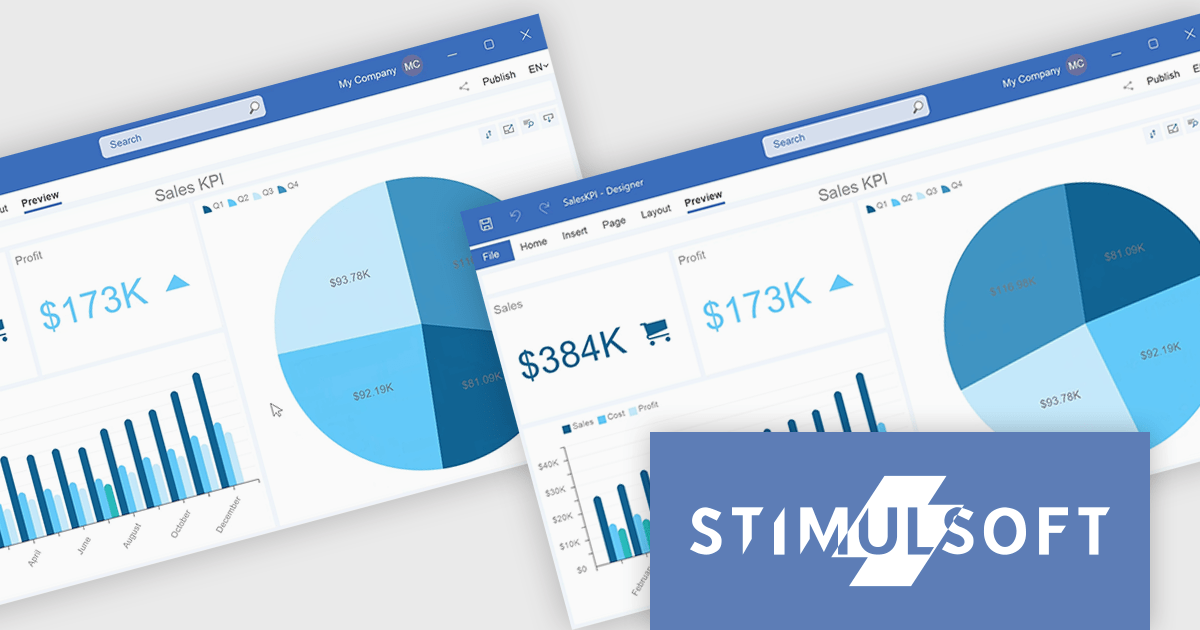
Stimulsoft Dashboards.WIN is a versatile suite of tools for crafting interactive data visualizations for web and desktop applications. It empowers developers to embed intuitive dashboards across various platforms, using platform-specific components or a centralized cloud designer. With data analysis elements, customization options, and pre-built templates, Stimulsoft Dashboards helps you transform complex data into clear, actionable insights for any audience.
The Stimulsoft Dashboards.WIN 2025.1.1 update introduces the ability to rotate pie and doughnut charts directly within the dashboard, providing developers with a powerful new tool for creating more interactive and user-focused applications. This feature allows end-users to manipulate chart orientation using simple mouse actions, enhancing the visualization experience by enabling a closer examination of specific data segments. By integrating this functionality, developers can offer a more intuitive and flexible data analysis environment, aligning with modern UI standards and improving the overall usability of dashboards.
To see a full list of what's new in 2025.1.1, see our release notes.
Stimulsoft Dashboards.WIN is licensed per developer and is available as a perpetual license with 1 year support and maintenance. See our Stimulsoft Dashboards.WIN licensing page for full details.
Stimulsoft Dashboards.WIN is available individually or as part of Stimulsoft Ultimate.
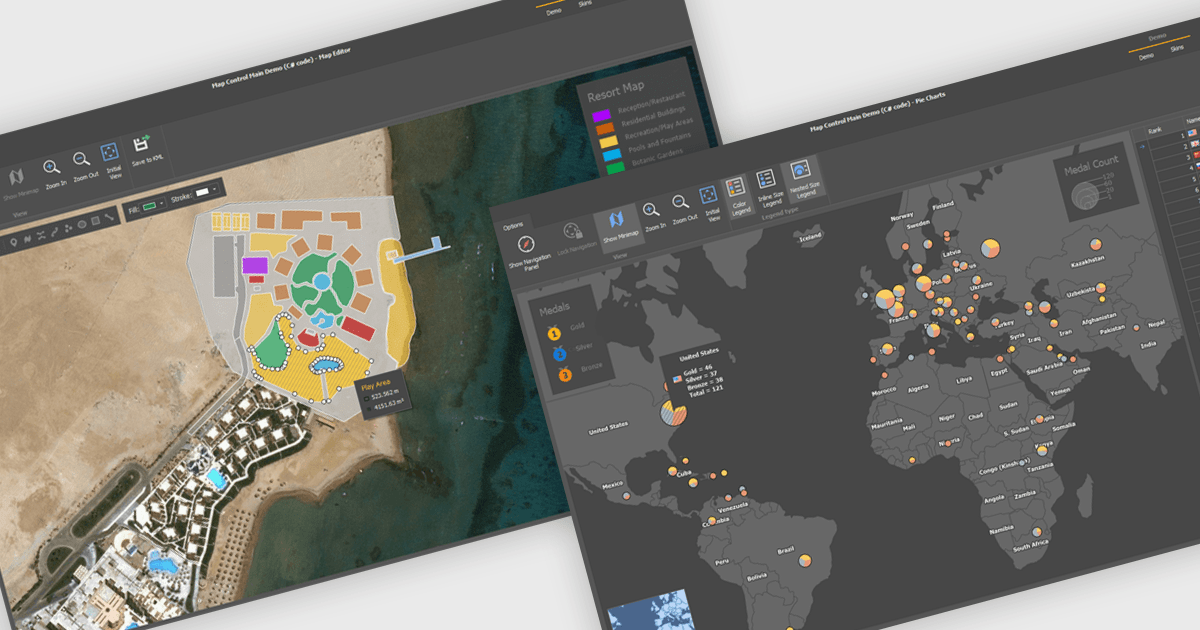
Maps are powerful tools for integrating geographic data and visualizations, enabling users to explore and understand information in a spatial context. With features like zooming, panning, and layering, maps provide an interactive way to analyze data and identify patterns. They support cross-platform compatibility, allowing consistent performance across devices, and can be customized to align with specific branding or design needs.
Several .NET WinForms UI suites offer map components including:
For an in-depth analysis of features and price, visit our comparison of .NET WinForms UI suites.
聯繫電話: (888) 850 9911
傳真: +1 770 250 6199


