













官方供應商
我們作為官方授權經銷商,直接提供超過200家開發廠家所發行超過1000個的產品授權給您。
請參閱我們所有的品牌。
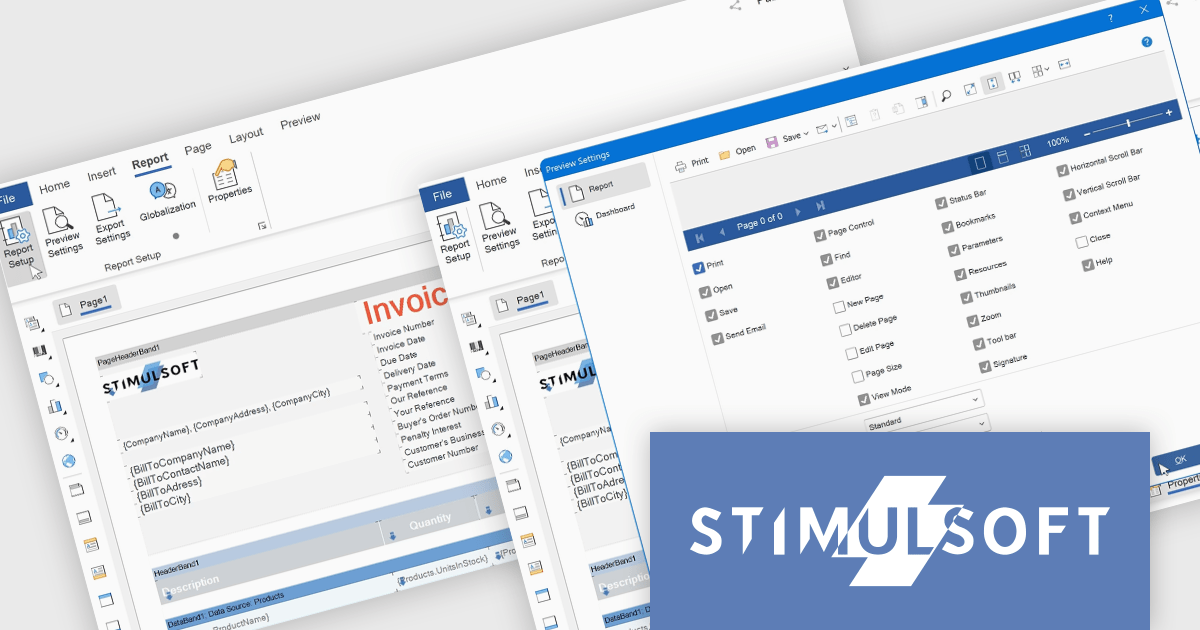
Stimulsoft Reports.WEB is a cross-platform reporting solution designed for integration within web applications. It leverages a client-server architecture for report generation, viewing, printing, and exporting directly in web browsers. Its powerful .NET report engine offers efficient report processing, a user-friendly HTML5 report designer for building reports with various data sources and visualizations, and an interactive HTML5 viewer for seamless report display within web applications. This integration allows developers to implement robust reporting functionalities without browser plugins or additional client-side dependencies.
The Stimulsoft Reports.WEB 2025.3.1 update introduces a new Report tab that improves the efficiency of report design by centralizing essential configuration tools within a single, accessible workspace. This tab integrates key functions such as Report Options, Preview Settings, Export Settings, and Globalization, allowing developers to manage the core aspects of their report templates without switching between multiple panels or views. By streamlining access to these commonly used features, the update enhances workflow speed, reduces setup complexity, and supports more consistent report output across different environments.
To see a full list of what's new in 2025.3.1, see our release notes.
Stimulsoft Reports.WEB is licensed per developer and is available as a perpetual license with 1 year support and maintenance. See our Stimulsoft Reports.WEB licensing page for full details.
Stimulsoft Reports.WEB is available individually or as part of Stimulsoft Ultimate.
Blazorise is a versatile component library that empowers developers to build modern and feature-rich web applications using Blazor, a client-side web development framework from Microsoft. It offers a comprehensive collection of user interface components, including buttons, forms, charts, and navigation elements, all built with accessibility and responsiveness in mind.
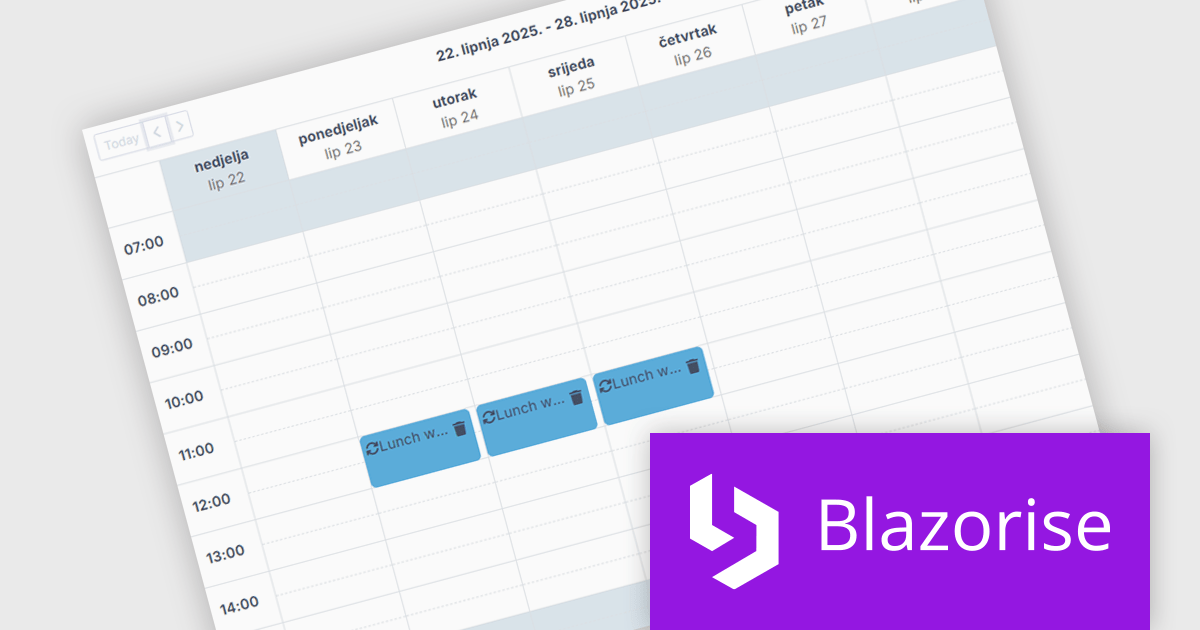
The Blazorise 1.8 update introduces a new Scheduler component that enables developers to implement robust calendar and event management functionality directly within their applications. Built entirely with Blazorise core components and free from third-party dependencies, the Scheduler offers a clean and consistent development experience while ensuring full customization and extensibility. It supports multiple calendar views such as Day, Week, and Month, along with essential features like in-place editing, drag-and-drop event management, and recurring event handling. This addition improves the development of scheduling interfaces, making it easier to deliver user-friendly and interactive planning tools.
To see a full list of what’s new in version 1.8, see our release notes.
Blazorise is licensed per developer and is runtime royalty free. Licenses include a 1 year subscription for updates and premium support. Professional, Enterprise, and Enterprise Plus editions are available, each offering tailored levels of support and service to meet varying business needs. See our Blazorise licensing page for full details.
For more information, visit our Blazorise product page.
DevExpress (Developer Express) is an award-winning software development company based in the United States. It produces coding assistance tools and components for Delphi, C++ Builder and Microsoft Visual Studio developers. The major part of its product line is VCL, .NET WinForms and ASP.NET components that replicate the UI of Microsoft Windows and Microsoft Office applications.
With the recent release of version 25.1, the entire DevExpress product line has undergone significant changes:
This powerful new functionality comes at a higher price. DevExpress has implemented price raises across all product lines for both new licenses and renewals. To view all of the current, updated prices, see the comprehensive product list on the DevExpress Brand Page.
**Note: If you have a current, valid quote from ComponentSource at the previous pricing, the price will be honored up to that quote's expiration date.
The DevExpress VCL Subscription + (DevExpress VCL Subscription Plus) includes:
DevExpress Reporting is available to buy in the following products:
DevExpress VCL Subscription + (DevExpress VCL Subscription Plus) is an enhanced offering for Delphi and C++Builder developers, combining its traditional VCL components with a comprehensive suite of web UI libraries. The subscription includes access to DevExpress's JavaScript, ASP.NET Core, and Blazor UI components, enabling developers to build both native Windows applications and modern web applications under a single license.
The VCL Subscription provides a robust set of native Windows UI components designed for high-performance desktop development. It includes popular controls such as the Grid, TreeList, Rich Edit, Scheduler, and Pivot Grid, which are optimized for responsiveness and a consistent Windows look and feel. These components support advanced features like data grouping, filtering, charting, and document editing, giving developers the tools to create sophisticated, business-grade applications. Designed specifically for VCL (Visual Component Library), this suite ensures deep integration with the Windows API and RAD Studio environment, offering speed, stability, and ease of customization.
The "+" in VCL Subscription + expands this toolkit with access to DevExpress JavaScript, ASP.NET Core, and Blazor UI libraries. These include support for modern web frameworks like Angular, React, and Vue through the JavaScript UI suite, which features controls such as DataGrid, Scheduler, Charts, and Dashboard. The ASP.NET Core and Blazor components bring server-side and client-side capabilities, allowing developers to use C# and Razor for web development while leveraging rich UI elements. For those accustomed to building with VCL, these additions offer a path to web development without sacrificing familiar design patterns or DevExpress quality. It opens the door to hybrid applications and future-proof solutions that span both desktop and web environments.
DevExpress VCL Subscription + is licensed per developer and is available as a Perpetual License with a 12 month support and maintenance subscription. See our DevExpress VCL Subscription + licensing page for full details.
For more information, visit our DevExpress VCL Subscription + product page.
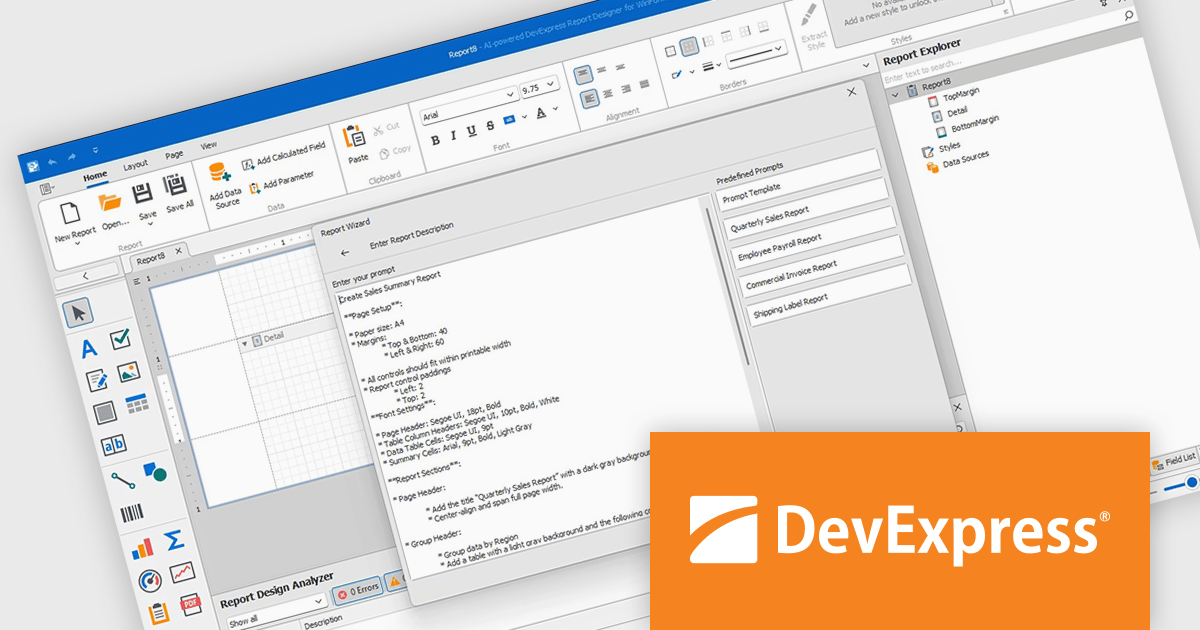
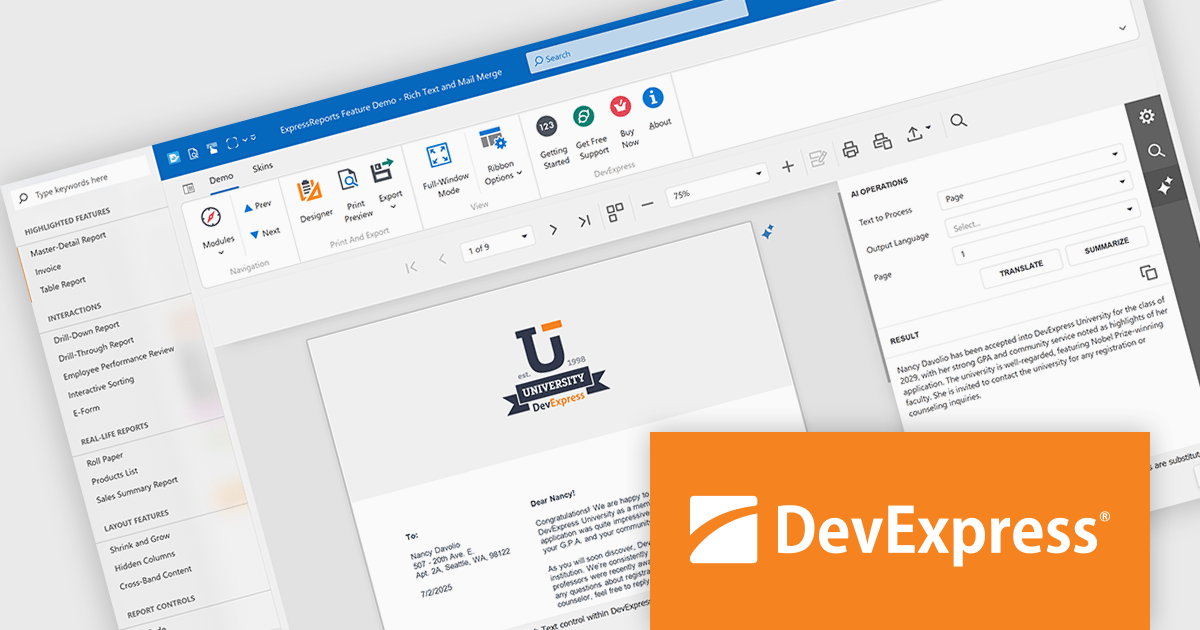
DevExpress Reporting is a comprehensive suite of reporting tools that empowers developers to create visually stunning and highly customizable reports for various applications. With its rich feature set, including data binding, layout design, printing, and exporting capabilities, DevExpress Reporting enables the efficient creation of reports that meet the most demanding business requirements.
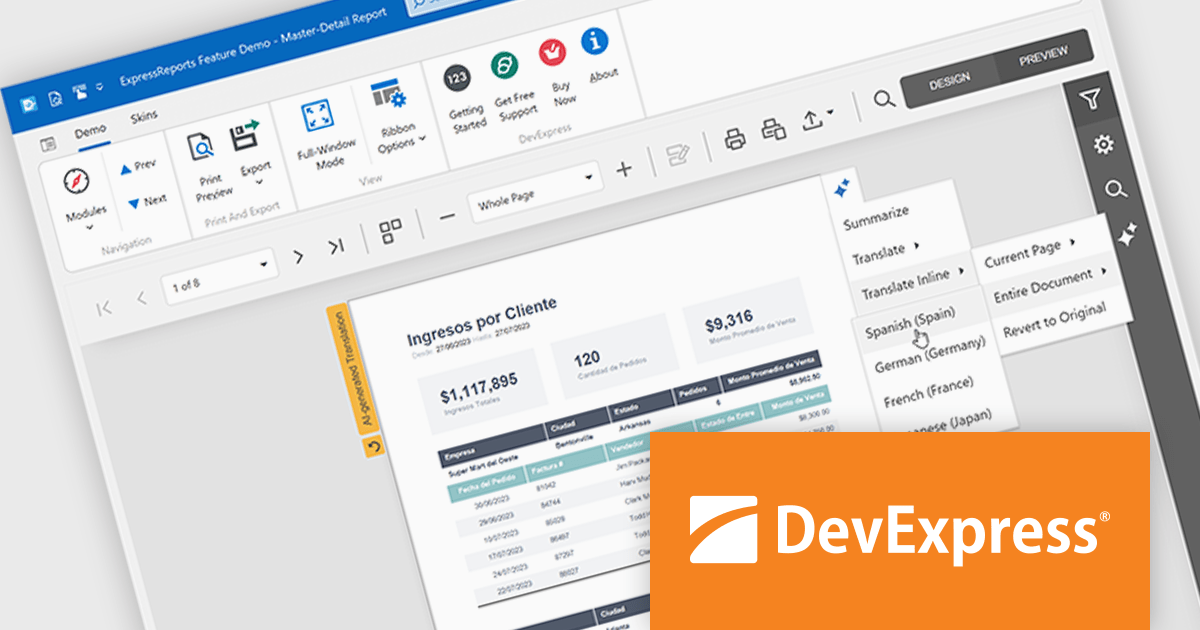
The DevExpress Reporting v25.1 update introduces a new AI-powered Report Wizard (currently in Community Technology Preview), bringing natural language capabilities directly into the report design workflow. By allowing users to describe the report they need in plain text, the wizard interprets this input and automatically generates a matching report layout. This greatly reduces the time and expertise required to design reports, particularly for users who may not be familiar with the underlying report schema or expression syntax. It’s especially useful for quickly prototyping reports or enabling non-technical users to contribute to report design without writing code or manually configuring elements.
To see a full list of what's new in version 25.1, see our release notes.
DevExpress Reporting is licensed per developer and is available as a Perpetual License with a 12 month support and maintenance subscription. See our DevExpress Reporting licensing page for full details.
DevExpress Reporting is available to buy in the following products:
聯繫電話: (888) 850 9911
傳真: +1 770 250 6199


