













官方供應商
我們作為官方授權經銷商,直接提供超過200家開發廠家所發行超過1000個的產品授權給您。
請參閱我們所有的品牌。
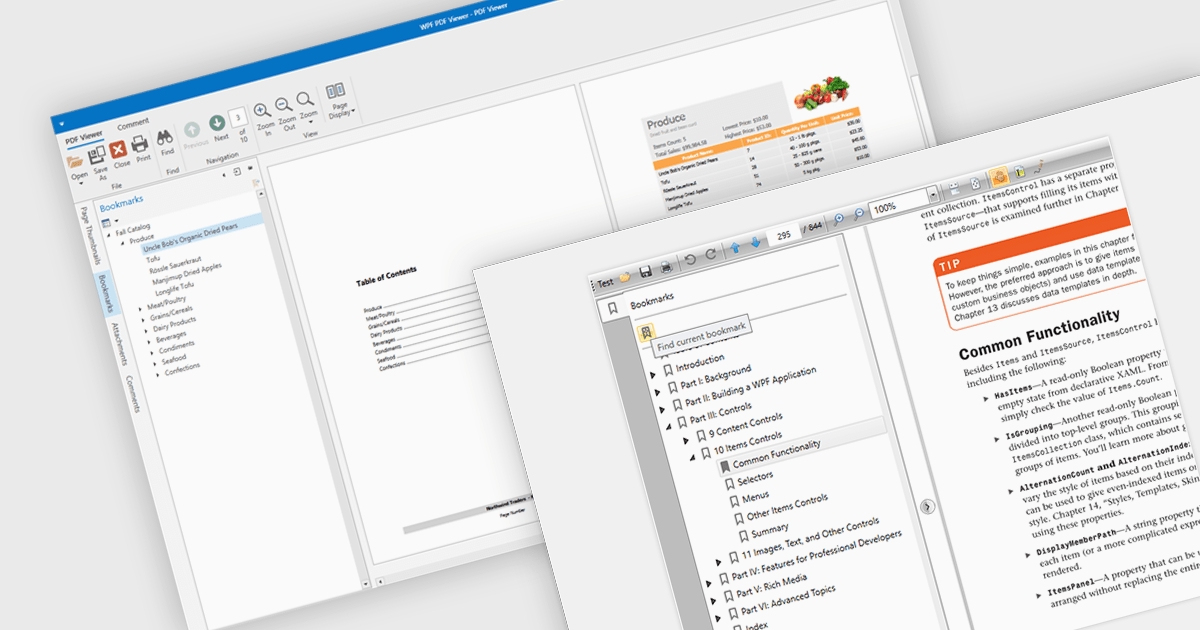
Bookmark navigation in a PDF viewer enhances the user experience by allowing quick access to specific sections within a document. This feature enables users to navigate through large PDFs efficiently by leveraging a predefined structure of bookmarks, which often correspond to headings or key sections. It improves the usability of the viewer by eliminating the need for manual scrolling or searching, making it easier to locate specific content within the document. Navigating via bookmarks is particularly beneficial for documents with complex structures, such as technical manuals, reports, and e-books, where streamlined access to key information enhances productivity and readability. By integrating bookmark support, developers can ensure that their applications provide a seamless way to jump between sections without manually scrolling or searching.
Several WPF (Windows Presentation Foundation) PDF viewer components allow you to navigate via bookmarks, including:
For an in-depth analysis of features and price, visit our WPF PDF viewer comparison.
Telerik Reporting is a comprehensive and lightweight embedded reporting tool for .NET web and desktop applications. It enables developers and reporting users to create, design, and export visually appealing, interactive, and reusable reports to effectively present analytical and business data. It supports various technologies, including ASP.NET Core, Blazor, ASP.NET MVC, ASP.NET AJAX, HTML5/JS, Angular, WPF, WinForms, and WinUI.
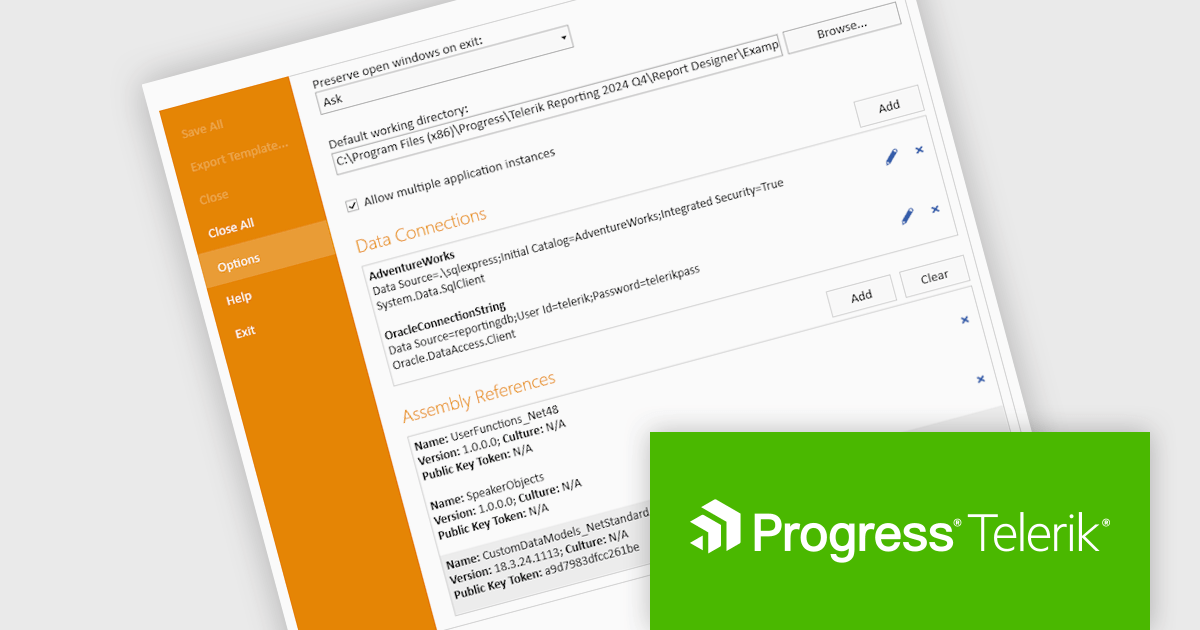
The Telerik Reporting 2024 Q4 update introduces enhanced Standalone Report Designer tooling, providing developers with a streamlined approach to extending the Standard Report Definition (SRD). This new tooling allows for seamless customization through an intuitive UI, eliminating the need to manually edit configuration files or restart the designer after modifications. By enabling real-time updates and reducing workflow interruptions, this feature enhances development efficiency, minimizes errors, and accelerates iteration cycles, ensuring a more productive and user-friendly reporting experience.
To see a full list of what's new in 2024 Q4 (18.3.24.1112), see our release notes.
Telerik Reporting is licensed per developer and is available as a perpetual license with a one year support subscription, which is offered in three tiers: Lite, Priority or Ultimate. See our Telerik Reporting licensing page for full details.
Telerik Reporting is available to buy in the following products:
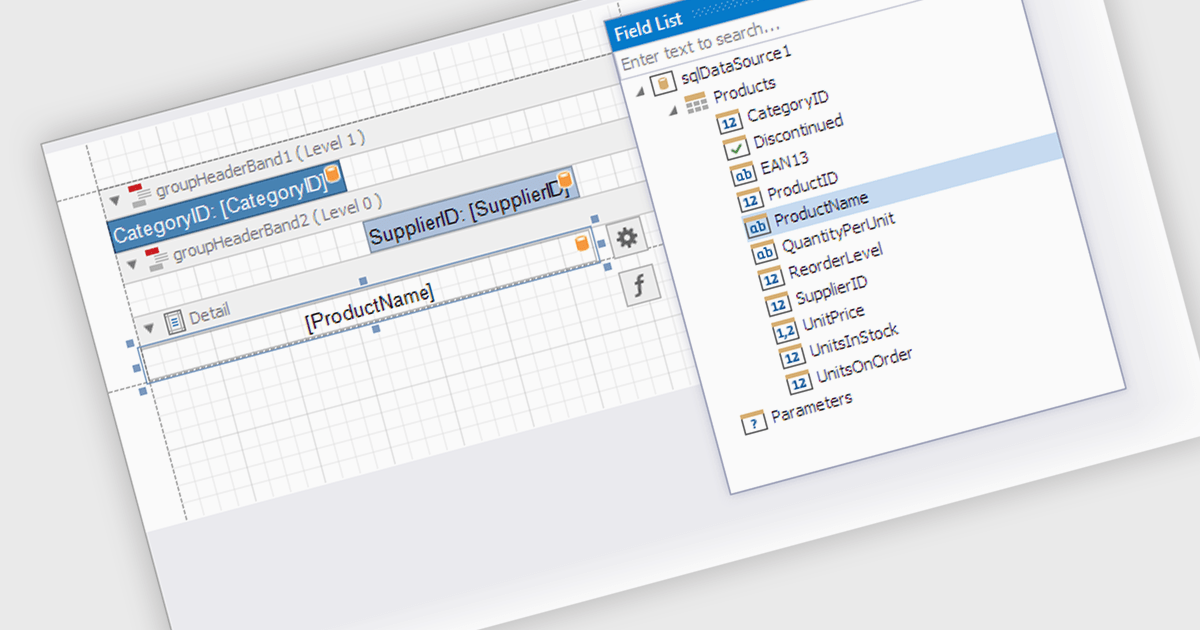
Data filtering and grouping in a .NET WPF reporting control are essential features that enable developers to organize, analyze, and present data effectively within an application. Data filtering allows users to specify criteria to display only relevant subsets of data, reducing noise and focusing on meaningful information. Grouping arranges data into categorized segments based on shared attributes, facilitating a structured and hierarchical view. These capabilities enhance user experience by making reports more intuitive and insightful while improving performance by minimizing data processing overhead. Together, filtering and grouping empower developers to create dynamic, user-friendly reports that meet diverse business requirements with precision and clarity.
Several .NET WPF reporting controls offer data filtering and grouping including:
For an in-depth analysis of features and price, visit our comparison of .NET WPF Reporting Controls.
DevExpress WPF is a powerful suite of controls that enhances your WPF development toolkit. It offers data grids, ribbon menus, rich text editors, spreadsheets, charts, and more – all with beautiful themes and touch-friendly interfaces. DevExpress WPF empowers you to build professional-looking, responsive applications that meet modern user expectations, saving you time and effort while adding polish and functionality.
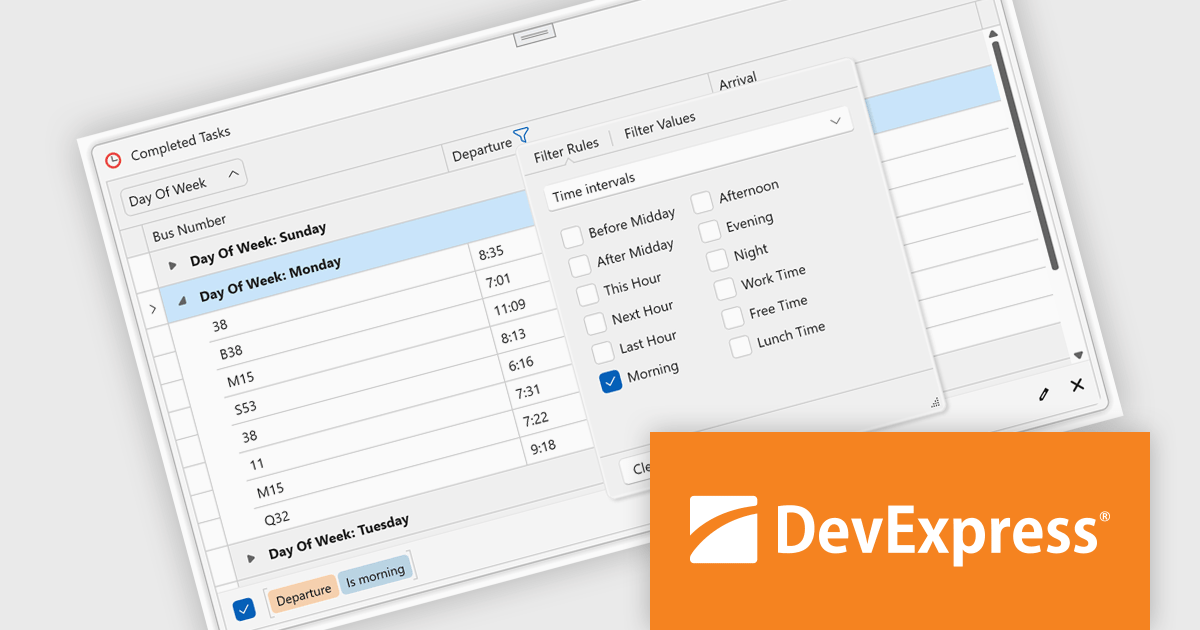
The DevExpress WPF v24.2 update introduces enhanced TimeOnly Column Filters, providing users with a streamlined and precise way to analyze time-specific data. This feature enables users to efficiently filter grid data based solely on time values using an intuitive, Excel-inspired interface. By offering dedicated time interval rules within the column filter popup, developers can deliver a more focused and user-friendly experience for end users working with time-based datasets. This enhancement simplifies data exploration, improves productivity, and ensures that time-related insights can be identified quickly and accurately within WPF applications.
To see a full list of what's new in version 24.2, see our release notes.
DevExpress WPF is licensed per developer and is available as a Perpetual License with a 12 month support and maintenance subscription. We can supply new subscriptions, subscription renewals, and additional licenses. See our DevExpress WPF licensing page for full details.
DevExpress WPF is available to buy in the following products:
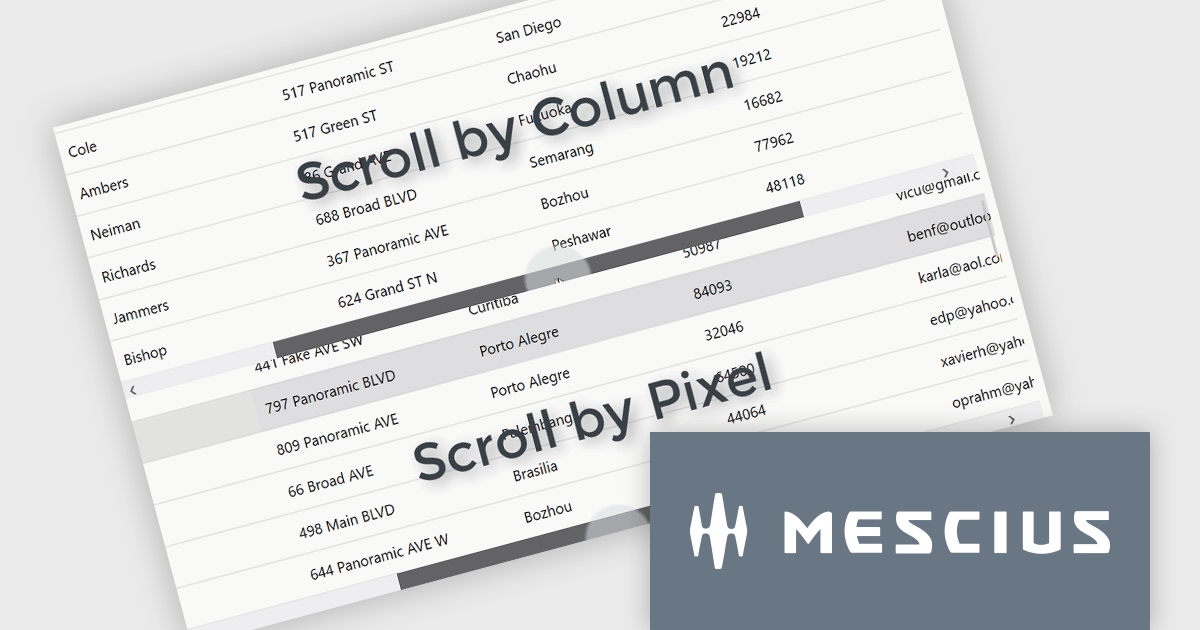
ComponentOne Studio WPF by MESCIUS is a comprehensive suite of controls designed to enhance the development of WPF applications. It offers a range of powerful and flexible UI components such as data grids, charts, and data visualization tools that integrate seamlessly into WPF projects. This suite enables developers to create modern, responsive, and visually appealing applications with greater efficiency, leveraging robust features and customization options. Its components are optimized for performance and ease of use, allowing for the rapid development of high-quality WPF applications that meet complex business requirements.
The ComponentOne Studio WPF 2024 v2 update introduces a new ScrollMode property to FlexGrid, enabling developers to implement scrolling by row or column instead of the default pixel-based behavior. This enhancement ensures that rows and columns are fully visible, preventing partial display and improving data readability within the grid. By offering a more precise and structured navigation experience, this feature supports applications where clarity and user focus are critical. This addition provides developers with greater flexibility to customize the grid's behavior, allowing them to tailor the user experience to meet specific application requirements.
To see a full list of what's new in 2024 v2, see our release notes.
ComponentOne Studio WPF is licensed per developer on a perpetual basis and includes a 12 month subscription. See our ComponentOne Studio WPF licensing page for full details.
ComponentOne Studio WPF is available individually or as part of ComponentOne Studio Enterprise.
聯繫電話: (888) 850 9911
傳真: +1 770 250 6199


