













官方供應商
我們作為官方授權經銷商,直接提供超過200家開發廠家所發行超過1000個的產品授權給您。
請參閱我們所有的品牌。
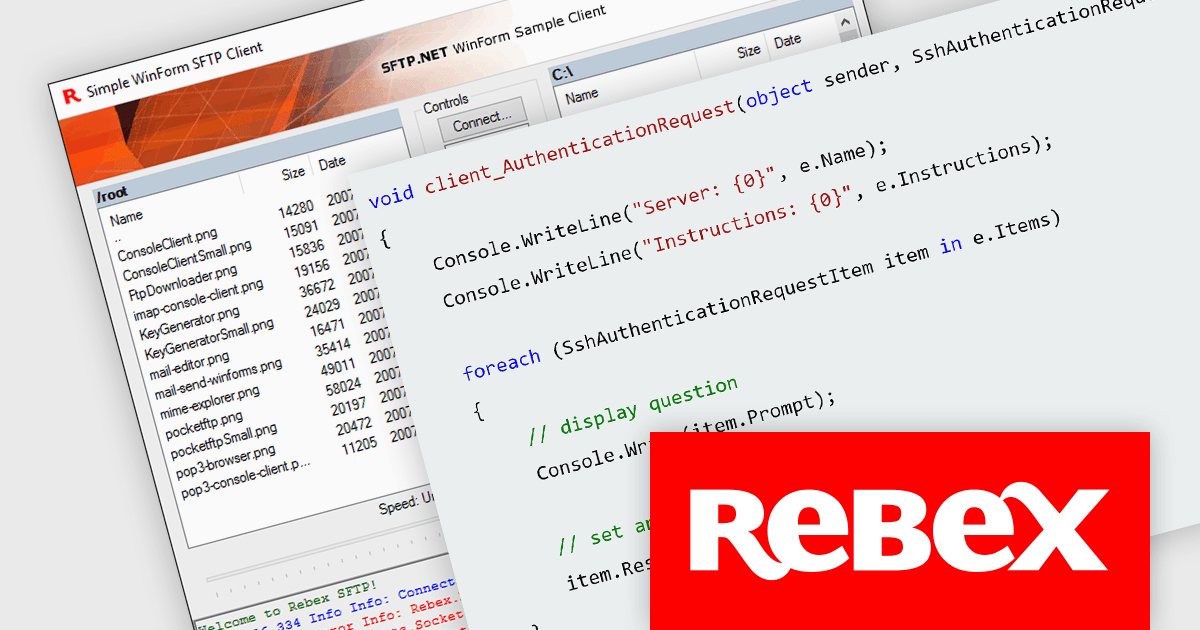
Rebex designs and develops high-quality software components for .NET developers. Its core products are libraries that enable developers to integrate various functionalities like secure file transfer protocols (SFTP, FTP), email communication (IMAP, POP3, SMTP), and network communication (SSH, Telnet) into their applications. Rebex products are used by thousands of developers at more than 10,000 ISVs, corporations, and educational, governmental and non-profit organizations around the world.
The latest releases from Rebex add support for both password and keyboard-interactive authentication. By adding a layer of interaction beyond just a password, keyboard-interactive authentication helps to reduce the risk of unauthorized access. The following Rebex products have been updated:
Rebex products are licensed per developer and are available as a Perpetual License with a 1 Year Support Contract which includes priority support and all software updates. See our Rebex licensing page for full details.

Barcode components in UI Suites offer software developers a pre-built solution for integrating barcode generation into applications. These components typically handle the encoding of various barcode formats, streamlining development time and effort. By leveraging barcode components, developers can quickly implement features like product lookups, inventory management, and asset tracking, without needing to delve into the complexities of low-level barcode processing. This not only saves development resources but also ensures consistent and reliable barcode handling within the application.
Several WPF UI Suites feature a barcode component including:
For an in-depth analysis of features and price, visit WPF UI Suites comparison.
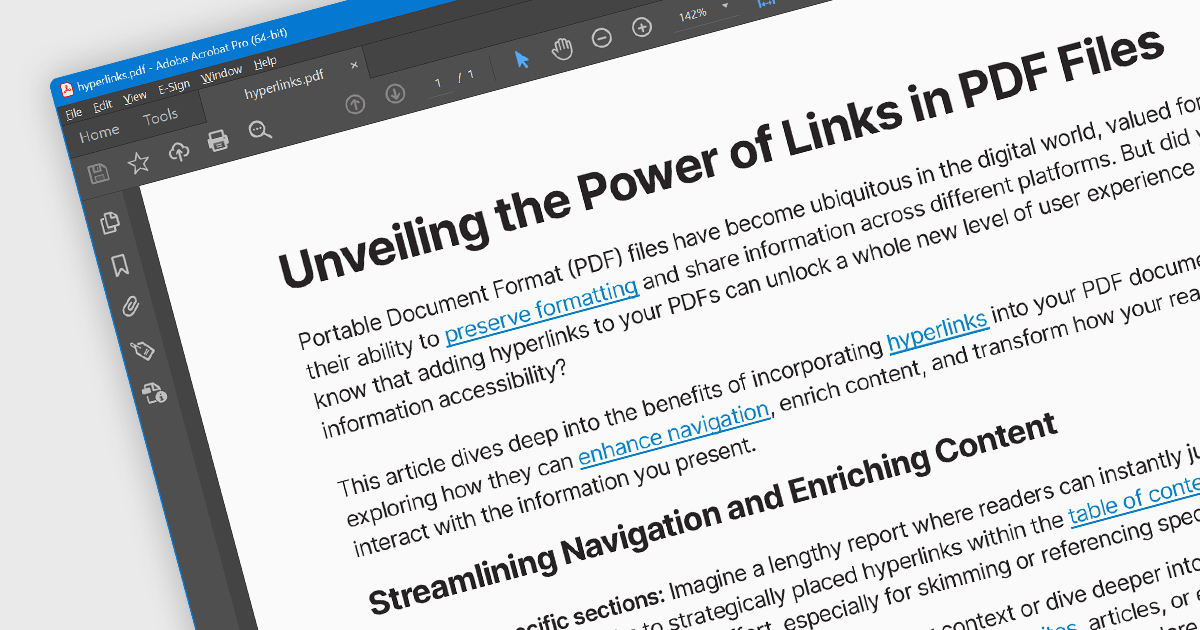
Hyperlink navigation allows users to seamlessly jump to different sections of the document, external websites, or other files by clicking on embedded hyperlinks. These links are typically highlighted or underlined, and clicking them triggers actions based on their type, such as navigating to a specific page within the PDF, opening a web page, or launching an external application. This functionality enhances user experience by enabling easy exploration of related information and resources directly from within the PDF document.
Several WinForms PDF Viewer components offer hyperlink navigation, including:
For an in-depth analysis of features and price, visit our WinForms PDF Viewer components comparison.
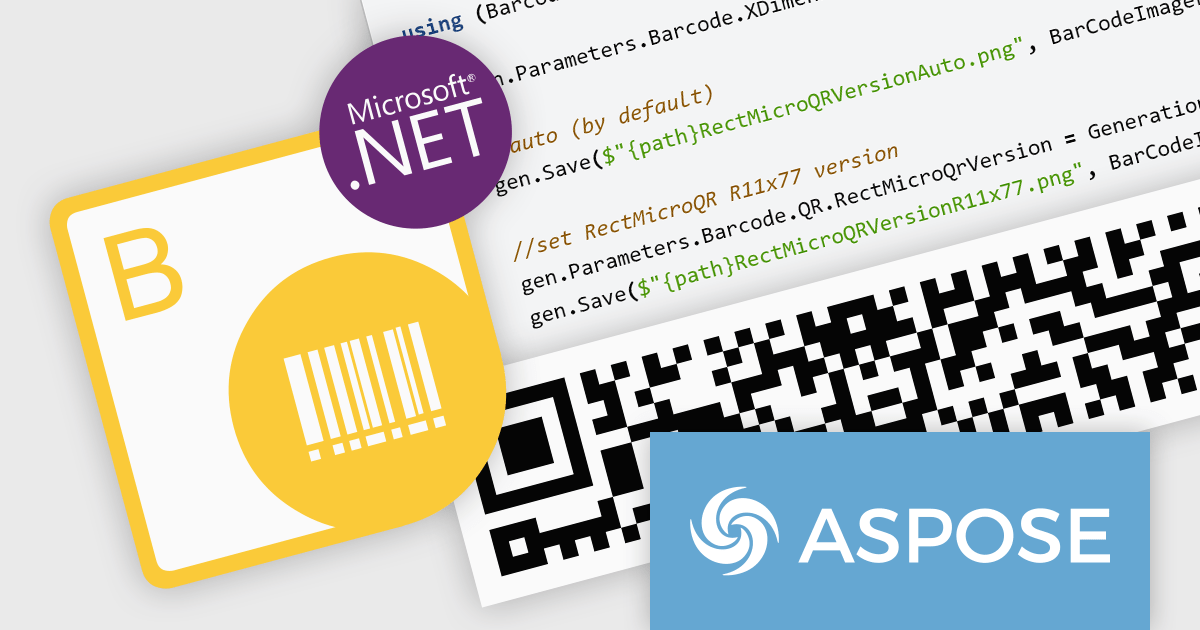
Aspose.BarCode for Python via .NET empowers your Python applications with robust barcode functionality. This versatile library seamlessly integrates into your development workflow, enabling effortless generation and scanning of diverse barcode symbologies. Enjoy granular control over barcode appearance, customizing colors, size, captions, and more to suit your precise requirements. Efficient multi-threading ensures swift and accurate recognition of single or multiple barcodes within images, optimizing your productivity and data processing efficiency.
The Aspose.BarCode for Python via .NET V24.1 release adds support for rMQR barcodes. This expands its utility in industries employing high-volume data transmission and real-time tracking. rMQR's high density and error correction capabilities excel in encoding large datasets within compact barcodes, ideal for product authentication, logistics, and supply chain management.
To see a full list of what's new in V24.1, see our release notes.
Aspose.BarCode for Python via .NET is offered as Developer Small Business, Developer OEM, Developer SDK, Site Small Business, Site OEM, and Site SDK licenses catering to a range of business needs. Licenses are perpetual, and include 1 year of support and maintenance. Subscription renewals are also available. See our Aspose.BarCode for Python via .NET licensing page for full details.
Aspose.BarCode for Python via .NET is available in the following products:
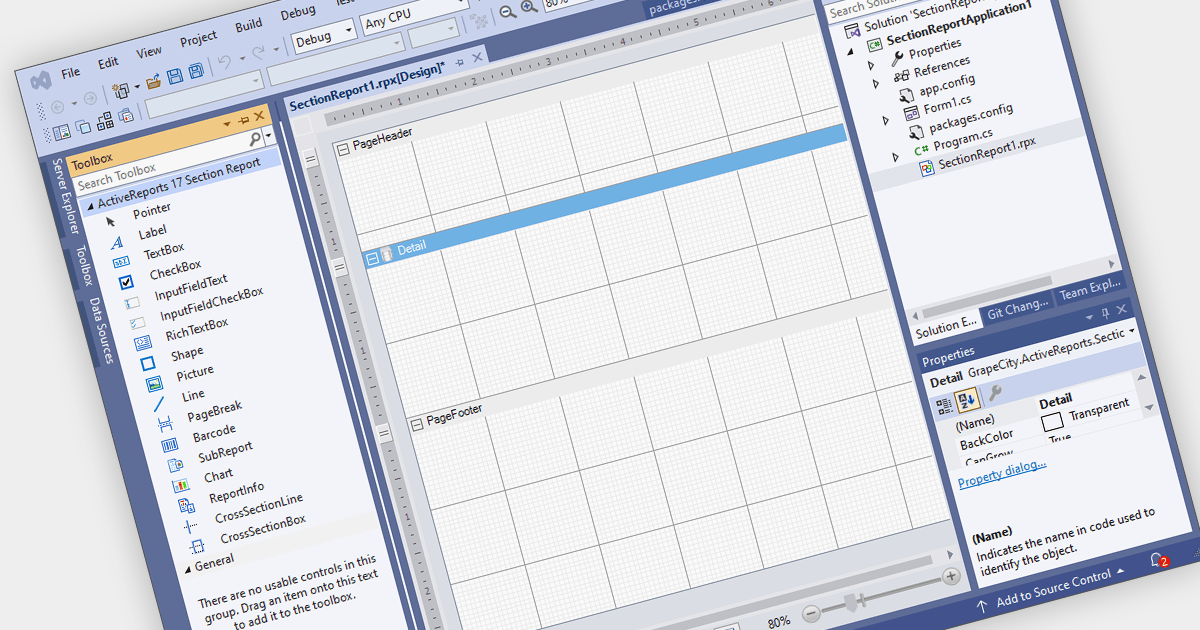
Visual Studio integrated report designers are comprehensive tools integrated into the Visual Studio development environment that enable software developers to design, create, and customize reports seamlessly within their projects. This feature streamlines the report creation process by providing a user-friendly interface for designing layout, formatting data, and integrating data sources directly within Visual Studio. Its benefits include increased productivity through the elimination of the need for external tools, enhanced collaboration among development teams, and improved efficiency in report development workflows, ultimately leading to faster delivery of high-quality reporting solutions in software applications.
Several .NET WinForms reporting controls offer Visual Studio integrated designers, including:
For an in-depth analysis of features and price, visit our WinForms reporting controls comparison.
聯繫電話: (888) 850 9911
傳真: +1 770 250 6199


