













官方供應商
我們作為官方授權經銷商,直接提供超過200家開發廠家所發行超過1000個的產品授權給您。
請參閱我們所有的品牌。
Aspose.PSD is a software development toolkit (SDK) enabling developers to create, edit, and manipulate Adobe Photoshop (PSD) and large document (PSB) files without requiring Photoshop itself. Available in both .NET and Java versions, it empowers developers to perform diverse tasks like adding watermarks, extracting individual layers, converting PSDs to other image formats (JPEG, PNG, etc.), and even automating PSD processing within their applications. This versatile tool streamlines graphic design workflows and integrates PSD functionality seamlessly into various development environments.
The 23.12 release of Aspose.PSD adds the ability to open any image file as an embedded smart object in a PSD image. A smart object acts as a container, holding multiple layers while offering non-destructive editing. It allows you to edit its internal content or apply effects without altering the original data. Smart objects work as dynamic placeholders, linked to embedded files, letting you make global changes that automatically update and maintain high resolution, perfect for flexible design and efficient workflows.
To see a full list of what's new in Aspose.PSD version 23.12, see our .NET and Java release notes.
Aspose.PSD is offered as Developer Small Business, Developer OEM, Site Small Business, and Site OEM licenses catering to a range of business needs. Licenses are perpetual, and include one year of support and maintenance. Subscription renewals are also available. See our Aspose.PSD licensing pages for .NET and Java for full details.
Aspose.PSD for .NET is available to buy in the following products: Aspose.PSD for .NET, Aspose.PSD Product Family, Aspose.Total for .NET, Aspose.Total Product Family, Conholdate.Total for .NET, and Conholdate Total Product Family
Aspose.PSD for Java is available to buy in the following products: Aspose.PSD for Java, Aspose.PSD Product Family, Aspose.Total for Java, Aspose.Total Product Family, Conholdate.Total for Java, and Conholdate Total Product Family
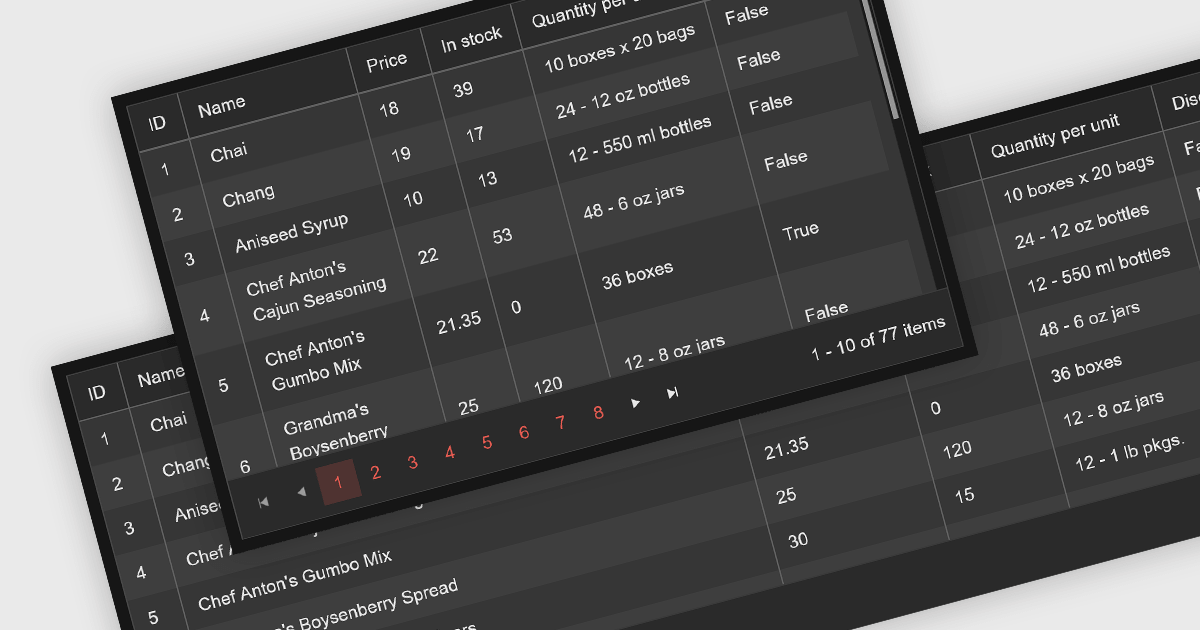
Leveraging a Blazor grid control with responsive layout empowers your application with optimal data visualization across diverse screen sizes and orientations. This enhances the user experience by ensuring seamless navigation, readability, and interaction with grid content, regardless of whether it's being accessed from a desktop computer, tablet, or mobile phone. This flexibility fosters wider accessibility, improves user engagement, and ultimately strengthens the overall value proposition of your Blazor application.
Several Blazor grid controls offer responsive layouts including:
For an in-depth analysis of features and price, visit our Blazor grid controls comparison.
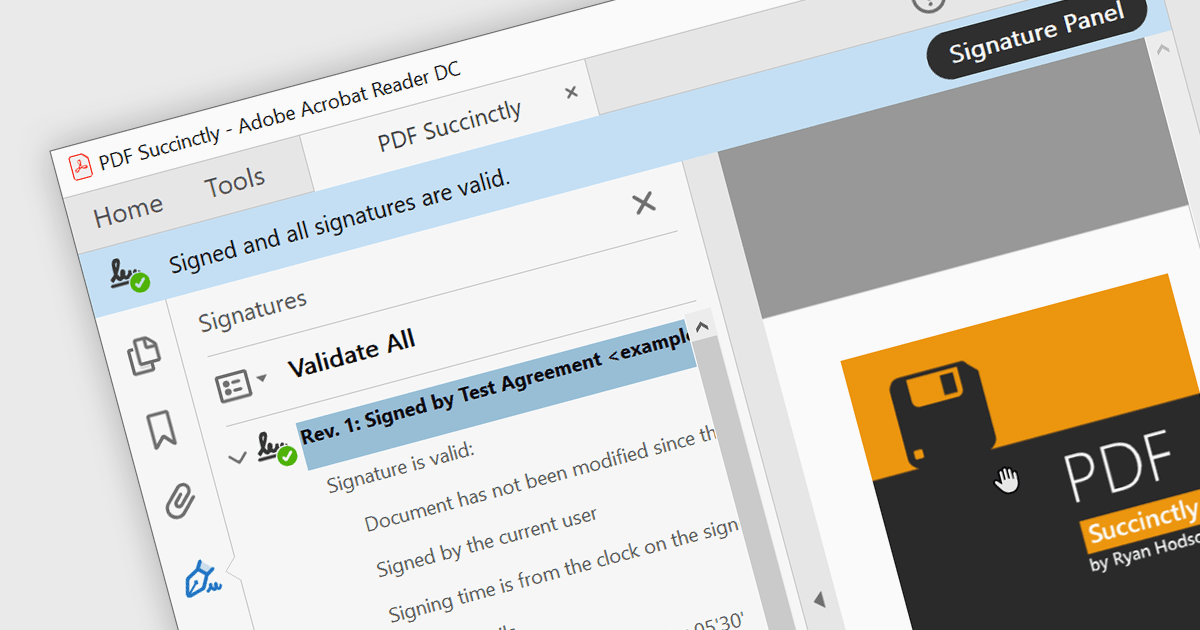
PDF components with PDF signing functionality allow users to securely sign documents directly within your application. This leverages cryptographic libraries to create a digital signature that validates the document's authenticity and integrity. Users can often specify the signing location, reason, and appearance, ensuring a streamlined and auditable signing process. This elevates security beyond a simple e-signature, offering proof against tampering, and is a crucial feature for legal and official documents where verification of authenticity is required.
The following components support PDF signing in .NET 8 WinForms:
For an in-depth analysis of features and price, visit our .NET PDF Components comparison.
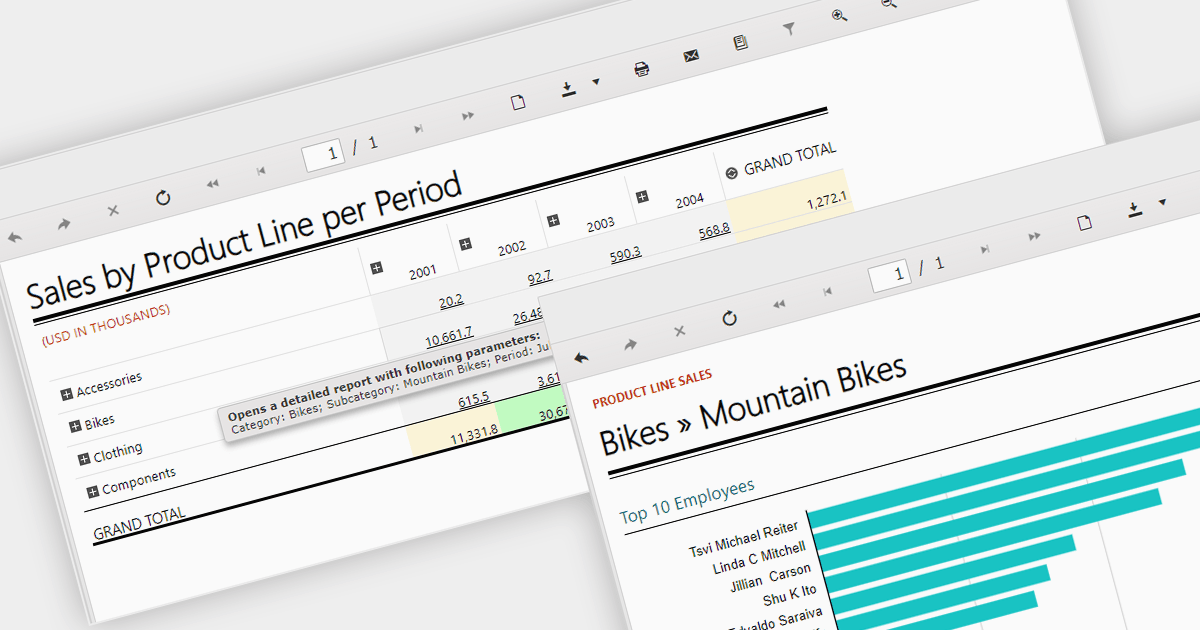
Report drill down functionality allows users to explore deeper into summary data and discover detailed information. For a report showing sales by product category, visitors could click on a category to view a breakdown of individual products, and then drill down even further, by brand or model. This interactive capability promotes a greater understanding and discovery of trends within the report. The intuitive data navigation allows users to peel back layers of data to uncover trends, anomalies, and patterns that may not be obvious in summarized representations. Drilling down into data helps consumers make better decisions by giving them the precise insights they need to back up their conclusions.
Several .NET 8 WinForms Reporting components support drill down functionality, including:
For an in-depth analysis of features and price, visit our .NET 8 WinForms Reporting Controls comparison.
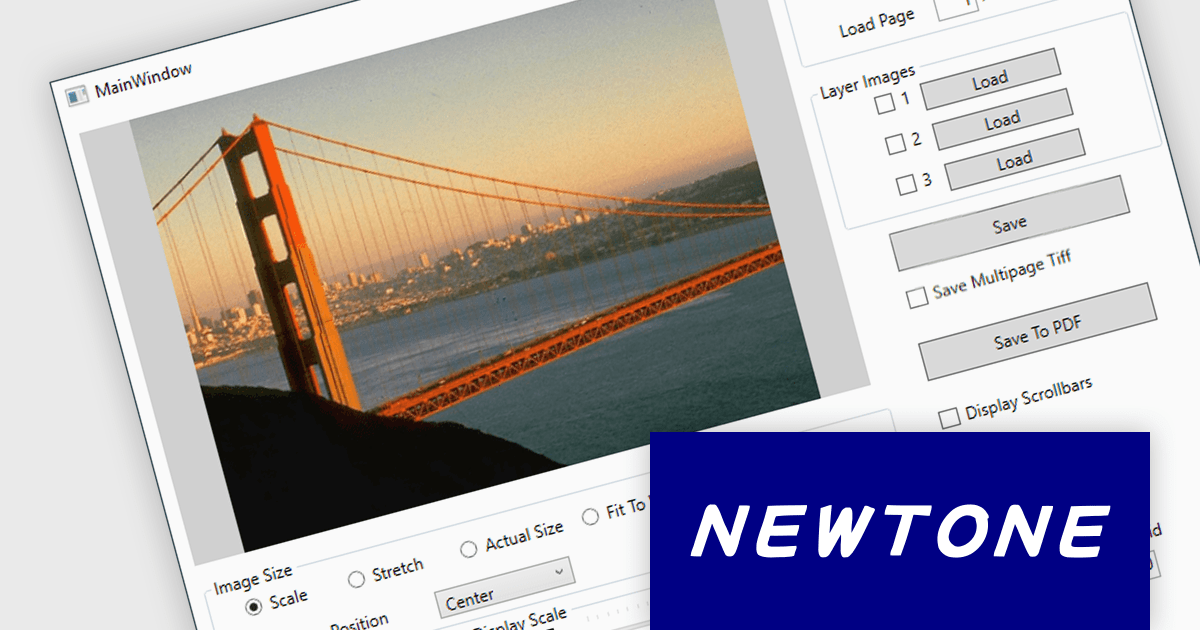
ImageKit WPF X by Newtone is a software component designed to add comprehensive image acquisition and processing capabilities to WPF applications built with .NET 5 and later. It empowers developers to easily integrate Twain scanning, webcam functionality (play, preview, snapshot, and record), and image processing features directly into their user interfaces, streamlining image-centric workflows within their applications.
ImageKit WPF X version 1.1.3.062 adds support for .NET 8.0. This allows users to benefit from the performance boosts, enhanced memory management, and modern development experience of the latest .NET release.
To see a full list of what's new in V1.1.3.062, see our release notes.
ImageKit WPF X offers flexible per-machine licensing, starting with a 1 PC developer license and scaling up to 3, 5, 10, 20, or 50 PC team licenses. A license is required for each individual computer used to develop software with this product. The PC developer license includes a runtime distribution license to distribute executable applications royalty free. Server Runtime Licenses are required if distributing the runtime on a server. See our ImageKit WPF licensing page for full details.
For more information, visit our ImageKit WPF product page.
聯繫電話: (888) 850 9911
傳真: +1 770 250 6199


