













官方供應商
我們作為官方授權經銷商,直接提供超過200家開發廠家所發行超過1000個的產品授權給您。
請參閱我們所有的品牌。
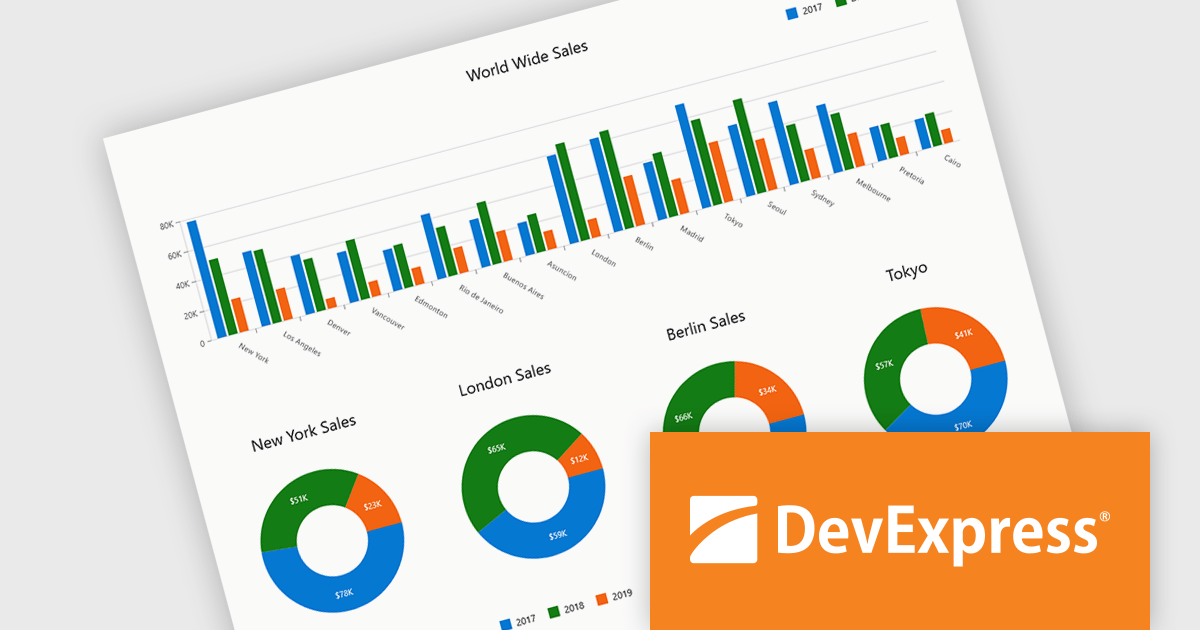
DevExpress Blazor (part of DevExpress ASP.NET and Blazor) helps you create high-impact user experiences for both Blazor Server and Blazor WebAssembly using C#. The Blazor UI Component Library ships with a comprehensive set of native components (including a DataGrid, Pivot Grid, Scheduler, Chart, Data Editors and Reporting).
DevExpress Blazor provide comprehensive chart types that allow developers to present data in the most effective and readable format for any scenario. With support for a wide range of 2D chart options, including standard, stacked, and financial views, developers can accurately visualize trends, comparisons, and relationships within their applications. These charts integrate seamlessly into interactive dashboards, enabling real-time data analysis and clear visual storytelling. The flexibility of the chart types ensures precise data representation, while built-in export capabilities simplify sharing insights across platforms and reports, supporting the creation of professional, data-driven interfaces with minimal effort.
DevExpress ASP.NET and Blazor is licensed per developer and is available as a Perpetual License with a 12 month support and maintenance subscription. See our DevExpress ASP.NET and Blazor licensing page for full details.
DevExpress Blazor is available in the following products:

The .NET Framework is a comprehensive development platform that provides a rich set of class libraries, tools, and programming languages (like C#, VB.NET, and F#), enabling developers to create a variety of applications, from desktop software to web services and mobile apps. With the approaching release of .NET 10, Microsoft continues its commitment to delivering a modern, high-performance, and cross-platform development environment.
The new .NET 10 Framework brings with it a wealth of new and updated functionality, including:
With .NET 10 Release Candidate 2, Microsoft has focused on final quality and stabilization in preparation for the general availability release. This includes updates to .NET MAUI, the Entity Framework Core, and various quality improvements to the SDK libraries and runtime.
For more information, or to download the .NET 10 Release Candidate 2, read the official Microsoft blog post about this release.
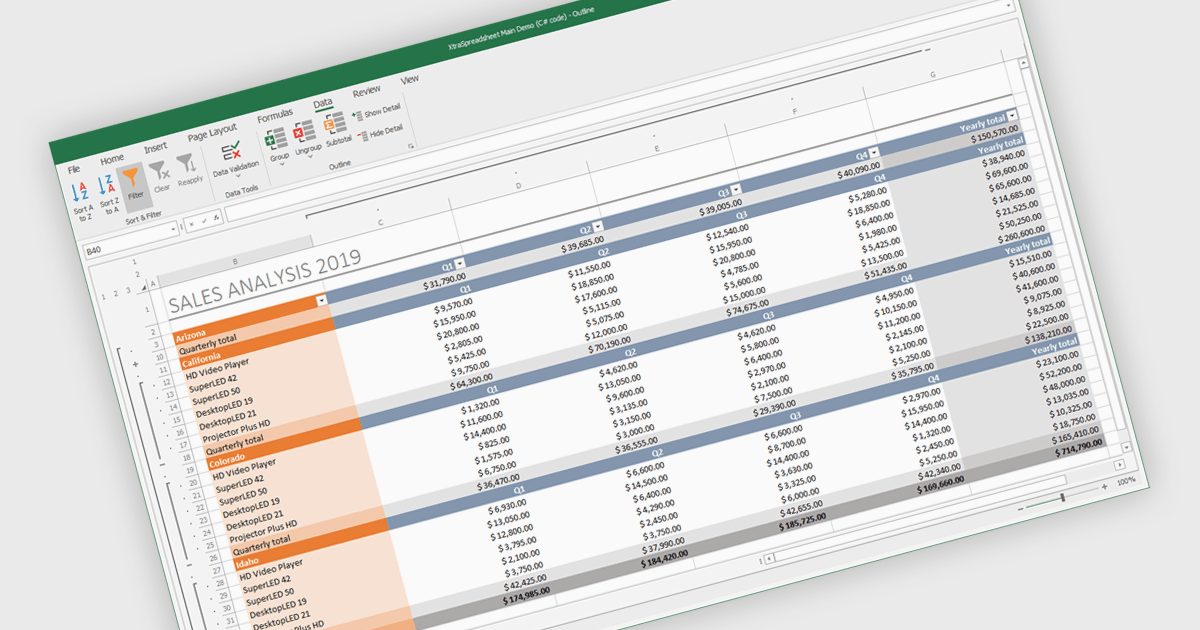
Grouping and filtering are key spreadsheet tools that make data easier to manage and analyze. Grouping combines related rows or columns into collapsible sections for clearer summaries. Filtering displays only the information that meets specific conditions, helping focus on what matters most. Together, these features improve data management, reduce visual clutter, and enhance analytical clarity.
Several .NET WinForms spreadsheet controls contain data filtering and grouping controls including:
For an in-depth analysis of features and price, visit our comparison of .NET WinForms spreadsheet controls.
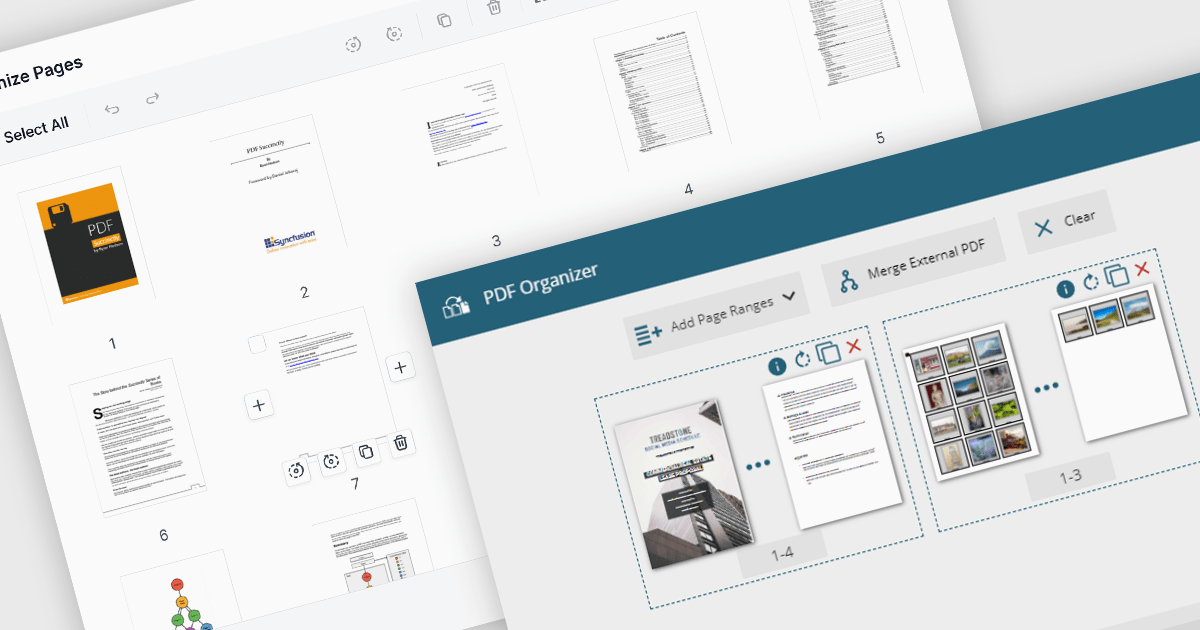
PDF manipulation features in viewer components extend the user experience beyond reading by enabling real-time structural changes to documents. These capabilities are particularly valuable in document-heavy workflows, where users need to rearrange, combine, or refine content without switching between multiple tools. Whether integrated into web portals, business systems, or productivity applications, built-in manipulation functions make PDF viewers more interactive and practical for day-to-day tasks such as document assembly, editing, and cleanup.
Common features include:
For an in-depth analysis of features and price, visit our ASP.NET Core PDF viewer components comparison.
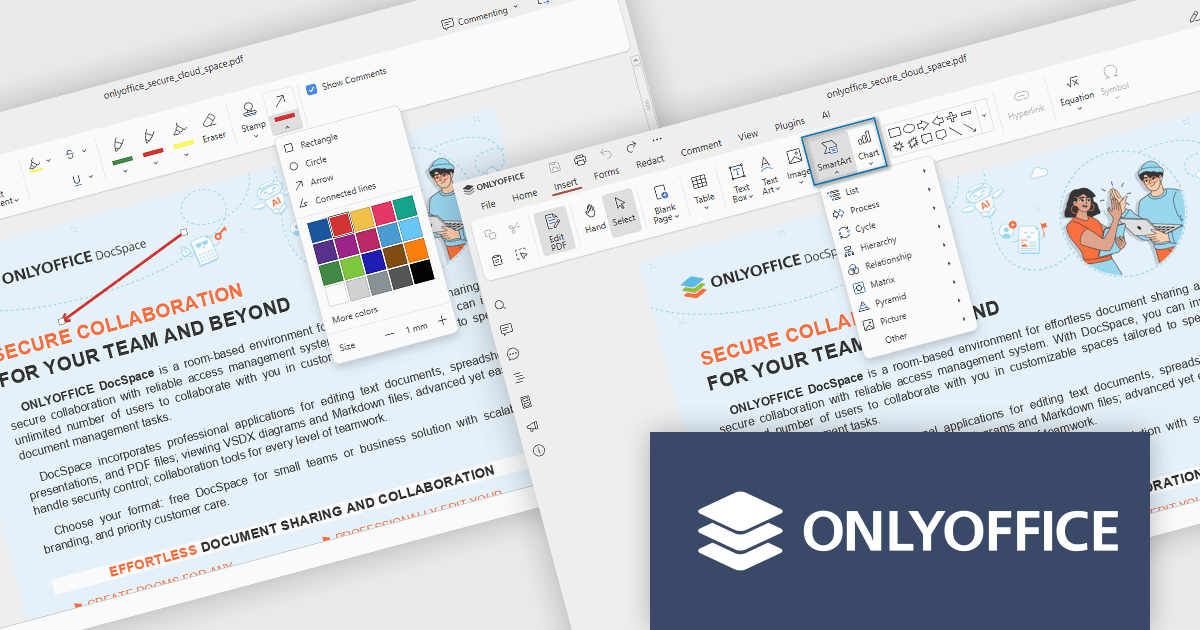
ONLYOFFICE Docs is a comprehensive online editor, allowing users to create text documents, spreadsheets, presentations, and forms. It enables your users to edit, share, and collaborate on documents online in their preferred browser, within your own application. It is fully compatible with OOXML (Office Open XML) formats and supports popular Microsoft Office and other document formats such as CSV, DOC, DOCX, EPUB, HTML, ODP, ODS, ODT, PDF, PPT, PPTX, RTF, TXT, XLS, and XLSX.
The ONLYOFFICE Docs v9.1 update enhances the PDF Editor to provide a more efficient and secure document management experience for developers and teams. It introduces advanced redaction tools that allow precise removal of sensitive information, including the ability to find and redact specific terms or entire pages. The update also expands annotation capabilities with customizable shapes and drawing tools for clearer document markup. Additionally, developers can now embed charts and SmartArt graphics directly within PDFs, enabling better visualization of data and smoother integration of visual elements without leaving the editing environment.
To see a full list of what's new in v9.1.0, see our release notes.
ONLYOFFICE Docs Developer Edition is licensed by the number of simultaneous document connections and is available as an annual license with 1 year support and upgrades. See our ONLYOFFICE Docs Developer Edition licensing page for full details.
For more information, see our ONLYOFFICE Docs Developer Edition product page.
聯繫電話: (888) 850 9911
傳真: +1 770 250 6199


