













官方供應商
我們作為官方授權經銷商,直接提供超過200家開發廠家所發行超過1000個的產品授權給您。
請參閱我們所有的品牌。
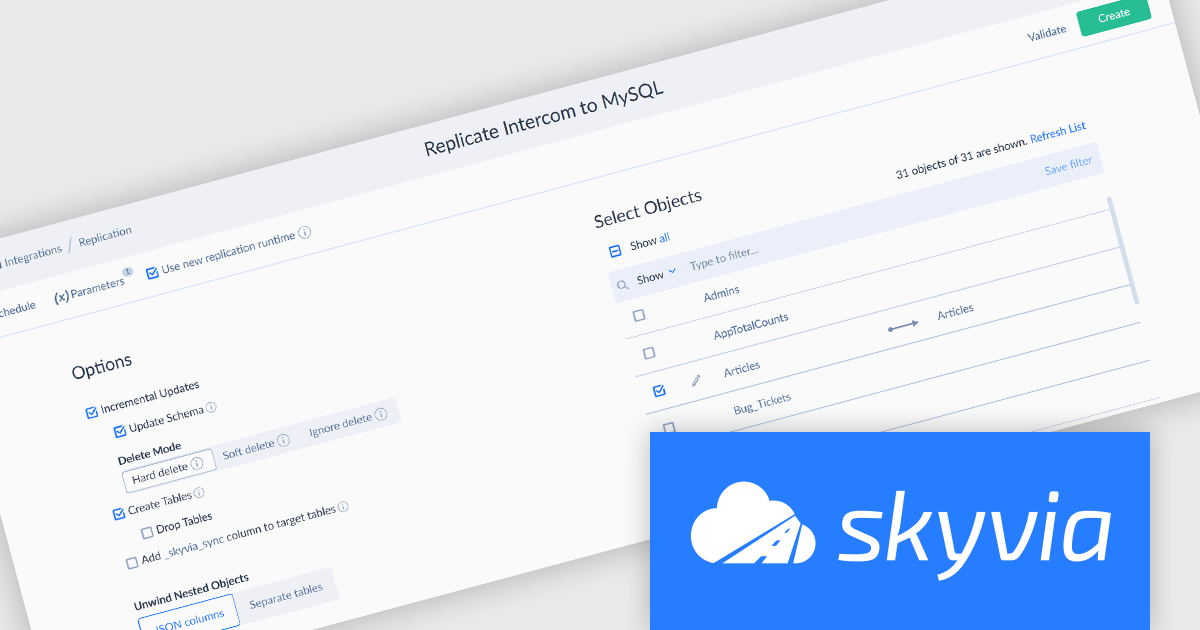
Skyvia Data Integration is a cloud-based platform that provides a unified environment for managing data pipelines, ETL processes, and data synchronization between various data sources and destinations. It offers a low-code interface for creating and configuring data integration workflows, automating routine tasks, and ensuring data consistency across different systems. The platform supports a wide range of data formats and protocols, including relational databases, MySQL databases, cloud storage, and APIs, making it a versatile tool for data professionals and developers.
The latest Skyvia Data Integration release gives users more ways to manage and monitor how data is copied and kept in sync. Teams can now track when records were last updated with a new timestamp column, choose how to handle deleted data from the source, and decide how to reset target tables during a full sync. These changes offer better visibility, safer resets, and more flexible handling of updates and deletions.
To see a full list of what's new, see our release notes.
Skyvia Data Integration is licensed based on the number of records processed per month and is available as an Annual License. See our Skyvia Data Integration licensing page for full details.
Learn more on our Skyvia Data Integration product page.
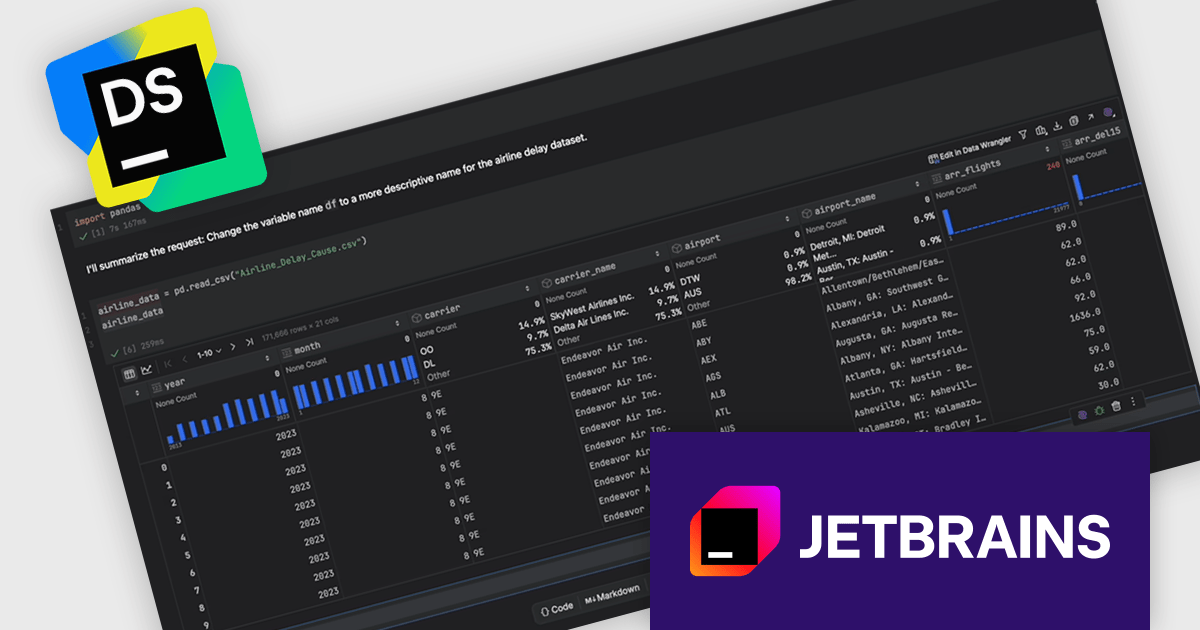
DataSpell by JetBrains is an integrated development environment (IDE) specifically designed for data scientists and analysts working with Python. It combines the functionality of traditional code editors with features tailored for data exploration, such as support for Jupyter notebooks, scientific libraries, and interactive outputs. DataSpell offers a clean interface for switching between code, markdown, and visual outputs, while also providing intelligent code completion, version control integration, and environment management. It is particularly useful for professionals who need both a powerful coding environment and robust tools for visual data analysis.
The latest DataSpell update introduces dedicated AI agents that handle routine yet essential tasks across your data analysis workflow. These agents can install and manage interpreters and packages, organize folders and files for a cleaner project structure, set up and configure database connections, and interact with Jupyter notebooks - creating cells, executing code, and managing outputs. They integrate with Data Wrangler, allowing you to reshape, clean, and prepare your data more efficiently and have enhanced export operations making it easier to analyze data in external tools such as spreadsheets.
DataSpell is licensed per user as a commercial annual subscription. See our DataSpell licensing page for full details.
DataSpell is available individually or as part of JetBrains All Products Pack.
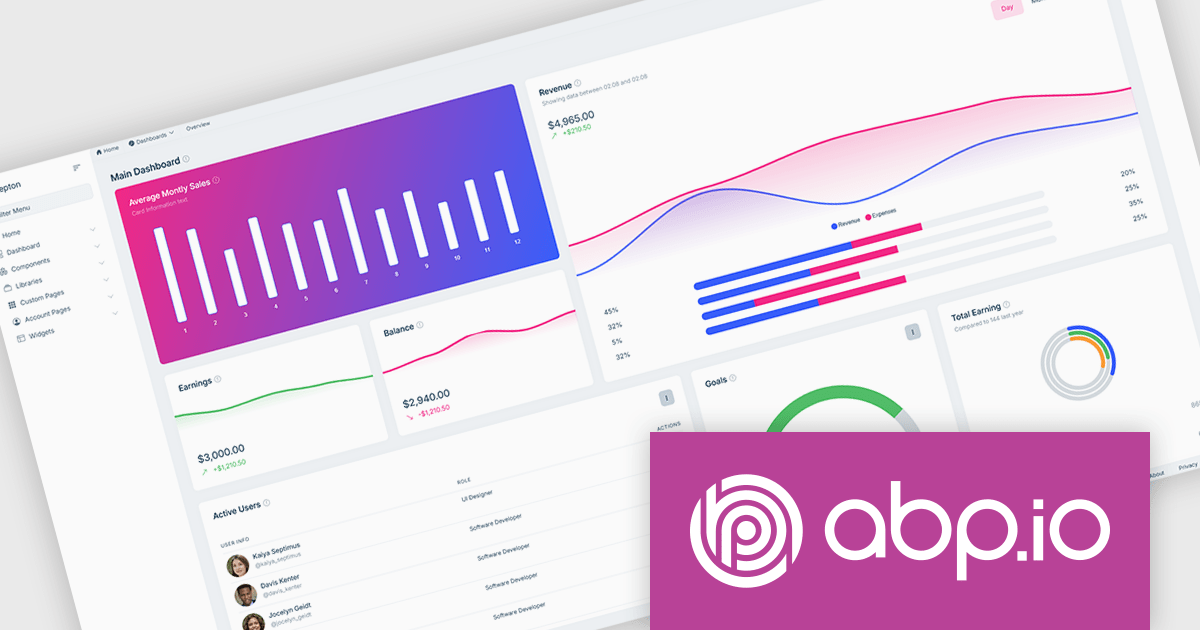
ABP Platform is a comprehensive framework designed to accelerate the development of enterprise software solutions by offering an opinionated architecture built on best practices for .NET and ASP.NET Core. It equips developers with the essential infrastructure, production-ready startup templates, pre-built application modules, and modern UI themes needed to build robust, scalable, and maintainable applications. With powerful tooling, detailed guides, and extensive documentation, ABP Platform improvs implementation, reduces repetitive tasks, and ensures consistency across projects. Ideal for organizations seeking to enhance productivity and maintain high-quality standards, it enables teams to focus on delivering business value while the platform handles architectural complexity and automation.
The ABP Platform includes a modern UI that focuses on simplicity, flexibility, and usability. It features a menu for effortless navigation, quick access to frequently used pages, and breadcrumb support for switching between sections. Developers can customize the menu layout, adjust content width to suit different screen preferences, and apply brand-specific color schemes for a consistent visual identity. With built-in RTL language support, the interface is fully adaptable to global audiences. Together, these enhancements enable faster workflows, a more intuitive experience, and greater control over design.
The ABP Platform is available as a Team, Business or Enterprise license, which entitles developers to use the platform's Pro features and provides software updates and technical support for 1 year. See our ABP Platform licensing page for full details.
For more information, visit our ABP publisher page.
Structured Document Tools are designed to handle a wide range of data formats and query languages, offering intelligent editing features that enhance clarity and reduce errors. These include syntax-aware formatting, validation against defined structures, and support for complex querying and transformation tasks. Whether you're editing, analyzing, or navigating structured content, these tools provide the precision and flexibility needed for efficient development.
Common supported formats and languages include:
For an in-depth analysis of features and price, visit our Structured Document Tools Comparison.
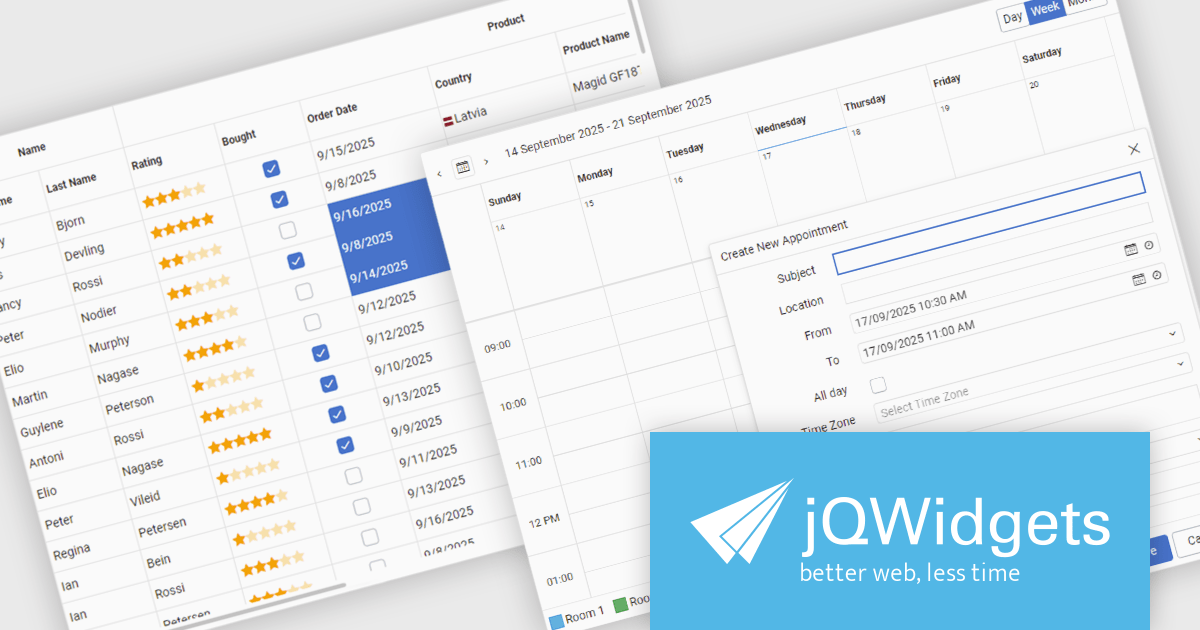
jQWidgets is a comprehensive JavaScript UI framework offering a robust collection of over 60 widgets, themes, and utilities for building professional-grade, cross-platform web applications. Built on jQuery, HTML5, and CSS, it provides extensive functionality including data grids, charts, navigation, input validation, and more. jQWidgets simplifies web development, ensuring your applications work seamlessly across desktop browsers, tablets, and smartphones.
The jQWidgets v24.0.0 update introduces a new Tailwind CSS-based theme that improves the process of styling and customizing user interfaces. By leveraging Tailwind’s utility-first framework, it enables flexible UI customization directly within markup, reducing the need for custom CSS and complex overrides. This integration ensures consistent design across components, promotes cleaner code, and aligns with modern front-end development practices. This release allows teams to deliver responsive, cohesive, and visually consistent applications with greater speed and precision.
To see a full list of what's new in v24.0.0, see our release notes.
jQWidgets is licensed per developer and is available as a Perpetual license 1 year support and maintenance. See our jQWidgets licensing page for full details.
Learn more on our jQWidgets product page.
聯繫電話: (888) 850 9911
傳真: +1 770 250 6199


