













官方供應商
我們作為官方授權經銷商,直接提供超過200家開發廠家所發行超過1000個的產品授權給您。
請參閱我們所有的品牌。
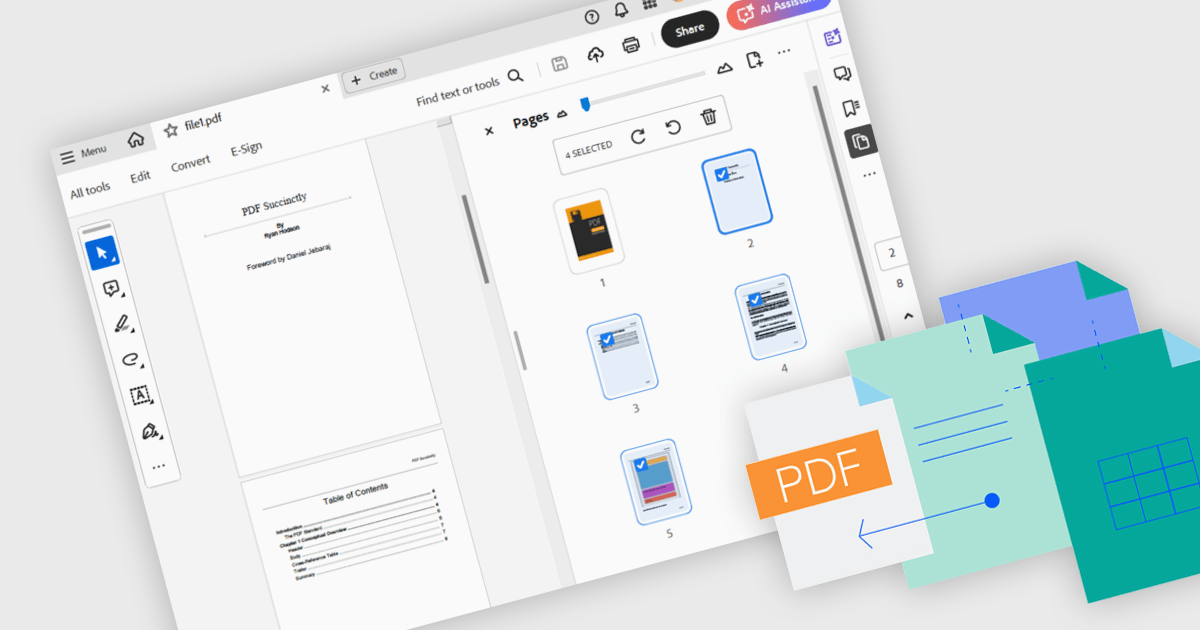
Merging PDFs involves combining two or more separate PDF files into a single cohesive document, preserving the original formatting and quality of each page. This process improves file management by reducing clutter and making it easier to locate and share information, while also minimizing storage overhead. Benefits include consistent headers and footers across pages and simplified collaboration through a single master file for review and annotation. Common use cases include uniting research articles for academic literature reviews, and creating unified project portfolios or client presentations.
Several .NET WPF components offer PDF merging including:
For an in-depth analysis of features and price, visit our comparison of .NET WPF PDF components.
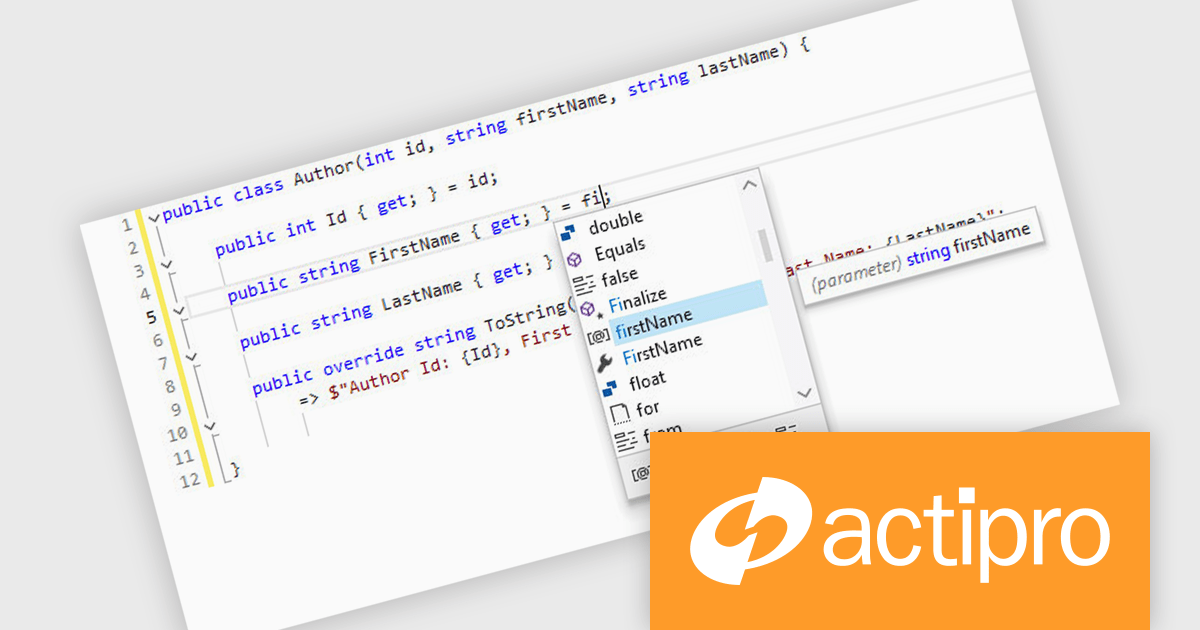
Actipro SyntaxEditor is a sophisticated WPF code editor control designed to provide developers with a seamless way to integrate advanced code editing capabilities into their .NET applications. It offers syntax highlighting for numerous programming languages, code outlining, automated IntelliPrompt (code completion and information tooltips), background parsing, error reporting, and more. This delivers a familiar user experience for developers used to the powerful code editors found in popular IDEs.
The Actipro SyntaxEditor v25.1 update improves the .NET Languages Add-on with full support for C# 13, ensuring every new language construct is parsed correctly and presented accurately in the editor. By incorporating raw string literals, file-scoped namespaces, list patterns, required members and parameter null checking, it allows IntelliSense to provide precise code completions and signature help for the latest API surface. Real-time error detection flags invalid C# 13 syntax, reducing the feedback loop between editing and compilation. Refactoring operations such as renaming, extraction and code generation now understand modern construct semantics to preserve code integrity without manual intervention. This makes it simpler to adopt the most recent C# advancements within any WPF-based IDE or editor.
To see a full list of what's new, see our Actipro SyntaxEditor for WPF release notes.
Actipro SyntaxEditor is licensed per developer and is available as a Perpetual license with 1 year support and maintenance. See our Actipro SyntaxEditor for WPF licensing page for full details.
Actipro SyntaxEditor for WPF is available individually, or as part of Actipro WPF Studio.
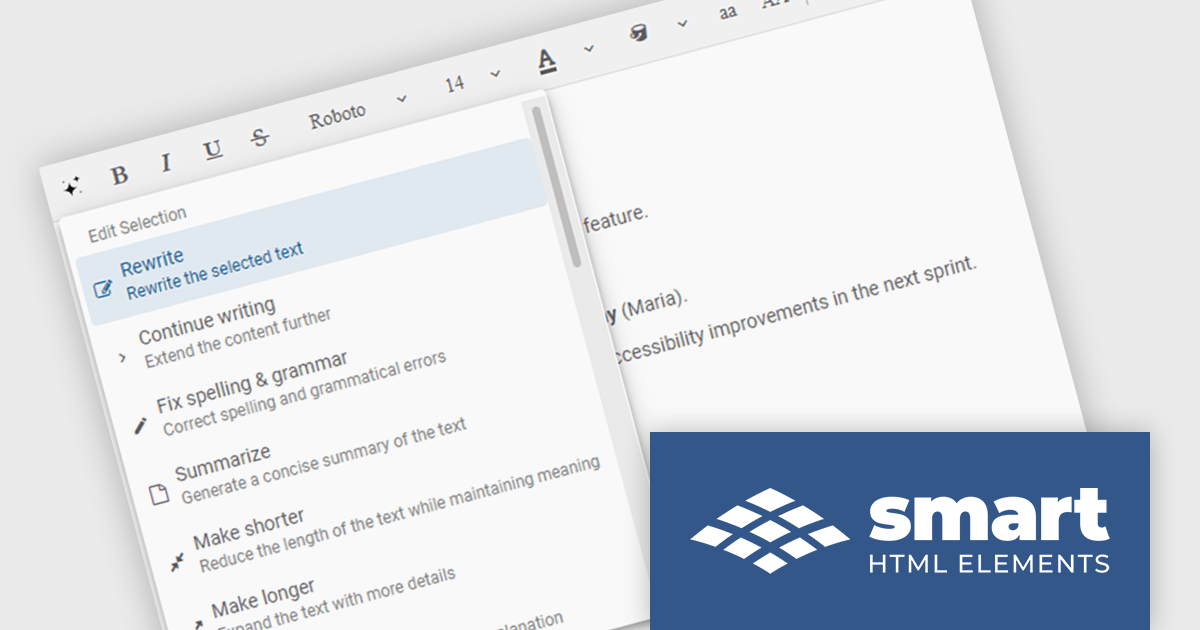
Smart UI by Smart HTML Elements is an enterprise-grade UI library offering pre-built web components for developers in Angular, React, Vue, Blazor, and JavaScript. It boasts over 60 ready-to-use components like grids, charts, schedulers, and editors, all featuring two-way data binding, responsiveness, accessibility, and theming capabilities. This library helps developers rapidly build dynamic and modern web applications with consistent look-and-feel and rich functionalities, accelerating development time and ensuring professional quality.
The Smart UI v23.0.0 release adds new features to Smart.Editor, including content generation, text summarization and the ability to rewrite, expand or shorten content by using AI. These capabilities enable users to quickly craft content, distill lengthy text into key points, and tailor messaging with precision, all without leaving the editing environment. Whether expanding a brief idea into a full paragraph or condensing verbose content for clarity, the new AI tools simplify content creation and editing.
To see a full list of what's new in v23.0.0, see our release notes.
Smart UI (Smart HTML Elements) is licensed per developer and is available as a perpetual license with 1 year support and maintenance. It includes distribution to unlimited Web applications, SaaS projects, Intranets and Websites. Team, OEM and Enterprise licensing options are also available. See our Smart UI (Smart HTML Elements) licensing page for full details.
Learn more on our Smart UI product page.
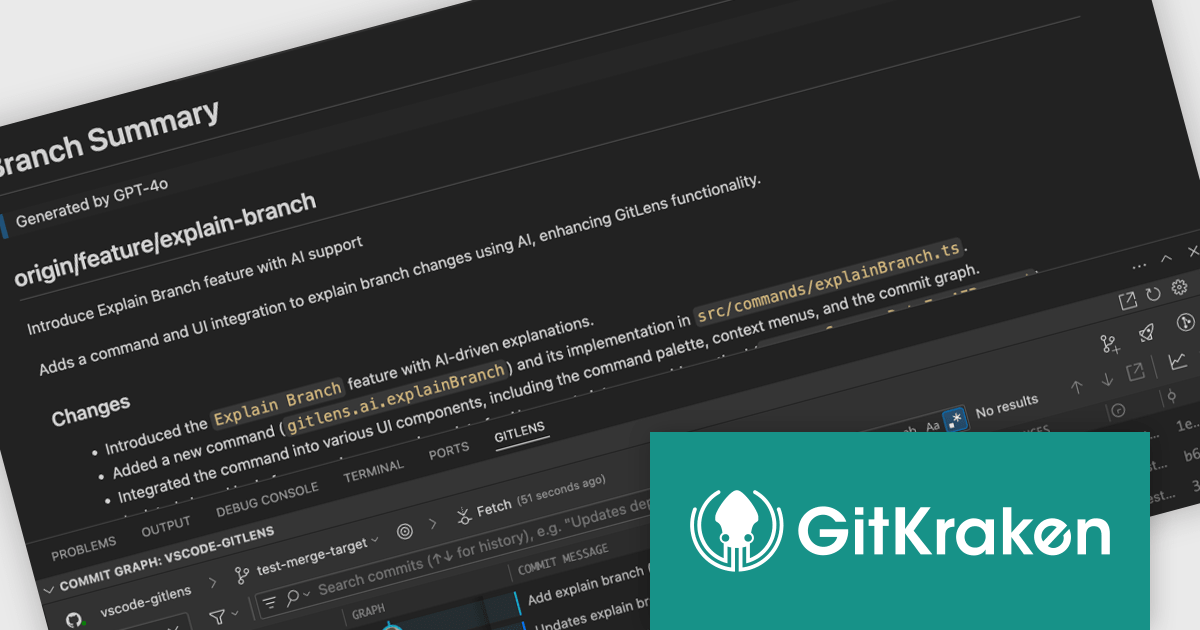
GitKraken is a suite of developer tools built around Git, a popular version control system. It offers a graphical user interface (GUI) that allows developers to interact with Git repositories visually instead of relying on the command line. This simplifies complex Git workflows like resolving merge conflicts and visualizing code history, making Git more accessible and efficient for developers of all experience levels.
GitLens for VS Code (included in GitKraken) is a powerful extension designed to enhance the built-in Git capabilities of Visual Studio Code. It provides developers with deep insights into their codebase by surfacing Git blame annotations, commit histories, and code authorship details directly within the editor.
The GitLens for VS Code V17.1 release enhances its Explain functionality by introducing AI-generated summaries for a broader range of contexts, including branches, working changes, and stashes - currently available in Preview. This expansion allows developers to quickly grasp the scope and purpose of code modifications across multiple Git elements, not just individual commits. All generated summaries are now displayed in rendered Markdown rather than the traditional Commit Details panel. This change ensures better visibility, easier navigation, and persistent access to explanations, making it simpler to review changes and collaborate with context.
To see a full list of what's new in V17.1, see our release notes.
GitLens for VS Code is part of GitKraken which is available as Cloud-based or On-Premise options, licensed per user as an annual license which includes free updates and technical support. See our GitKraken licensing page for full details.
Learn more on our GitKraken product page.
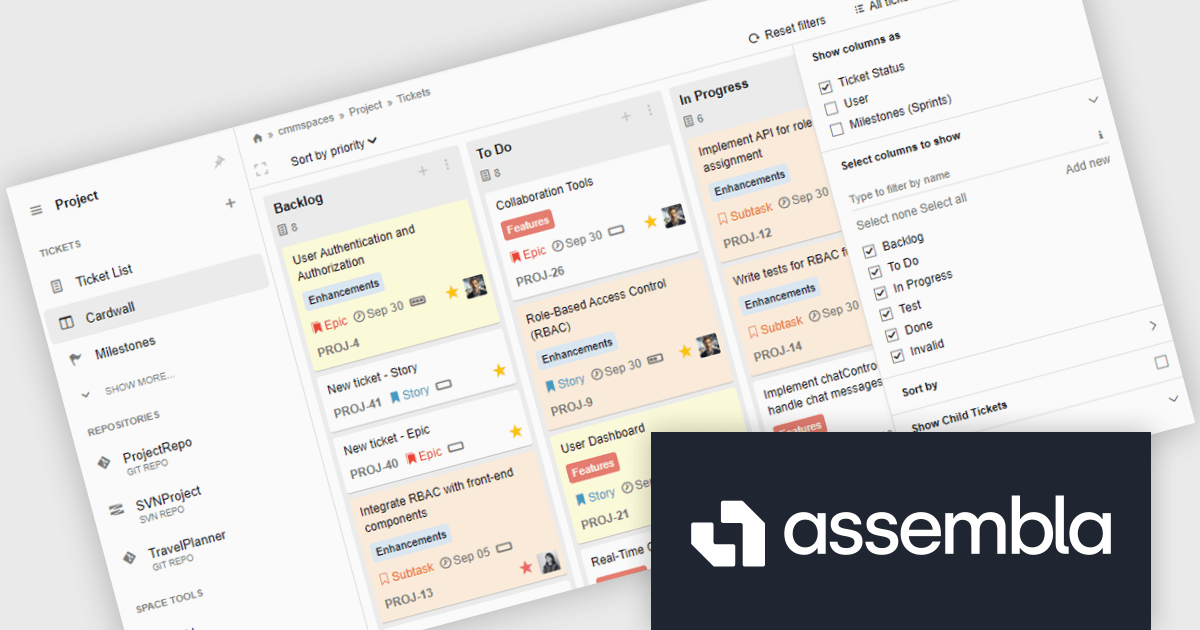
Assembla is a powerful web-based platform that integrates source code management and project collaboration tools, designed to support development teams working across various industries. It provides secure cloud hosting for Git, Subversion (SVN), and Perforce repositories while incorporating agile project management features to streamline workflows. By offering a unified environment for version control and team collaboration, Assembla ensures that teams can efficiently manage code, track progress, and maintain high levels of security.
Assembla’s Cardwall ticket view delivers an intuitive, status-driven interface where each issue is represented as a card in a configurable column layout, allowing developers to update work items with a simple drag-and-drop motion while maintaining full visibility into ticket details and history. By offering filtering options, it ensures that users can quickly focus on the tickets most relevant to their current task without leaving the board. The seamless transition between overview and detail view minimizes context switching and accelerates decision making, while the shared live board fosters transparent communication and alignment across distributed teams. Overall, the Cardwall empowers development teams to manage workflows more efficiently, surface potential bottlenecks early, and maintain a consistent delivery cadence.
Assembla is licensed per user, per year. Users will need to renew their license each year to continue use of the software. See our Assembla licensing page for full details.
For more information visit our Assembla product page.
聯繫電話: (888) 850 9911
傳真: +1 770 250 6199


