













官方供應商
我們作為官方授權經銷商,直接提供超過200家開發廠家所發行超過1000個的產品授權給您。
請參閱我們所有的品牌。
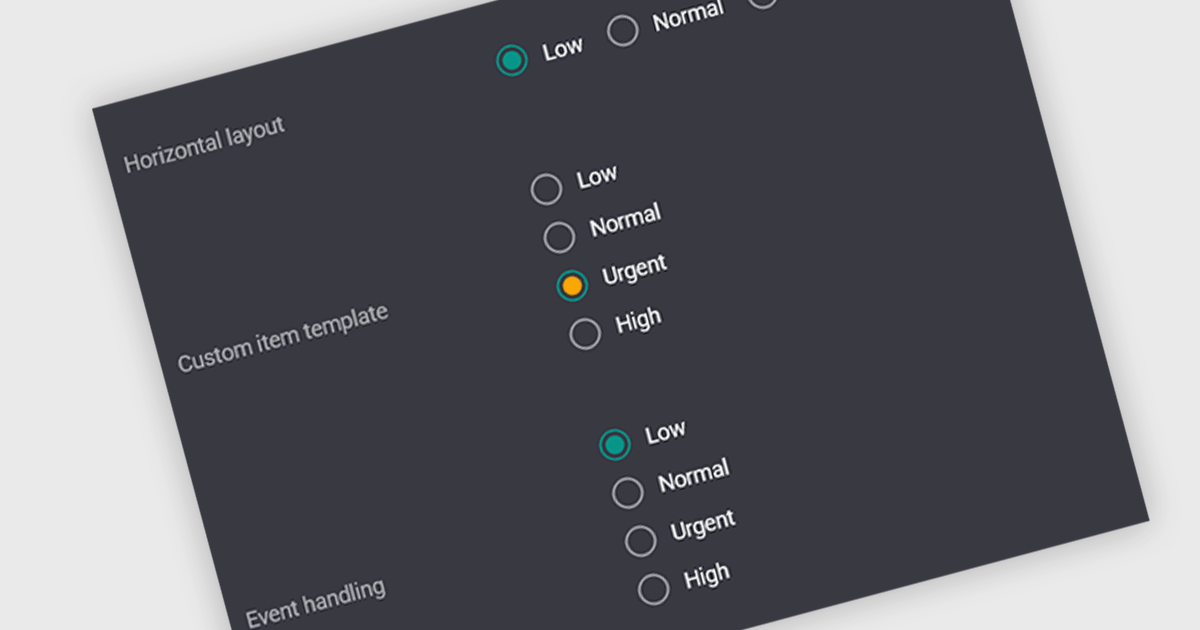
A radio group is a user interface element that presents a set of predefined options where only one value can be selected at a time for a particular field. It allows users to choose a single state, category, or configuration directly within the editing interface, with the selected option mapped to the underlying data value. This approach improves data consistency by preventing invalid combinations, simplifies validation logic by constraining input to known values, and accelerates data entry by replacing manual text input with clear, clickable choices that reduce ambiguity and input errors.
Several Vue.js data editor collections include radio group functionality, including:
For an in-depth analysis of features and price, visit our comparison of Vue.js data editor collections.
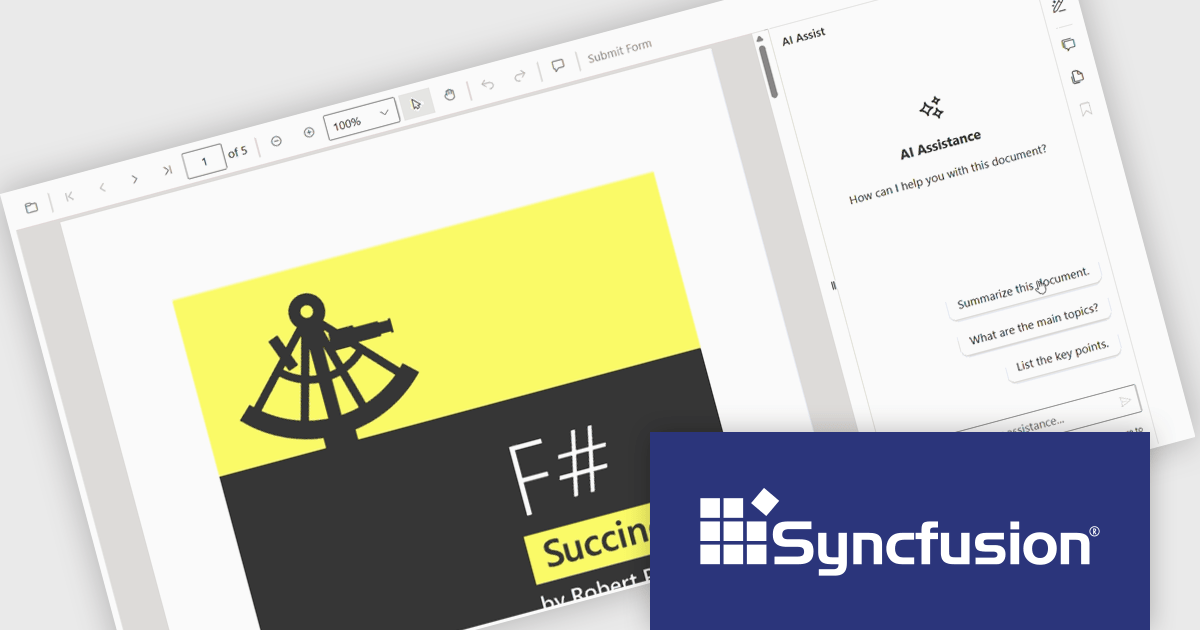
The Syncfusion Essential Studio PDF Viewer SDK is a high performance solution that enables developers to integrate advanced PDF viewing capabilities into web, desktop, and mobile applications. It supports features such as document navigation, annotations, form filling, digital signatures, and collaborative review, allowing users to interact with PDF content efficiently. Designed for reliability and smooth rendering of complex documents, it provides a consistent experience across platforms.
The Syncfusion Essential Studio PDF Viewer SDK 2026 Volume 1 update introduces a document summarizer that enhances how developers deliver efficient document interaction by integrating AI-generated summaries and contextual question-answering directly within PDF viewing applications. This feature enables end users to quickly extract key information and insights from large or complex documents, reducing time spent navigating content and improving overall productivity.
To see a full list of what's new in Syncfusion Essential Studio PDF Viewer SDK 2026 Volume 1, see our release notes.
Syncfusion Essential Studio PDF Viewer SDK is licensed per developer on a one year timed subscription basis, with runtime royalty free redistribution included when the subscription is current, and includes one year of unlimited technical support and updates. See our Syncfusion Essential Studio Spreadsheet Editor SDK licensing page for full details.
Learn more on our Syncfusion Essential Studio PDF Viewer SDK product page.
The .NET Framework, a comprehensive development platform, has been a cornerstone of Microsoft's ecosystem for over two decades. It provides a rich set of class libraries, tools, and programming languages (like C#, VB.NET, and F#) that enable developers to create a wide range of applications, from desktop software to web services and mobile apps. With the approaching release of .NET 11, Microsoft continues its commitment to delivering a modern, high-performance, and cross-platform development environment.
Microsoft has announced the release of .NET 11 Preview 2. This Microsoft blog post highlights what's new in this release and includes links to download .NET 11 Preview 2. This .NET update contains improvements across the .NET Runtime, including:
Read the official Microsoft Release blog for a detailed list of all of the planned improvements in .NET 11.
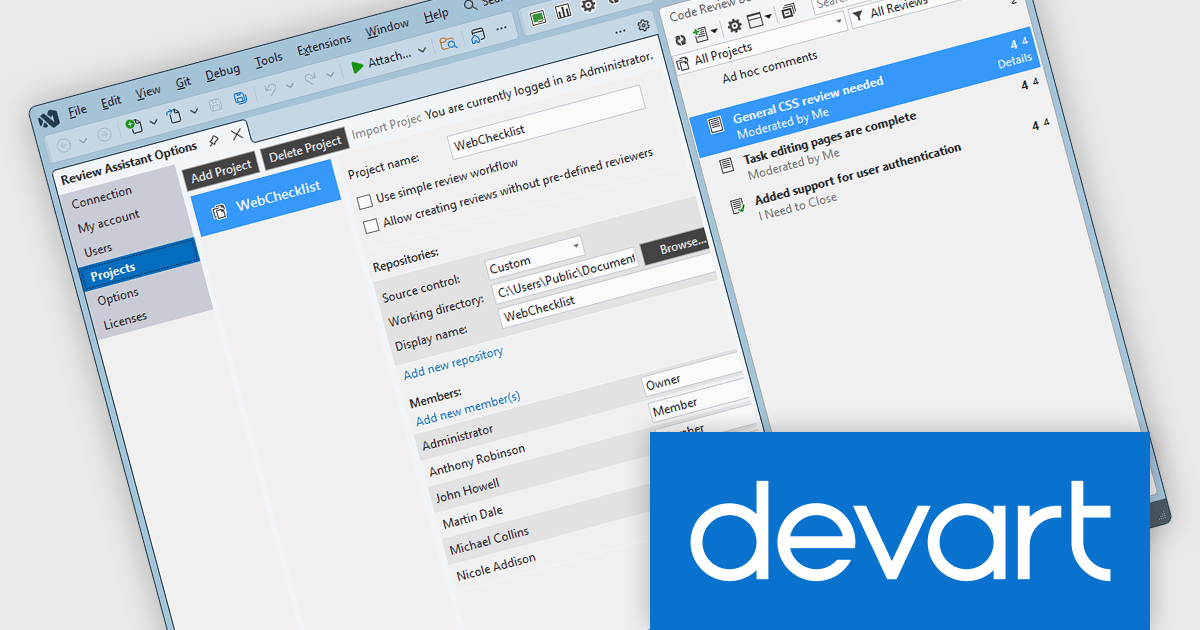
Review Assistant is a code review tool designed to integrate directly into development workflows, enabling teams to collaborate on code quality without leaving their familiar environment. It provides a structured approach to peer review, supporting comments, discussions, and iterative revisions within a centralized system. By maintaining a clear audit trail of changes and feedback, it helps development teams improve code consistency, catch defects earlier, and maintain higher overall standards across projects.
The Review Assistant V4.3.11 release adds support for Microsoft Visual Studio 2026. This allows organizations to upgrade their IDE without disrupting established code review processes, ensuring that review processes continue to run directly inside Visual Studio. This continuity is particularly valuable for teams that rely on in-editor collaboration, as it avoids the need to switch tools or delay upgrades due to missing integrations.
To see a full list of what's new in V4.3.11, see our release notes.
Review Assistant is licensed per user and is available as a Perpetual license 1 year support and maintenance. See our Review Assistant licensing page for full details.
Review Assistant is available individually or as part of Code Review Bundle.
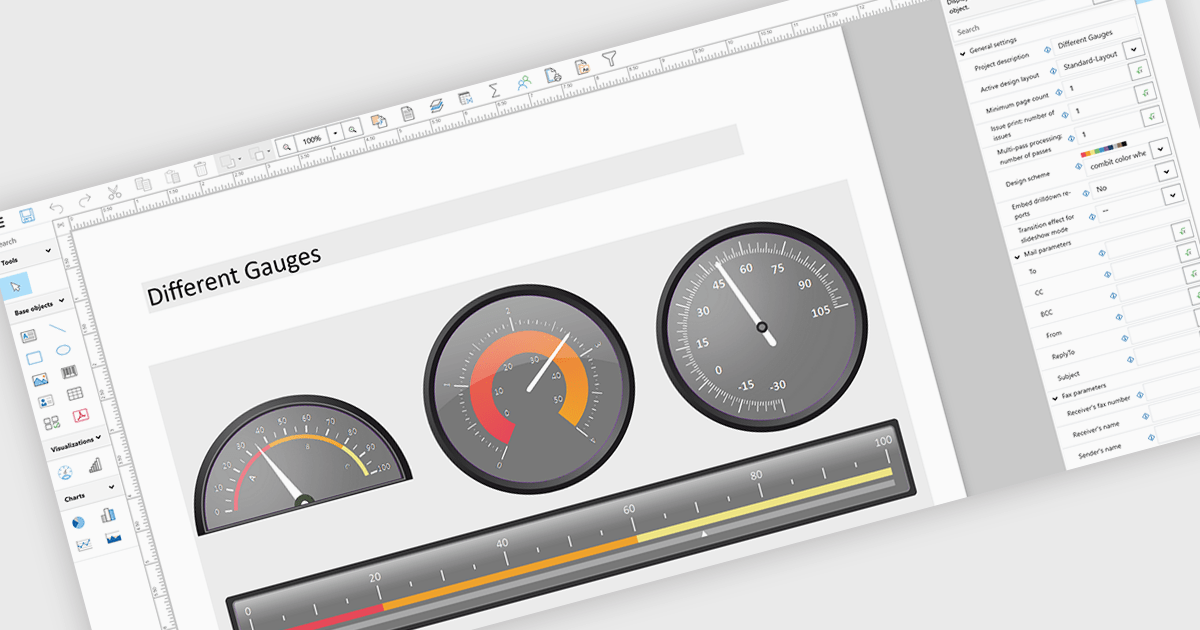
Adding gauges to reports means incorporating visual indicators such as dial or meter style graphics that display key metrics against defined ranges or targets, making performance instantly understandable at a glance. This approach enhances report clarity by transforming complex or dense data into intuitive visuals, helping users quickly assess whether values fall within acceptable, warning, or critical thresholds. As a result, gauges support faster, more informed decision making, improve stakeholder communication, and create more engaging, user friendly reports. Common use cases include tracking sales performance against quotas, monitoring system health or uptime, visualizing budget utilization, and displaying KPI progress in executive dashboards where quick insights are essential.
Several .NET WPF Reporting controls include Gauges including:
For an in-depth analysis of features and price, visit our comparison of .NET WPF Reporting Controls.
聯繫電話: (888) 850 9911
傳真: +1 770 250 6199


