













官方供應商
我們作為官方授權經銷商,直接提供超過200家開發廠家所發行超過1000個的產品授權給您。
請參閱我們所有的品牌。
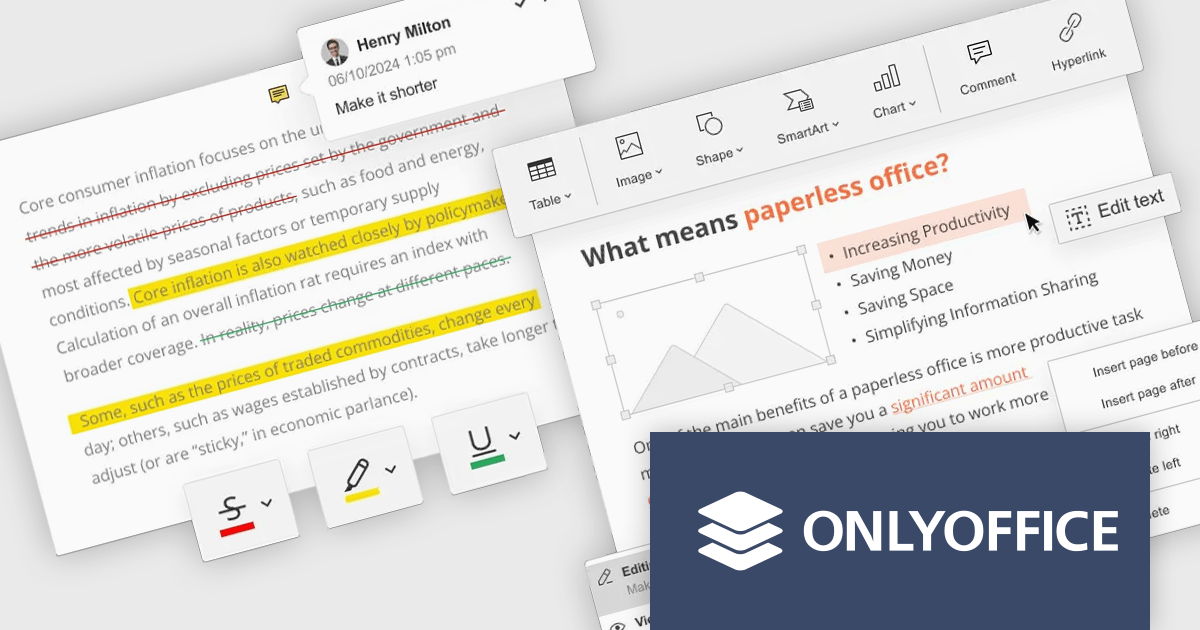
ONLYOFFICE Docs Enterprise Edition with Nuxeo Connector integrates online editing for Word, Excel, and PowerPoint directly within Nuxeo. Users can collaboratively create, edit, and co-author documents in real-time, utilizing ONLYOFFICE's formatting tools and broad format support, including OOXML. This in-browser editing and collaboration enhances productivity, streamlines workflows, and allows for potential re-branding and customization.
The ONLYOFFICE Docs Enterprise Edition with Nuxeo Connector v3.0 update introduces a fully functional PDF editor within the Nuxeo platform. This integration allows users to directly create, modify, and collaboratively author PDF documents, eliminating the need for external applications. Developers can leverage this expanded document handling capability within their Nuxeo-based solutions, offering end-users a more cohesive content management experience with features such as text editing, page manipulation, object insertion, annotation, and co-authoring functionalities.. This provides opportunities for custom workflow implementations and better development of applications focused on documents within Nuxeo.
To see a full list of what's new in v8.3.2 (3.0.0), see our release notes.
ONLYOFFICE Docs Enterprise Edition with Nuxeo Connector is licensed by the number of simultaneous document connections and is available as an annual license with 1 year support and upgrades. See our ONLYOFFICE Docs Enterprise Edition with Nuxeo Connector licensing page for full details.
For more information, see our ONLYOFFICE Docs Enterprise Edition with Nuxeo Connector product page.
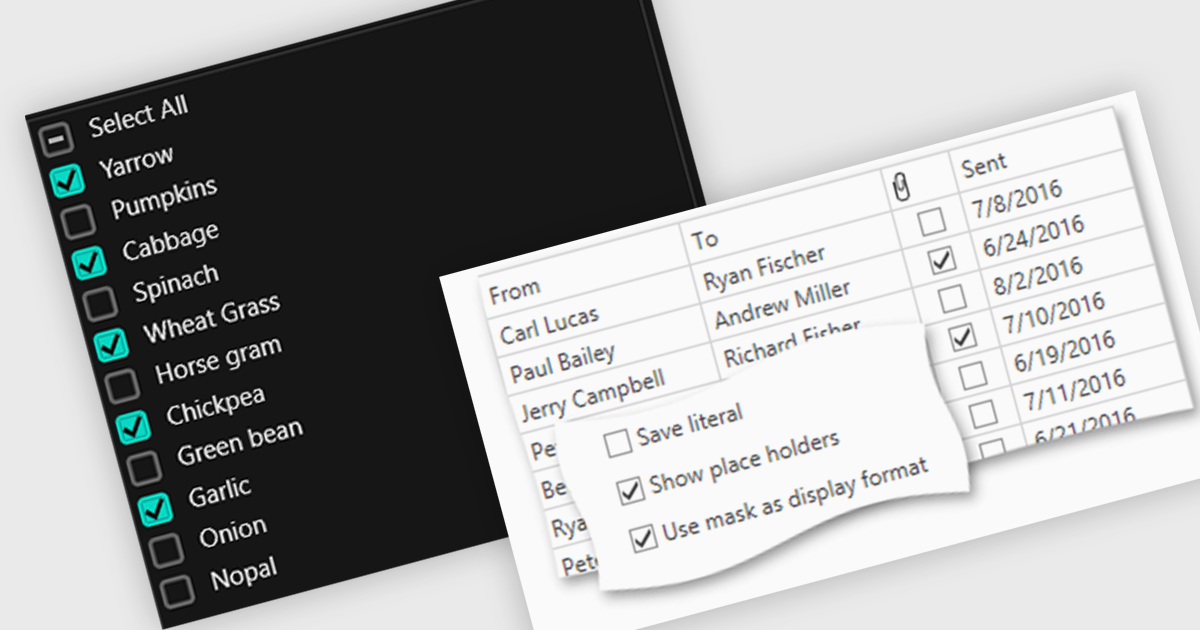
Checkboxes enable user manipulation of boolean values within a data interface. This feature improves user interactions by allowing quick toggling of options without the need for dropdowns or manual entry, reducing the risk of data entry errors. It is especially valuable in scenarios where multiple items need to be selected, enabled, or flagged, such as managing settings, permissions, or multi-select workflows.
Several .NET WPF components offer checkbox data editors, including:
For an in-depth analysis of features and price, visit our comparison of .NET WPF data editors.
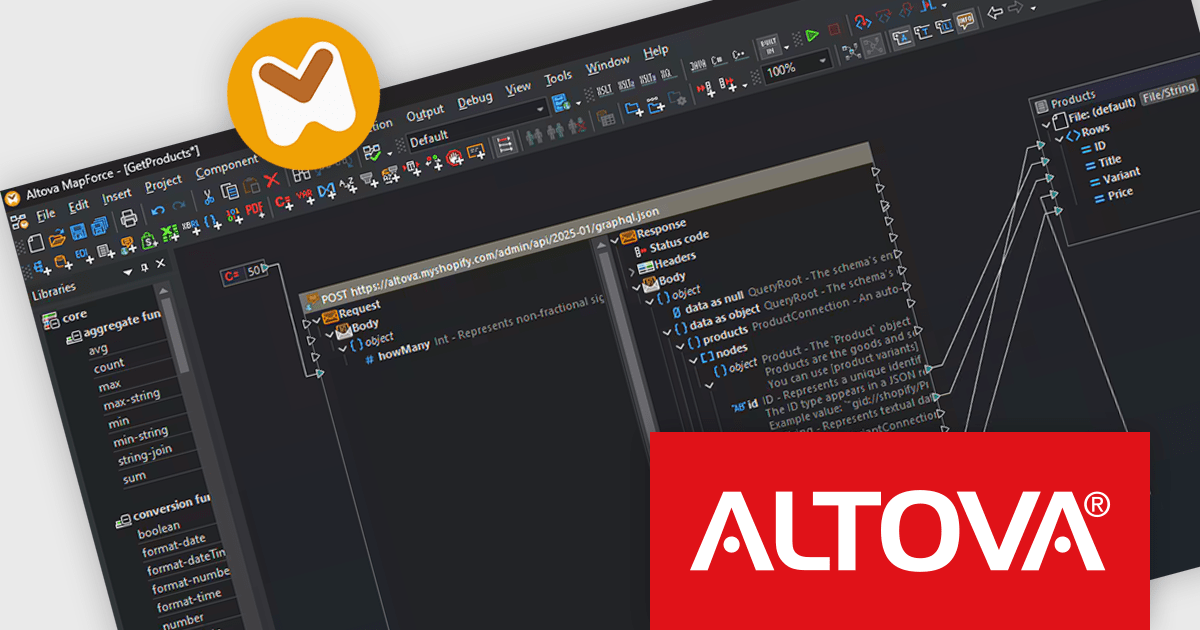
Altova MapForce is a graphical tool designed for seamless data integration and conversion. It empowers users to transform data between various formats, including XML, databases, flat files, PDFs, and web services, using a drag-and-drop interface. This eliminates the need for complex scripting and facilitates efficient data exchange across diverse applications, promoting streamlined workflows and enhanced data accuracy.
The Altova MapForce Enterprise 2025 Release 2 release adds direct support for Shopify and generic GraphQL APIs, allowing users to map and transform data from these services with the same ease as other supported formats. This enhancement enables integration between Shopify and backend systems, such as importing real-time inventory updates into a Shopify store or exporting order data to a database. With drag-and-drop mapping and automated code generation, developers can now build and deploy data workflows involving Shopify or GraphQL endpoints more efficiently.
To see a full list of what's new in version 2025 Release 2, see our release notes.
Altova MapForce is licensed per Installed, Concurrent or Named user. Licenses are perpetual, and come with or without 1 year Support and Maintenance Package (SMP). See our Altova MapForce licensing page for full details.
Altova MapForce Enterprise is available to buy in the following products:
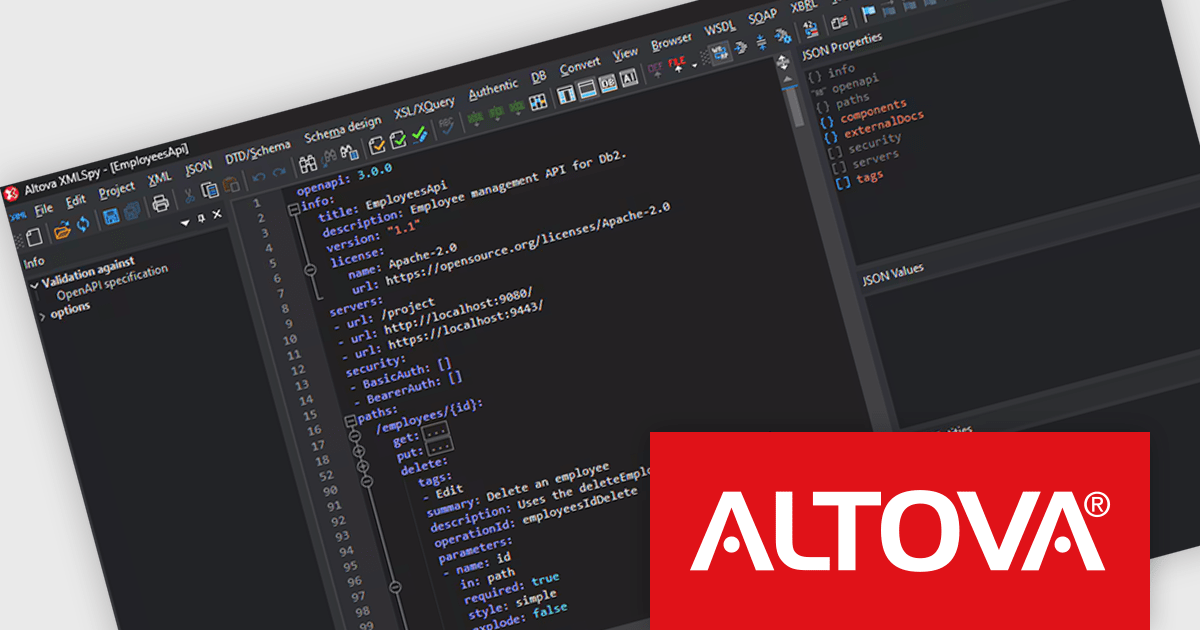
Altova XMLSpy is a leading XML editor and integrated development environment (IDE) designed for creating and manipulating XML-based applications. It offers a comprehensive suite of tools for working with XML, JSON, XBRL, schemas, transformations, web services, and more. XMLSpy empowers developers to visually design schemas, edit and debug code, generate code from schemas, and leverage AI-assisted editing and debugging for enhanced productivity.
The XMLSpy 2025 Release 2 update introduces a powerful OpenAPI editor, enabling developers to create and refine OpenAPI Specification (OAS) documents directly within the environment. Building on existing support for JSON Schema validation, the update allows users to work in either a structured grid view or a traditional text editor. Intelligent features such as syntax highlighting, source folding, auto-completion, and context-aware entry helpers improve the editing process, helping teams build and maintain API definitions more efficiently. With support for both JSON and YAML, this release strengthens XMLSpy’s role as a comprehensive tool for modern API development.
To see a full list of what's new in 2025 Release 2, see our release notes.
Altova XMLSpy is licensed per Installed, Concurrent or Named user. Licenses are perpetual, and come with or without 1 year Support and Maintenance Package (SMP). See our Altova XMLSpy licensing page for full details.
Altova XMLSpy XML Editor is available to buy in the following products:
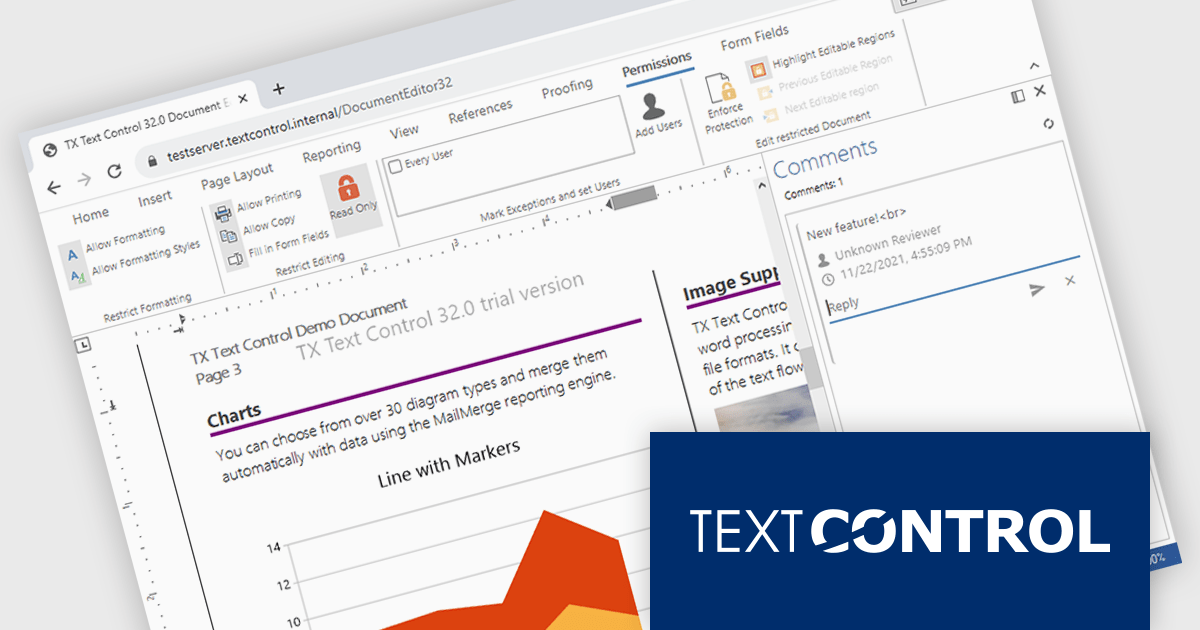
TX Text Control .NET Server for ASP.NET is a server-side component that equips your web applications with a powerful, Microsoft Word-compatible document editor. This allows you to develop applications that generate and edit various document formats (RTF, DOCX, PDF, etc.) on the fly, using data from databases or files. It also boasts features like PDF generation and a browser-based editor with a familiar MS Word-inspired interface, ultimately enhancing the document processing capabilities of your web applications.
The TX Text Control .NET Server for ASP.NET 33.0 release offers full support for Blazor, allowing developers to embed sophisticated document editing and viewing tools directly into their web applications. With this update, users can create and manage documents entirely within the browser - no plugins are required. By extending its document processing capabilities to the Blazor platform, this release supports the shift towards modern, interactive web technologies in the .NET ecosystem, streamlining the development of feature-rich enterprise applications.
For a full list of changes in TX Text Control .NET Server for ASP.NET 33.0, see our release notes.
TX Text Control .NET Server for ASP.NET is licensed per developer and is available as a Perpetual License with a 12 month support and maintenance subscription. Run time licenses are required for the deployment to production servers. See our TX Text Control .NET Server for ASP.NET licensing page for full details.
For more information, visit our TX Text Control .NET Server for ASP.NET product page.
聯繫電話: (888) 850 9911
傳真: +1 770 250 6199


