













官方供應商
我們作為官方授權經銷商,直接提供超過200家開發廠家所發行超過1000個的產品授權給您。
請參閱我們所有的品牌。
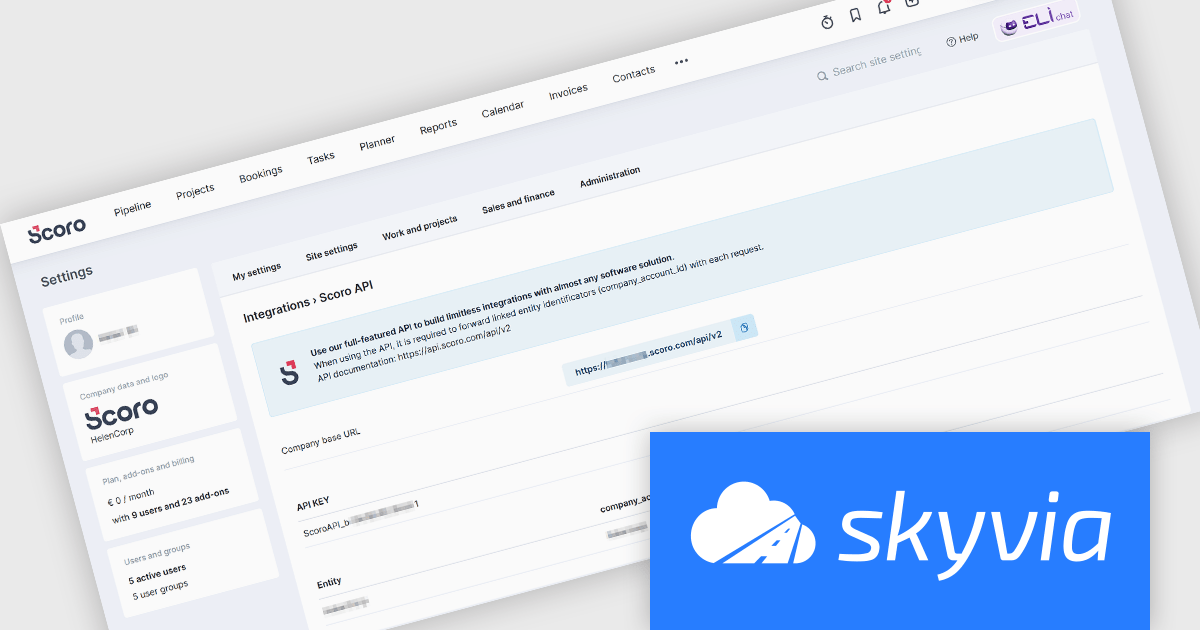
Skyvia Connect is a cloud-based integration platform that enables developers to connect and synchronize data between various applications and databases. It offers a flexible and scalable solution for building data pipelines and automating data workflows, supporting a wide range of data sources and formats. By providing a user-friendly interface and pre-built connectors, Skyvia Connect simplifies the process of integrating data systems, allowing developers to focus on core application development and data management tasks.
The latest release of Skyvia Connect adds a new connector for Scoro, a comprehensive business management platform. Scoro users can now integrate their data with external applications, analytics platforms, and custom reporting tools more easily. This capability allows businesses to automate workflows, synchronize data across systems, and gain deeper insights into their operations without manual intervention. By enabling direct access to Scoro’s project management, sales, and financial data through OData endpoints, Skyvia Connect streamlines data-driven decision-making, improving efficiency and collaboration across teams.
To see a full list of what's new, see our release notes.
Skyvia Connect is licensed based on volume of traffic per month and is available as an Annual License. See our Skyvia Connect licensing page for full details.
Learn more on our Skyvia Connect product page.
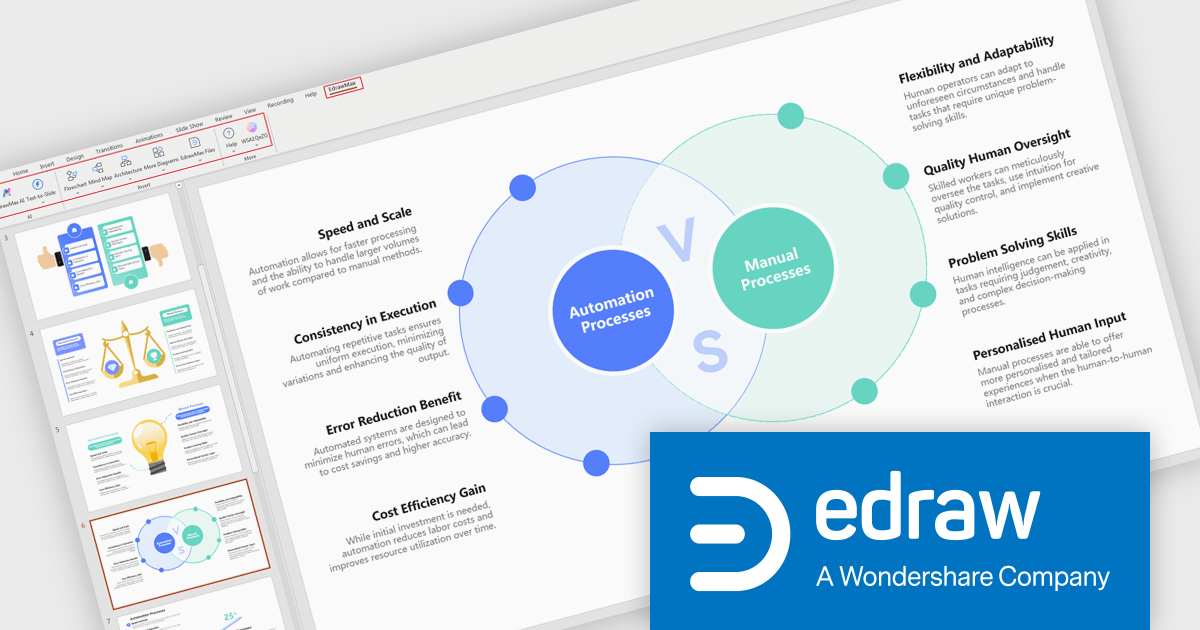
EdrawMax is an application designed to create various types of diagrams, including flowcharts, UML diagrams, network diagrams, and organizational charts. It offers a wide range of pre-designed templates and symbols, enabling users to quickly and efficiently generate professional-looking diagrams. The software supports various export formats, such as PDF, image, and vector graphics, making it compatible with different software applications.
The EdrawMax v14.2.2 update improves workflow efficiency by introducing text-to-diagram generation directly within PowerPoint. This new feature allows users to convert structured text into professional visuals without leaving their presentation environment, reducing manual effort and enhancing productivity. By automating diagram creation, it ensures visual consistency and makes it easier to illustrate system architectures, data flows, and process designs. The integration removes the need to switch between apps offering the flexibility to edit and refine diagrams as needed.
To see a full list of what's new in version 14.2.2, see our release notes.
EdrawMax is licensed per user and is available as a Perpetual or Annual Subscription License. See our EdrawMax licensing page for full details.
For more information, visit our EdrawMax product page.
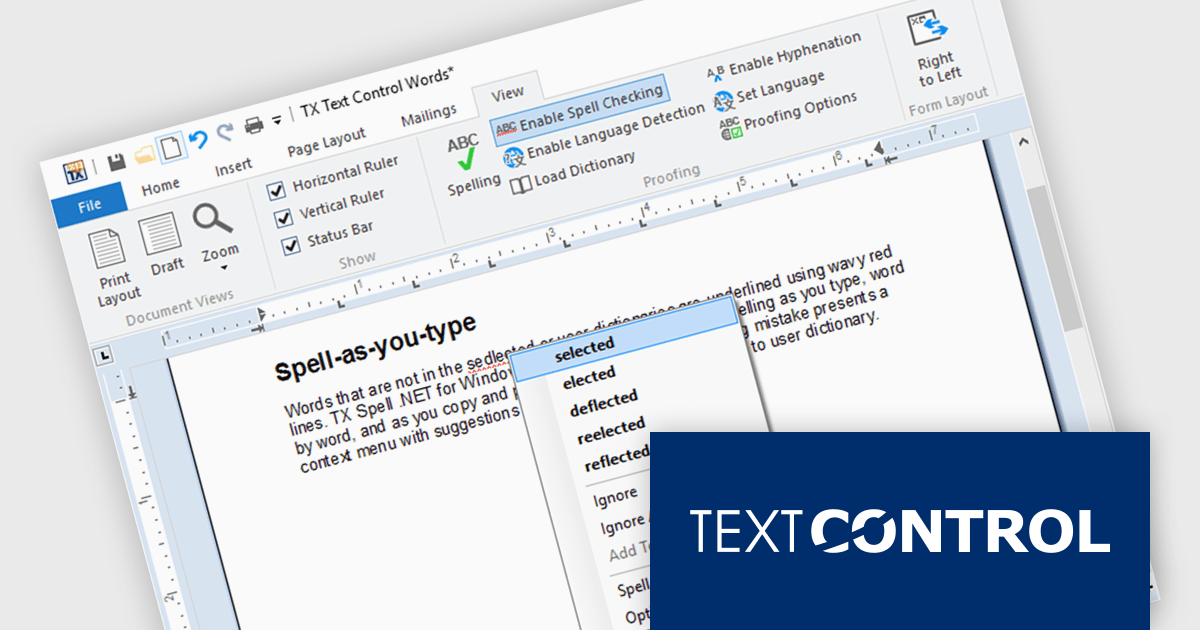
TX Spell .NET is a component that offers developers an easy way to integrate advanced spelling correction into their software. It supports multiple dictionaries, including custom word lists, and provides real-time spell checking for rich text editors, word processors, and other text-based applications. Whether for desktop, web, or cloud-based applications, it enhances text input quality with minimal development effort.
The TX Spell .NET 11.0 release fully supports .NET 9, integrating with the latest framework. This update includes adjustments to licensing, improved NuGet package compatibility, and other refinements to align with .NET 9’s evolving ecosystem. Developers can confidently use TX Spell .NET in modern applications, ensuring stability and compatibility with the latest runtime advancements.
TX Spell .NET for WinForms and ASP.NET and TX Spell .NET for WPF are licensed per developer and are available as a Perpetual License with a 12 month support and maintenance subscription. See our TX Spell .NET for WinForms and ASP.NET licensing page or TX Spell .NET for WPF licensing page for full details.
TX Spell .NET is available to buy in the following products:
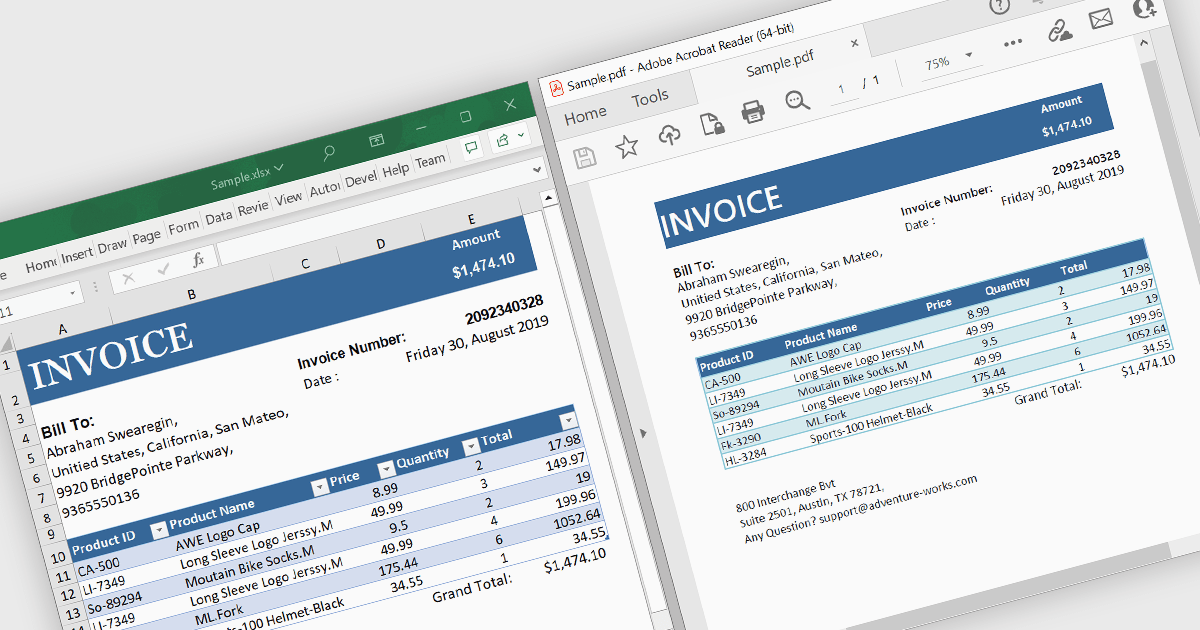
A .NET PDF viewer with Excel to PDF conversion capabilities enables developers to augment their .NET-based applications so that users can transform Microsoft Excel spreadsheets (in XLSX or XLS format) into PDF documents for viewing, sharing, or archiving. All handled within the viewer, this functionality preserves the structure, formatting, and content of the original Excel files while converting them into the widely-used PDF format. The ability to convert Excel to PDF in this manner allows for easy viewing, sharing, printing, and archiving of data without requiring end users to have Microsoft Excel installed. It also allows Excel content to be distributed with greater security and portability, while ensuring consistent rendering across different platforms, systems and devices.
Several .NET PDF viewer components allow you to convert Excel to PDF, including:
For an in-depth analysis of features and price, visit our comparison of .NET PDF viewer components.
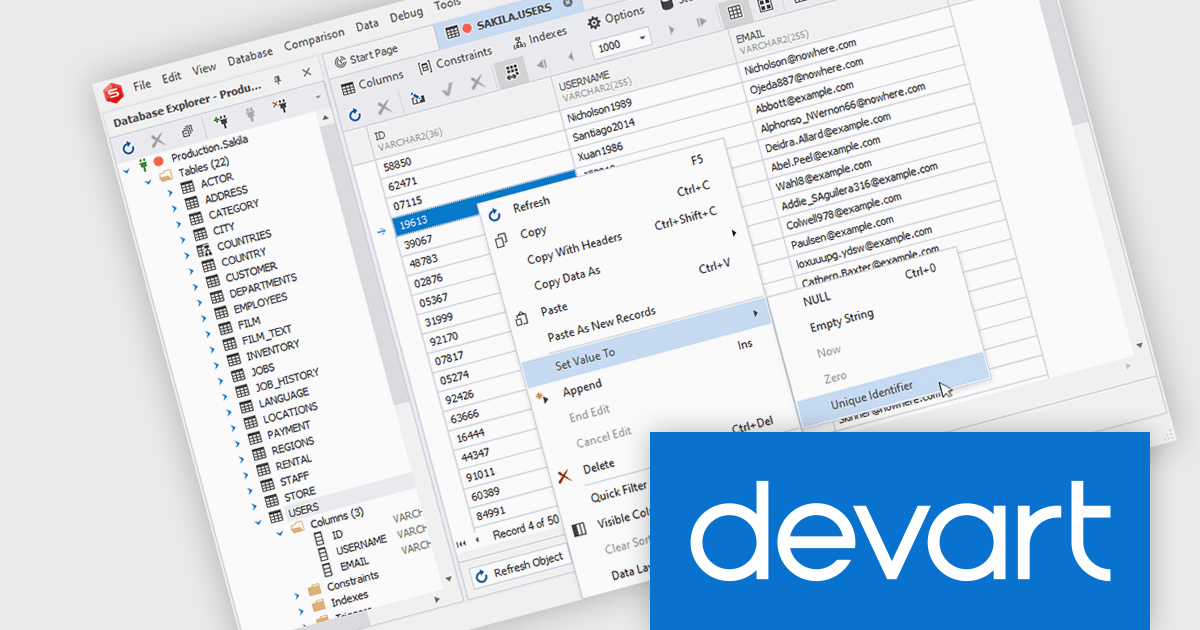
dbForge Documenter for Oracle is a tool designed to automate database documentation, making it easier for developers, database administrators, and analysts to generate comprehensive reports on database structures. It analyzes database objects, including tables, views, stored procedures, and dependencies, and compiles this information into well-structured documentation in formats such as HTML, PDF, and Markdown. With a user-friendly interface and customizable settings, it improves the documentation process, ensuring that teams can quickly understand and maintain their database environments.
The dbForge Documenter for Oracle v6.0.85 release adds a new item to the context menu in the Data Editor. The new 'Set Value To > Unique Identifier' command allows users to indicate that a specific cell serves as a unique identifier within the database structure. This manual designation helps clarify how certain values distinguish records, which in turn enhances the accuracy and clarity of the generated documentation. Reports, diagrams, and metadata outputs can then better reflect real-world data semantics, supporting more effective analysis, communication, and maintenance across development and database management teams.
To see a full list of what's new in V6.0.85, see our release notes.
dbForge Documenter for Oracle is licensed per developer and is available as an Annual or Perpetual License with a 12 month support and maintenance subscription. See our dbForge Documenter for Oracle licensing page for full details.
Learn more on our dbForge Documenter for Oracle product page.
聯繫電話: (888) 850 9911
傳真: +1 770 250 6199


