













官方供應商
我們作為官方授權經銷商,直接提供超過200家開發廠家所發行超過1000個的產品授權給您。
請參閱我們所有的品牌。
Smart UI (formerly known as Smart HTML Elements) is an enterprise-grade UI library offering pre-built web components for developers in Angular, React, Vue, Blazor, and JavaScript. It boasts over 60 ready-to-use components like grids, charts, schedulers, and editors, all featuring two-way data binding, responsiveness, accessibility, and theming capabilities. This library helps developers rapidly build dynamic and modern web applications with consistent look-and-feel and rich functionalities, accelerating development time and ensuring professional quality.
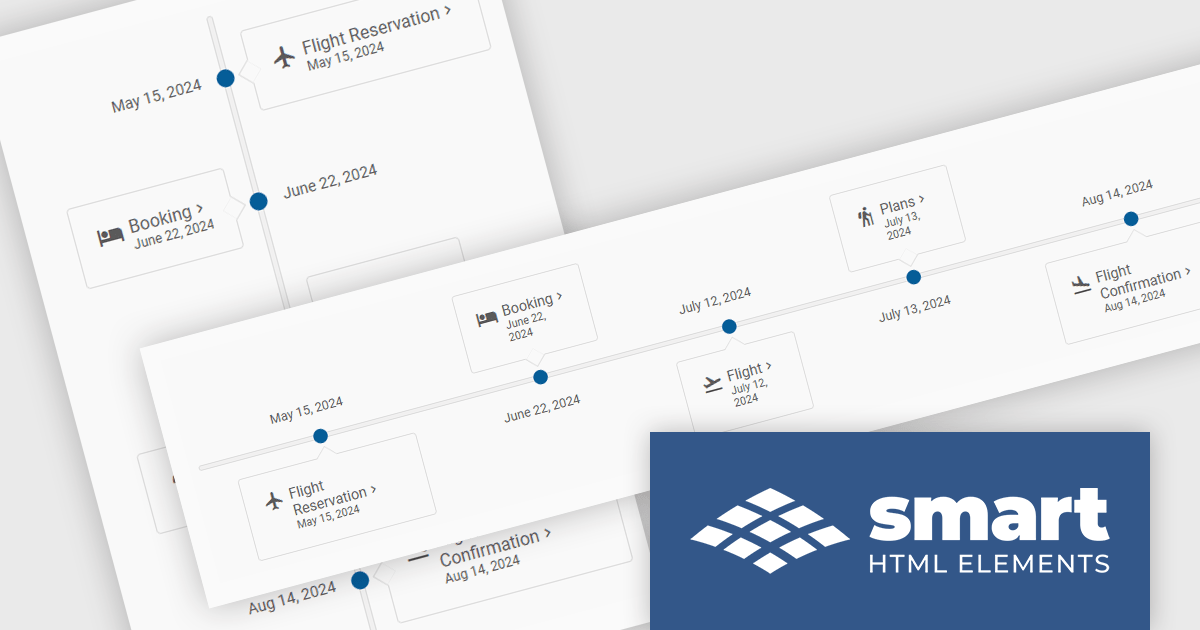
The Smart UI v20.0.0 release includes a new Timeline component which allows you to show a chronological collection of events. You can render the timeline in vertical or horizontal layouts and it can be customized with CSS, enabling you to style it to match your application's branding.
To see a full list of what's new in v20.0.0, see our release notes.
Smart UI (Smart HTML Elements) is licensed per developer and is available as a perpetual license with 1 year support and maintenance. It includes distribution to unlimited Web applications, SaaS projects, Intranets and Websites. Team, OEM and Enterprise licensing options are also available. See our Smart UI licensing page for full details.
Learn more on our Smart UI product page.
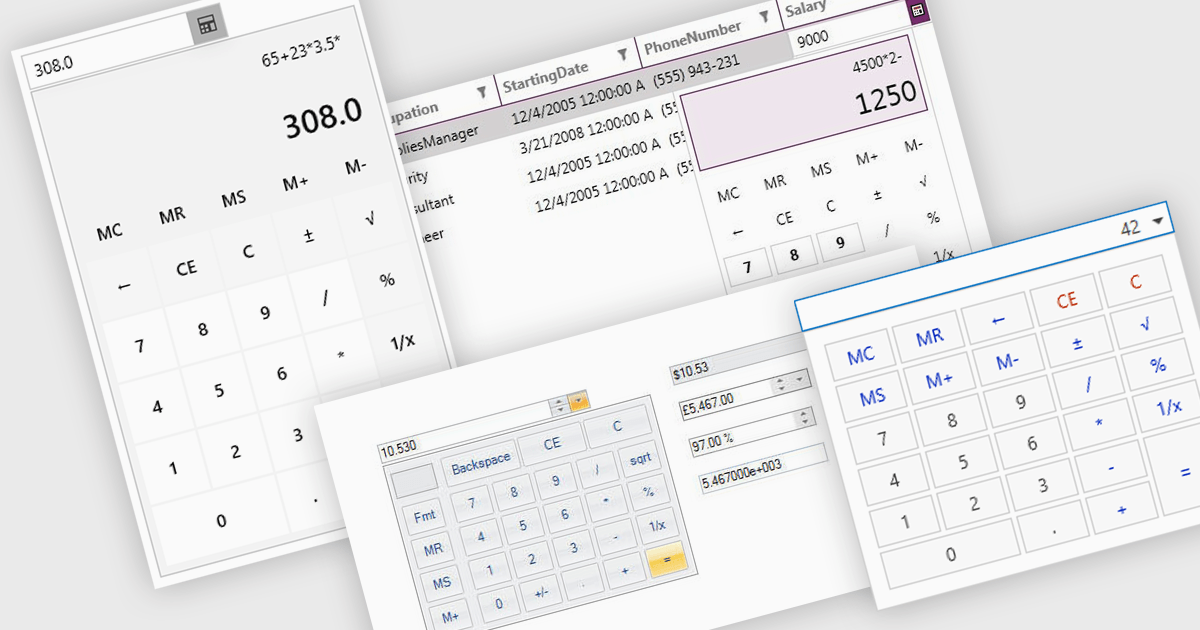
A dropdown calculator is a user interface element that allows users to quickly perform calculations. This streamlines the input process, making it more efficient and user-friendly, particularly in scenarios where options are predefined. By limiting the range of inputs, dropdown calculators minimize errors and provide more accurate results, while also improving the speed and ease with which users can interact with the tool. This approach is beneficial in environments where consistent, standardized inputs are required, such as in financial applications or forms.
Several .NET data editor collections provide dropdown calculator controls, including:
For an in-depth analysis of features and price, visit our comparison of .NET data editors.
Delphi by Embarcadero is an advanced Integrated Development Environment (IDE) that allows you to build native applications for desktop, mobile, web, and console environments using a single codebase. It includes a visual designer, code editor, debugger, and component library, all specifically designed for rapid application development with the Object Pascal programming language. With Delphi, you can target Windows, macOS, iOS, Android, and Linux while leveraging a large developer community and extensive third-party plugin support.
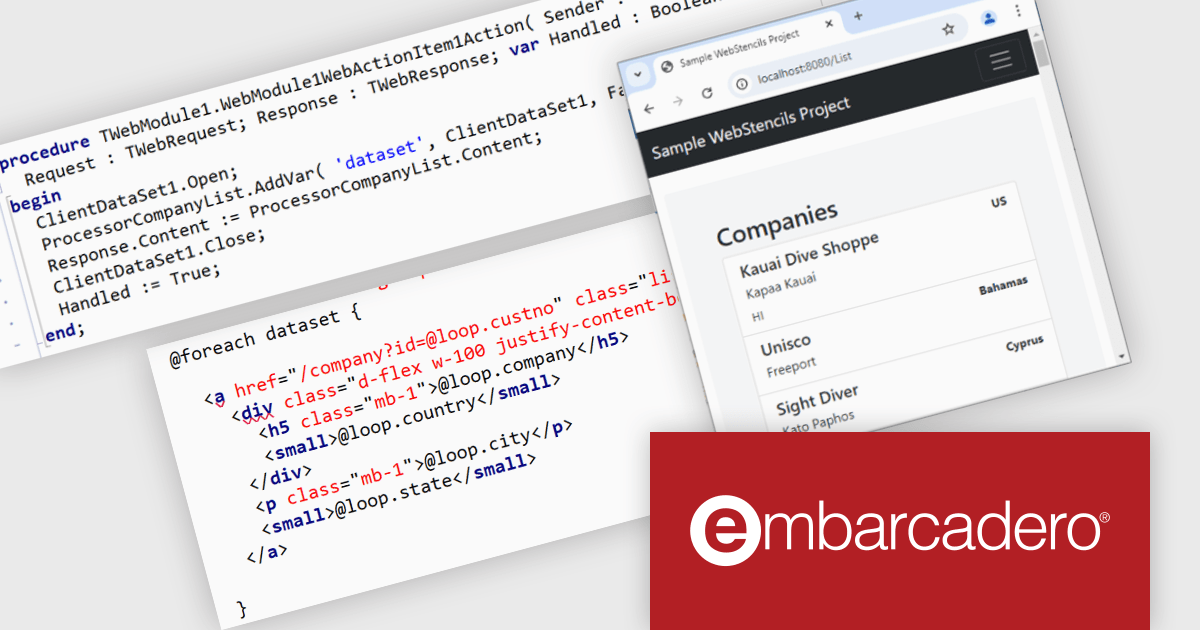
The Delphi 12.2 release introduces WebStencils, a feature that enhances server-side integration of HTML files with WebBroker and RAD Server. It enables developers to build modern websites using any JavaScript library, powered by data processed through Delphi applications. WebStencils provides flexibility to create dynamic, data-driven websites by integrating web technologies like WebBroker, DataSnap, and RAD Server. Developers can generate HTML pages using standard tools and enrich them with data from Delphi applications, such as database query results, while maintaining the freedom to design tailored responsive websites.
To see a full list of what's new in version 12.2 Athens, see our release notes.
Delphi is licensed per Named, Network Named or Concurrent user and is available as a Perpetual License with an Update Subscription that includes support and free upgrades for 1 Year. See our Delphi licensing page for full details.
Delphi is available to buy in the following products:
Syncfusion Essential Studio JavaScript, available as part of Syncfusion Essential Studio Enterprise, is a comprehensive UI library offering over 80 high-performance, lightweight, and responsive components to transform your web apps. Built from scratch with TypeScript, it boasts modularity and touch-friendliness, letting you pick and choose specific features while ensuring smooth mobile interaction. With rich themes, global accessibility features, and extensive documentation, it powers everything from basic buttons to interactive charts and data grids, simplifying frontend development across JavaScript, Angular, React, and Vue.
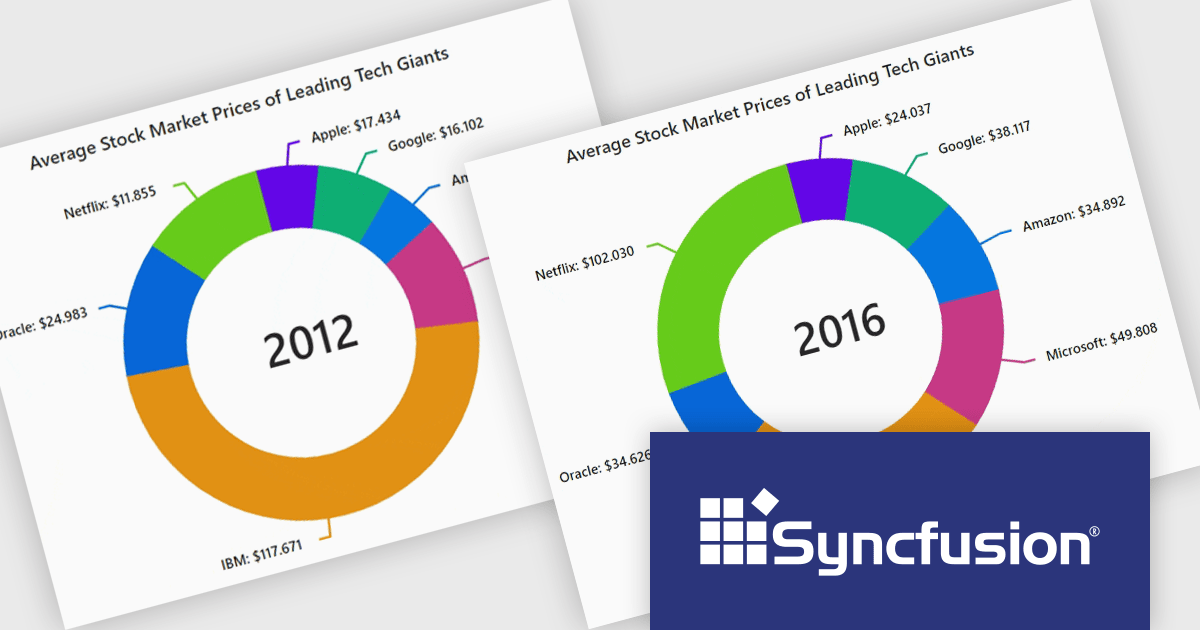
The Syncfusion Essential Studio JavaScript 2024 Volume 3 release adds the new accumulation charts animation feature which significantly enhances the user experience with smooth transitions. This creates a more dynamic and visually engaging interface, allowing users to interact with charts in real-time without abrupt changes. The fluid animations extend to series, data labels, and legends, providing a cohesive and polished look that improves the overall clarity and understanding of data updates. By reducing visual disruption, this feature makes data-driven insights more accessible and keeps users focused on the evolving information.
To see a full list of what's new in version 2024 Volume 3, see our release notes.
Syncfusion Essential Studio JavaScript is available as part of Syncfusion Essential Studio Enterprise which is licensed per developer starting with a Team License of up to five developers. It is available as a 12 Month Timed Subscription License which includes support and maintenance. See our Syncfusion Essential Studio Enterprise licensing page for full details.
For more information, visit our Syncfusion Essential Studio JavaScript product page.
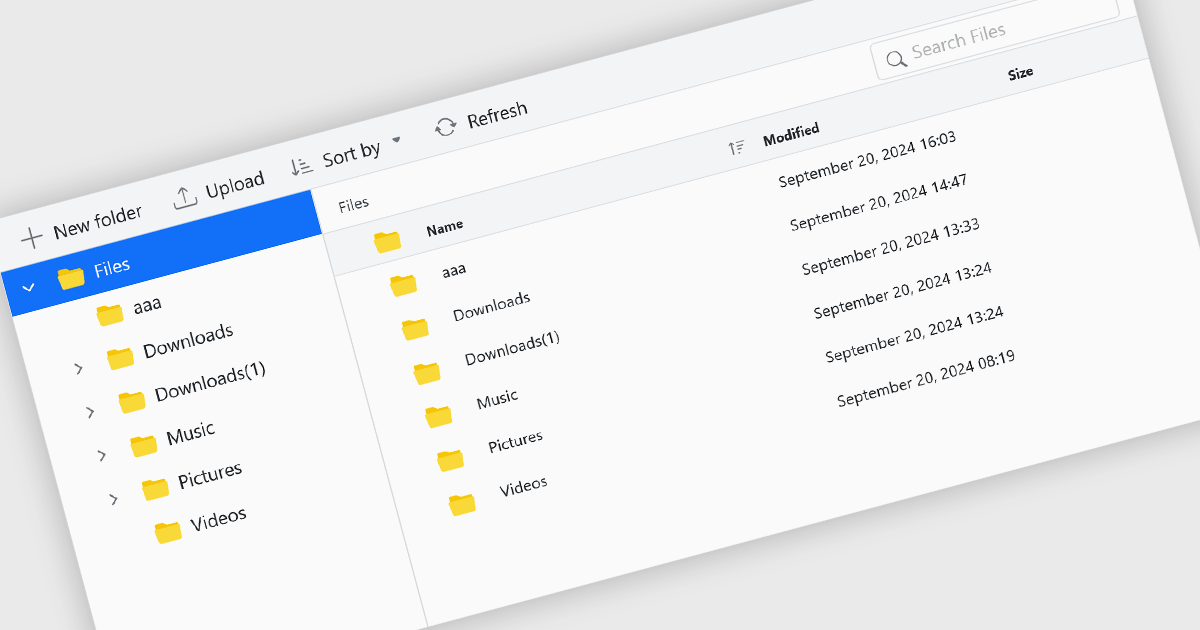
File management components, such as file explorers, uploaders, and downloaders, are essential elements in UI suites as they facilitate seamless interaction with files and data. These components enable users to efficiently organize, access, and manipulate files within an application, enhancing productivity and usability. By providing intuitive and user-friendly interfaces for file operations, these components contribute to a positive and efficient user experience.
Several ASP.NET Core UI suites offer file management controls including:
For an in-depth analysis of features and price, visit our ASP.NET Core UI suites comparison.
聯繫電話: (888) 850 9911
傳真: +1 770 250 6199


