













官方供應商
我們作為官方授權經銷商,直接提供超過200家開發廠家所發行超過1000個的產品授權給您。
請參閱我們所有的品牌。
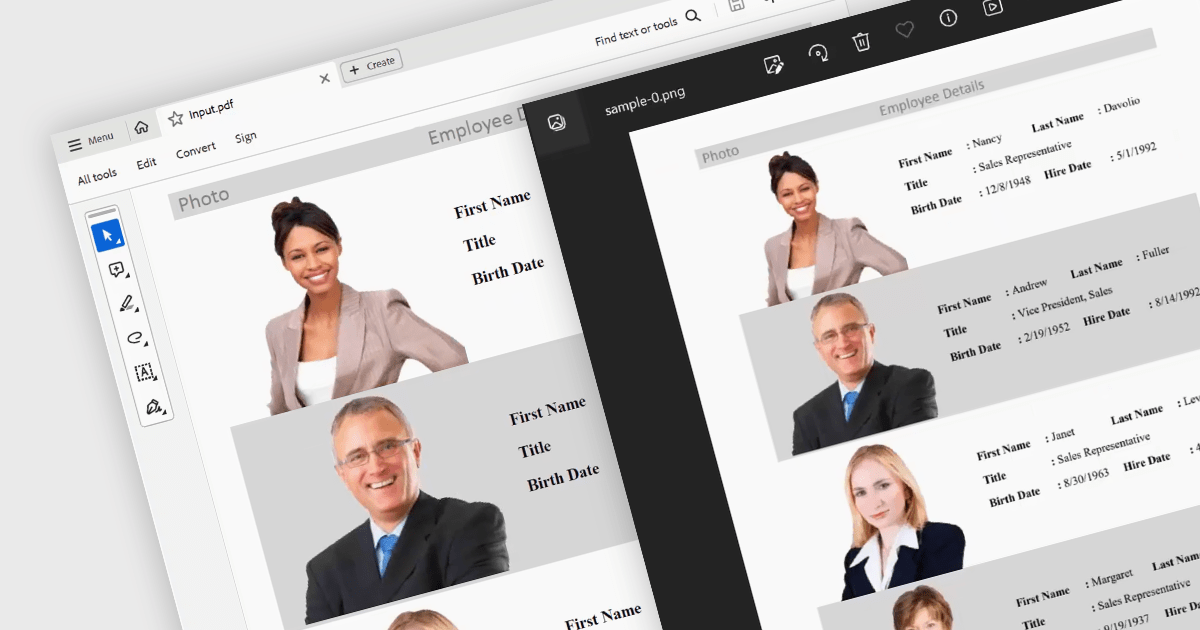
PDF to image conversion within in WPF PDF Viewer components enables developers to programmatically export individual PDF pages as images such as PNG, JPEG, or BMP. This capability enables applications to create image-based representations of PDF content, facilitating tasks such as generating thumbnails, exporting visual data, or integrating PDF content into image-centric workflows, enhancing application versatility and user experience.
Several .NET 8 WPF PDF viewer components support PDF to image conversion including:
For an in-depth analysis of features and price, visit our comparison of .NET 8 WPF PDF Viewer Components.
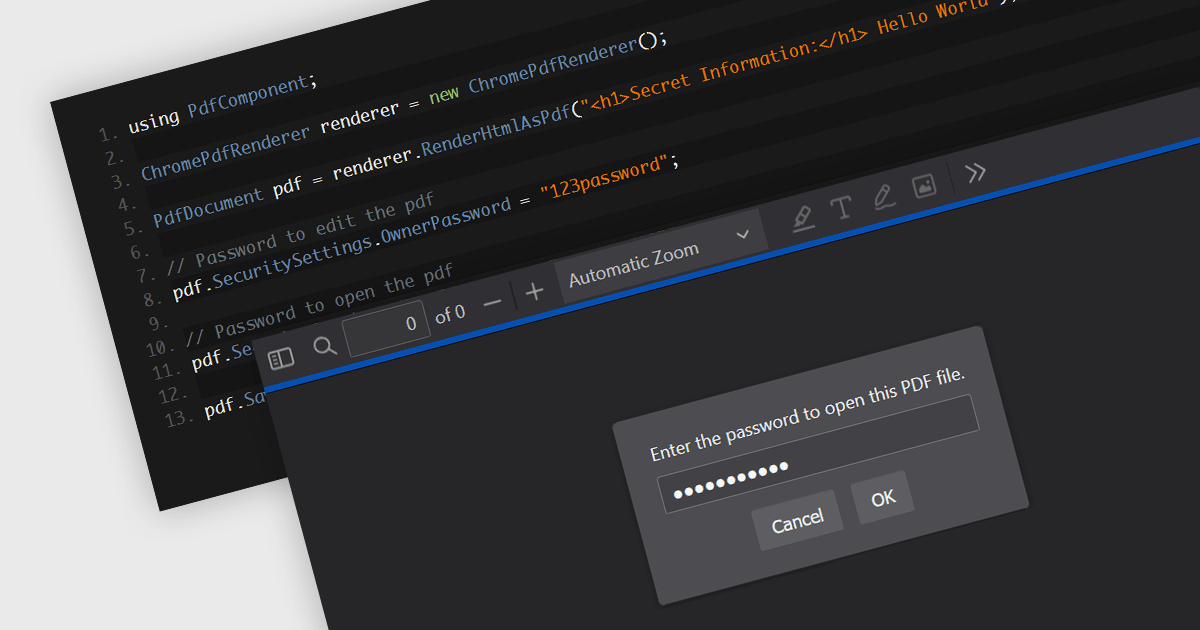
Password protection in a PDF component is a security feature enabling the encryption of PDF documents to restrict unauthorized access. Crucial for applications where sensitive data is handled, setting passwords ensures that only authorized individuals can view or make changes to the document, thereby protecting confidential information from unauthorized access and data breaches. This functionality safeguards sensitive information by controlling who can view, modify, print, or copy the document's content, providing an essential layer of protection for confidential data and increasing the trustworthiness of the application that holds it.
Several Windows Presentation Foundation (WPF) PDF components allow you to add password protection to PDF files, including:
For an in-depth analysis of features and price, visit our comparison of WPF PDF components.
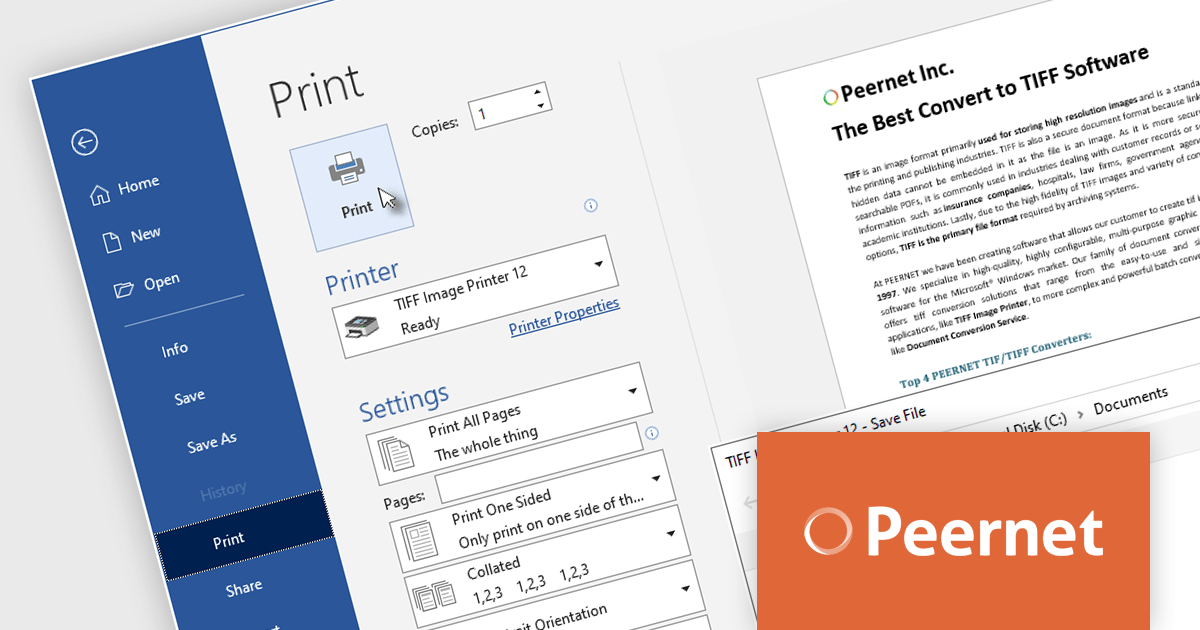
PEERNET offers a trio of powerful virtual printer drivers for Windows: Raster Image Printer, PDF Image Printer, and TIFF Image Printer. These drivers bypass physical printing, seamlessly converting virtually any file format into high-fidelity images or PDFs. All three integrate seamlessly into existing workflows, accessible via standard printing routines. Simply select the desired driver during your usual printing process, and your files will be transformed into the chosen format.
The PEERNET Image Printer version 12.0.024 updates expand compatibility to include Windows 11 ARM64 architecture. This enhancement enables users with ARM64-based Windows 11 devices to seamlessly convert documents to TIFF, raster, and PDF formats, respectively, providing consistent image creation capabilities across a wider range of hardware platforms.
PEERNET virtual printers have a number of different license options including per user, unlimited users, terminal server, OEM and more. See our licensing pages for more information:
For more information, visit our product pages:
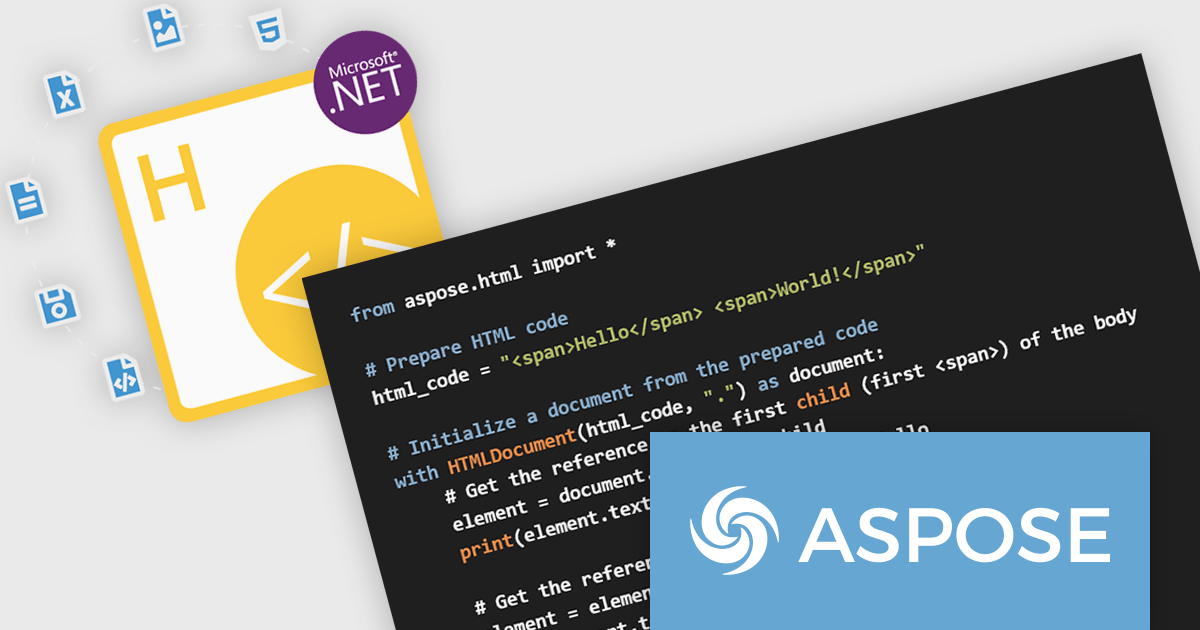
Aspose.HTML for Python via .NET is a robust class library that empowers developers to seamlessly manipulate HTML documents within their Python applications. By leveraging the .NET Framework, this tool offers a comprehensive set of functionalities for generating, modifying, converting, and rendering HTML content. It provides support for the latest HTML5, CSS3, SVG, and HTML Canvas standards, ensuring compatibility with modern web technologies.
Aspose.HTML for Python via .NET offers significant advantages for developers working with HTML. It streamlines the process of creating dynamic HTML content, enabling efficient generation of web pages and documents. The library's conversion capabilities allow for seamless transformation of HTML to various formats, such as PDF, EPUB, and image files. It also provides tools for extracting text, metadata, and other information from HTML documents, making it invaluable for data extraction and analysis tasks.
Aspose.HTML for Python via .NET is offered as Developer Small Business, Developer OEM, Developer SDK, Site Small Business, Site OEM, and Site SDK licenses catering to a range of business needs. Licenses are perpetual, and include 1 year of support and maintenance. Subscription renewals are also available. See our Aspose.HTML for Python via .NET licensing page for full details.
Aspose.HTML for Python via .NET is available in the following products:
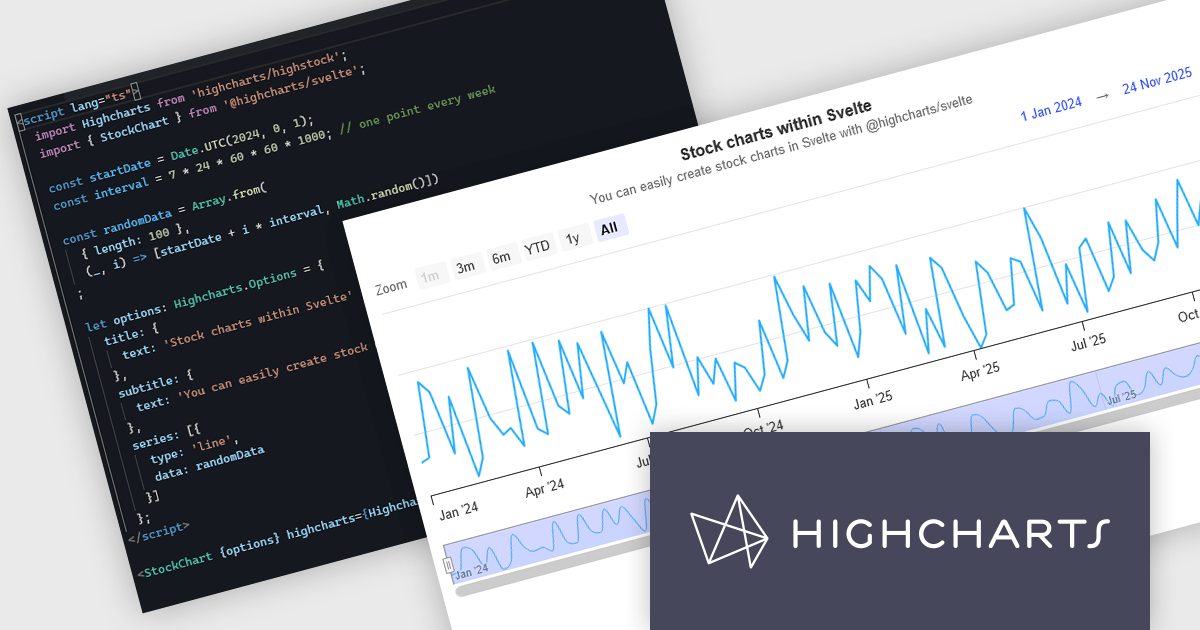
Highcharts is a JavaScript charting framework that allows web developers and data analysts to generate dynamic, visually appealing charts and graphs for websites and web applications. It can display a variety of chart types, including line, spline, area, column, bar, pie, scatter, and many more. Highcharts is well-known for its ease of use, rich documentation, and ability to handle huge datasets efficiently. Features include responsive design, accessibility support, and cross-browser compatibility. Its customization capabilities allow users to create bespoke data visualizations that increase engagement and provide insightful data presentations.
The new Highcharts for Svelte integration is a lightweight package that seamlessly integrates Highcharts' robust visualization capabilities into Svelte applications, providing a streamlined approach to creating interactive and dynamic charts while retaining the performance benefits of the Svelte framework. Svelte is a component-based front-end framework that, unlike standard techniques, compiles code during the build process rather than relying on the browser for runtime performance optimization. This revolutionary approach results in smaller, faster apps with a developer experience that promotes simplicity and efficiency, making it ideal for creating high-performance web interfaces. By combining the powerful capabilities of the Highcharts API with the sleek, minimalistic nature of Svelte, Highcharts for Svelte makes incorporating robust, custom data visualizations into your Svelte projects painless.
For more information see the Introducing Highcharts for Svelte blog post.
Highcharts Core is licensed on an annual or perpetual basis, OEM licenses, and Advantage Renewals. It is licensed per Developer and has several license options including Internal, SaaS, SaaS+, and Self Hosted. See our Highcharts Core licensing page for full details.
Learn more on our Highcharts Core product page.
聯繫電話: (888) 850 9911
傳真: +1 770 250 6199


