













官方供應商
我們作為官方授權經銷商,直接提供超過200家開發廠家所發行超過1000個的產品授權給您。
請參閱我們所有的品牌。
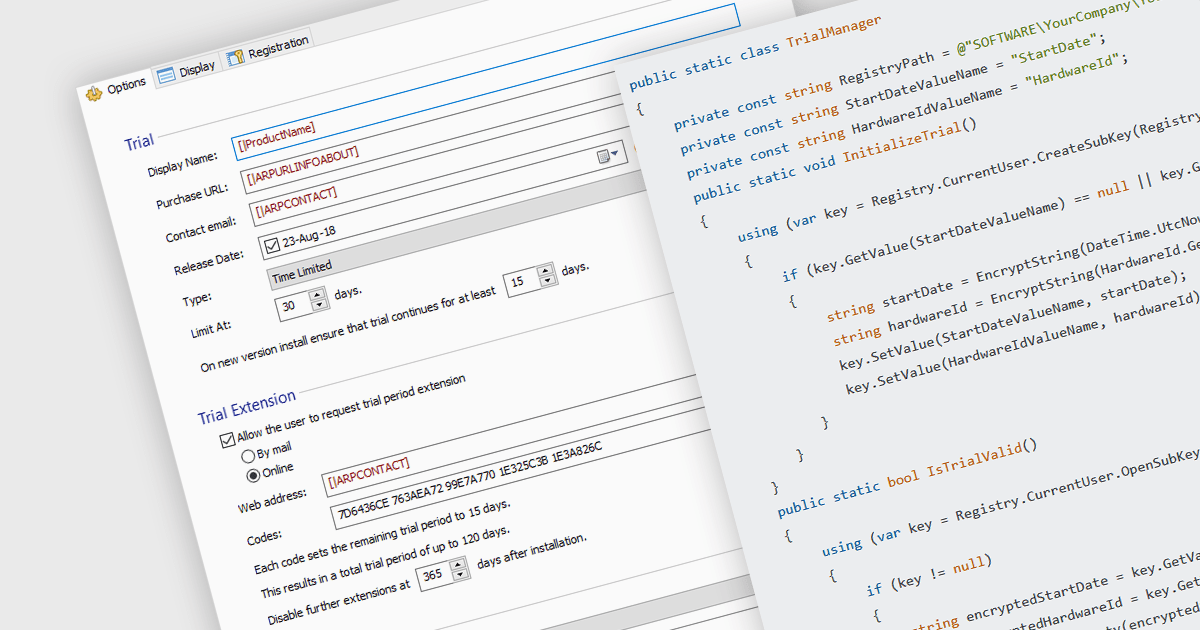
Installation tools with trial version functionality allow developers to easily create temporary, limited-use versions of their applications. These trials offer potential customers a chance to experience the software firsthand in a real-world environment, fostering trust and boosting sales. This functionality is particularly valuable for complex programs, where a trial allows users to assess specific features and compatibility before committing to a purchase. Trials also help to establish the software's value and effectiveness, reducing perceived risks.
Several installation tools allow you to create trials, including:
For an in-depth analysis of features and price, visit our comparison of installation tools.
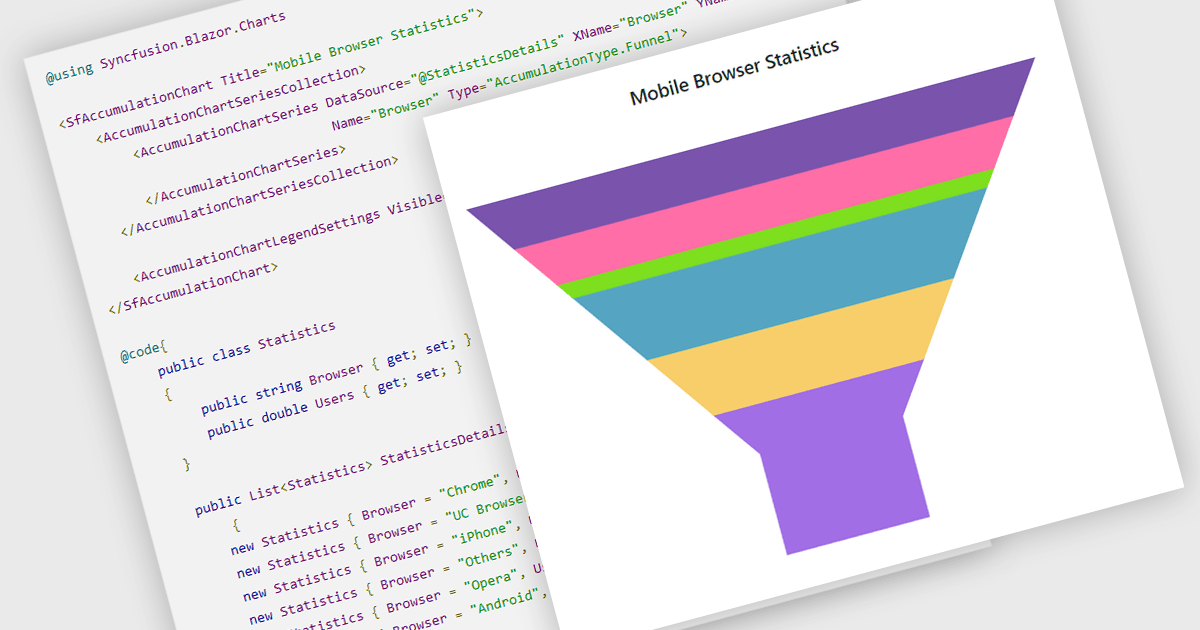
Funnel charts are a type of data visualization that depicts data in a linear process that often narrows down at each stage, resembling a funnel. They are especially useful for emphasizing steps in a process, displaying drop-off rates, and finding bottlenecks in workflows. Funnel charts are useful because they visually show the continual reduction of data throughout phases, providing clear insights into conversion rates and process efficiency. This enables engineers and business analysts to quickly find areas for improvement, optimize procedures, and create more accurate data-driven decisions.
Several .NET Blazor chart controls offer funnel charts including:
For an in-depth analysis of features and price, visit our .NET Blazor chart controls comparison.
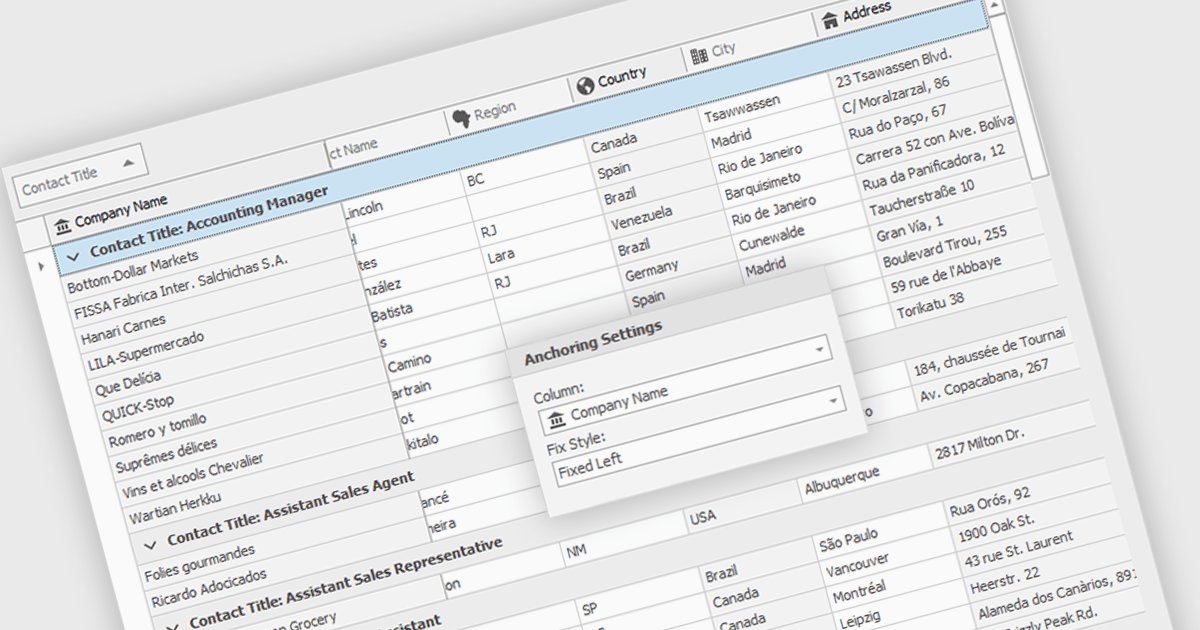
Freezing columns allows specific grid columns to remain visible on the screen while the user scrolls horizontally across the rest of the data. This functionality is beneficial for software developers because it improves user experience by ensuring important reference information, like row identifiers or column headers, stays constantly in view regardless of the data set's width. This can significantly aid in data comprehension and navigation for users working with large datasets.
Several WinForms grid components allow you to freeze columns, including:
For an in-depth analysis of features and price, visit our WinForms grid components comparison.
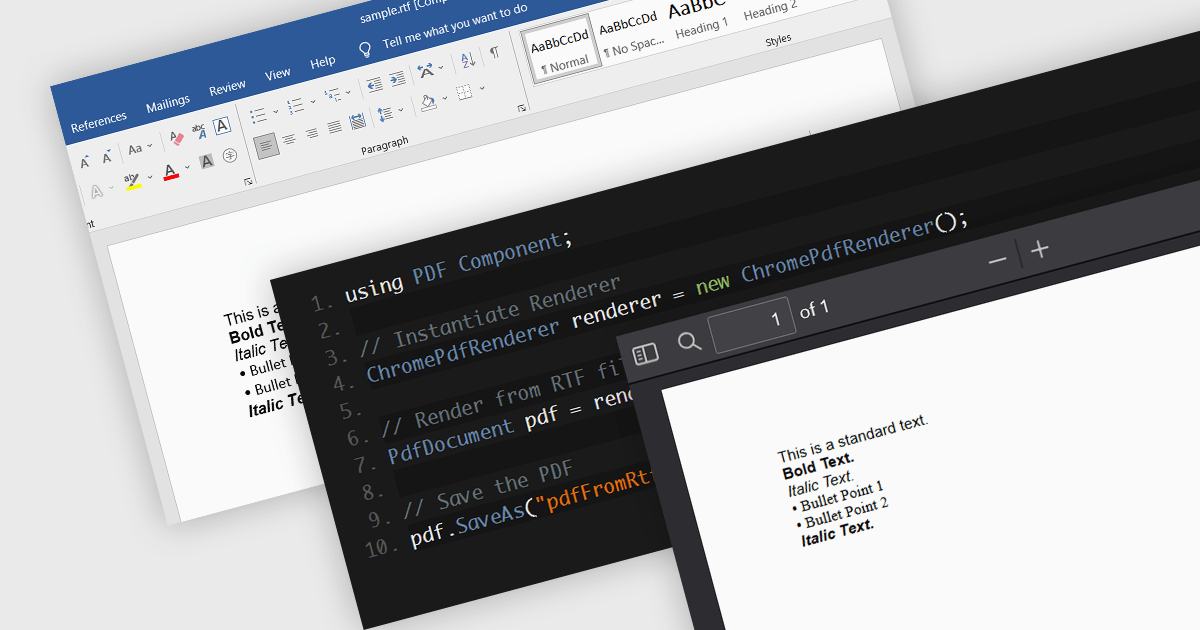
PDF components with RTF to PDF conversion support empower users to transform rich text documents into universally compatible PDFs. This functionality offers significant advantages, including ensuring consistent formatting across different devices and platforms, enhancing document security with features like password protection, and simplifying file sharing with recipients who may not have access to the original RTF editing software. This functionality is valuable for a variety of scenarios, from generating secure and presentable reports to easily sharing formatted text content with collaborators.
Several .NET 8 PDF components allow you to convert RTF to PDF, including:
For an in-depth analysis of features and price, visit our comparison of .NET 8 PDF components.

ComponentSource, the world's largest marketplace for software components and development tools, and AprelTech, a software development company specializing in comprehensive system administration tools that can handle even difficult-to-automate tasks, are pleased to celebrate their three year partnership.
AprelTech provides IT professionals with powerful tools to simplify Windows server management. Its products empower IT teams to manage virtual environments and deploy applications efficiently. AprelTech's primary products are:
ComponentSource's global reach and licensing expertise has enabled AprelTech to attract a wider audience for its powerful development tools. This partnership also strengthens ComponentSource's product portfolio with the inclusion of AprelTech's innovative solutions.
Learn more about AprelTech.
聯繫電話: (888) 850 9911
傳真: +1 770 250 6199


