













官方供應商
我們作為官方授權經銷商,直接提供超過200家開發廠家所發行超過1000個的產品授權給您。
請參閱我們所有的品牌。
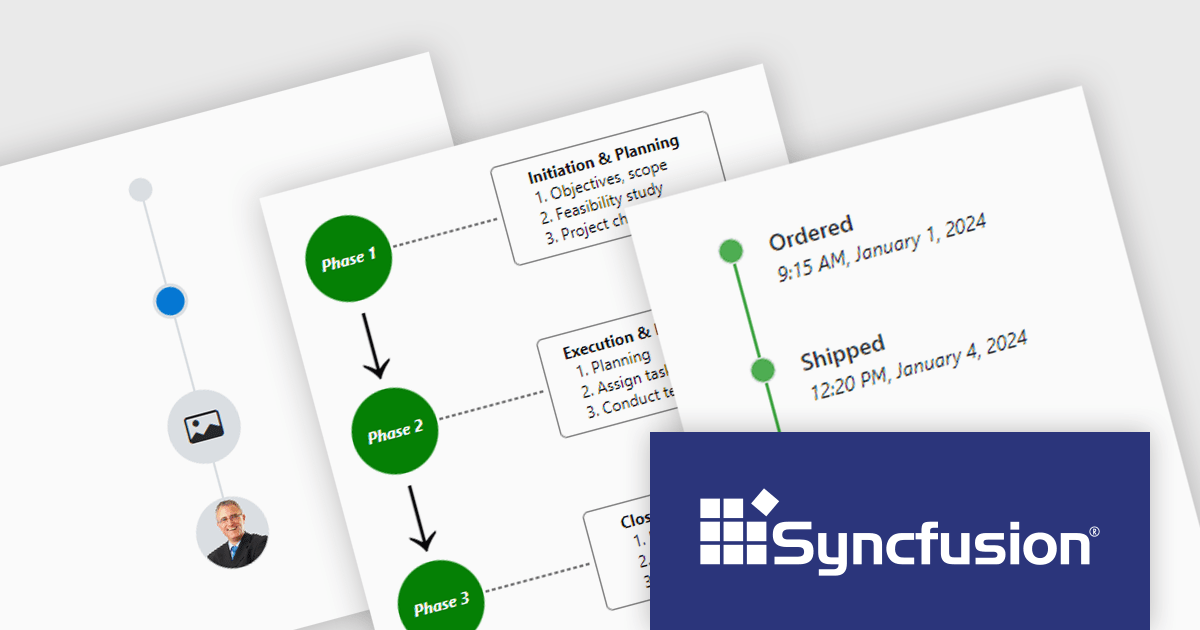
Syncfusion Essential Studio ASP.NET Core, available as part of Syncfusion Essential Studio Enterprise, empowers developers with a comprehensive suite of over 80 enterprise-grade UI components specifically designed for building modern and highly functional web applications. Leveraging the latest advancements in ASP.NET Core, it offers exceptional performance and scalability, streamlining development by eliminating the need for extensive custom coding. From data visualization tools like interactive charts and grids to sophisticated navigation elements and responsive layouts, Essential Studio equips developers with the building blocks to create rich user experiences, improve application efficiency, and accelerate time-to-market.
The Syncfusion Essential Studio ASP.NET Core 2024 Volume 2 (26.1.35) release introduces the production-ready Timeline component which displays a series of data in chronological order, providing a visually compelling and user-friendly experience. It can be used to showcase user activities, tracking progress, narrating historical timelines, and more. Built-in features include orientation, opposite content, item alignment, reverse timeline, and template customization.
To see a full list of what's new in 2024 Volume 2 (26.1.35), see our release notes.
Syncfusion Essential Studio ASP.NET Core is available as part of Syncfusion Essential Studio Enterprise which is licensed per developer starting with a Team License of up to five developers. It is available as a 12 Month Timed Subscription License which includes support and maintenance. See our Syncfusion Essential Studio Enterprise licensing page for full details.
Learn more on our Syncfusion Essential Studio ASP.NET Core product page.
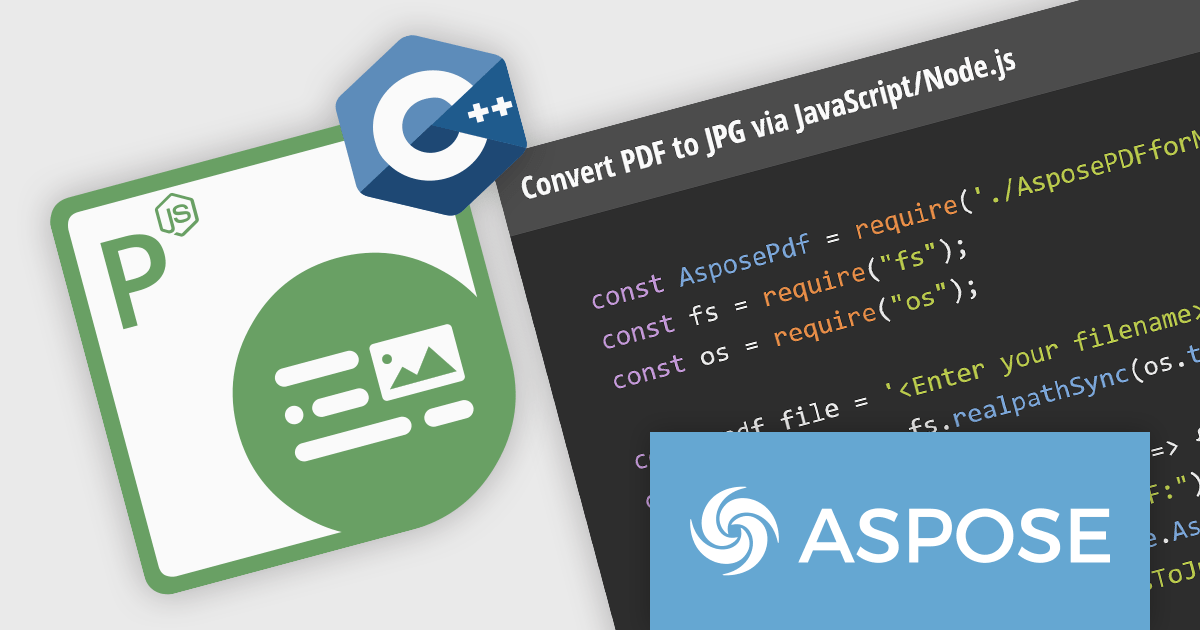
Aspose.PDF for Node.js via C++ empowers developers to leverage the functionality of Aspose.PDF for C++ within their Node.js applications. This bridge library, built on WebAssembly technology, grants Node.js environments the ability to manipulate PDF documents directly on the web server. It provides a comprehensive suite of features for working with PDFs, including creation, editing, merging, splitting, and conversion to various formats.
This solution unlocks a multitude of benefits for Node.js developers. Aspose.PDF for Node.js via C++ streamlines the process of generating complex PDF documents on the server-side, eliminating the need for browser-based rendering. It also facilitates seamless PDF manipulation within Node.js applications, enabling developers to integrate functionalities like form filling, watermarking, and security management directly into their workflows. This translates to enhanced flexibility, performance, and control over PDF processing within Node.js.
Aspose.PDF for Node.js via C++ is offered as Developer Small Business, Developer OEM, Developer SDK, Site Small Business, Site OEM, and Site SDK licenses catering to a range of business needs. Licenses are perpetual, and include 1 year of support and maintenance. Subscription renewals are also available. See our Aspose.PDF for Node.js via C++ licensing page for full details.
Aspose.PDF for Node.js via C++ is available in the following products:
For the past 15 years, ComponentSource and Stylus Studio (IVI Technologies) have forged a powerful partnership, bringing top-tier XML tools to developers around the globe. Stylus Studio, a leading provider of XML editors, has revolutionized how developers work with XML, XSLT, XQuery, and other related technologies. Its primary product, Stylus Studio XML Enterprise Suite, offers a comprehensive suite of tools that simplifies complex data transformations and integrations, enabling developers to streamline their workflows and boost productivity. The platform’s robust features and intuitive interface have made it an indispensable asset for XML developers, facilitating faster and more accurate coding.
ComponentSource, a global distributor of software components and developer tools, has played a crucial role in making Stylus Studio accessible to a wider audience. By leveraging its extensive distribution network and customer support, ComponentSource has ensured that developers around the world can easily obtain and utilize Stylus Studio’s powerful XML IDEs. This collaboration has enabled both companies to enhance their offerings and support the developer community more effectively.
Learn more about Stylus Studio.
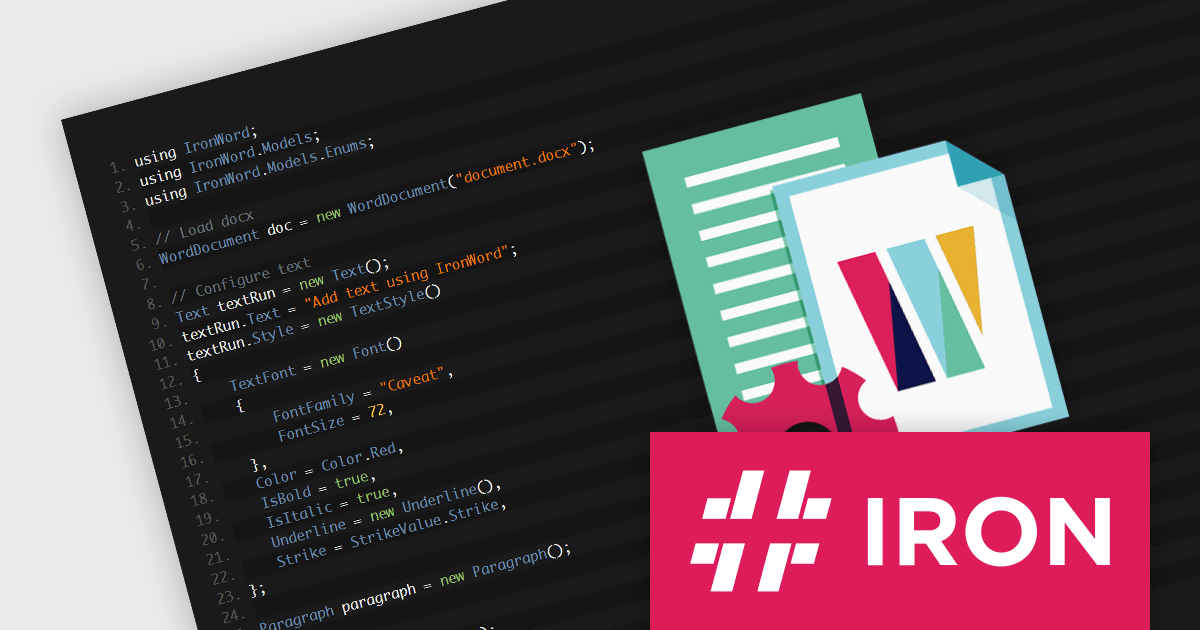
IronWord for .NET by Iron Software is a C# library designed to enable developers to programmatically manage and manipulate Microsoft Word documents within .NET applications. This tool provides Word document processing functionality, such as creating, editing, and converting Word documents (DOC and DOCX) without the need for Microsoft Office dependencies or Interop. It offers a user-friendly API for working with document elements like text, paragraphs, tables, and images, and supports a range of document operations, including text formatting, image embedding, and complex document constructions.
The IronWord for .NET 2024.6.1 update offers a wider range of text styling options, including the ability to apply and modify 3D effects, gradients, reflections, glows, outlines, shadows, and underlines. The addition of these advanced styling options helps developers deliver richer, more engaging content experiences in document-centric applications, improving both the aesthetics and the functional appeal of generated documents.
To see a full list of what's new in 2024.6.1, see our release notes.
IronWord for .NET is licensed based on the number of developers, organization locations and projects, and is available as a Perpetual license with one free year of product updates and support services. See our IronWord for .NET licensing page for full details.
IronWord for .NET is available in the following products:
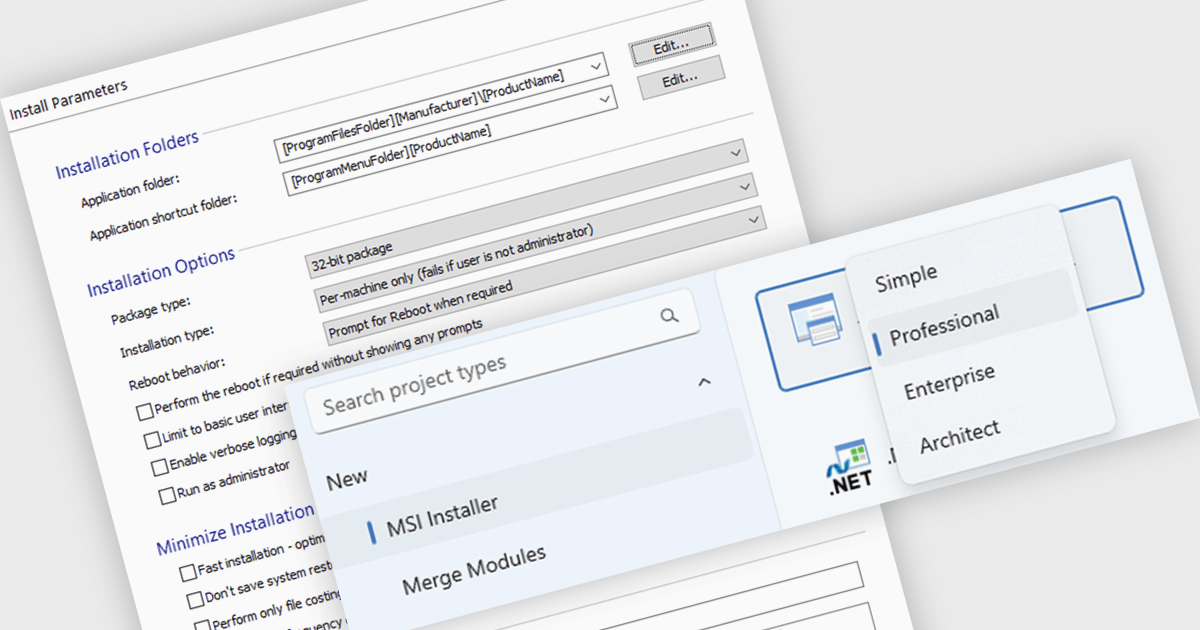
MSI authoring within an installation tool allows software developers to create Microsoft Installer (.msi) files using a visual interface or code. They offer significant advantages for deploying software, particularly in corporate environments. MSI creates a standardized and reliable installation process, enabling features like remote deployment, rollback on failures, and easy uninstalls. This translates to reduced IT support costs, improved software consistency across machines, and simplified management of applications within your organization.
Several installation tools offer MSI authoring including:
For an in-depth analysis of features and price, visit our comparison of Installation Tools.
聯繫電話: (888) 850 9911
傳真: +1 770 250 6199


