













官方供應商
我們作為官方授權經銷商,直接提供超過200家開發廠家所發行超過1000個的產品授權給您。
請參閱我們所有的品牌。

Devart's ODBC Driver for Firebird acts as a bridge, allowing ODBC-compliant reporting, analytics, and data integration (ETL) tools to connect seamlessly with Firebird databases. This high-performance driver offers secure access to live Firebird data on Windows, macOS, and Linux environments. It ensures smooth interaction by fully supporting standard ODBC functions and data types, along with features like bulk updates and advanced data conversion for efficient data manipulation.
Version 3.6.0 adds support for Firebird 5, ensuring seamless connectivity between your ODBC-compliant applications and the latest Firebird database version. This allows you to leverage potential performance improvements and security features offered by Firebird 5 without needing to update your applications or drivers separately.
To see a full list of what's new in 3.6.0, see our release notes.
Devart ODBC Driver for Firebird is licensed per developer and is available as an Annual or Perpetual License with a 12 month support and maintenance subscription. See our Devart ODBC Driver for Firebird licensing page for full details.
Devart ODBC Driver for Firebird is available in the following products:
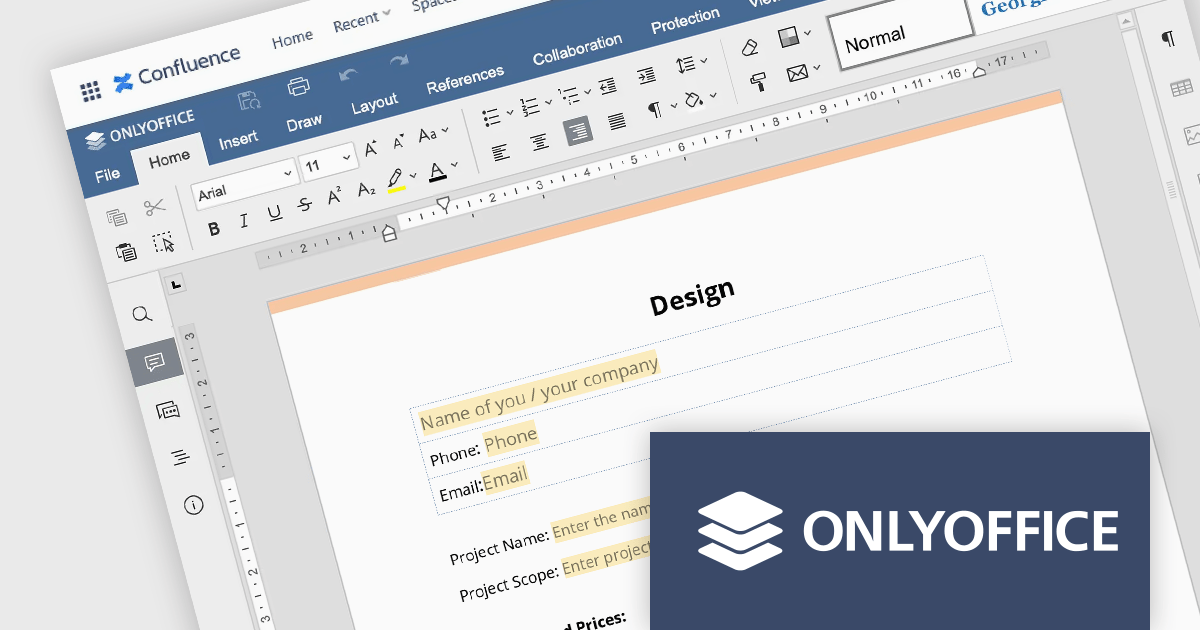
ONLYOFFICE Docs Enterprise Edition with Confluence Connector combines an online document editor with a seamless integration for Confluence, a centralized platform for project management and collaboration. This allows teams to create, view, edit, and collaborate on spreadsheets, presentations, and text files online, directly within Confluence, boosting efficiency and eliminating the need for file switching.
The ONLYOFFICE Confluence Connector v5.0.0 release (available as part of ONLYOFFICE Docs Enterprise Edition with Confluence Connector v8.0.1) adds functionality allowing you to create complex PDF forms with interactive fields and fill them out online, directly within your Confluence platform. This ability empowers teams to design and distribute easily fillable PDF forms seamlessly within Confluence, collecting valuable data from their users and fostering a more collaborative and productive work environment.
To see a full list of what's new in ONLYOFFICE Docs Enterprise Edition v8.0.1 with Confluence Connector 5.0.0, see our release notes.
ONLYOFFICE Docs Enterprise Edition with Confluence Connector is licensed per server and is available as an annual license with 1 year of support and updates, or as a perpetual license with 3 years of support and updates. See our ONLYOFFICE Confluence connector licensing page for full details.
For more information, see our ONLYOFFICE Confluence Connector product page.
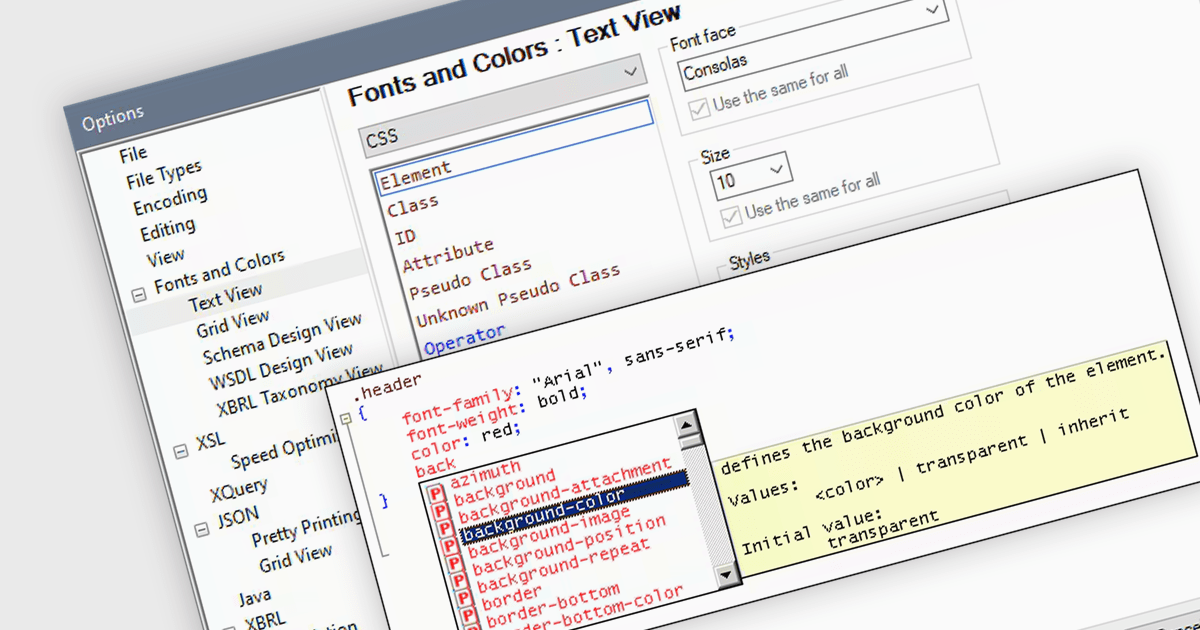
CSS editing in a Structured Document Tool allows users to edit Cascading Style Sheets directly within an integrated environment designed for structured documents such as XML or HTML. CSS is a cornerstone technology used in web development to define the presentation and layout of HTML documents. CSS works by associating styling rules with HTML elements, selectors, classes, or IDs, allowing for granular control over how each element is displayed. It separates the content of a webpage from its visual presentation, enabling developers to control aspects such as fonts, colors, spacing, and positioning. Allowing developers to seamlessly manipulate CSS properties alongside document content facilitates quicker iterations, easier debugging, and ensures consistency in design across various documents or components, ultimately leading to more robust and maintainable codebases.
Several Structured Document Tools offer CSS editing including:
For an in-depth analysis of features and price, visit our comparison of Structured Document Tools.
Infragistics Professional includes 100+ beautifully styled, high-performance grids, charts, & other UI controls, plus time-saving productivity tools for developers. In addition to controls for Angular, React, jQuery, Web Components, Blazor, ASP.NET MVC, ASP.NET Core, Windows Forms, and Xamarin, it also includes the powerful Infragistics Ultimate UI for WPF which encompasses a wide range of fast, touch-friendly WPF controls designed to help you bring modern, engaging apps for desktop and touch-screen devices.
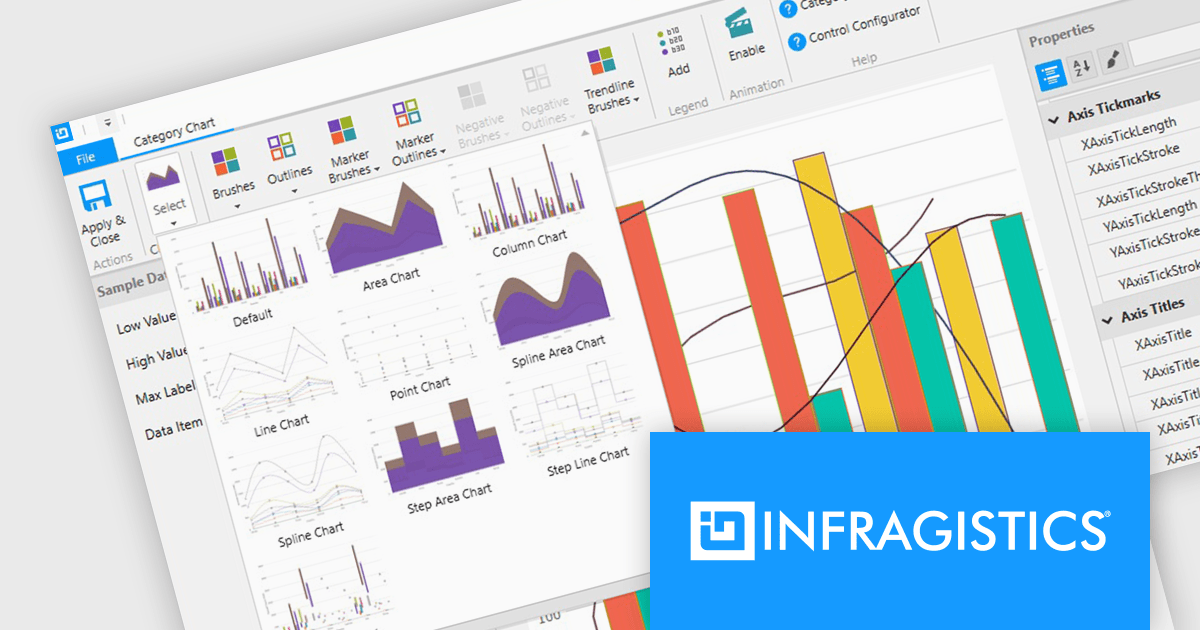
Infragistics Professional empowers you to create informative and visually appealing data visualizations within your WPF applications. Its chart component library offers a vast selection of chart types, from bar and line charts to pie and scatter charts, ensuring you can effectively communicate your data insights. This functionality goes beyond aesthetics, featuring intelligent data binding, customizable styles, and interactive elements like callouts and crosshair lines for a truly comprehensive charting experience.
Infragistics Professional is licensed per developer and is available as a Perpetual License with a 1, 2 or 3 year support and maintenance subscription. See our Infragistics Professional licensing page for full details.
The Infragistics WPF Chart Components are available in the following products:
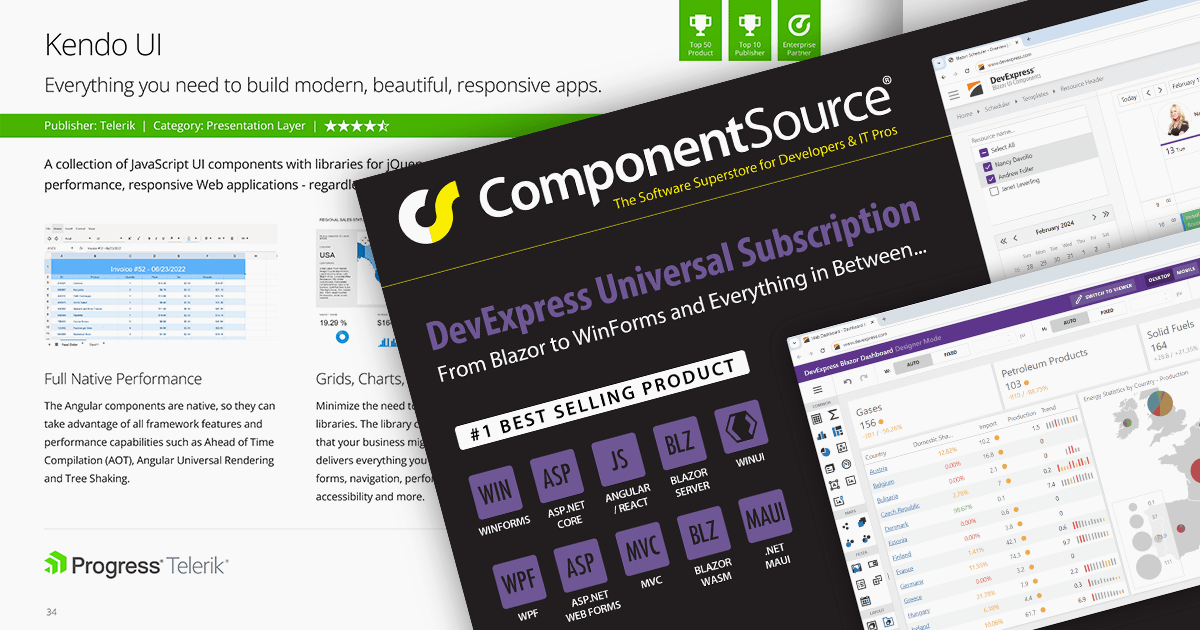
We are pleased to announce the publication of issue #115 of the ComponentSource Showcase Catalog. The latest edition includes a selection of components and tools designed to meet the needs of software developers and IT professionals.
Over the last 28 years, ComponentSource has built a comprehensive marketplace to help its users discover, compare and buy Enterprise-grade software components and tools. The ComponentSource Catalog showcases a range of products in an easy-to-digest print publication.
Issue #115 features an assortment of components and tools from market leading publishers including:
Products include file format APIs, reporting solutions, user interface controls for .NET and JavaScript, communications components, and much more.
Available in English, German, Korean and Japanese editions, the 52-page full color publication lets you easily browse selected products and read about highlighted features. If you want more information, the QR codes on each page (and links in the PDF version) take you directly to that product's page on the ComponentSource website.
You can browse the latest issue online or visit the ComponentSource Showcase Catalog page to download a PDF.
To receive your FREE physical copy of future issues (available in Europe, US, Canada, Japan and South Korea), simply follow these steps:
We'll deliver a new issue direct to your door four times per year.
聯繫電話: (888) 850 9911
傳真: +1 770 250 6199


