













官方供應商
我們作為官方授權經銷商,直接提供超過200家開發廠家所發行超過1000個的產品授權給您。
請參閱我們所有的品牌。
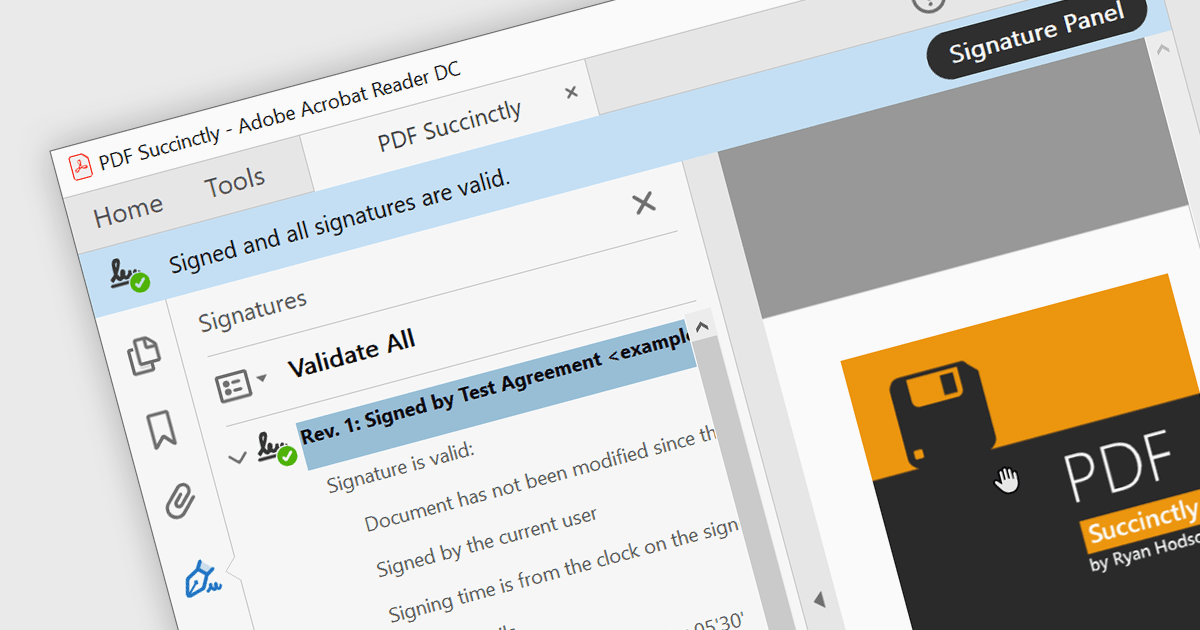
PDF components with PDF signing functionality allow users to securely sign documents directly within your application. This leverages cryptographic libraries to create a digital signature that validates the document's authenticity and integrity. Users can often specify the signing location, reason, and appearance, ensuring a streamlined and auditable signing process. This elevates security beyond a simple e-signature, offering proof against tampering, and is a crucial feature for legal and official documents where verification of authenticity is required.
The following components support PDF signing in .NET 8 WinForms:
For an in-depth analysis of features and price, visit our .NET PDF Components comparison.
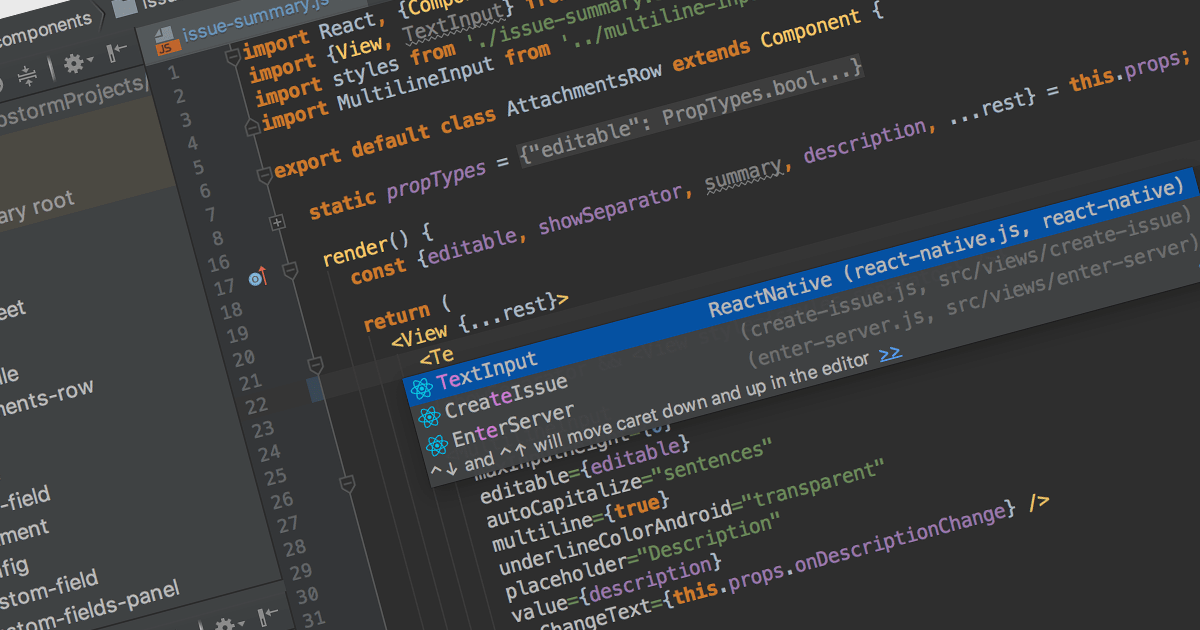
Integrated Development Environments (IDEs) with JavaScript support offer a powerful development environment by streamlining workflows and boosting productivity. These tools commonly provide features like syntax highlighting, code completion, real-time error checking, debugging utilities, and even integration with version control systems like Git. Additionally, built-in project management and library support further enhance organization and efficiency, making them invaluable assets for both novice and experienced JavaScript developers.
Several IDEs provide JavaScript support including:
For an in-depth analysis of features and price, visit our IDEs comparison.

LightningChart JS Trader is a comprehensive charting solution specifically designed for building high-performance financial and trading applications in JavaScript. It equips developers with a rich set of financial charts, over 100 technical indicators for in-depth analysis, and 30+ drawing tools for visual annotations. Additionally, a fully featured datagrid with sparkline support allows for organized data management and display. This combination empowers developers to create interactive and visually engaging trading dashboards, charting tools, and other financial applications with high performance and extensive customization options.
LightningChart JS Trader features include:
LightningChart JS Trader is licensed per developer, per application, per year. The annual license includes technical support and product updates for one year. To continue using the software you will need to renew your license each year. There are three editions to choose from; Basic, Plus and Ultimate which offer different levels of functionality and distribution rights. See our LightningChart JS Trader Licensing page for full details.
For more information, visit our LightningChart JS Trader product page.
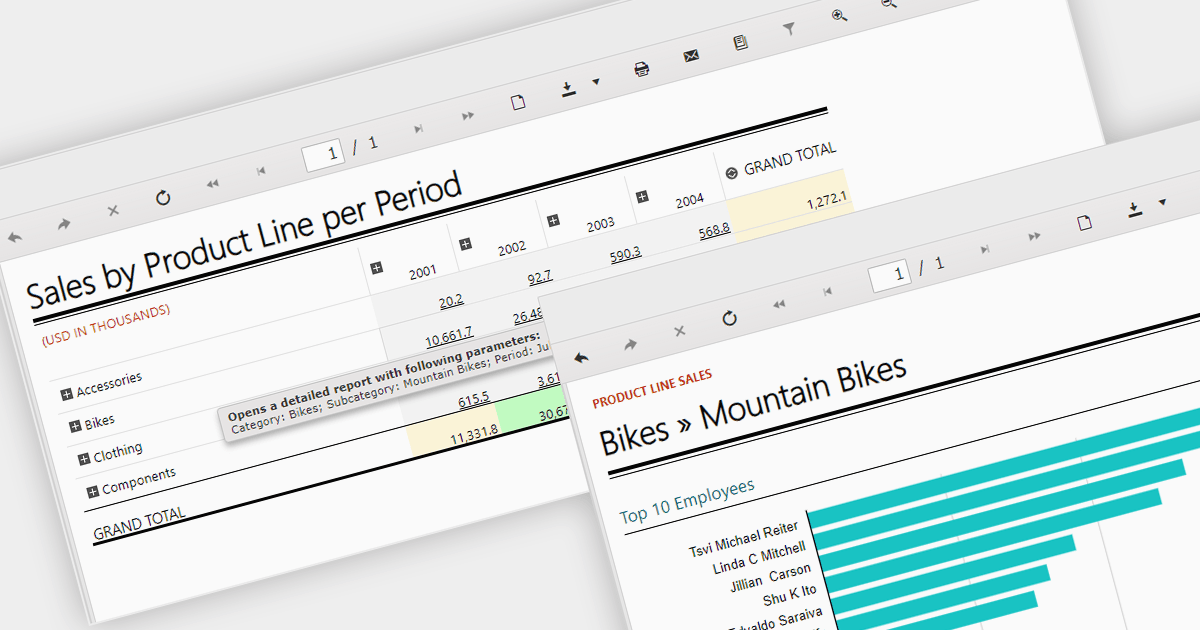
Report drill down functionality allows users to explore deeper into summary data and discover detailed information. For a report showing sales by product category, visitors could click on a category to view a breakdown of individual products, and then drill down even further, by brand or model. This interactive capability promotes a greater understanding and discovery of trends within the report. The intuitive data navigation allows users to peel back layers of data to uncover trends, anomalies, and patterns that may not be obvious in summarized representations. Drilling down into data helps consumers make better decisions by giving them the precise insights they need to back up their conclusions.
Several .NET 8 WinForms Reporting components support drill down functionality, including:
For an in-depth analysis of features and price, visit our .NET 8 WinForms Reporting Controls comparison.
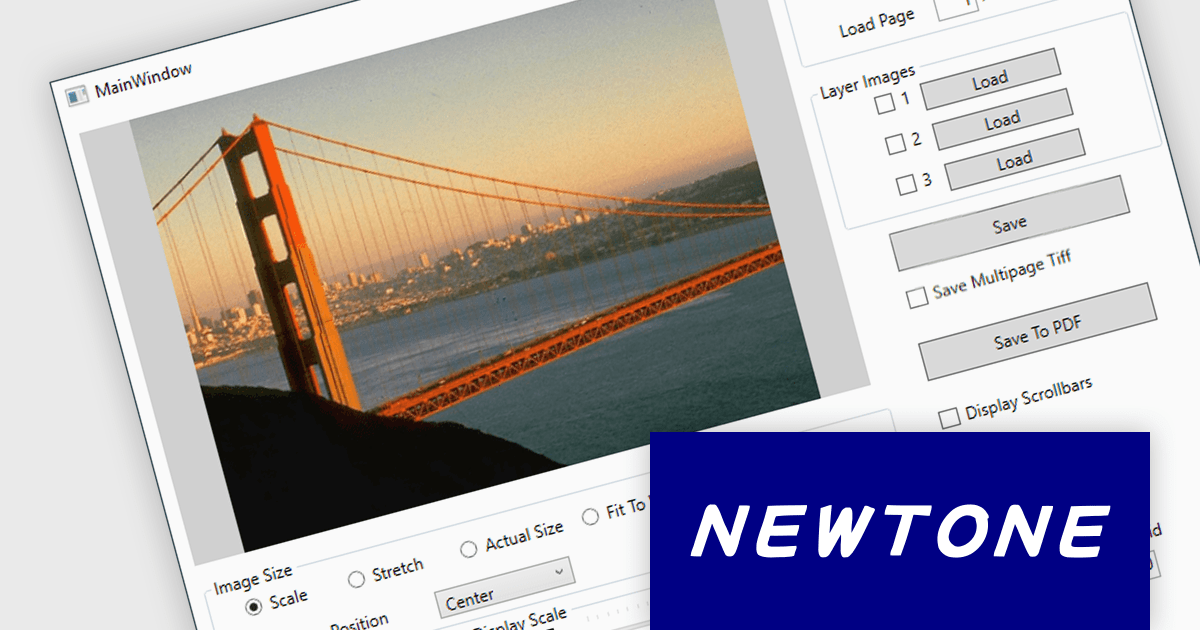
ImageKit WPF X by Newtone is a software component designed to add comprehensive image acquisition and processing capabilities to WPF applications built with .NET 5 and later. It empowers developers to easily integrate Twain scanning, webcam functionality (play, preview, snapshot, and record), and image processing features directly into their user interfaces, streamlining image-centric workflows within their applications.
ImageKit WPF X version 1.1.3.062 adds support for .NET 8.0. This allows users to benefit from the performance boosts, enhanced memory management, and modern development experience of the latest .NET release.
To see a full list of what's new in V1.1.3.062, see our release notes.
ImageKit WPF X offers flexible per-machine licensing, starting with a 1 PC developer license and scaling up to 3, 5, 10, 20, or 50 PC team licenses. A license is required for each individual computer used to develop software with this product. The PC developer license includes a runtime distribution license to distribute executable applications royalty free. Server Runtime Licenses are required if distributing the runtime on a server. See our ImageKit WPF licensing page for full details.
For more information, visit our ImageKit WPF product page.
聯繫電話: (888) 850 9911
傳真: +1 770 250 6199


