













官方供應商
我們作為官方授權經銷商,直接提供超過200家開發廠家所發行超過1000個的產品授權給您。
請參閱我們所有的品牌。
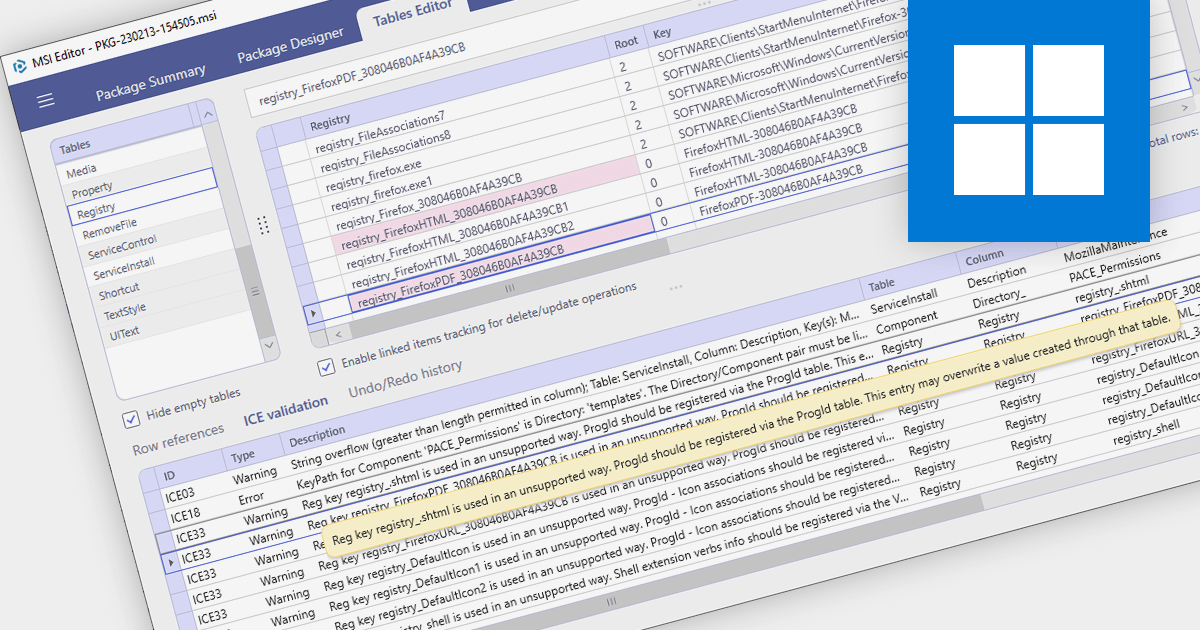
MSI Package Validation with Internal Consistency Evaluators (ICEs) is a critical process for ensuring the quality and reliability of Windows Installer packages. It involves running checks based on predefined rules to identify potential issues within the package structure and data. These checks, conducted by ICEs, are essential for maintaining package integrity, preventing installation failures, and ultimately fostering a smooth user experience. By employing ICE validation, developers can proactively identify and rectify potential problems before releasing their software. This helps avoid bugs, installation errors, and compatibility issues that could impact end users. Moreover, validated packages are more likely to comply with Microsoft Windows Installer certification requirements, enhancing their credibility and marketability.
Several installation tools provide MSI Package Validation including:
For an in-depth analysis of features and price, visit our Installation Tools comparison.

MSIX installers offer a modern way to install and manage software on Windows. They bundle an app with its data, ensuring a reliable and clean installation. MSIX combines the best features of traditional installers like MSI with the sleekness of modern Windows app formats like AppX. This means apps install faster, take up less space, and can be easily updated or uninstalled without any messy leftovers. Converting MSI to MSIX is a feature that allows legacy MSI packages to be converted into the latest MSIX format, leveraging the enhanced security, reliability, and deployment features of MSIX.
Several installation tools support the conversion of MSI to MSIX including:
For an in-depth analysis of features and price, visit our Installation Tools comparison.
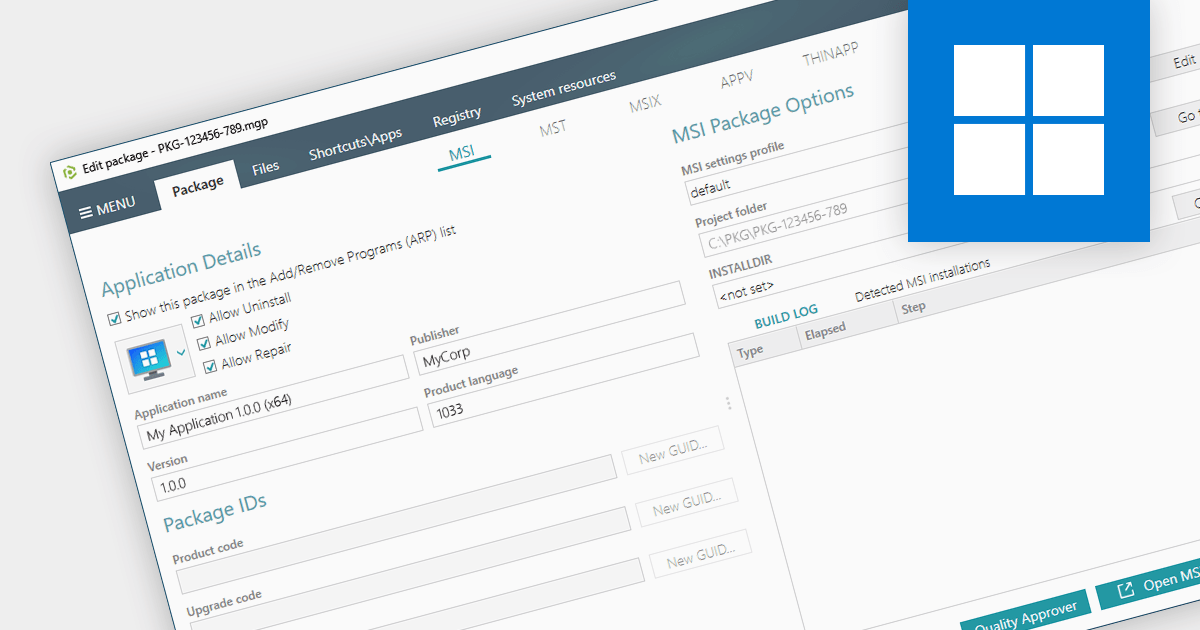
Converting an EXE to an MSI provides a wealth of benefits for system administrators. Forget manual installations across countless devices - MSIs integrate seamlessly with management tools, automating deployment and silent installs. MSIs also track every change, allowing you to easily roll back or uninstall with a single click. Security gets a boost too, with granular permissions and dependency checks ensuring only authorized components are allowed onto your systems. Centralized management means you can store and manage all your MSIs in one place, making software updates and license distribution easier than ever.
Several installation tools provide EXE to MSI conversion including:
For an in-depth analysis of features and price, visit our Windows Installation Tools comparison.

PowerShell automation revolutionizes application deployment by transforming manual tasks into orchestrated processes, streamlining the entire lifecycle from importing to testing and distribution. PowerShell scripts seamlessly handle the importation of applications from diverse sources, including network shares, FTP servers, and cloud repositories. They empower the execution of unit tests, integration tests, and system-level tests, ensuring comprehensive application validation.
Here are some of the leading Installation Tools that support automation via Powershell:
For an in-depth analysis of features and price, visit our Installation Tools comparison.

Multilingual support in installation tools refers to the ability to create a single installer that can present installation instructions in multiple languages. This feature is essential for distributing software globally, ensuring that end-users can install software in their preferred language, and fully understand the installation process.
Several Installation Tools for Microsoft Windows offer multilingual support including:
For an in-depth analysis of features and price, visit our Installation Tools comparison.
聯繫電話: (888) 850 9911
傳真: +1 770 250 6199


