













官方供應商
我們作為官方授權經銷商,直接提供超過200家開發廠家所發行超過1000個的產品授權給您。
請參閱我們所有的品牌。
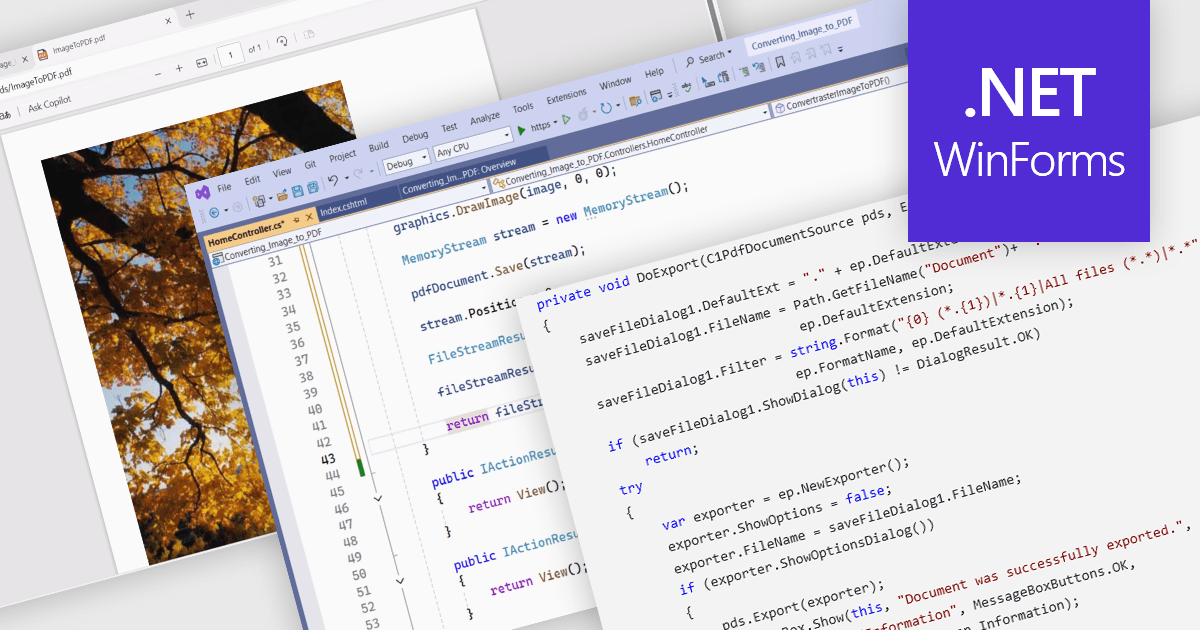
PDF conversion capabilities are a core feature of many PDF components, enabling interoperability between different document formats. These tools are essential where content needs to be shared, archived, or presented in a consistent and platform-independent way. Whether integrating into enterprise applications or powering document automation solutions, PDF conversion features allow developers to manipulate and repurpose content while preserving layout fidelity and document integrity across varied formats.
Common features include:
For an in-depth analysis of features and price, visit our WinForms PDF components comparison.
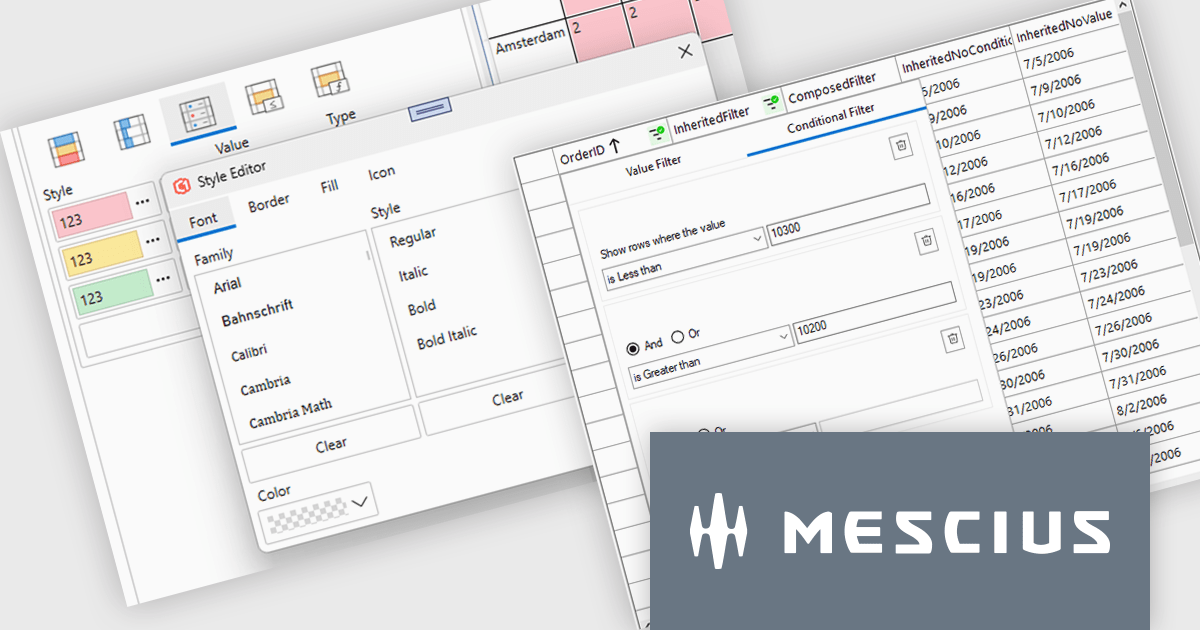
ComponentOne Studio Enterprise (formerly ComponentOne Studio) is a comprehensive, flexible collection of performant, extensible .NET UI controls for mobile, web, and desktop. With ComponentOne Enterprise, you get every .NET platform, Data Service components and JavaScript controls with Wijmo Enterprise.
In this blog post, MESCIUS' Greg Lutz shows you the new and improved features that are coming soon with ComponentOne Studio Enterprise 2025 v1. This release is scheduled for early June and will include major enhancements for WinForms, WPF, Blazor, ASP.NET Core, and WinUI controls. The blog post also includes a roadmap of what's planned for 2025 v2 as well as the 2026 releases.
Read the complete blog to learn all about what's included in this upcoming release. Purchasing a license now - or renewing your current subscription - will ensure that you get these updates as soon as they are released.
ComponentOne Studio products are licensed per developer on a perpetual basis and include a 12 month subscription. Priority Support is also available. See our ComponentOne Studio Enterprise licensing page for full details.
Learn more on our ComponentOne Studio Enterprise product page.
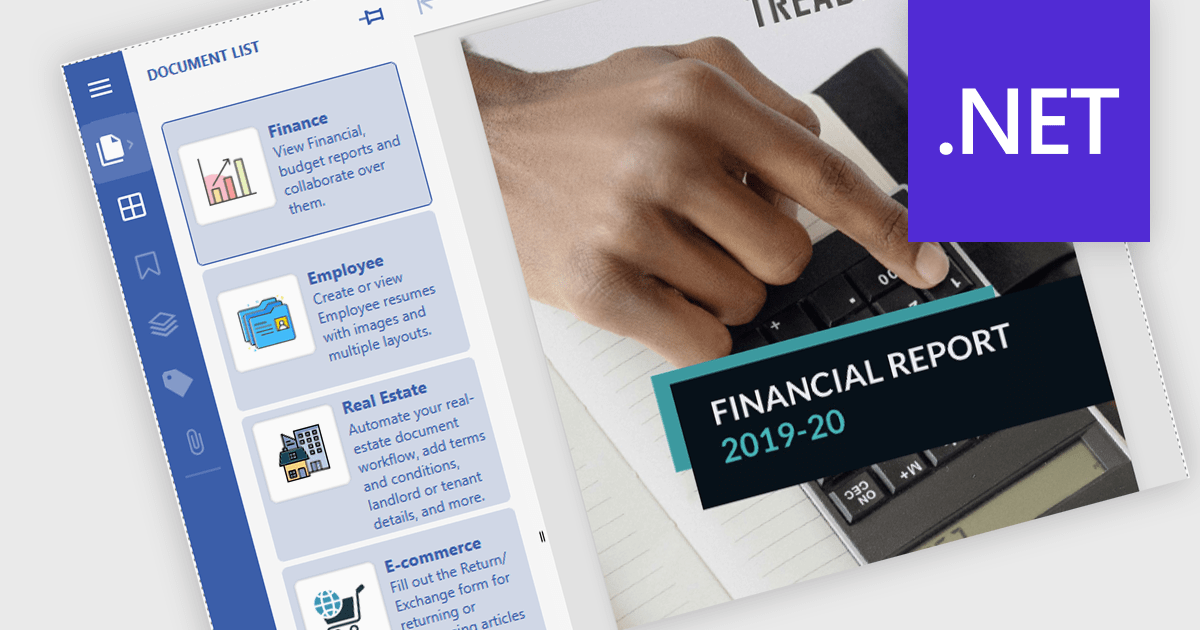
Launch Actions in a .NET PDF Viewer component allow external applications or files to be executed directly from within a PDF document when users interact with elements like links or annotations. This capability increases the interactivity of PDF solutions by enabling users to open related documents, access relevant tools, or initiate custom processes seamlessly, without leaving the viewer. By incorporating Launch Actions, .NET PDF Viewer components enhance the user experience, minimize context switching, and support document-driven automation across enterprise and application environments.
Several .NET PDF Viewer Components offer launch actions including:
For an in-depth analysis of features and price, visit our comparison of .NET PDF Viewer Components.
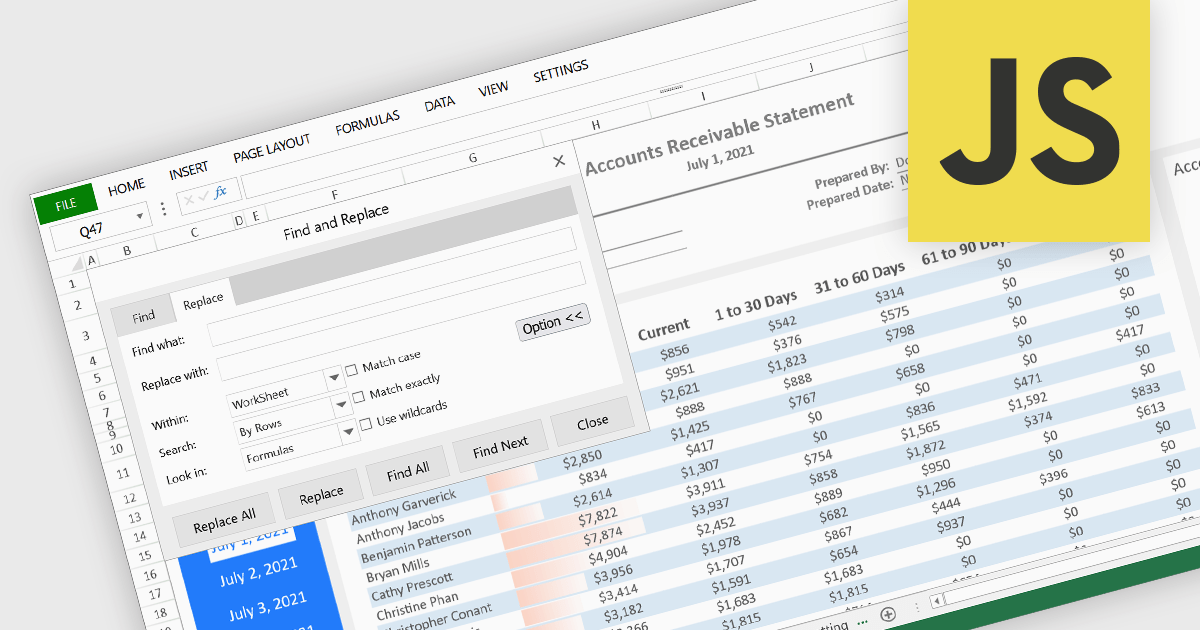
Find and replace functionality in a spreadsheet application enables users to quickly search for specific text, numbers, or characters within a worksheet and substitute them with alternative content. Often including advanced options such as case sensitivity, regular expressions, and the ability to target specific sheets or cell ranges, this feature lets users make consistent updates across large datasets without manually editing each cell. By automating these repetitive tasks, it reduces the risk of human error and significantly enhances productivity and accuracy in data processing. It is particularly useful for correcting errors, updating outdated information, or standardizing entries, such as changing all instances of an old product name to a new one.
Several JavaScript spreadsheet controls offer find and replace functionality, including:
For an in-depth analysis of features and price, visit our comparison of JavaScript spreadsheet controls.
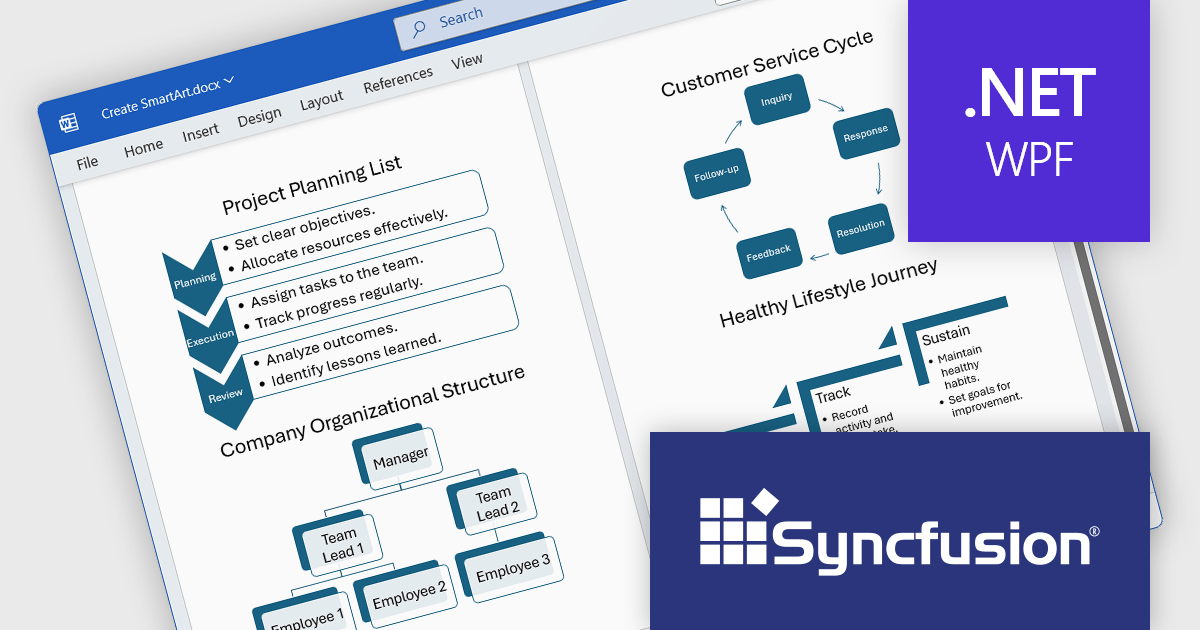
Syncfusion Essential Studio WPF (available as part of Syncfusion Essential Studio Enterprise) is a powerful suite of over 95 UI controls, 50+ charts, and document processing libraries designed to boost the development of high-performance line-of-business applications for the Windows Presentation Foundation (WPF) framework. With built-in themes, touch-friendly interfaces, and seamless Visual Studio integration, it empowers developers to craft modern, feature-rich, and cross-platform experiences with ease.
The Syncfusion Essential Studio WPF 2025 Volume 1 release improves the Word Library by adding programmatic support for creating, modifying, and removing SmartArt graphics in Word documents. This feature allows developers to dynamically generate several types of SmartArt diagrams, including hierarchical structures and process flows, directly through code. By automating the manipulation of SmartArt graphics, organizations can improve the creation of complex documents, maintain consistency in visual presentations, and reduce the reliance on manual editing, thereby improving efficiency and accuracy in document management processes.
To see a full list of what's new in 2025 Volume 1, see our release notes.
Syncfusion Essential Studio WPF is available as part of Syncfusion Essential Studio Enterprise which is licensed per developer starting with a Team License of up to five developers. It is available as a 12 Month Timed Subscription License which includes support and maintenance. See our Syncfusion Essential Studio Enterprise licensing page for full details.
Learn more on our Syncfusion Essential Studio WPF product page.
聯繫電話: (888) 850 9911
傳真: +1 770 250 6199


