













官方供應商
我們作為官方授權經銷商,直接提供超過200家開發廠家所發行超過1000個的產品授權給您。
請參閱我們所有的品牌。

ComponentSource and Intelligent Converters have built a strong 10 year partnership centered on helping developers and organizations simplify complex database challenges. Intelligent Converters specializes in database migration, conversion, and synchronization, delivering a wide range of tools that support systems such as Microsoft Access, MySQL, Oracle, PostgreSQL, IBM DB2, and Microsoft SQL Server. Their products are designed to balance high performance with ease of use, enabling users to manage and transfer data efficiently without requiring deep technical expertize.
One of their core products is the Oracle Migration Toolkit, a high performance solution for converting data to and from Oracle without relying on ODBC or middleware, with command line support for automation and scheduling.
This long standing collaboration enables ComponentSource to strengthen and differentiate its product offering by including specialized, high demand data conversion tools within its catalog. By partnering with Intelligent Converters, ComponentSource helps deliver these solutions to a global developer audience, ensuring reliable access, localized support, and a seamless purchasing experience worldwide.
Learn more about Intelligent Converters.

Creating PDFs programmatically involves generating Portable Document Format files from application data, user input, or existing content such as text, images, or HTML. Developers implementing this capability allow the production of consistent, platform-independent documents that preserve layout and formatting across devices. It is widely used for reporting, document archiving, invoicing, and content distribution, offering benefits such as precise control over document structure, automation of document workflows, and the ability to integrate document generation directly into applications.
Several WPF PDF components allow you to create PDFs, including:
For an in-depth analysis of features and price, visit our comparison of WPF PDF components.
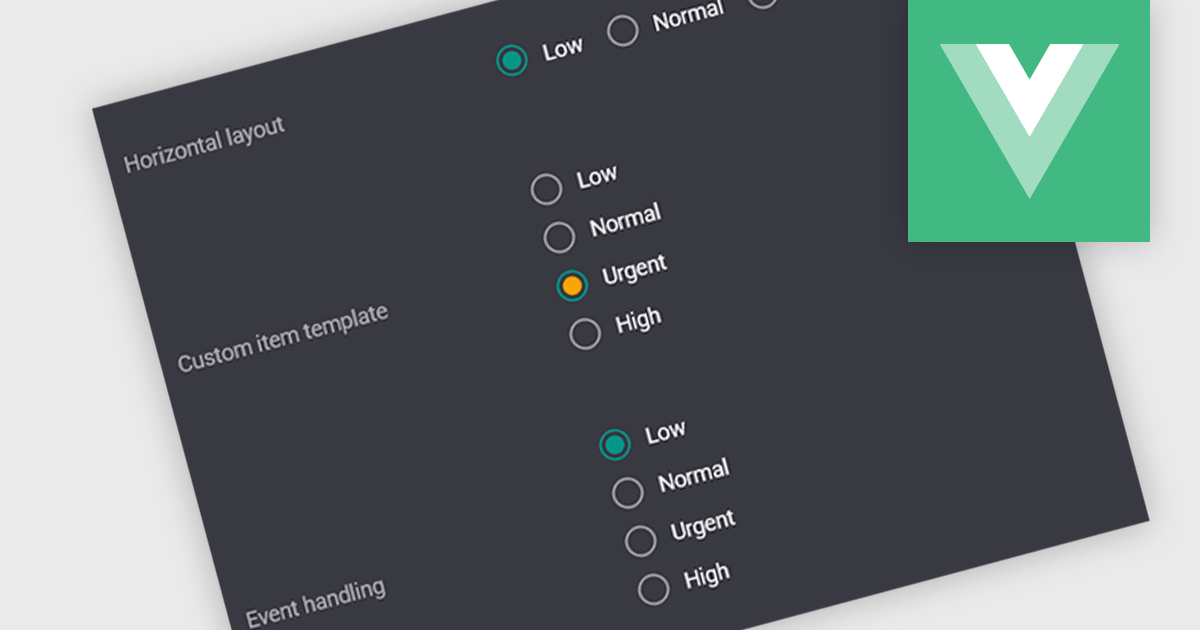
A radio group is a user interface element that presents a set of predefined options where only one value can be selected at a time for a particular field. It allows users to choose a single state, category, or configuration directly within the editing interface, with the selected option mapped to the underlying data value. This approach improves data consistency by preventing invalid combinations, simplifies validation logic by constraining input to known values, and accelerates data entry by replacing manual text input with clear, clickable choices that reduce ambiguity and input errors.
Several Vue.js data editor collections include radio group functionality, including:
For an in-depth analysis of features and price, visit our comparison of Vue.js data editor collections.
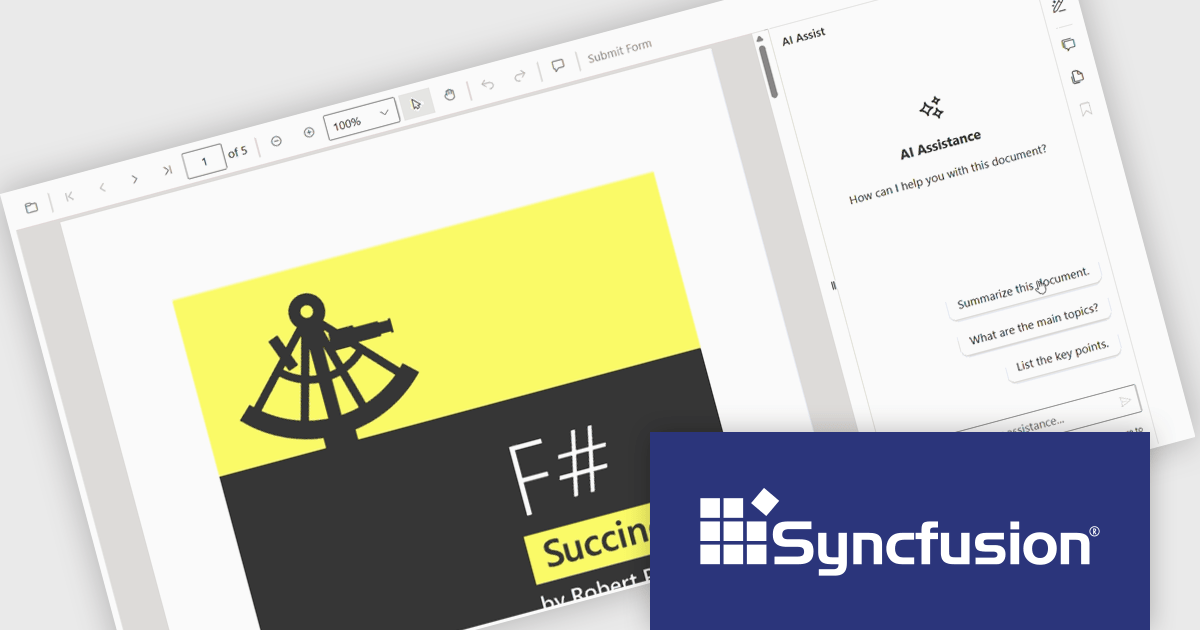
The Syncfusion Essential Studio PDF Viewer SDK is a high performance solution that enables developers to integrate advanced PDF viewing capabilities into web, desktop, and mobile applications. It supports features such as document navigation, annotations, form filling, digital signatures, and collaborative review, allowing users to interact with PDF content efficiently. Designed for reliability and smooth rendering of complex documents, it provides a consistent experience across platforms.
The Syncfusion Essential Studio PDF Viewer SDK 2026 Volume 1 update introduces a document summarizer that enhances how developers deliver efficient document interaction by integrating AI-generated summaries and contextual question-answering directly within PDF viewing applications. This feature enables end users to quickly extract key information and insights from large or complex documents, reducing time spent navigating content and improving overall productivity.
To see a full list of what's new in Syncfusion Essential Studio PDF Viewer SDK 2026 Volume 1, see our release notes.
Syncfusion Essential Studio PDF Viewer SDK is licensed per developer on a one year timed subscription basis, with runtime royalty free redistribution included when the subscription is current, and includes one year of unlimited technical support and updates. See our Syncfusion Essential Studio Spreadsheet Editor SDK licensing page for full details.
Learn more on our Syncfusion Essential Studio PDF Viewer SDK product page.
The .NET Framework, a comprehensive development platform, has been a cornerstone of Microsoft's ecosystem for over two decades. It provides a rich set of class libraries, tools, and programming languages (like C#, VB.NET, and F#) that enable developers to create a wide range of applications, from desktop software to web services and mobile apps. With the approaching release of .NET 11, Microsoft continues its commitment to delivering a modern, high-performance, and cross-platform development environment.
Microsoft has announced the release of .NET 11 Preview 2. This Microsoft blog post highlights what's new in this release and includes links to download .NET 11 Preview 2. This .NET update contains improvements across the .NET Runtime, including:
Read the official Microsoft Release blog for a detailed list of all of the planned improvements in .NET 11.
聯繫電話: (888) 850 9911
傳真: +1 770 250 6199


