













官方供應商
我們作為官方授權經銷商,直接提供超過200家開發廠家所發行超過1000個的產品授權給您。
請參閱我們所有的品牌。
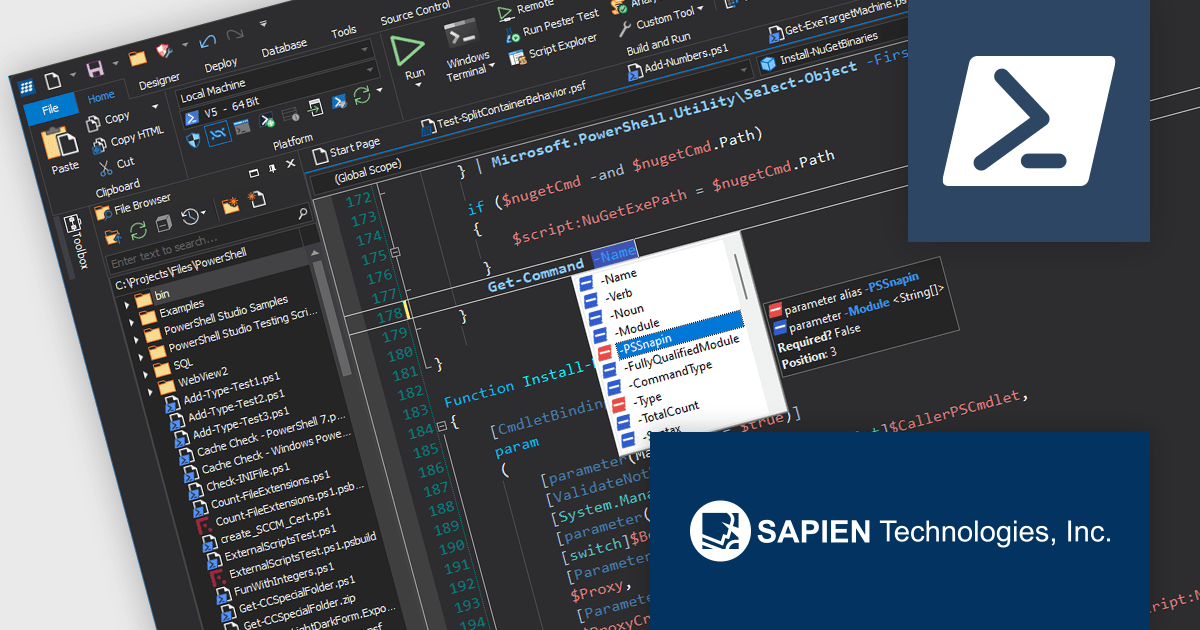
PowerShell Studio by SAPIEN is an Integrated Scripting Environment (ISE) designed specifically for PowerShell development. It offers a comprehensive editing experience with features like syntax coloring, code completion, and debugging. Beyond editing, PowerShell Studio allows you to visually design GUIs for your scripts, convert them into executables, and create modules and Windows services. This comprehensive toolset caters to developers who want to streamline PowerShell scripting and extend its functionality.
The PowerShell Studio 2024 (5.8.247) update introduces pre-built cache files for Microsoft Graph 2.20.0, significantly enhancing development efficiency by providing immediate access to comprehensive IntelliSense and object browser information without requiring manual generation, streamlining script creation and reducing development time while maintaining accurate code completion and navigation support for Microsoft Graph interactions.
To see a full list of what's new in 2024 (5.8.247), see our release notes.
PowerShell Studio is licensed per user and includes 1 year of product maintenance which may be renewed each year thereafter to continue to receive the latest updates. See our PowerShell Studio licensing page for full details.
Learn more on our PowerShell Studio product page.
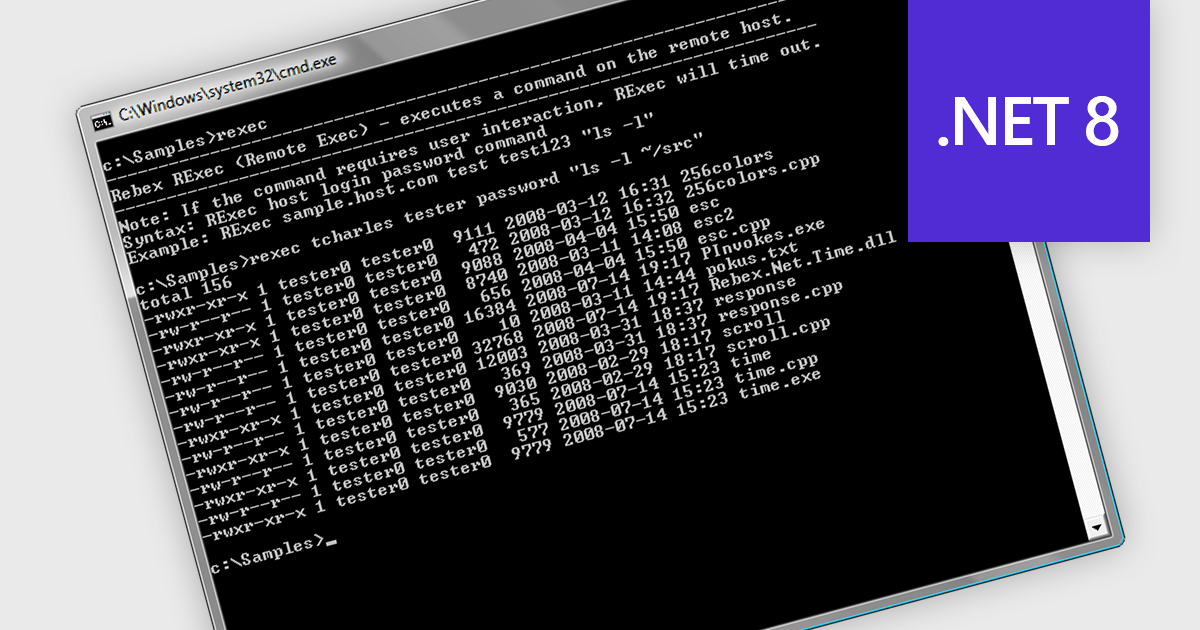
Rexec is a feature that facilitates the remote execution of code within a controlled and secure environment. .NET 8 Assembly components that support Rexec enable developers to run code in isolated contexts, enhancing the modularity and security of their applications by allowing execution of untrusted or third-party code with restricted permissions. This isolation minimizes potential security risks and ensures that the main application remains stable and secure. The key benefits of Rexec include improved application security through sandboxing, better resource management by limiting the execution context, and enhanced flexibility in integrating external code without compromising the integrity of the core application.
Several .NET 8 comms & messaging components offer support for Rexec including:
For an in-depth analysis of features and price, visit our comparison of .NET 8 communications and messaging components.
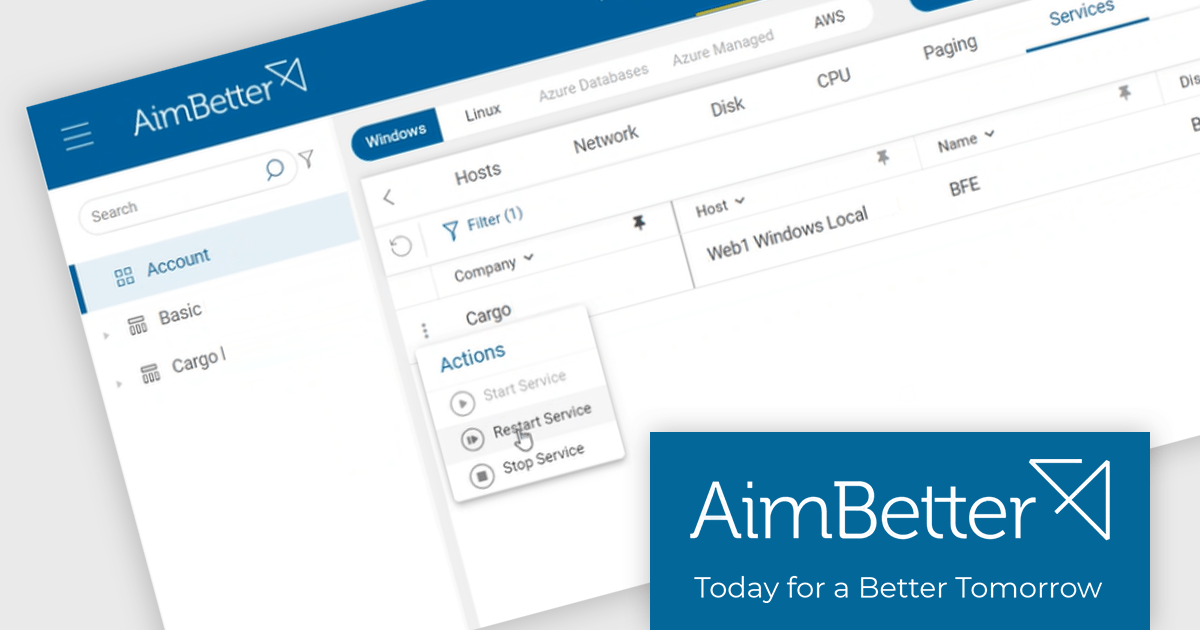
AimBetter is a comprehensive performance monitoring and optimization platform designed for database management systems (DBMS). It provides real-time diagnostics and analytics, allowing IT professionals to identify and resolve performance issues quickly and efficiently. By offering detailed insights into database operations, AimBetter enhances system stability, boosts performance, and reduces downtime. The platform supports various database environments and integrates seamlessly with existing infrastructure, ensuring continuous monitoring and proactive management. Its user-friendly interface and advanced alerting mechanisms enable prompt action on critical issues, thereby optimizing resource utilization and improving overall operational efficiency.
The AimBetter July 2024 update introduces a "Responsive Agent" feature that empowers users to take immediate action upon problem detection. This streamlines operational workflows by equipping users with the ability to make choices based on real-time insights and alerts from the platform. It consolidates action-taking functionalities within AimBetter, granting users control over their IT environments. Responsive Agent is secure-by-design, requiring OTP authentication for all actions, and must be enabled within the AimBetter Agent configuration program.
To see a full list of what's new in the July 2024 update, see our release notes.
AimBetter is licensed per instance/per year with different plans available dependent on the services you require. See our AimBetter licensing page for full details.
Learn more on our AimBetter product page.
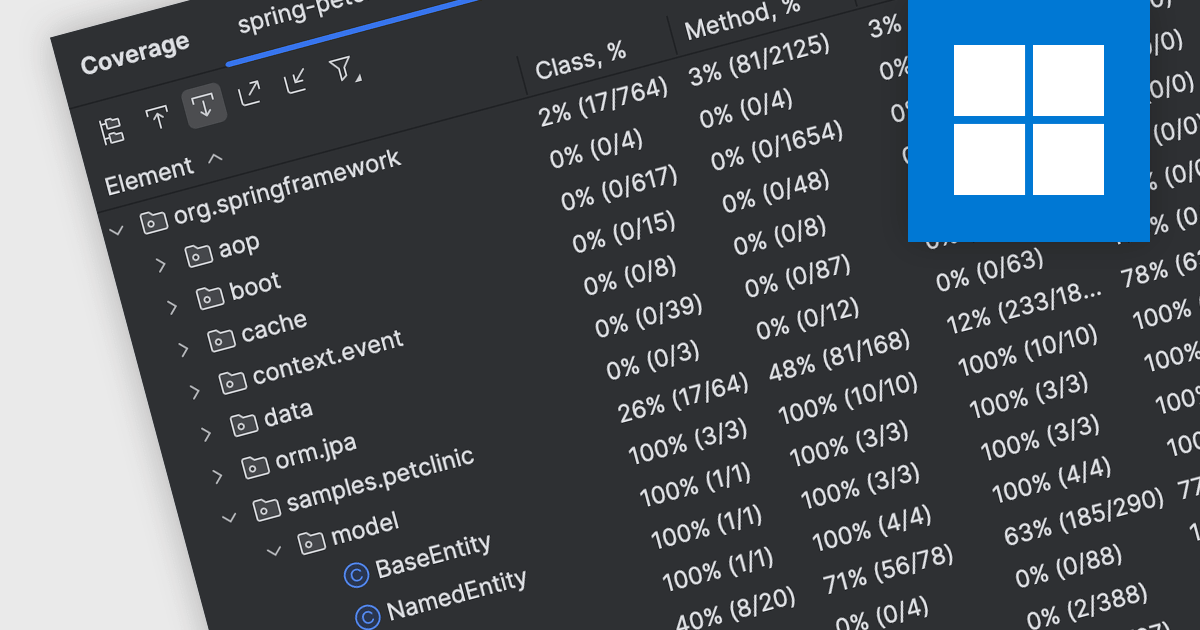
Code coverage is a software metric that measures the extent to which a codebase is exercised by a test suite. By determining which parts of the code are executed and which are not, developers can assess the effectiveness of their tests and identify areas requiring additional testing. This practice helps improve code quality, reduce the risk of defects, and enhance overall software reliability. Code coverage is particularly valuable for critical systems, where thorough testing is essential, and can be used to prioritize testing efforts, optimize test suites, and increase confidence in software releases.
Several IDEs offer support for code coverage including:
For an in-depth analysis of features and price, visit our IDEs comparison.
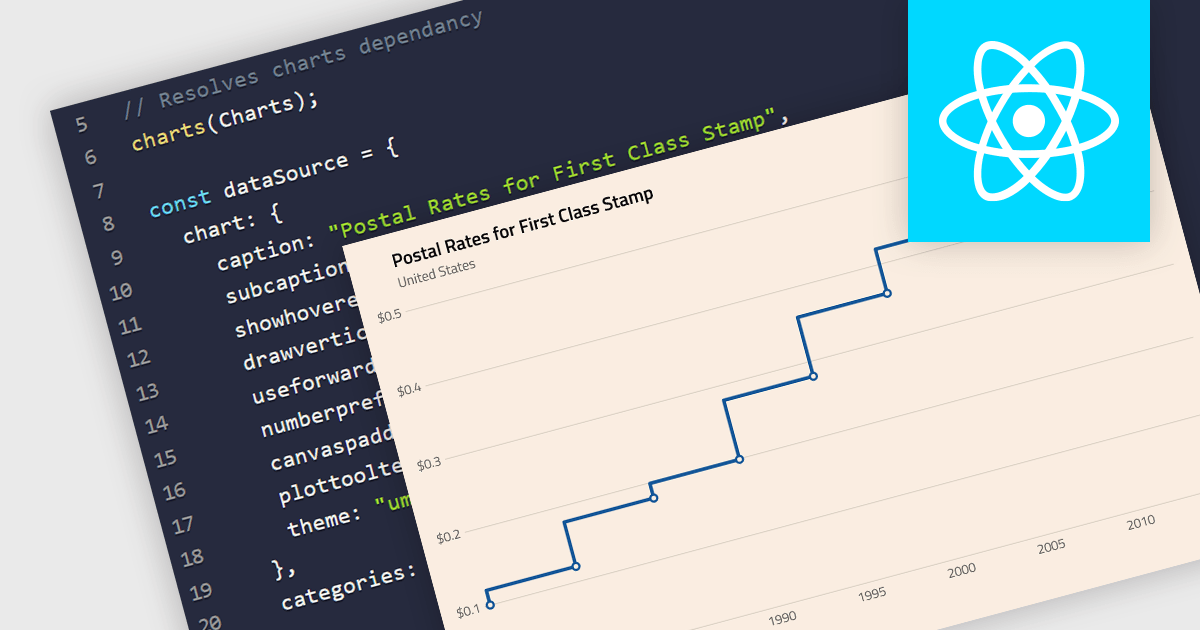
A step line chart is a type of data visualization that displays data points connected by horizontal and vertical line segments, forming a step-like appearance. Unlike traditional line charts that emphasize continuous trends, step line charts highlight changes that occur at irregular intervals and are for depicting data that changes at specific points in time. This makes them particularly effective for representing data that undergoes discrete shifts, such as inventory levels, interest rates, or monitoring server performance, where the exact timing and magnitude of changes are crucial to understand. By clearly showing these transitions, these charts provide precise insights into the timing and impact of changes, aiding in more accurate decision-making and analysis.
Several React chart components support the step line chart type, including:
For an in-depth analysis of features and price, visit our comparison of React chart components.
聯繫電話: (888) 850 9911
傳真: +1 770 250 6199


