













官方供應商
我們作為官方授權經銷商,直接提供超過200家開發廠家所發行超過1000個的產品授權給您。
請參閱我們所有的品牌。
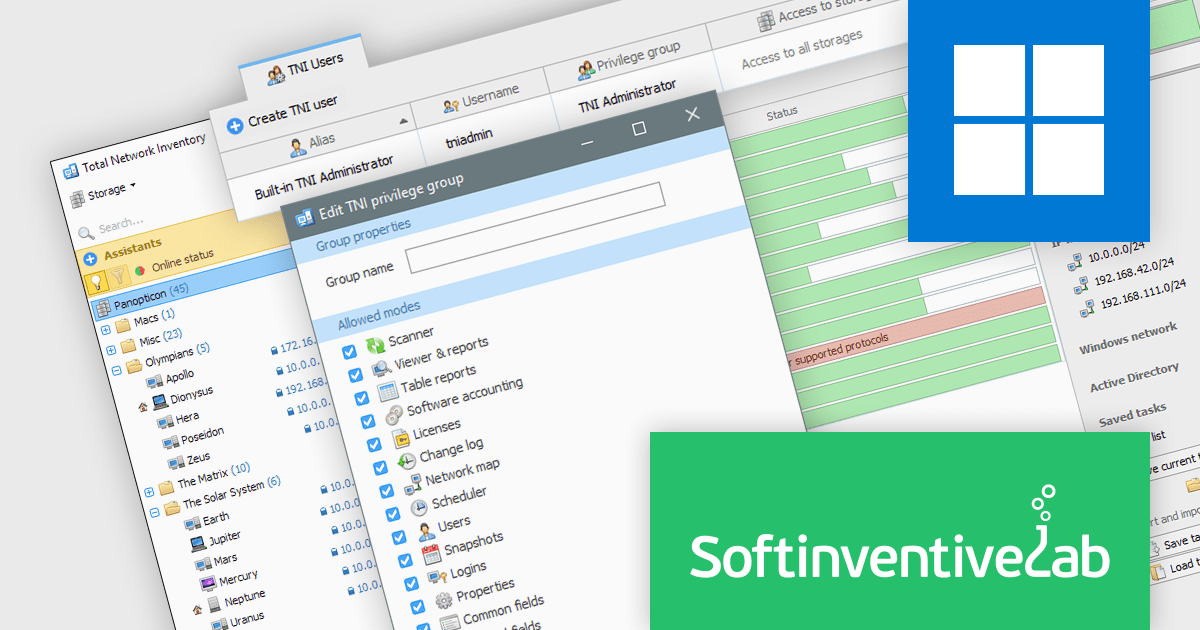
Total Network Inventory (TNI) is a software solution designed to provide IT professionals with a comprehensive network inventory. It offers centralized storage for detailed information on hardware and software assets, along with features like license compliance tracking, software deployment, and real-time monitoring of hardware sensor statistics. This equips IT teams with the ability to manage and maintain an accurate network inventory, ultimately optimizing resource allocation and streamlining IT operations.
The Total Network Inventory V6.2 release empowers you to manage software users with ease. Create user accounts and define their access rights to specific TNI functionalities. This granular control extends to storage access as well, ensuring each user has the tools and capabilities they need while maintaining robust security. This flexibility fosters collaboration within your IT team, streamlining workflows and enhancing overall data protection.
To see a full list of what's new in version 6.2.0.6543, see our release notes.
Total Network Inventory is licensed per node. A node is a computer, server, network printer, router or any other network device with an IP address. See our Total Network Inventory licensing page for full details.
For more information, visit our Total Network Inventory product page.
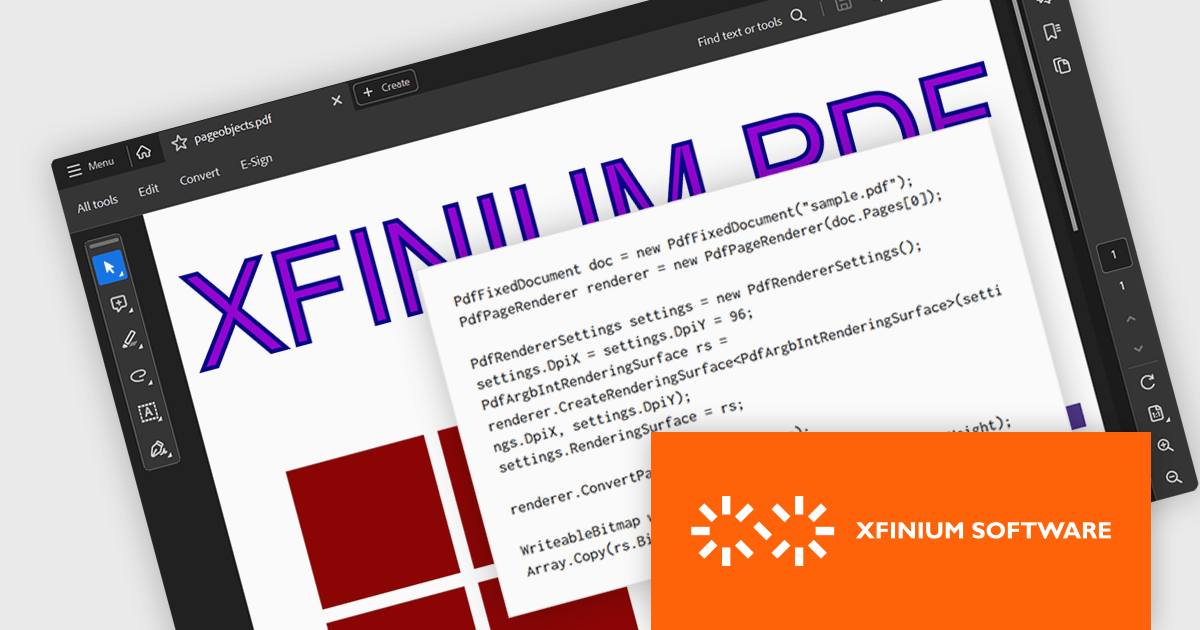
XFINIUM.PDF CROSS-PLATFORM BUNDLE is a software library that allows developers to create applications that can work with PDF files on a variety of platforms, including Windows, Mac, mobile devices (iOS and Android), and web applications. This means developers can write code once and deploy their PDF functionality across different environments without needing to rewrite for each platform.
The XFINIUM.PDF CROSS-PLATFORM BUNDLE V13.0 release adds support for multi-threaded PDF to image conversion. By utilizing multiple threads, the software can convert PDF files to images much faster compared to single-threaded processing. This can be especially advantageous when converting large or complex PDFs.
To see a full list of what's new in version 13.0.0, see our release notes.
XFINIUM.PDF CROSS-PLATFORM BUNDLE is licensed per developer and is run-time royalty free. All licenses include a 12 month subscription which provides all major and minor product updates and technical support. See our XFINIUM.PDF CROSS-PLATFORM BUNDLE licensing page for full details.
For more information, visit our XFINIUM.PDF CROSS-PLATFORM BUNDLE product page.
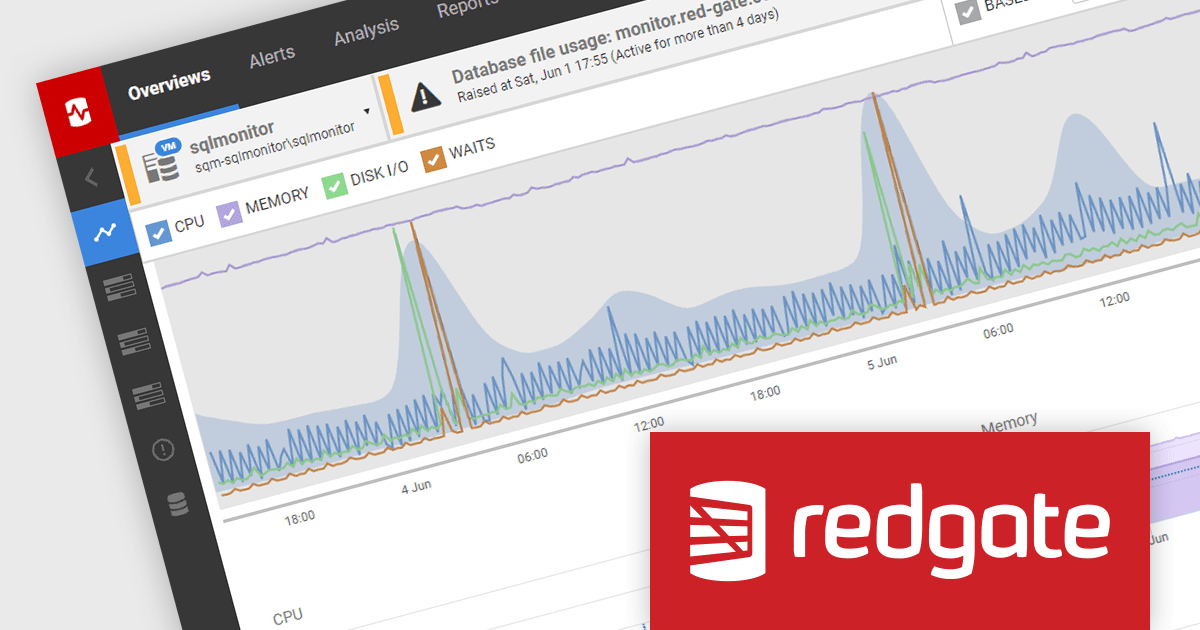
SQL Monitor is a database monitoring tool that helps you quickly identify and fix performance problems on a variety of platforms, including SQL Server and PostgreSQL. It provides real-time monitoring, alerting, root cause analysis, and performance tuning recommendations. SQL Monitor can be used by database administrators, developers, and operations teams to improve the performance of their databases.
SQL Monitor 13.0.54 bolsters its analysis capabilities by introducing I/O throughput metrics for both machines and databases. This addition empowers users with a more comprehensive view of performance, allowing them to analyze I/O throughput alongside existing metrics like CPU utilization, memory usage, and query wait times. This holistic perspective facilitates pinpointing the root cause of performance issues more efficiently. For example, high I/O wait times combined with high throughput could signify a physical disk bottleneck, whereas low throughput might point towards under-provisioned storage.
To see a full list of what's new in version 13.0.54, see our release notes.
SQL Monitor is licensed per server on an annual subscription basis. Each Server License will enable you to monitor either 1 Server (Multiple instances) or 5 Azure SQL Databases, or 1 Cloud (PaaS) instance, or 1 Cluster node. See our SQL Monitor licensing page for full details.
For more information, visit our SQL Monitor product page.
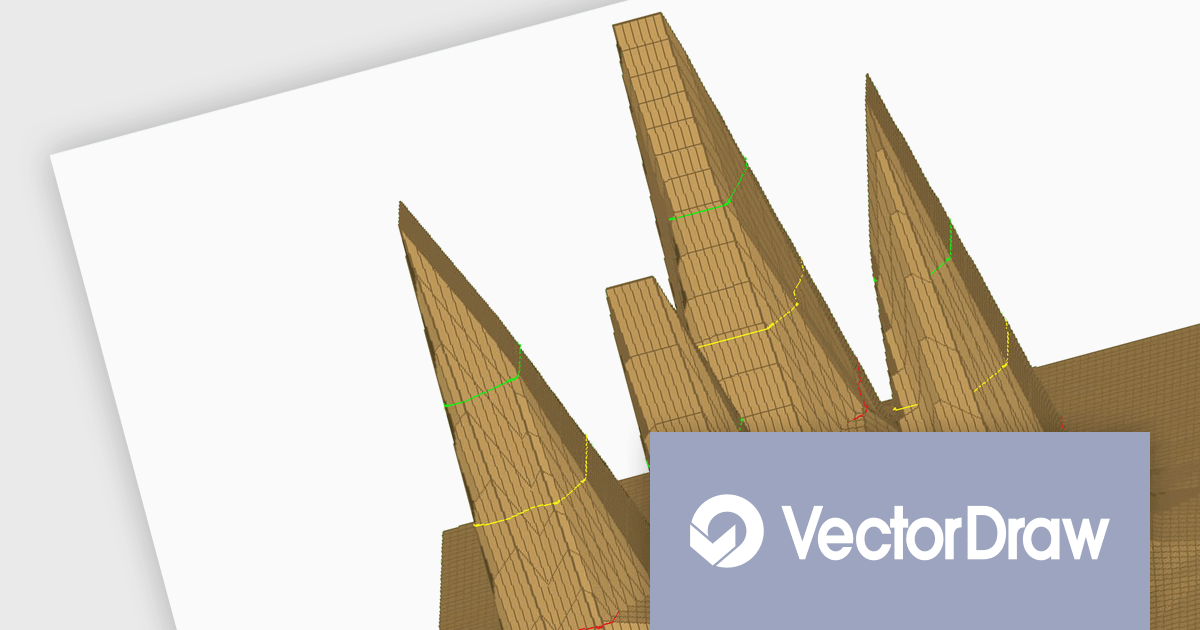
VectorDraw Developer Framework (VDF) (All in one) is a software development toolkit that equips programmers with the tools to add dynamic 2D and 3D graphics capabilities to their applications. It provides a comprehensive graphics engine library along with features for creating, editing, managing, importing, exporting, and printing vector and raster drawings. VDF boasts a custom XML-based format (VDML) for storing drawings and offers compatibility with various industry-standard vector and raster formats, including native SVG export.
The VectorDraw Developer Framework 11.1.2 expands its 3D capabilities with support for PLY (Polygon File Format or Stanford Triangle Format) files. PLY is a versatile format for storing 3D objects as collections of polygons, making it suitable for a wide range of models. Beyond basic geometry, PLY can store additional properties like color, transparency, and texture coordinates, enabling a richer representation of 3D models. This format is commonly used for data captured by 3D scanners.
To see a full list of what's new in 11.1.2, see our release notes.
VectorDraw Developer Framework (VDF) is licensed per developer, per year. During the period of the annual license you will receive all major and minor upgrades of the VDF libraries and also support from the VDF support team. To continue to use the software you will need to renew your license each year. See our VectorDraw Developer Framework (VDF) licensing page for full details.
Learn more on our VectorDraw Developer Framework (VDF) product page.
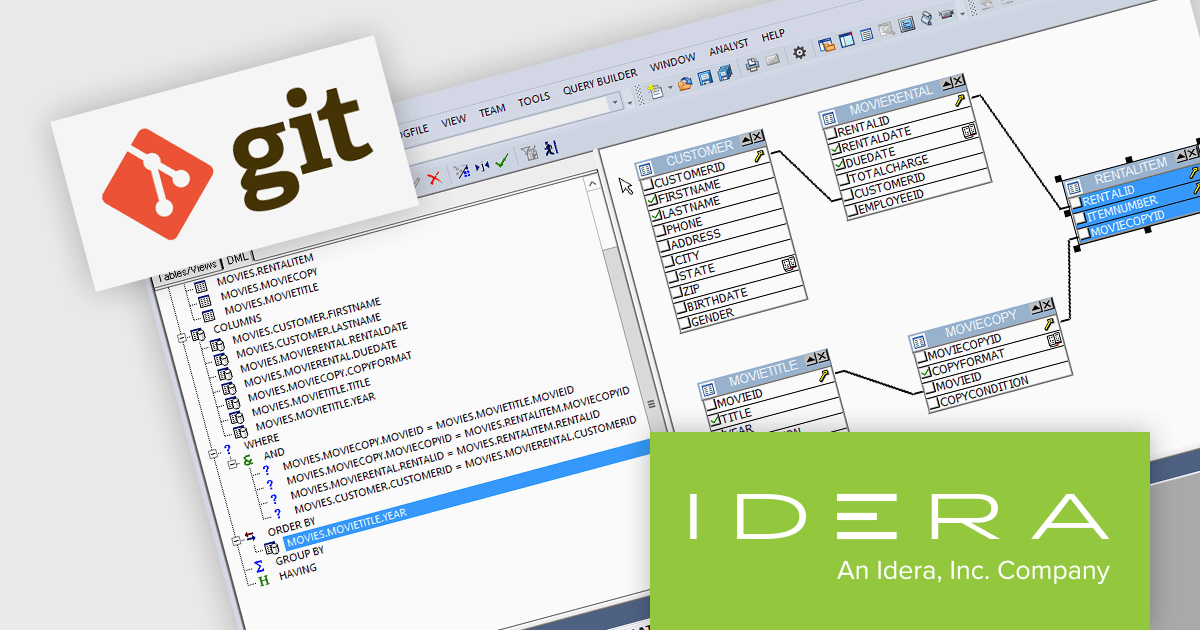
DBArtisan is a comprehensive database administration tool that allows you to manage various relational databases from a single user interface, simplifying administration tasks and improving efficiency. DBArtisan provides built-in performance analytics to proactively identify and troubleshoot performance issues within your databases. This can help DBAs optimize database queries, improve overall database responsiveness, and ensure smooth operation.
The DBArtisan V18.6 release adds full support for Git. This integration enables version control for database schema changes, which means DBAs can track changes made to the database structure over time, revert to previous versions if necessary, and collaborate more effectively on database development. Users can now create and view Git projects without leaving the application.
To see a full list of what's new in 18.6, see our release notes.
DBArtisan is licensed per Workstation, per Network Named User or Concurrent User and is available as a perpetual license with 1 year subscription and support. See our DBArtisan licensing page for full details.
For more information, visit our product pages:
聯繫電話: (888) 850 9911
傳真: +1 770 250 6199


