













官方供應商
我們作為官方授權經銷商,直接提供超過200家開發廠家所發行超過1000個的產品授權給您。
請參閱我們所有的品牌。
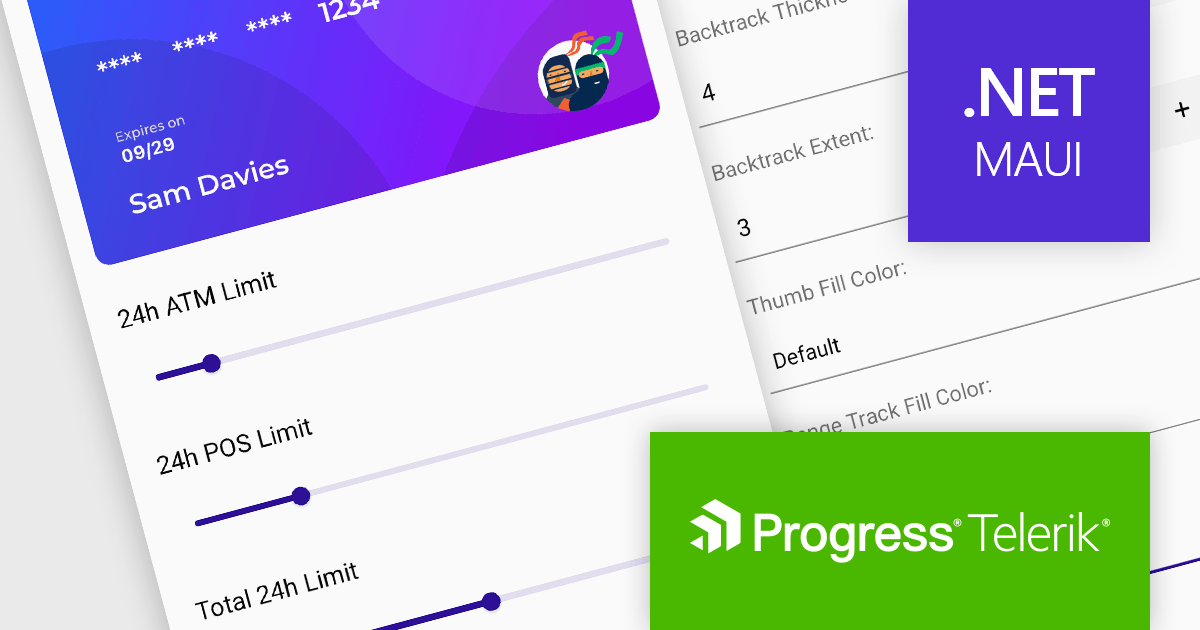
Telerik UI for .NET MAUI is a UI suite offering 60+ native controls for developers building modern, cross-platform mobile and desktop applications. Targeting Android, iOS, macOS, and Windows from a single codebase, it streamlines development while ensuring professional design and performance.
Telerik UI for .NET MAUI v6.7.0 (part of the 2024 Q1 release) introduces a powerful Slider component, enhancing user interaction capabilities. This new addition empowers developers to integrate intuitive value selection within a predefined range directly into their MAUI applications. Users can seamlessly choose values by dragging a thumb along a customizable visual slider, accompanied by clear visual cues like backtrack, range track, ticks, and labels. Informative tooltips appear on thumb drag, displaying the current selection. This versatile component streamlines user input and data selection, improving the overall user experience of your MAUI applications.
To see a full list of what's new in 2024 Q1 (v6.7.0), see our release notes.
Telerik UI for .NET MAUI is licensed per developer and is available as a perpetual license with a one year support subscription, which is available in three tiers: Lite, Priority or Ultimate. See our Telerik UI for .NET MAUI licensing page for full details.
Telerik UI for .NET MAUI is available to buy in the following products:
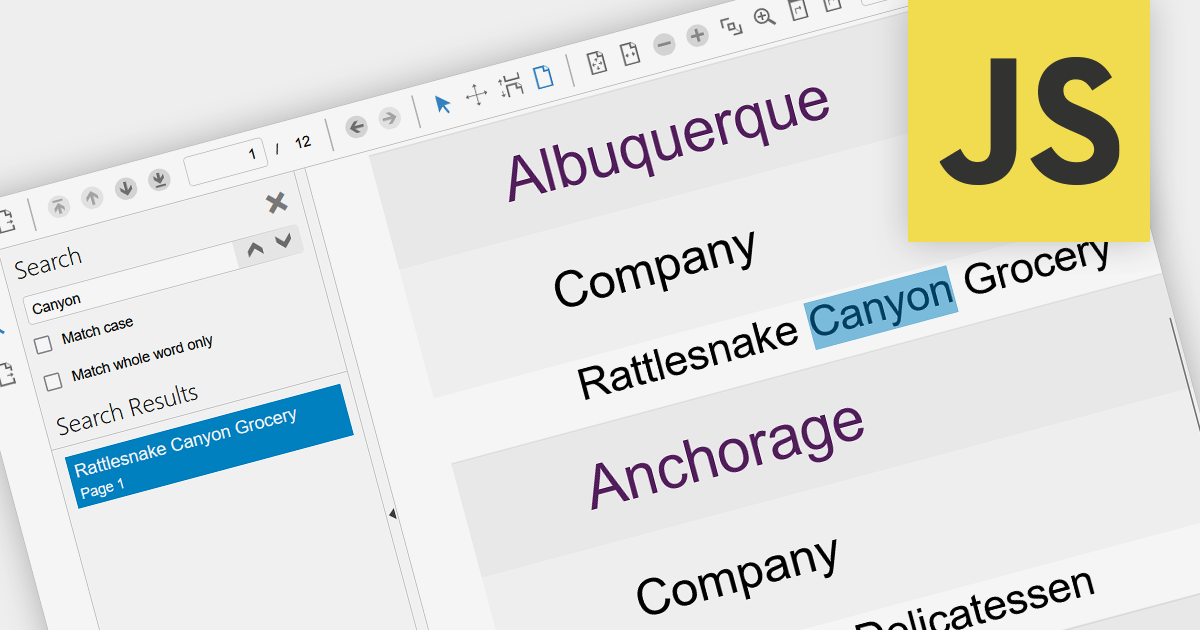
Leveraging a JavaScript PDF component with search functionality empowers dynamic user experiences within static PDF documents. Users gain immediate access to relevant information through keyword searches, boosting document accessibility and efficiency. This interactivity enhances user engagement, improves information retrieval, and reduces navigation time, fostering a more productive and satisfying user journey. Integrating search directly within the PDF eliminates reliance on external tools, streamlining workflows and centralizing information within the document itself.
Several JavaScript PDF Viewers offer search functionality including:
For an in-depth analysis of features and price, visit our JavaScript PDF Viewer comparison.
Aspose.PSD is a software development toolkit (SDK) enabling developers to create, edit, and manipulate Adobe Photoshop (PSD) and large document (PSB) files without requiring Photoshop itself. Available in both .NET and Java versions, it empowers developers to perform diverse tasks like adding watermarks, extracting individual layers, converting PSDs to other image formats (JPEG, PNG, etc.), and even automating PSD processing within their applications. This versatile tool streamlines graphic design workflows and integrates PSD functionality seamlessly into various development environments.
The 23.12 release of Aspose.PSD adds the ability to open any image file as an embedded smart object in a PSD image. A smart object acts as a container, holding multiple layers while offering non-destructive editing. It allows you to edit its internal content or apply effects without altering the original data. Smart objects work as dynamic placeholders, linked to embedded files, letting you make global changes that automatically update and maintain high resolution, perfect for flexible design and efficient workflows.
To see a full list of what's new in Aspose.PSD version 23.12, see our .NET and Java release notes.
Aspose.PSD is offered as Developer Small Business, Developer OEM, Site Small Business, and Site OEM licenses catering to a range of business needs. Licenses are perpetual, and include one year of support and maintenance. Subscription renewals are also available. See our Aspose.PSD licensing pages for .NET and Java for full details.
Aspose.PSD for .NET is available to buy in the following products: Aspose.PSD for .NET, Aspose.PSD Product Family, Aspose.Total for .NET, Aspose.Total Product Family, Conholdate.Total for .NET, and Conholdate Total Product Family
Aspose.PSD for Java is available to buy in the following products: Aspose.PSD for Java, Aspose.PSD Product Family, Aspose.Total for Java, Aspose.Total Product Family, Conholdate.Total for Java, and Conholdate Total Product Family
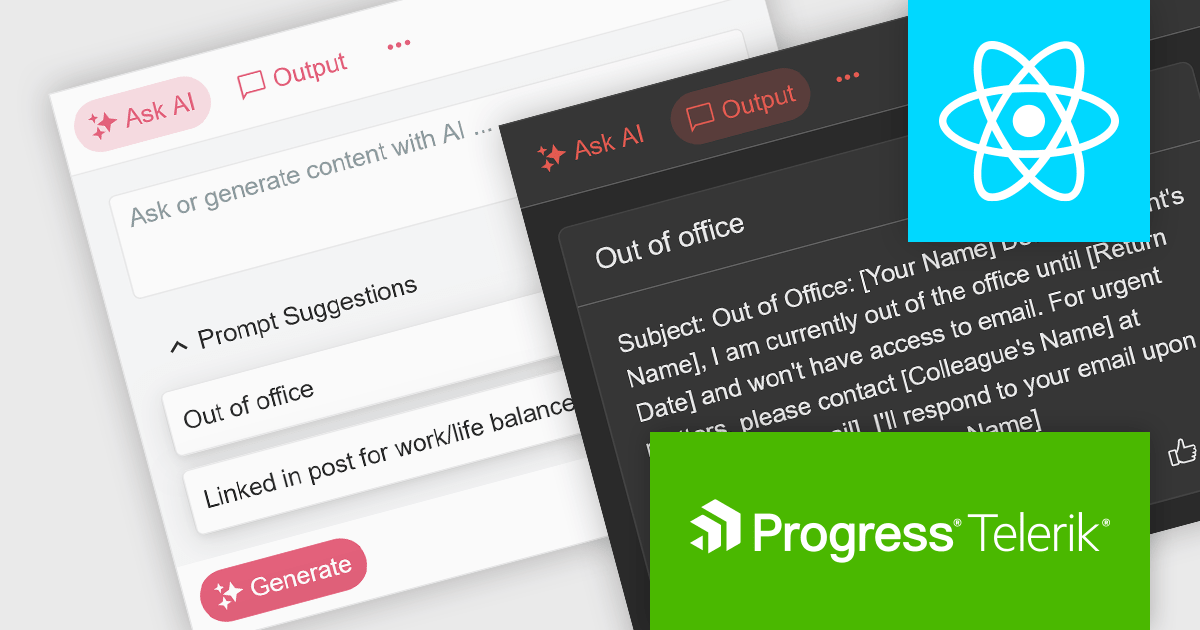
KendoReact by Telerik is a professional UI kit of more than 120 responsive and customizable native UI and DataViz components for React developers. Designed to save time building powerful high performance React apps, it helps ensure a modern, consistent look-and-feel across your app's UI.
KendoReact v7.1.0, which is part of the 2024 Q1 release, introduces an "AIPrompt" component which allows React developers to integrate generative AI services into their applications. With it you can set up custom suggestions to actively guide users, customize the generate button and prompt input field, and define custom prompt commands so it will do a certain action when a specific command is given. This component also enables you to adapt its behaviour based on user interaction, to ensure it responds smoothly, as it emits several user triggered events. This will help to give your application a modern, customizable and seamless UI.
To see a full list of what’s new in 2024 Q1 (v7.1.0), see our release notes.
KendoReact is licensed per developer and is available as a perpetual license with a 1 year support subscription, which is available in 3 tiers: Lite, Priority or Ultimate. See our KendoReact licensing page for full details.
KendoReact is available to buy in the following products:

A date editor control is a user interface element designed for selecting and entering dates. It typically combines a text field for manual input with a calendar popup for visual selection. Beyond basic date picking, many controls offer features like time selection, range definition, drop-down lists for pre-defined dates, and even input masks for enforcing specific date formats. Commonly found in applications like forms, booking systems, and calendars, date editor controls streamline date input, improving user experience and data accuracy.
Several React data editor collections provide date editors including:
For an in-depth analysis of features and price, visit our React Data Editors comparison.
聯繫電話: (888) 850 9911
傳真: +1 770 250 6199


