













官方供應商
我們作為官方授權經銷商,直接提供超過200家開發廠家所發行超過1000個的產品授權給您。
請參閱我們所有的品牌。
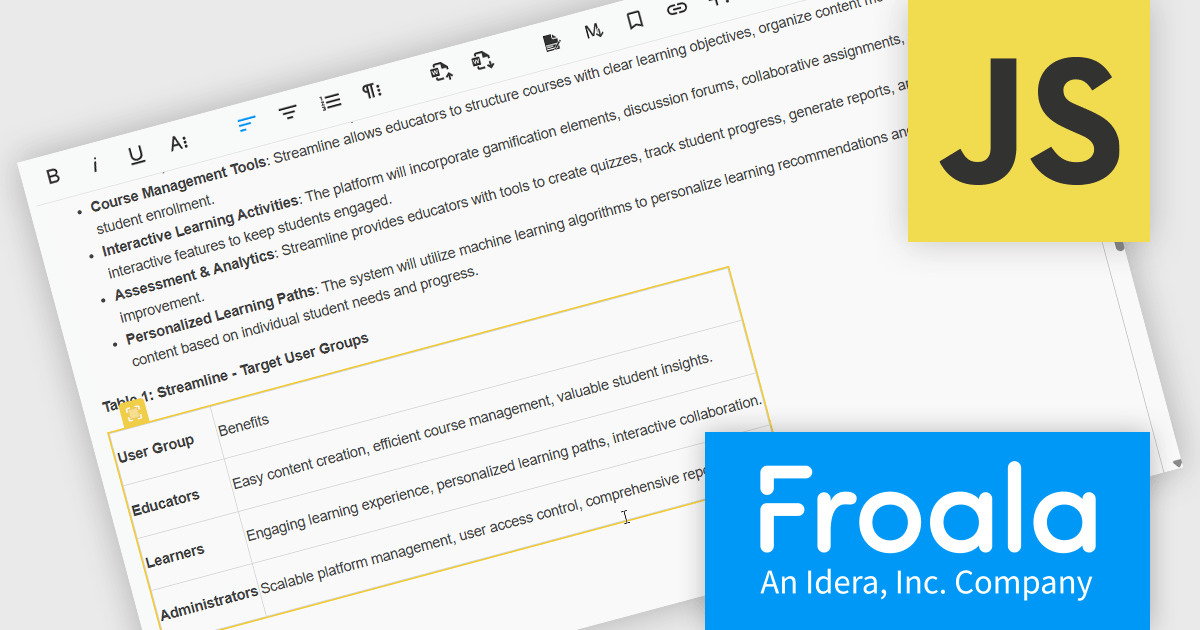
Froala Editor is a lightweight, modern WYSIWYG (What You See Is What You Get) rich text editor designed for web applications, offering a clean interface, fast performance, and extensive customization options. Built with a focus on usability and developer flexibility, it provides a wide range of formatting tools, media management capabilities, and advanced features such as inline editing, collaborative functionality, and mobile responsiveness. Its modular architecture, robust API, and broad framework integrations make it suitable for embedding into enterprise-level platforms as well as smaller applications requiring a polished content-editing experience.
The Froala v5.0.0 update introduces support for importing content directly from Microsoft Word documents. This allows users to bring in Word-authored content while keeping the original formatting, styles, and structure intact. The update removes the need for custom cleanup scripts, helping produce more reliable and consistent HTML during content transfers.
To see a full list of what's new in v5.0.0, see our release notes.
Froala Editor is licensed per product and domain. It is available as an annual or perpetual license with version upgrades and support. See our Froala Editor licensing page for full details.
For more information, visit our Froala Editor product page.
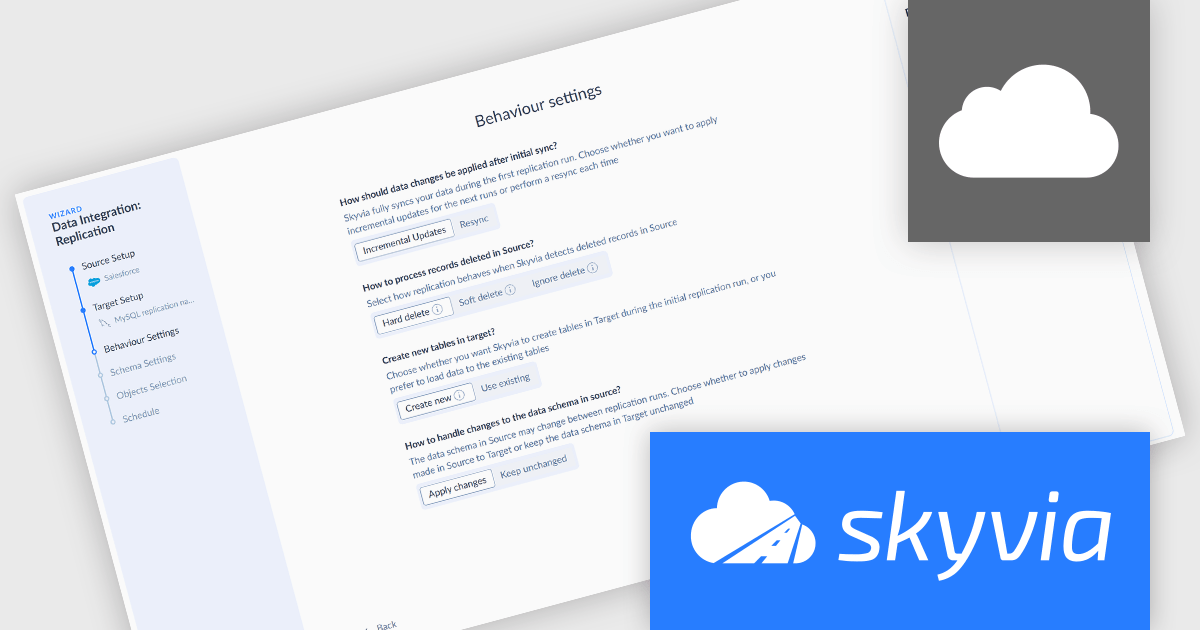
Skyvia Data Integration is a cloud-based platform that provides a unified environment for managing data pipelines, ETL processes, and data synchronization between various data sources and destinations. It offers a low-code interface for creating and configuring data integration workflows, automating routine tasks, and ensuring data consistency across different systems. The platform supports a wide range of data formats and protocols, including relational databases, MySQL databases, cloud storage, and APIs, making it a versatile tool for data professionals and developers.
The latest Skyvia Data Integration release adds a new Replication Wizard enhancing the usability and efficiency of setting up data replication tasks by guiding users through configuration with a clear, step-by-step process. Rather than starting from a blank integration editor, users are prompted to define source and target connections, choose replication behavior (such as full resync or incremental updates), set up target schema and naming conventions, select the data to replicate, and optionally schedule automatic runs, all within a structured flow that reduces complexity and setup time. This wizard lowers the entry barrier for new users, minimizes configuration errors, and accelerates the deployment of replication pipelines, while retaining the option to bypass the wizard and use the traditional editor for advanced customization.
To see a full list of what's new, see our release notes.
Skyvia Data Integration is licensed based on the number of records processed per month and is available as an Annual License. See our Skyvia Data Integration licensing page for full details.
Learn more on our Skyvia Data Integration product page.

PDF redaction is the process of permanently removing sensitive or confidential content from PDF documents, ensuring that the information cannot be recovered or exposed after the file is shared. This feature is essential in legal, financial, medical, and corporate environments where data privacy and compliance with regulations such as GDPR or HIPAA are critical. Redaction can include the deletion of text, images, annotations, or metadata, and often involves replacing the removed content with black bars or blank spaces to indicate intentional removal.
Several .NET PDF viewer components allow you to redact PDF content, including:
For an in-depth analysis of features and price, visit our comparison of .NET PDF viewer components.
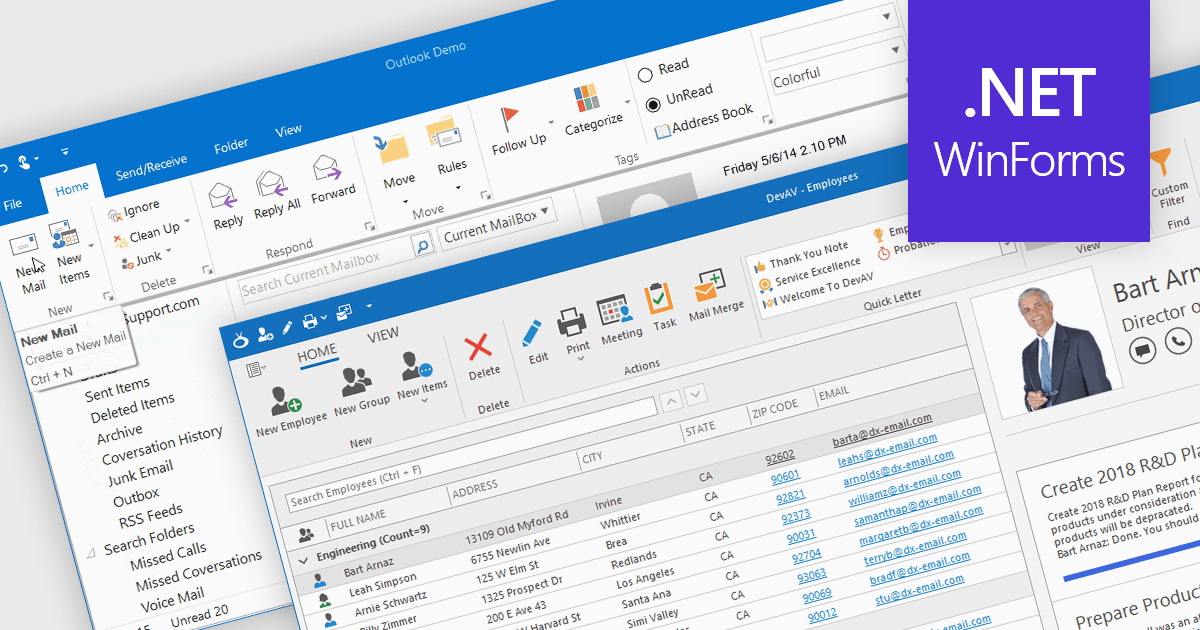
Ribbons provide a structured, visual command interface that organizes application features into clearly labeled tabs and groups, improving discoverability, efficiency, and usability. By surfacing frequently used and context-aware commands, ribbons reduce navigation time and deliver a familiar, professional user experience. Commonly used in productivity software, data-driven applications, design tools, and enterprise systems, ribbon interfaces are ideal for applications with rich functionality where users need quick, intuitive access to a wide range of tools.
Several .NET WinForms UI suites offer ribbon control including:
For an in-depth analysis of features and price, visit our comparison of .NET WinForms UI suites.
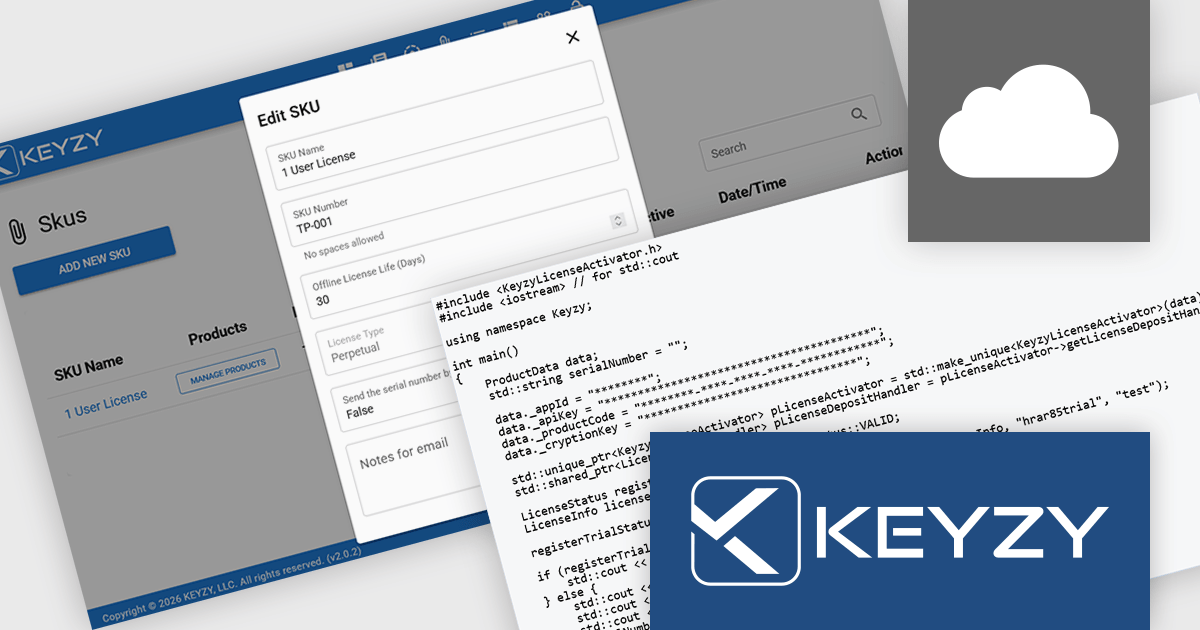
KEYZY is a cloud‑based software licensing manager that lets developers generate, deliver, track and manage licenses for their applications without hosting their own servers. It supports multiple licensing models (such as perpetual and subscription), provides a dashboard and APIs for organizing products, SKUs and dealers, and includes client libraries for integrating license activation and validation into software. The service runs on remote servers so vendors don’t have to maintain infrastructure, and it handles license distribution and enforcement for both online and offline use cases.
The KEYZY January 2026 release introduces trial license activation via a new function call, allowing users to request a trial directly from the client side. This removes the need for setup or server-side requests when offering trial periods, making “try-before-you-buy” easier to implement. It’s especially useful for teams that want to reduce onboarding friction while retaining control over license generation.
To see a full list of what's new in the January 2026 release, see our release notes.
KEYZY is licensed annually, with a renewal required each year to maintain access. It offers three subscription tiers - Single, Studio, and Business - each providing different limits on products, SKUs, dealers, and license counts to suit varying business needs. See our KEYZY licensing page for full details.
For more information, see our KEYZY product page.
聯繫電話: (888) 850 9911
傳真: +1 770 250 6199


