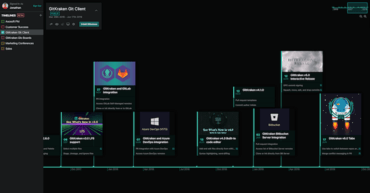
特性
- Presentation Mode - This new mode zooms in on a single milestone, keeping your audience focused while you present your timeline. Simply tap the keyboard arrows to view the next milestone.
- Organizations and Teams - Use these settings to invite specific people/teams to collaborate on timelines, to share timelines only within your company, or to make timelines publicly accessible.
- Mobile Friendly - Timelines can now be easily viewed on phone screens using the new presentation mode.
- Public Timelines Directory - If you’re making a general purpose timeline for anyone to see, make it discoverable by submitting it to the Public Timelines directory.
- Improved Sharing and Embedding- Share a public timeline using a link, or by embedding it on a Web page; this is a great way to show off past product releases, company history or other significant events.
- Other New Features
- Ability to set default date range.
- Custom background images.
- Copy/paste images in a milestone.
- Improved timeline scroll and navigation.
為開發人員、團隊和團隊領導提供的 Git 工具和服務的統一平臺。

自 2015 的官方分銷商