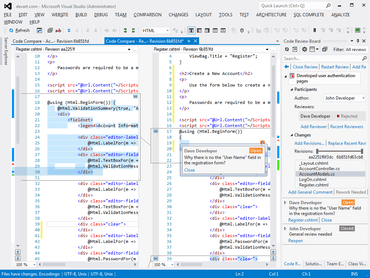
Microsoft Visual Studio 2019、2017 和 2015 中的載入速度現在更快。
2月 28, 2020
新版本
特性
Code Compare now loads faster in Microsoft Visual Studio 2019, 2017 and 2015. Support for older versions of Visual Studio (2010-2013) has been discontinued.
Support for PMA mode in Visual Studio 2019 for File Comparison - Previously, when creating a file comparison in Visual Studio 2019 with the “Optimize rendering for screens with different pixel densities” option enabled, a user saw an empty tab. To solve the issue, you had to disable the PMA mode and restart Visual Studio. Now you don’t need to disable this option in Visual Studio. Also, this release fixes the scaling of several dialogs in this mode.
Implemented online documentation that will be actively updated and modernized.
Support for 4K Monitors and other usability improvements.
New tab size settings.
修補程式
Problem opening a comparison when running Visual Studio 2019 from the Quick Start window is fixed.
Fixed shortcut duplicates in standard editor for file comparison in Visual Studio.