ThinkAutomation v5.0.760
Released: Jan 6, 2022
v5.0.760 中的更新
特性
- ThinkAutomation is now a 64bit application only. 32bit support is now dropped.
- PowerShell action improvements. Also now includes a Test button in the Studio. This allows a command/script to be tested and the results displayed. You can now specify parameter types (string, int, boolean etc).
- Send Email action now allows Send Via settings to be specified. This allows specific emails to be sent via a specific mail server/SendGrid account instead of the system default.
- Send Email action now has a Send Test Email button to send the current message immediately.
- Added UnRegister option to Studio should you need to unregister ThinkAutomation so it can be moved to another computer and re-registered with the same serial.
- Server HTTP/Client Whitelist now accepts *.*.*.* if you want to allow local API/Client connections from any IP address.
- Performance improvements for File Pickup message source where folder contains many files.
- The Email Sending options in the Server Settings now allow the outgoing queue size to be specified. You can reduce the queue size if your outgoing email server imposes send limits or has low memory. Outgoing emails will then be sent in smaller batches over a longer time period.
- The Set Variable and Text Operation actions now include Convert: XML To JSON operation for converting XML data into JSON.
- Debug Level Logging now now be enabled globally for a preset number of minutes. The Enable Debug Logging button on the Logs tab switches on debug level logging for all Automations. You can then enter the number of minutes.
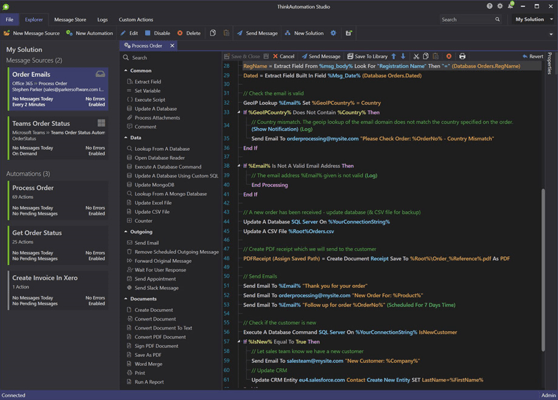
- The Studio Explorer view can now show Messages Sources/Automations in a grid view or card view.
- New Twitter message source and Send Tweet action.
- Performance improvements when using the built-in SQLite Message Store database.
修補程式
- Fixed issue with Automation Copy/Paste not copying If block conditions correctly when an 'Or' clause used.
- Fixed issue with Document actions and Process Attachments action not working correctly where an individual filename contained a comma.
- Fixed issue with File Pickup message source type when reading individual Excel rows. Message source could pause if a row contained a null value.
- Fixed issue with Date Operations action not showing interval selector in Studio for Add To & Subtract From operations.
- Fixed issue with Server Message Queue using too much memory if average incoming message size is large and the speed of adding to the Message Store database is slower than incoming messages. The in memory Queue now has hard limit of 500mb.
- Fixed issue with Local API message source. If the process queue becomes full the local HTTP API interface will now slow down the response to prevent the server from running out of memory. A 503 response will be returned if a message could not be added due to the queue being full. This would only affect instances where many messages are added in a short time period.
- Fixed issue with PowerShell action not showing errors in log.
- Fixed issue with Gmail Message Source sign-in showing browser error due to Google policy change of not allowing logins from embedded browsers.
- Fixed issue with Web Form Message Source using Google reCaptcha option not working correctly.