













官方供應商
我們作為官方授權經銷商,直接提供超過200家開發廠家所發行超過1000個的產品授權給您。
請參閱我們所有的品牌。
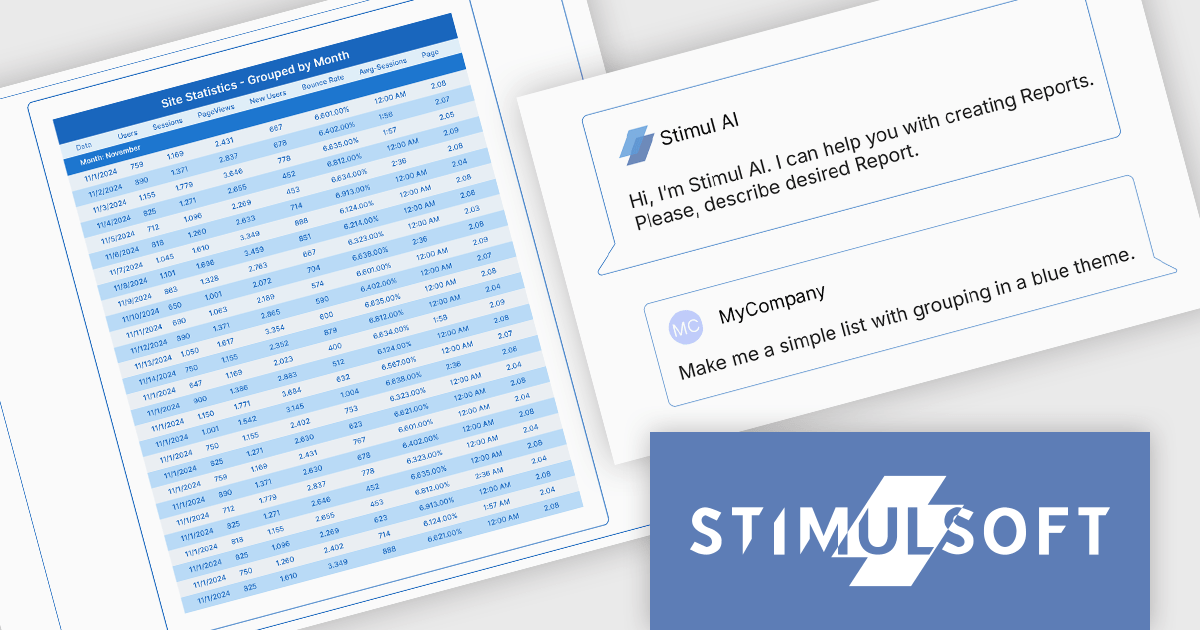
Stimulsoft BI Designer is a powerful reporting tool designed to create visually appealing and interactive reports. It allows users to design and develop complex reports with ease, integrating data from various sources and presenting it in a clear, concise, and informative manner. With its rich feature set, Stimulsoft BI Designer is widely used in diverse industries, including finance, healthcare, retail, and manufacturing, to generate reports for analysis, decision-making, and compliance purposes. Key benefits include its intuitive interface, extensive customization options, and support for multiple data sources, making it an essential tool for organizations seeking to enhance their reporting capabilities and gain valuable insights.
The Stimulsoft BI Designer 2025.4.1 update introduces an AI-powered Report Wizard that improves the report creation process for developers by transforming plain text queries into fully structured reports. It supports various report types, including simple lists, grouped, master-detail, and column-based formats, automatically analyzing connected data sources to generate accurate layouts. Developers can further refine and adjust report designs through custom queries, enabling efficient customization without manual configuration. This feature significantly reduces development time and enhances productivity within the Stimulsoft BI Designer environment.
To see a full list of what's new in 2025.4.1, see our release notes.
Stimulsoft BI Designer is available as a perpetual license and is licensed per creator. A creator is a person who creates reports, dashboards, or forms in a standalone (desktop) designer or online designer. The creator may install one copy of the standalone (desktop) designer. See our Stimulsoft BI Designer licensing page for full details.
Stimulsoft BI Designer is available individually or as part of Stimulsoft Ultimate.
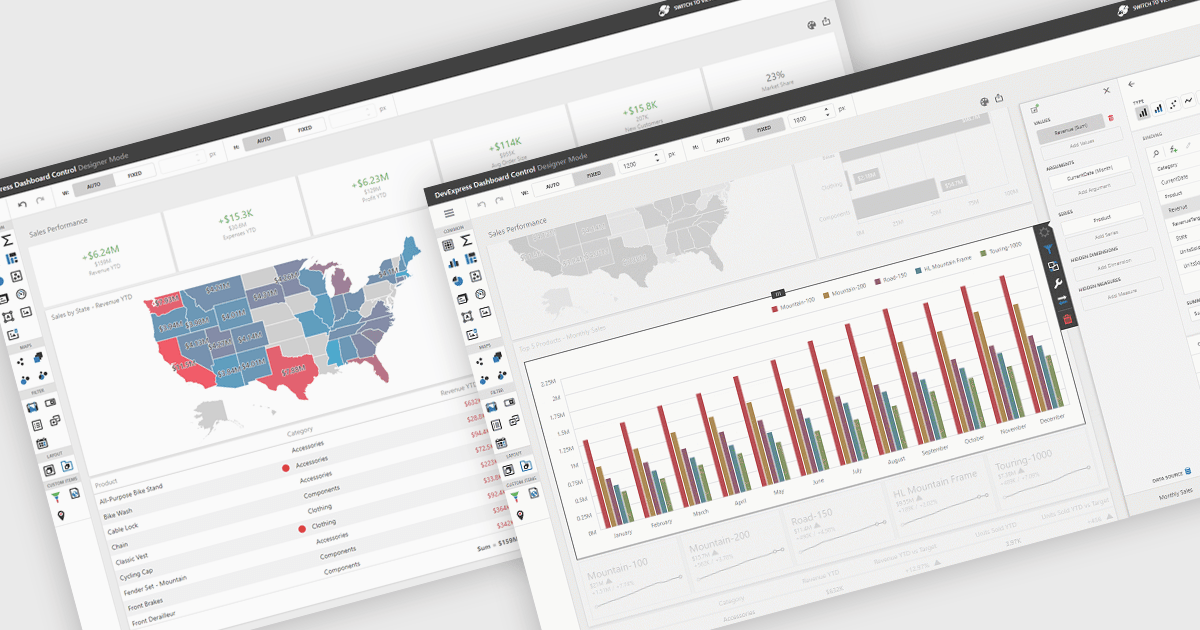
UI layouts define the structural arrangement of elements within an application, determining how content, controls, and navigation are organized and presented to users. A well-designed layout ensures consistency, responsiveness, and usability across different devices and screen sizes, making applications more intuitive and efficient to interact with. Benefits include improved user experience through predictable navigation and flexibility to scale as application requirements evolve. For example, dashboards can automatically adjust width and height to fit available space, web apps can employ responsive grid systems to adapt to mobile and desktop displays, and enterprise software can apply consistent layouts across modules to improve complex processes.
Several .NET WinForms UI suites offer layout components including:
For an in-depth analysis of features and price, visit our .NET WinForms UI suites comparison.

Eyeshot by devDept is a comprehensive 3D graphics toolkit designed for .NET developers building engineering and CAD (Computer-Aided Design) applications. It offers a robust set of components for creating, editing, and rendering complex 2D and 3D geometry directly within Windows Forms and WPF environments. With support for advanced modeling features, viewport controls, and industry-standard file formats, Eyeshot simplifies the integration of interactive graphics into technical software. It is well-suited for developers working in areas like mechanical design, architecture, and simulation who need high-performance rendering and precise modeling capabilities.
The Eyeshot 2025.3 update adds preview support for the E57 file format through its new 'ReadE57' class, allowing developers to import data captured by 3D imaging systems such as laser scanners. E57 is a compact, vendor-neutral format that stores rich 3D content, including point clouds, images, and associated metadata. This new functionality gives developers greater flexibility when working with real-world scan data, making it easier to integrate 3D captures into engineering, architecture, and visualization applications.
To see a full list of what's new in version 2025.3, see our release notes.
Eyeshot is licensed per developer and is available as an annual license, with either Lite or Priority support. See our licensing pages for Eyeshot Pro, Eyeshot Ultimate, and Eyeshot Fem for full details.
Eyeshot is available to buy in the following products:
SecureBlackbox by /n software is a collection of software components designed to enhance your applications' data security. It provides functionalities for data protection through encryption and hashing, secure storage with key management, and secure transfer using protocols like SFTP and TLS. SecureBlackbox offers granular control over these features, allowing you to tailor security measures to your specific application requirements.
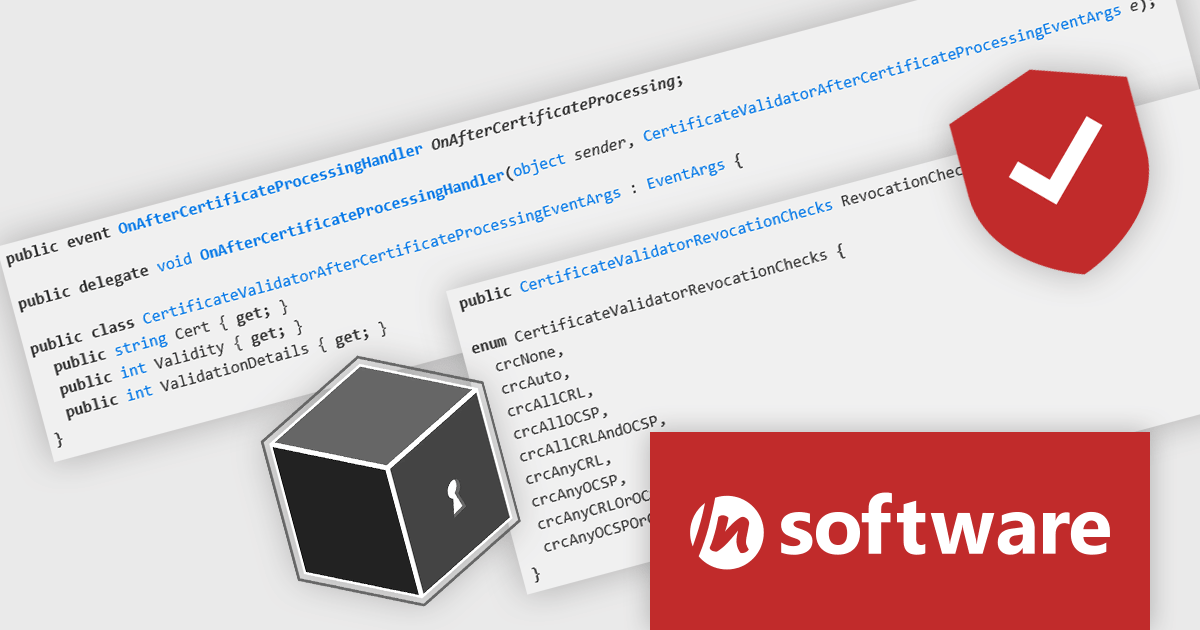
SecureBlackbox by /n software provides advanced certificate support that enables software developers to efficiently manage the entire lifecycle of digital certificates, from creation and storage to validation and revocation. It offers built-in support for CRL and OCSP to ensure real-time verification of certificate status, helping applications detect and reject compromised credentials instantly. With comprehensive PKI integration, developers can implement secure authentication, encryption, and signing processes that meet industry compliance requirements while maintaining interoperability with a wide range of systems and standards.
SecureBlackbox is available as part of /n software Red Carpet Subscription. Red Carpet Subscription is licensed per developer and is available as a Perpetual License with a 12 month support and maintenance subscription. See our Red Carpet Subscription licensing page for full details.
SecureBlackbox is available to buy in the following product: /n software Red Carpet Subscription
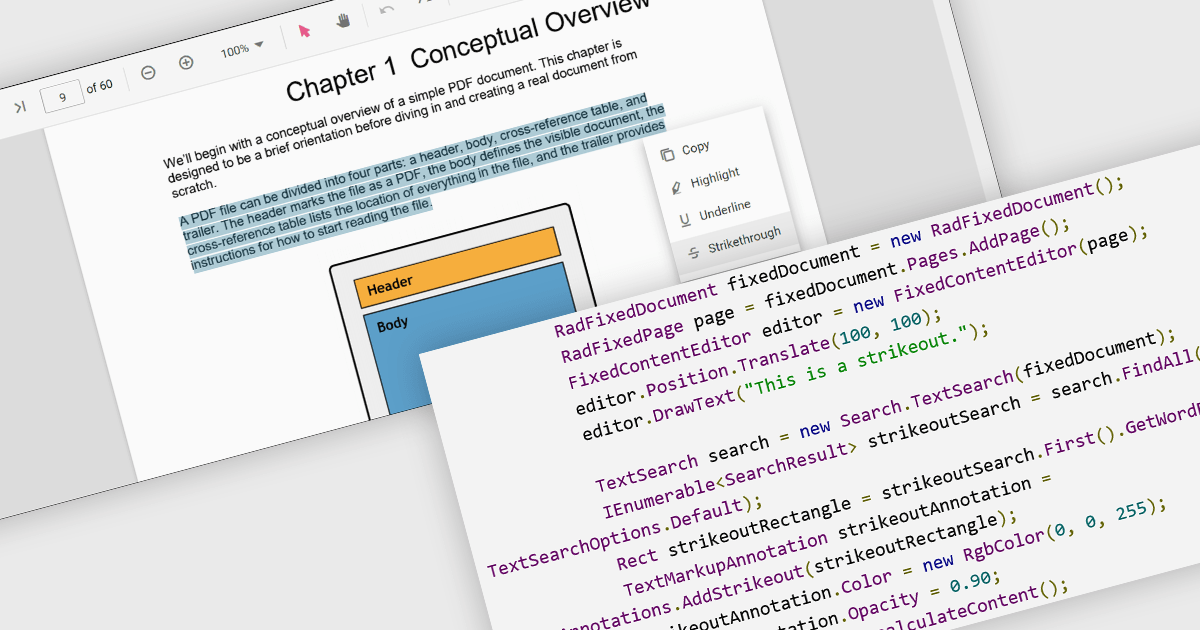
At a high level, strikethrough annotations, also known as strikeout or line-through markups, enable reviewers to visually indicate deletions or corrections within PDF text while preserving the underlying content. This annotation type belongs to the broader category of text markup annotations, which also includes highlighting, underlining, and squiggly underlines. Developers can customize properties like color, opacity, and associated notes or author metadata. Strikethrough annotations support interactive use cases, such as insert/edit/delete, event handling, and rendering consistency across different rendering engines.
Several WinForms PDF controls offer support for strikethrough annotations including:
For an in-depth analysis of features and price, visit our WinForms PDF controls comparison.
聯繫電話: (888) 850 9911
傳真: +1 770 250 6199


